Pixel Art Description
Describe your pixel art design...

Create unique pixel art designs with AI
Reference media and sample results for this task.
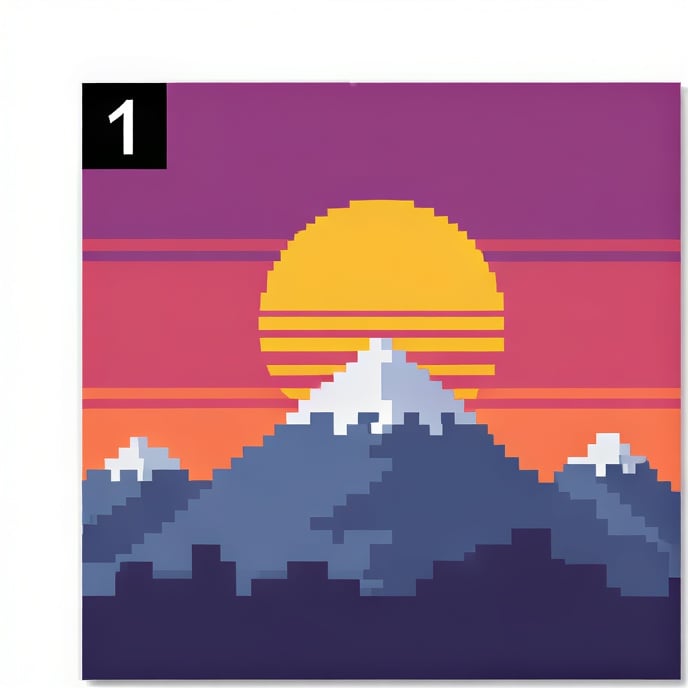
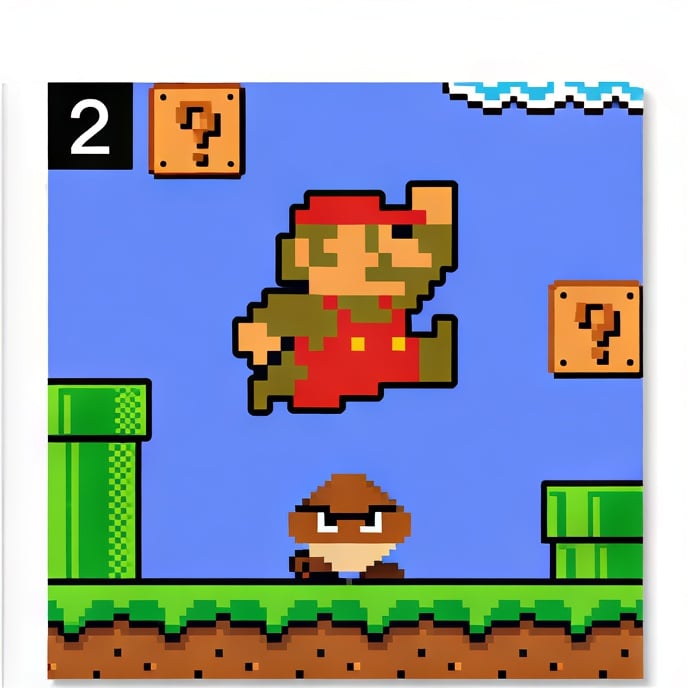
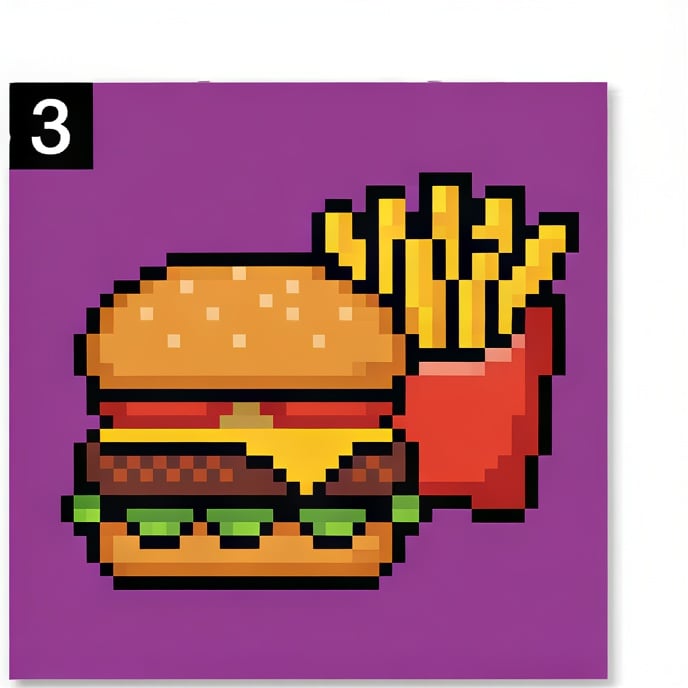
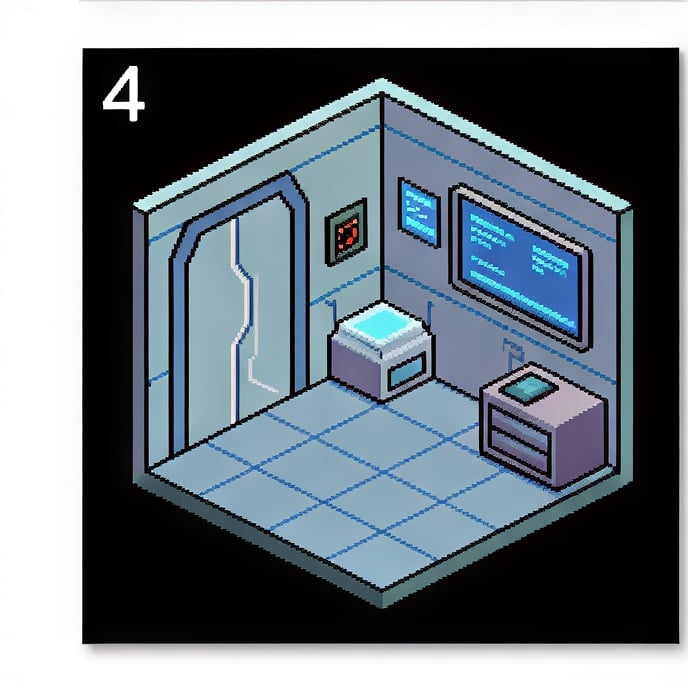
The agent gathers these inputs and preferences in the conversation before it starts.
Describe your pixel art design...
Choices: Auto Resolution, 16x16, 32x32, 64x64, 128x128
Choices: Any Colors, GameBoy (4 colors), NES (52 colors), SNES (32,768 colors), Monochrome, Pastel, Neon
Choices: Auto Shading, Flat Colors, Dithering, Anti-aliasing, Cel-shading
Choices: Any Background, Transparent, Solid Color, Gradient, Pattern
Create authentic retro-style pixel art with modern AI technology.
Create your pixel art in three simple steps:
Enter a detailed description of your desired pixel art design.
Select style, resolution, color palette, and shading preferences.
Let AI create unique pixel art based on your specifications.
Choose from retro gaming, 8-bit, 16-bit, isometric, and more styles.
Access classic console palettes, monochrome, pastel, and neon options.
Download your pixel art instantly in high-quality formats.
Select from various pixel resolutions for perfect detail levels.
Create game assets and sprites quickly for your projects.
Generate pixel art references and explore retro aesthetics.
Create unique pixel art for social media and streaming.
Design retro-style NFT collections efficiently.
Create nostalgic pixel art in classic gaming styles.
Generate pixel art icons and UI elements for retro-themed projects.
Match your resolution to your design's complexity and detail needs.
Classic console palettes can add authenticity to retro-style designs.
Different shading techniques can dramatically affect your art's style.
Ensure your design works at the intended pixel resolution.
Study vintage game art for authentic retro-style inspiration.
We support multiple styles including retro gaming, 8-bit, 16-bit, isometric, minimalist, cyberpunk, fantasy, and anime-inspired pixel art.
Yes! You can select from classic console palettes (GameBoy, NES, SNES), monochrome, pastel, neon, and more options.
We offer various resolutions from 16x16 to 128x128 pixels, suitable for different types of pixel art projects.
Yes, all generated pixel art is free for commercial use, including game development, NFTs, and other projects.
Consider your intended use - smaller resolutions (16x16, 32x32) are great for icons and sprites, while larger ones work better for detailed scenes.
Include details about the subject, style, mood, and any specific gaming or retro references you want to incorporate.
Yes! You can edit the generated pixel art in any pixel art editor of your choice.
No, you have full rights to use, modify, and distribute the generated pixel art as you wish.


