Describe Your Pointillism Art
A serene sunset landscape composed of colored dots...

Create stunning pointillist art with dot technique using AI
Reference media and sample results for this task.
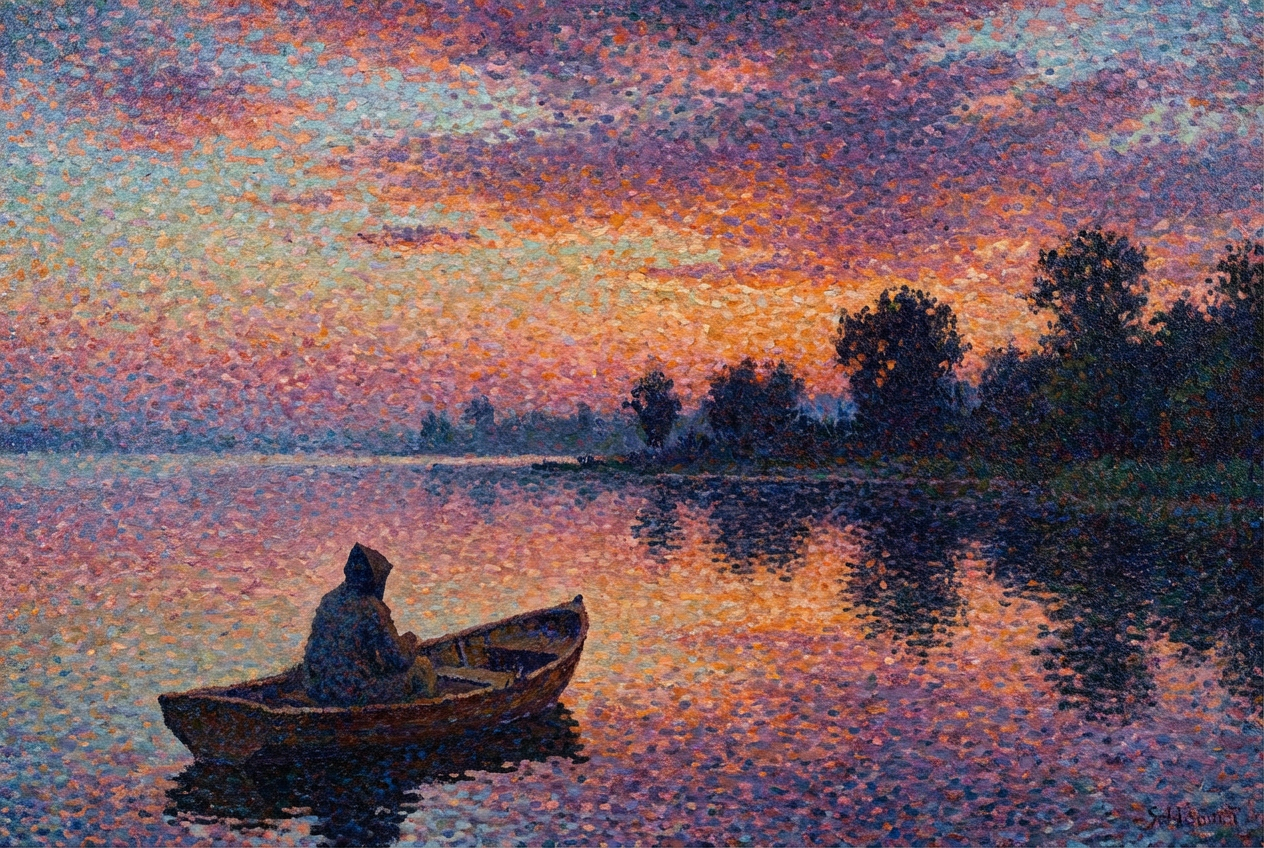
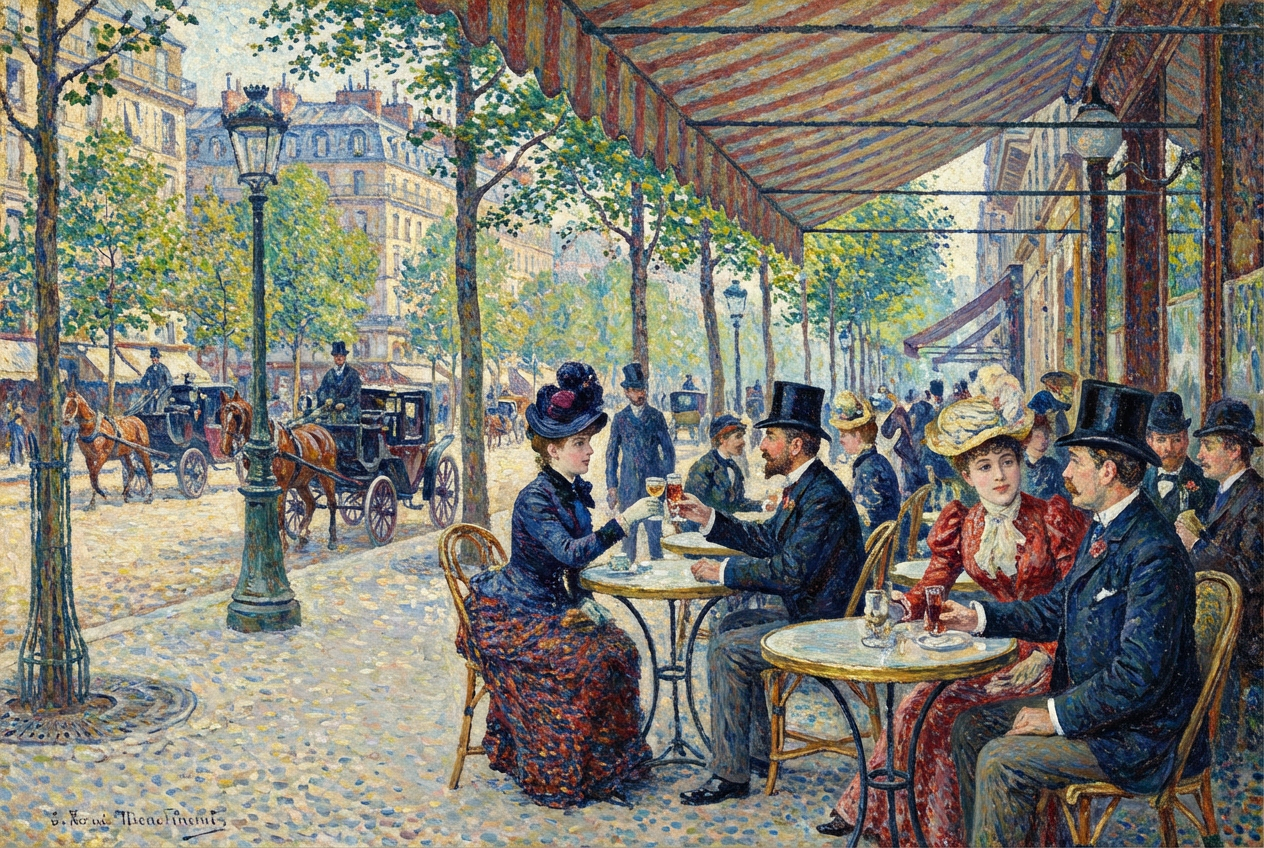
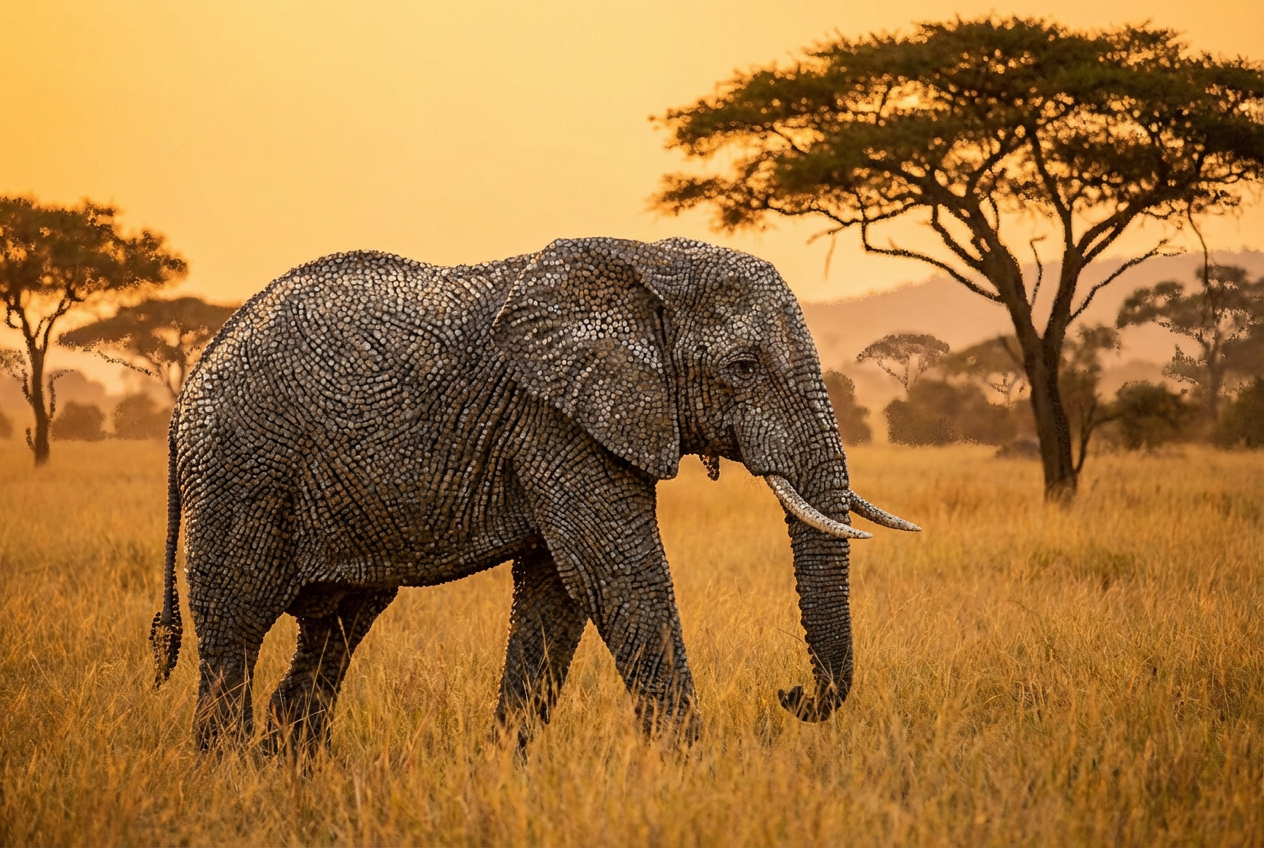
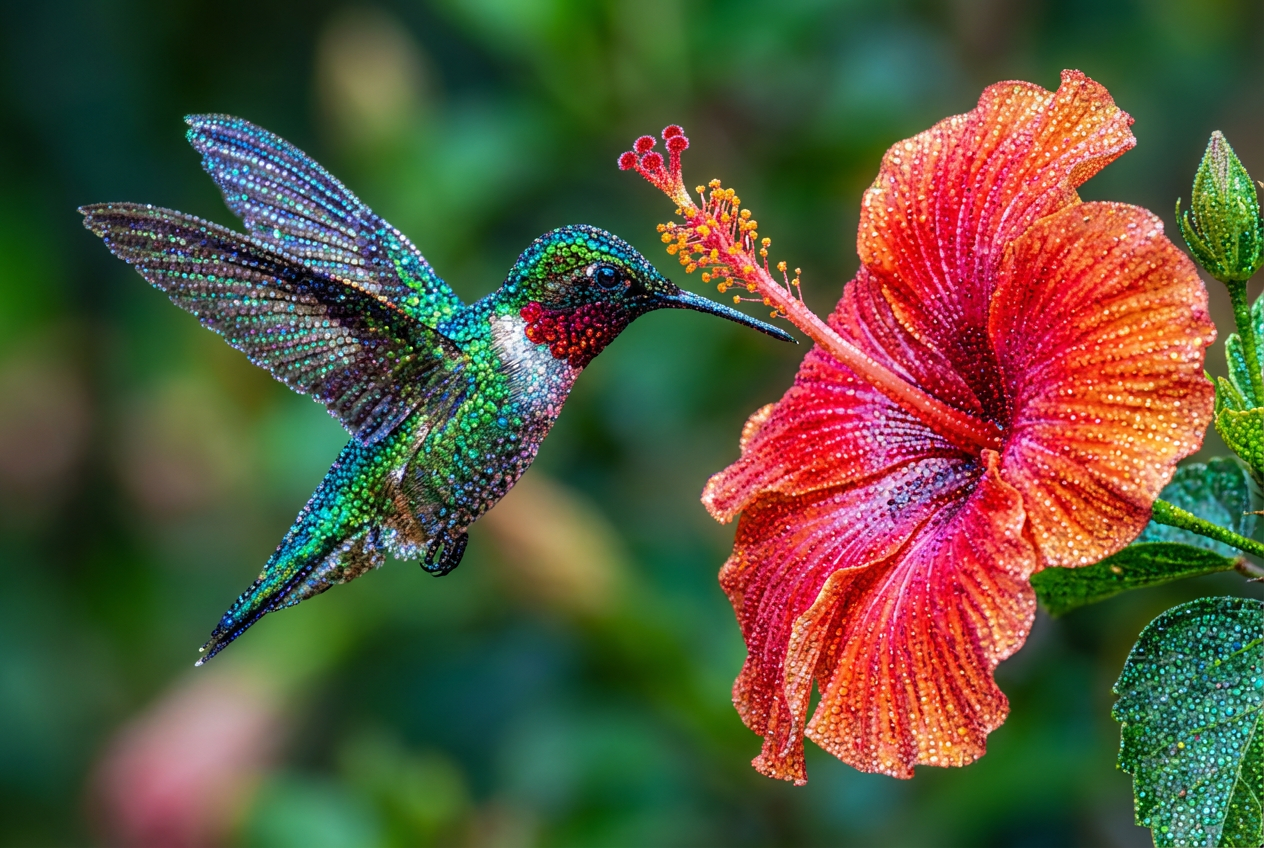
The agent gathers these inputs and preferences in the conversation before it starts.
A serene sunset landscape composed of colored dots...
Choose what to create in pointillism style
Choices: Any Subject, Landscape, Portrait, Still Life, Seascape, Cityscape, Flowers, Animals, Abstract
Choices: Balanced, Sparse, Medium, Dense, Ultra Dense
Choices: Varied Sizes, Tiny Dots, Small Dots, Medium Dots, Large Dots, Mixed Sizes
Choices: Full Color, Impressionist, Vibrant, Pastel, Warm Tones, Cool Tones, Monochrome, Seurat-Inspired
Choices: Classic Pointillism, Neo-Impressionist, Modern Pointillism, Divisionist, Optical Mixing
Choices: Balanced, Centered, Rule of Thirds, Panoramic, Close-up
Choices: Natural Light, Bright & Sunny, Soft Diffused, Golden Hour, Dappled Light, Dramatic
Use traditional pointillist methods
Make individual dots clearly distinguishable
Create authentic pointillist artwork with AI that understands the dot painting technique, color theory, and post-impressionist principles.
Create dotted masterpieces in three simple steps
Select your subject and pointillism approach from classic to modern techniques
Set dot density, size, color palette, and light quality for your vision
AI creates your pointillist artwork using authentic dot painting technique
Create landscapes, portraits, still life, seascapes, cityscapes, flowers, animals, or abstract art
Adjust dot density from sparse to ultra dense and size from tiny to large dots
Choose impressionist, vibrant, pastel, warm, cool, monochrome, or Seurat-inspired colors
Classic pointillism, neo-impressionist, modern, divisionist, or optical mixing techniques
Set bright sunny, soft diffused, golden hour, dappled, or dramatic lighting
Use traditional post-impressionist methods with optical color mixing principles
Perfect for artists and creative professionals
Explore pointillism techniques and create unique dotted artworks for portfolios
Study pointillism methods and create reference materials for art education
Generate pointillist designs for posters, prints, and decorative artwork
Create teaching materials demonstrating pointillism and post-impressionist techniques
Design unique pointillist artwork for wall art and decorative pieces
Create distinctive dotted illustrations for books, magazines, and editorial content
Landscapes and still life work beautifully in pointillism, just as they did for Seurat
Use smaller dots for detailed work, larger dots for bold impressionist effects
Impressionist and Seurat-inspired palettes create the most authentic pointillist feel
Golden hour and dappled light create beautiful optical mixing opportunities
Make dots clearly visible to showcase the pointillist technique effectively
Pointillism is a painting technique using small, distinct dots of color applied in patterns to form an image. Developed by Georges Seurat in the 1880s, it relies on optical mixing.
Yes! Choose from tiny, small, medium, large, or mixed dot sizes, or use varied sizes for a more natural look.
Landscapes, seascapes, still life, and flowers work beautifully. Portraits are also possible but require denser dots for detail.
Absolutely! Select Seurat-inspired color palette, authentic technique, neo-impressionist style, and balanced composition.
Sparse creates looser, more abstract effects. Dense and ultra dense produce detailed, photo-like results with rich color mixing.
Yes! While impressionist palettes are traditional, you can use vibrant, pastel, or even monochrome for contemporary pointillism.
It's when the eye blends colors of adjacent dots rather than physically mixing paint. This creates more vibrant, luminous colors.
Yes, enable 'Clearly Visible Dots' to make individual dots distinguishable, showcasing the pointillist technique.
Yes, all generated pointillism artwork can be used commercially for prints, products, marketing, and publications.
Rule of thirds works well for traditional scenes, while panoramic is great for landscapes and centered for still life subjects.


