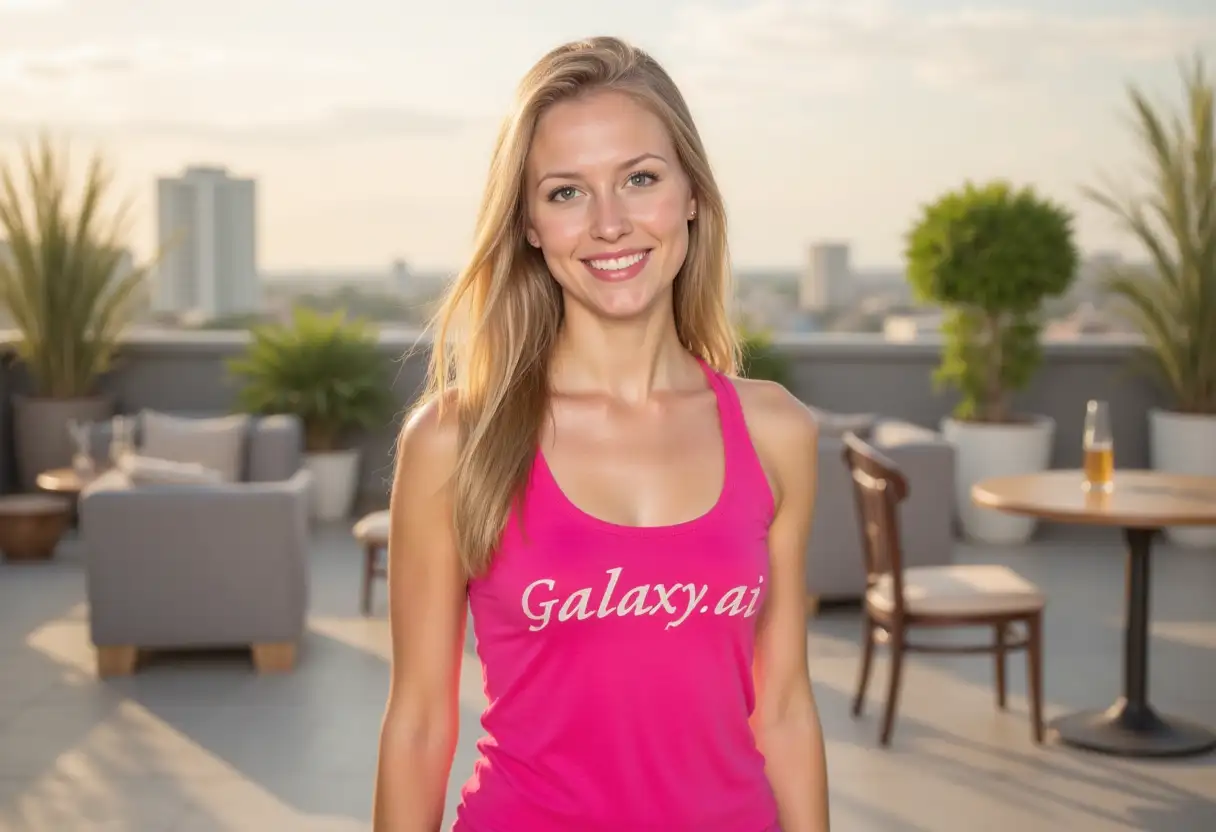
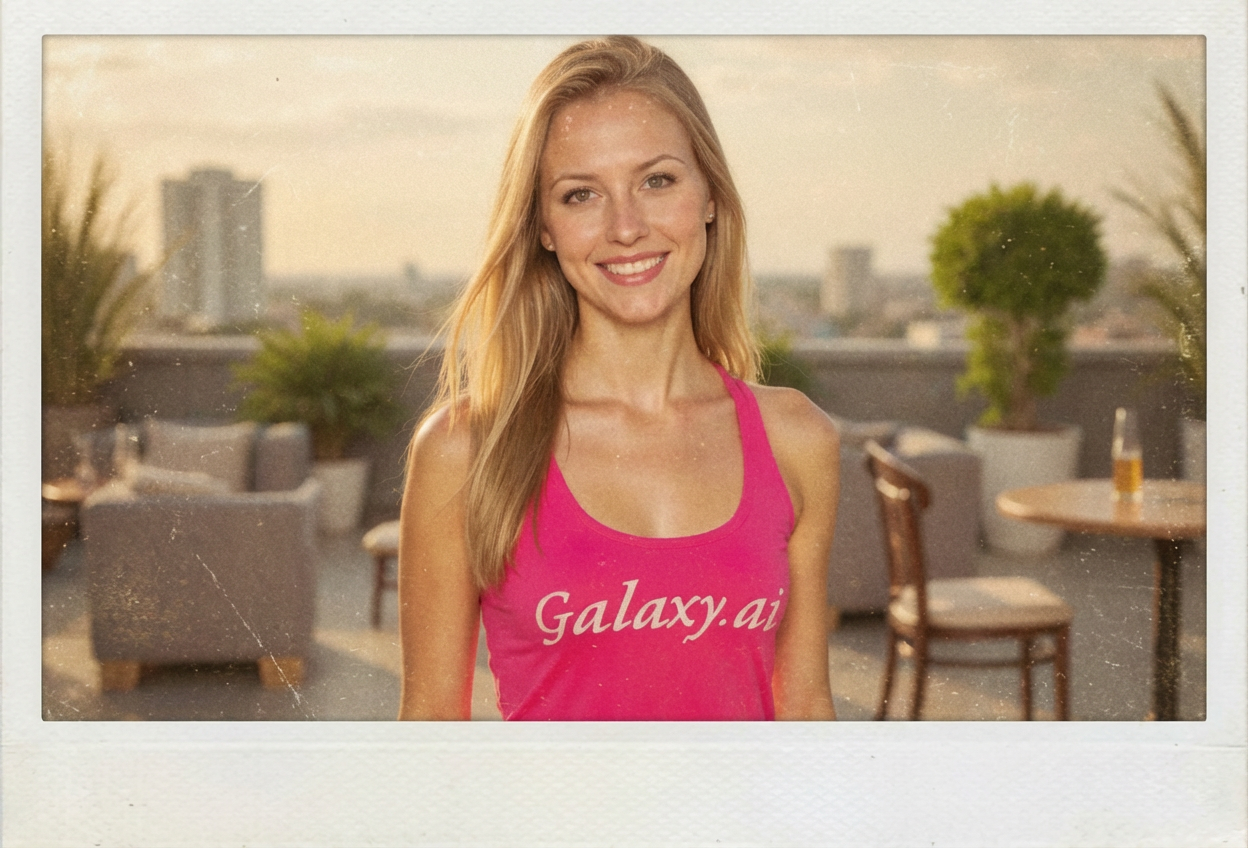
Choices: Any Filter, No Filter, Warm Tones, Cool Tones, Sepia, Black & White, Faded Colors, Vibrant Colors
Photo Angle
Choices: Any Angle, Straight, Tilted Left, Tilted Right, Casual Angle
Background
Choices: Any Background, White, Wooden Table, Cork Board, Fridge Door, Photo Album, Wall
Add Shadow
Add realistic shadow to the polaroid
Add Fingerprints
Add subtle fingerprint marks for realism
Why Choose Our AI Polaroid Generator?
Transform any image into a nostalgic polaroid instantly with our advanced AI technology
Authentic polaroid frames and borders
Custom caption text in various handwriting styles
Vintage filters and aging effects
Multiple polaroid styles from classic to modern
Realistic shadows and placement options
High-quality instant results
No photo editing skills required
How Our AI Polaroid Generator Works
Create nostalgic polaroid photos in three simple steps
01
Describe Your Photo
Enter a description of the scene you want to capture in polaroid style
02
Customize Your Polaroid
Choose frame style, add captions, select filters and aging effects
03
Generate Instant Polaroid
ask Magica to generate the result and get your nostalgic polaroid photo instantly
Key Features of AI Polaroid Generator
Authentic Polaroid Frames
Choose from classic white, vintage yellowed, retro 70s, or modern minimalist polaroid frames
Custom Captions
Add personalized text in various handwriting styles - casual, neat, cursive, or typewriter
Vintage Effects
Apply aging effects, vintage filters, and authentic wear marks for that perfect nostalgic look
Realistic Backgrounds
Place your polaroid on wooden tables, cork boards, fridge doors, or photo albums
Who Can Benefit from AI Polaroid Generator?
Perfect for anyone looking to add nostalgic charm to their photos
Photographers
Add vintage polaroid style to digital photography portfolios
Memory Keepers
Create nostalgic keepsakes from special moments and memories
Social Media Creators
Design unique polaroid-style content for Instagram and Pinterest
Gift Makers
Create personalized polaroid gifts for friends and family
Designers
Generate polaroid mockups for creative projects and presentations
Tips for the Best Polaroid Results
Tip 1
Choose the Right Style
Match the polaroid frame style to your photo's era - vintage for old memories, modern for contemporary shots
Tip 2
Keep Captions Short
Polaroid captions work best with brief, meaningful text - dates, locations, or short memories
Tip 3
Consider Composition
Center your main subject as polaroids have a square format that works best with centered compositions
Tip 4
Balance Effects
Don't overdo aging effects - subtle wear often looks more authentic than heavy distressing
Frequently Asked Questions
Can I add custom text to my polaroid photos?
Yes! You can add personalized caption text in various handwriting styles including casual, neat print, cursive, typewriter, or marker styles.
What polaroid styles are available?
We offer classic white frames, vintage yellowed, retro 70s, modern minimalist, artistic borders, and colorful frames to match any aesthetic.
Can I create aged or vintage-looking polaroids?
Absolutely! Choose from various aging effects from slightly aged to antique, plus vintage filters like sepia, faded colors, or black and white.
What makes this different from regular photo filters?
Our AI generates authentic polaroid frames with realistic shadows, proper proportions, and optional details like fingerprints and wear marks that photo filters can't achieve.
Can I place the polaroid on different backgrounds?
Yes! You can place your polaroid on various surfaces including wooden tables, cork boards, fridge doors, photo albums, or walls for added realism.