Portrait Description
Describe the portrait you want to create...

Create stunning AI-generated portraits with customizable styles and settings
Reference media and sample results for this task.
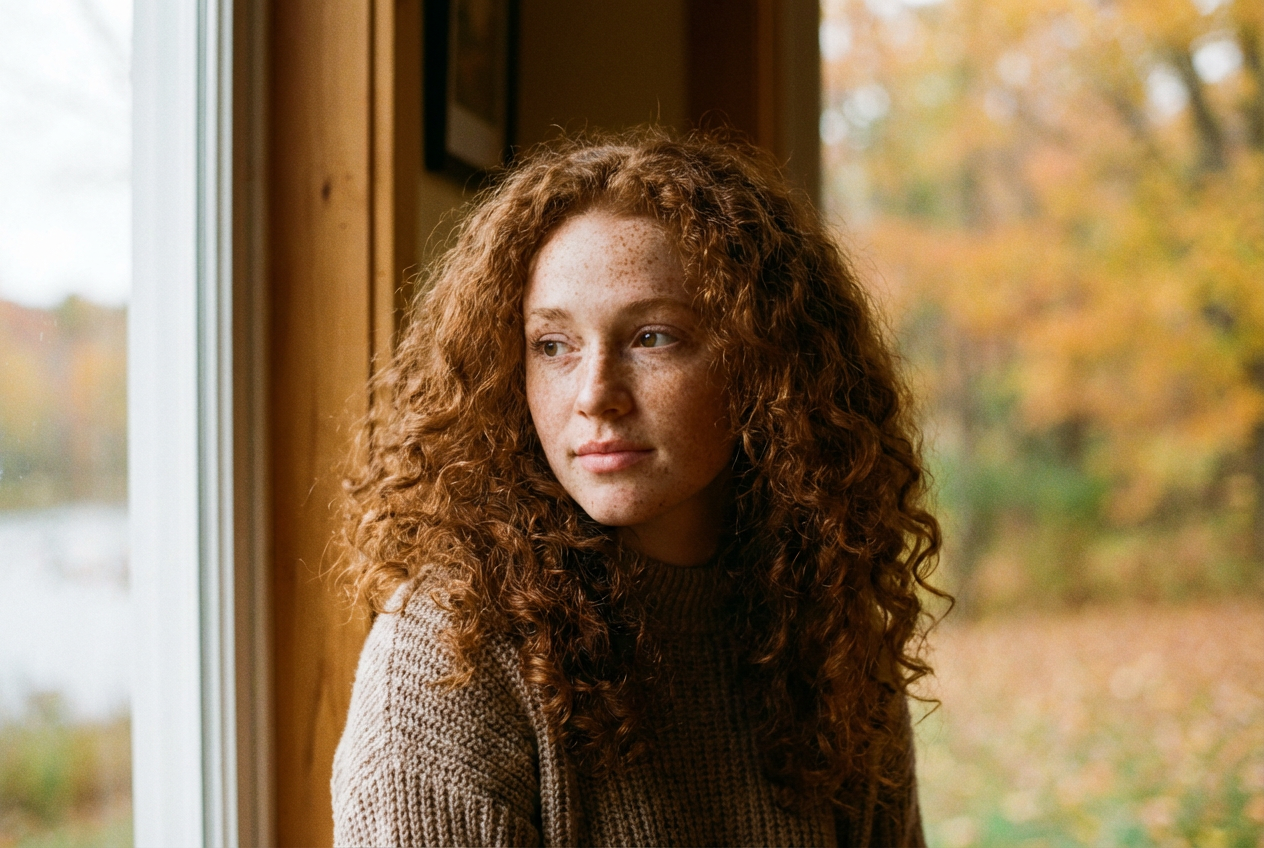
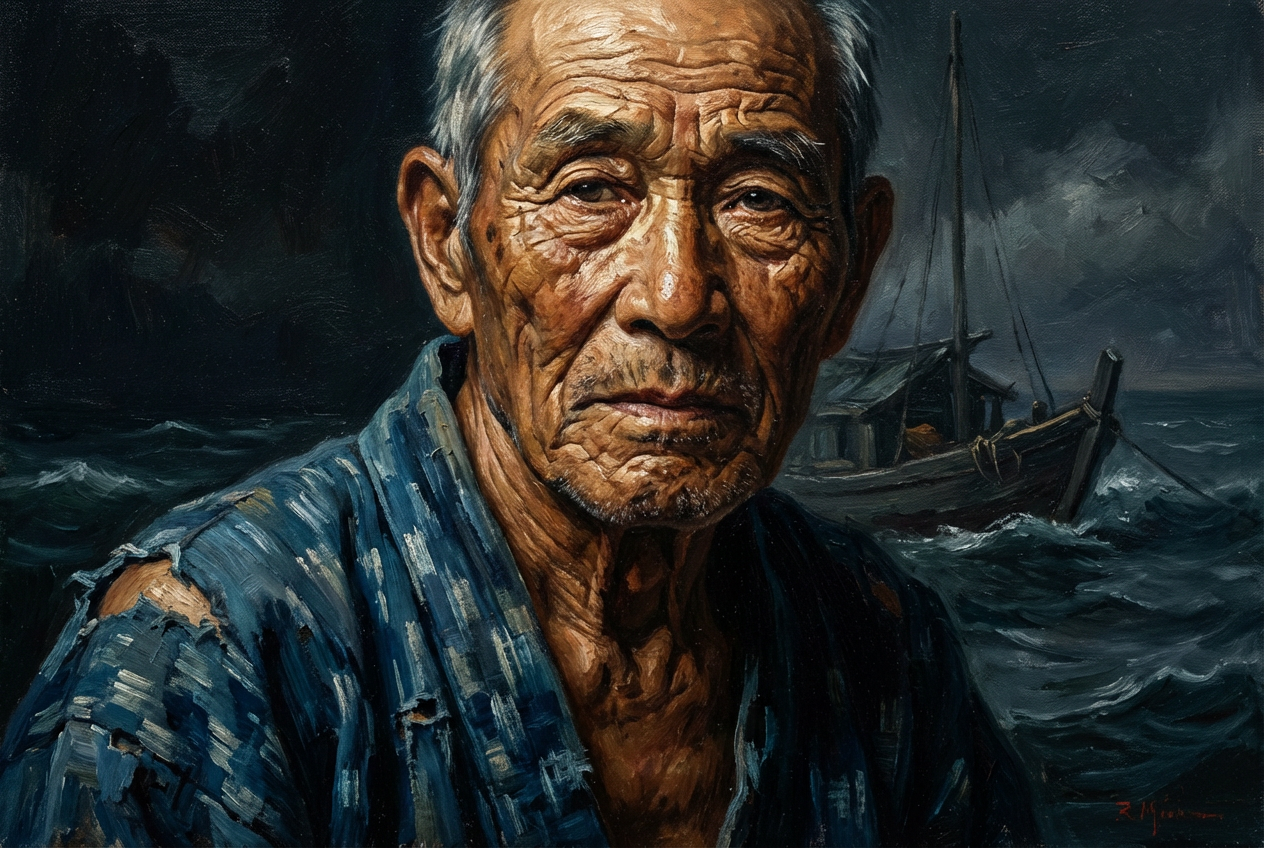
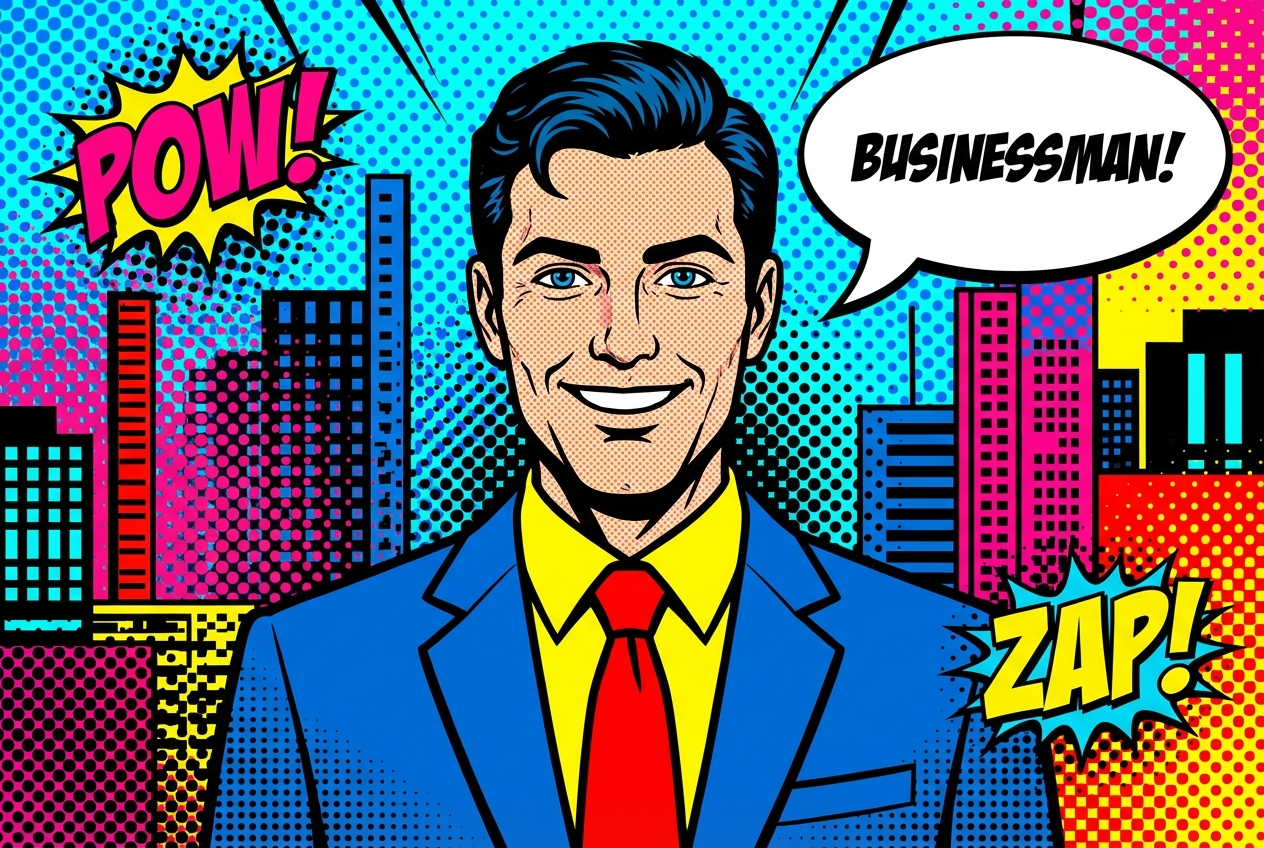
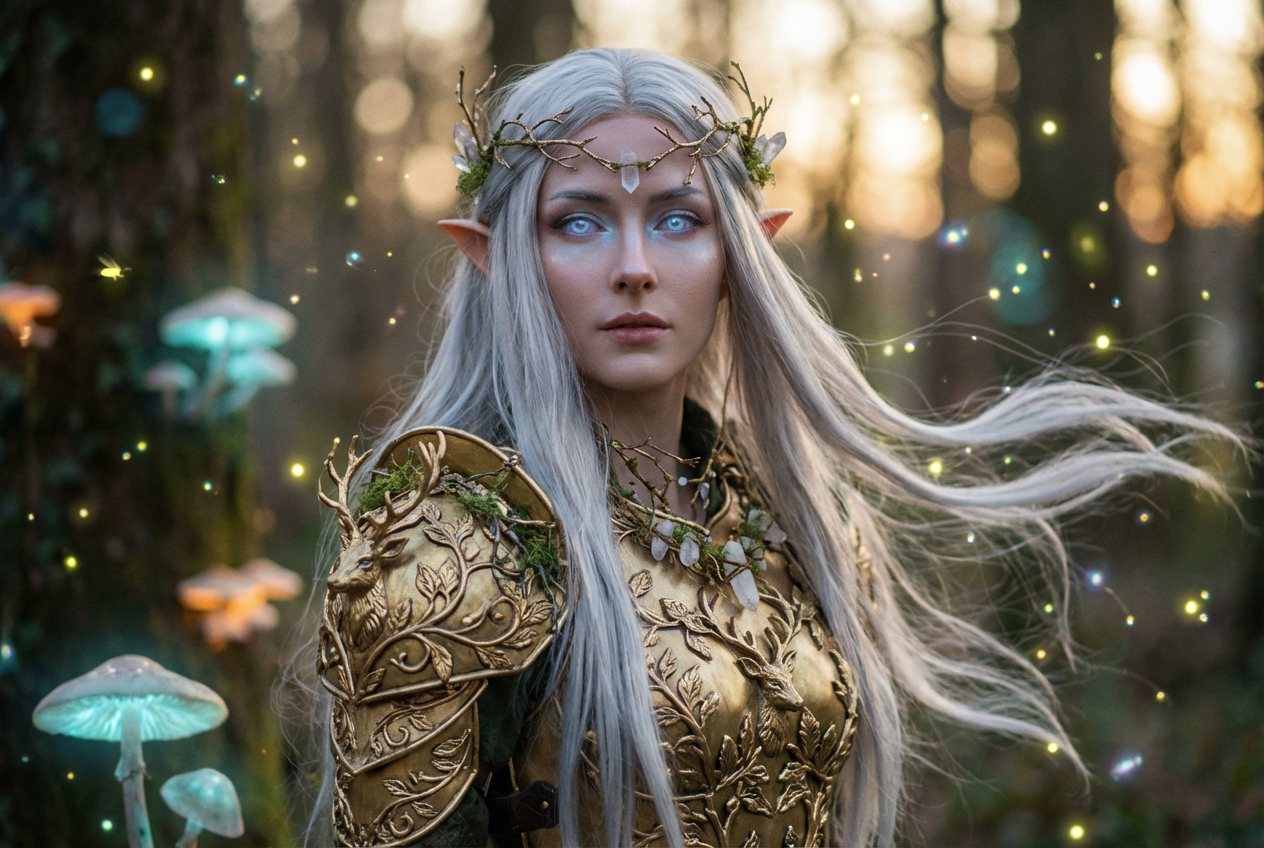
The agent gathers these inputs and preferences in the conversation before it starts.
Describe the portrait you want to create...
Choices: Any Lighting, Natural, Studio, Dramatic, Soft, Golden Hour, Backlit, High Key, Low Key
Choices: Any Pose, Frontal, Profile, Three Quarter, Candid, Sitting, Standing, Close Up, Full Body
Choices: Any Background, Solid Color, Gradient, Nature, Urban, Studio, Abstract, Bokeh, Minimalist
Create stunning, personalized portraits with advanced AI technology.
Create beautiful portraits in three simple steps:
Enter a detailed description of the portrait you want to create.
Choose your preferred style, lighting, pose, and background options.
Let our AI create stunning portraits based on your specifications.
Choose from realistic, artistic, oil painting, watercolor, and more.
Control the mood with various lighting options from natural to dramatic.
Select from various background styles to complement your portrait.
Multiple pose options from classic headshots to full-body portraits.
Generate reference images and explore creative concepts.
Create base portraits for digital painting and illustration.
Generate unique profile pictures and creative content.
Study different portrait styles and techniques.
Create thumbnails and visual content quickly.
Generate concept art and mood boards efficiently.
Include details about facial features, expressions, and desired mood.
Choose lighting that enhances the mood and atmosphere of your portrait.
Select an artistic style that fits your intended use.
Choose backgrounds that complement rather than distract from the subject.
Try different poses to find the most flattering and appropriate option.
We offer multiple styles including realistic, artistic, oil painting, watercolor, digital art, pencil sketch, and more. Each style has its unique characteristics.
Yes! You can choose from various lighting options (natural, studio, dramatic, etc.) and background styles to create your perfect portrait.
Our AI generates high-resolution portraits suitable for both digital use and printing. The quality is professional-grade.
Yes, you can generate multiple versions of your portrait to explore different interpretations and styles.
Generated portraits can be instantly downloaded in high resolution. You can also access them later from your history.
Include details about the subject's appearance, desired mood, style preferences, and any specific features you want to highlight.
Yes! All portraits generated by our AI Portrait Generator are 100% free for commercial use. You own full rights to use them in any project.
No, there are no restrictions on how you can use the generated portraits. You own full rights to modify, share, or sell them as you wish.


