Describe your professional photo
Enter your professional photo description...

Create professional photos with AI featuring corporate headshots, business portraits, and high-quality professional imagery
Reference media and sample results for this task.
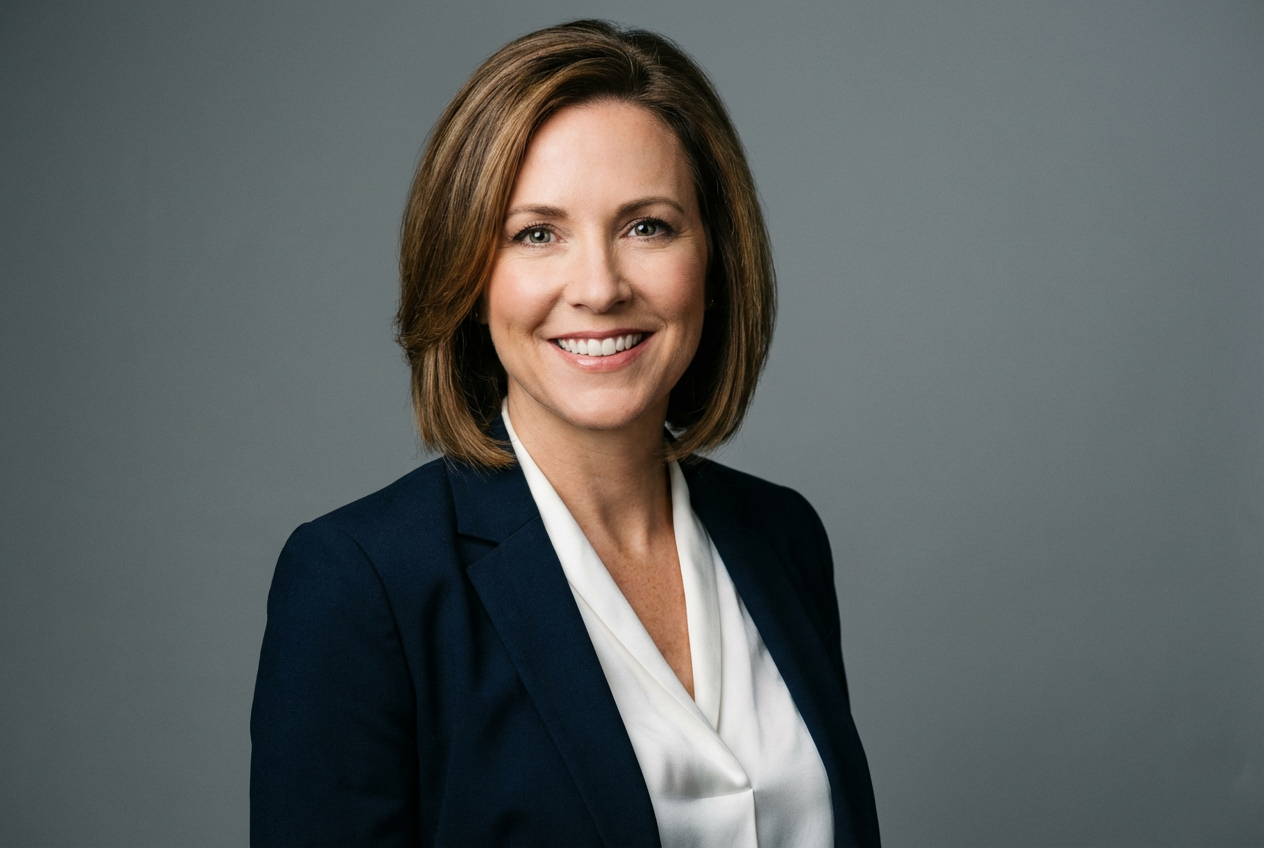
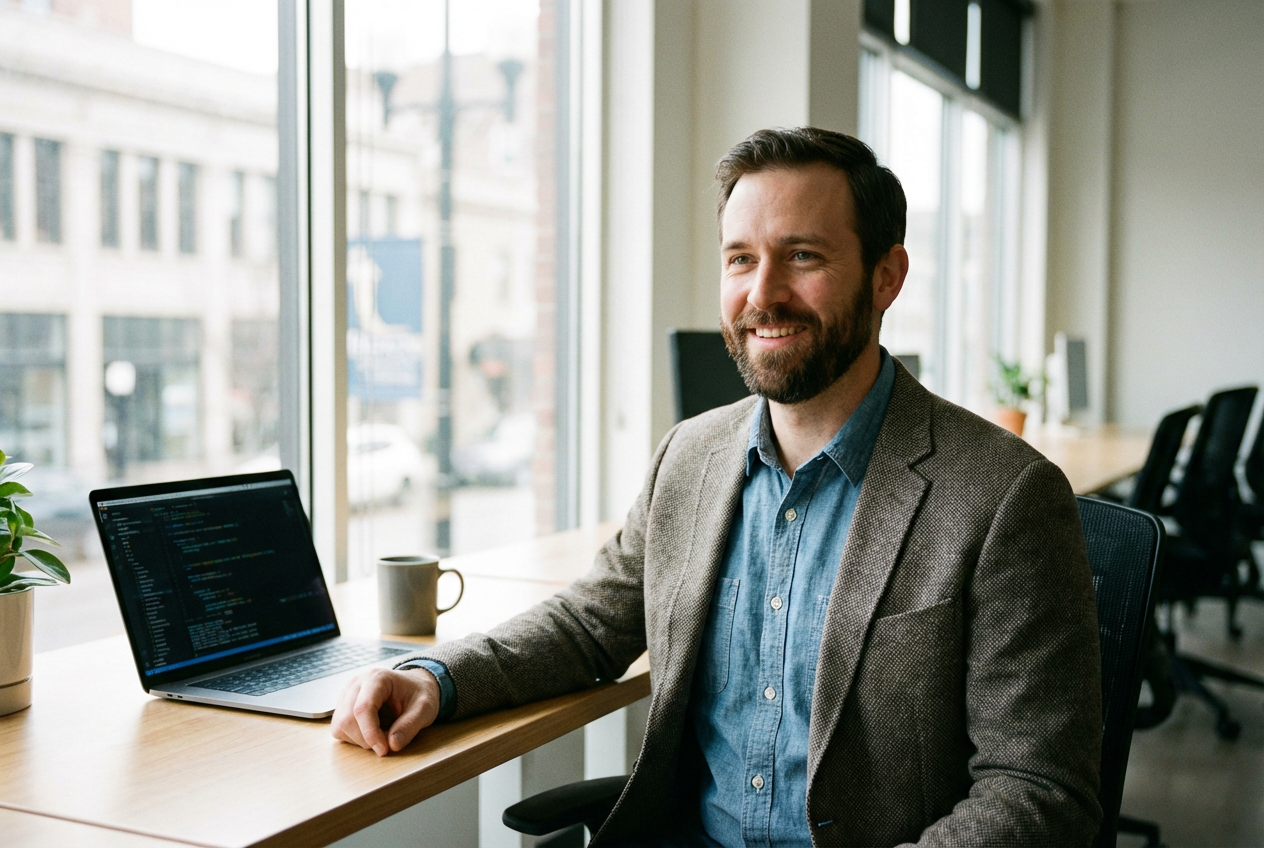
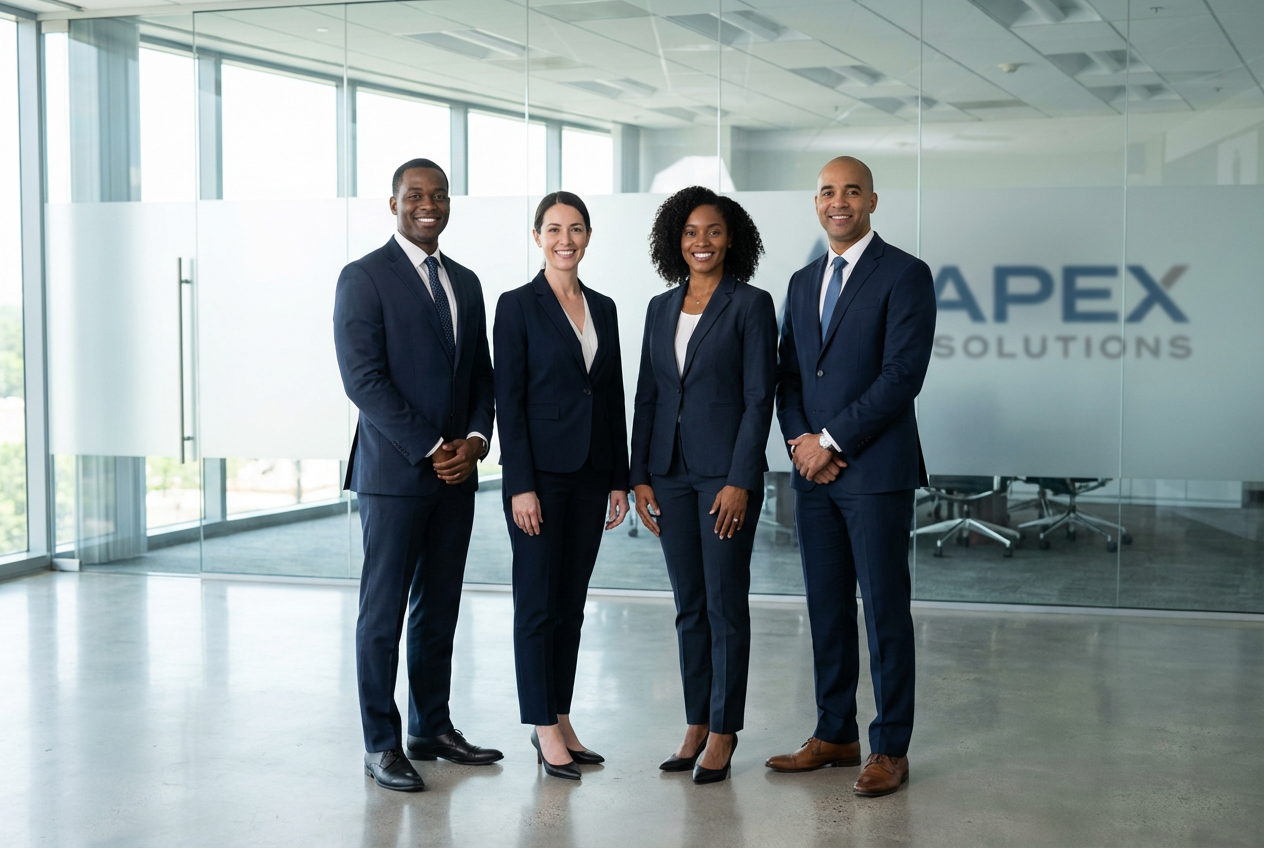
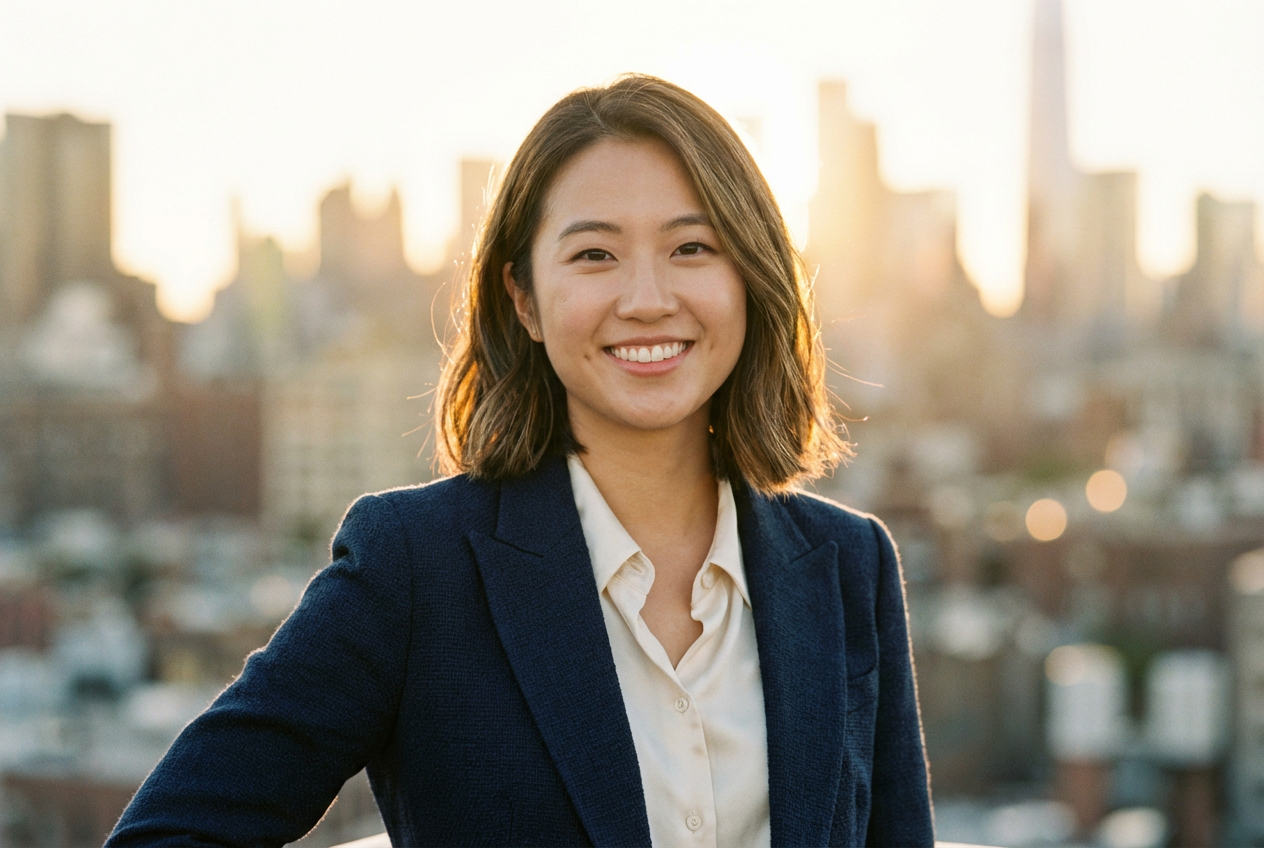
The agent gathers these inputs and preferences in the conversation before it starts.
Enter your professional photo description...
Choices: Any Photo Type, Corporate Headshot, Business Portrait, LinkedIn Profile Photo, Executive Portrait, Team Member Photo, Speaker Photo, Author Photo, Professional Profile, Conference Headshot
Choices: Any Background, Solid White, Solid Gray, Solid Navy, Subtle Gradient, Office Setting, Outdoor Corporate, Modern Interior, Blurred Office
Choices: Any Lighting, Studio Lighting, Natural Window Light, Soft Diffused, Three-Point Lighting, Rim Lighting, Butterfly Lighting, Loop Lighting
Choices: Any Professional Attire, Business Suit, Business Casual, Smart Casual, Formal Attire, Professional Dress, Executive Attire, Creative Professional
Create high-quality professional photos suitable for business and corporate use
Create your professional photo in three simple steps:
Enter details about the professional photo you need, including subject and context.
Select photo type, background, lighting style, and professional attire to match your needs.
Let AI create a high-quality professional photo with polished, business-ready appearance.
Create corporate headshots, business portraits, LinkedIn photos, and executive portraits.
Choose from studio, natural window, soft diffused, three-point, and more lighting styles.
Select solid colors, office settings, outdoor corporate, or blurred backgrounds.
Generate polished professional photos perfect for business use and online profiles.
Create professional headshots for LinkedIn, resumes, and job applications.
Generate professional photos for websites, business cards, and marketing materials.
Create professional photos for speaker profiles, book jackets, and promotional materials.
Design consistent professional photos for team pages and company directories.
Solid colors work best for versatility, while contextual backgrounds add personality.
Corporate roles suit formal attire and studio lighting, while creative fields allow more flexibility.
Describe a friendly, confident, or approachable expression appropriate for your field.
Professional headshots typically frame from chest up with the subject slightly off-center.
Studio lighting for formal corporate use, natural light for approachable modern profiles.
You can generate corporate headshots, business portraits, LinkedIn profile photos, executive portraits, team member photos, speaker photos, author photos, and conference headshots.
Choose from solid white, gray, or navy backgrounds, subtle gradients, office settings, outdoor corporate, modern interiors, or blurred office backgrounds.
Select from studio lighting, natural window light, soft diffused, three-point lighting, rim lighting, butterfly, or loop lighting styles.
Yes! Choose from business suits, business casual, smart casual, formal attire, professional dresses, executive attire, or creative professional looks.
Absolutely! The generated photos are designed to meet professional standards for LinkedIn, corporate websites, and business materials.
Yes, you can create consistent professional photos for multiple team members by maintaining similar settings across generations.


