Prototype Description
Describe your desired prototype design...

Create stunning UI/UX prototypes with AI assistance
Reference media and sample results for this task.
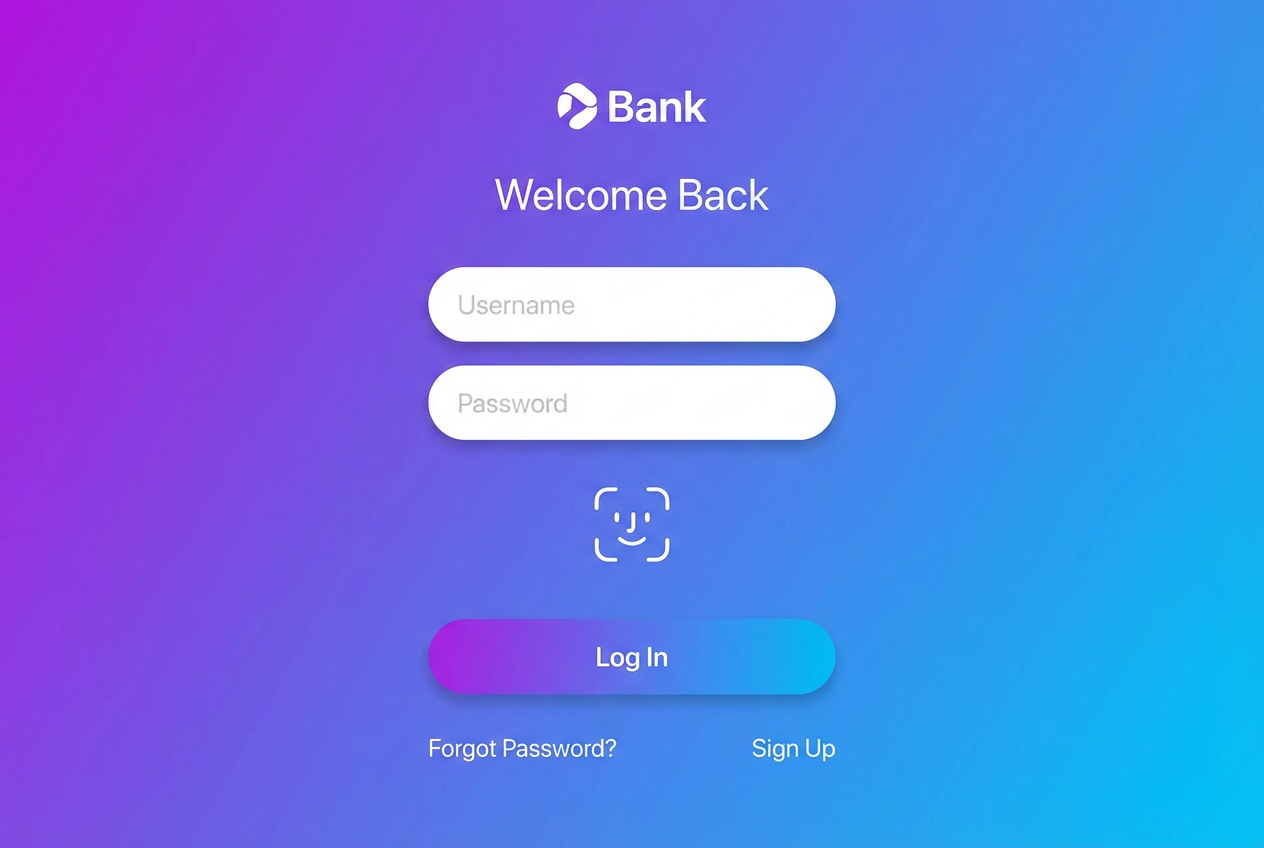
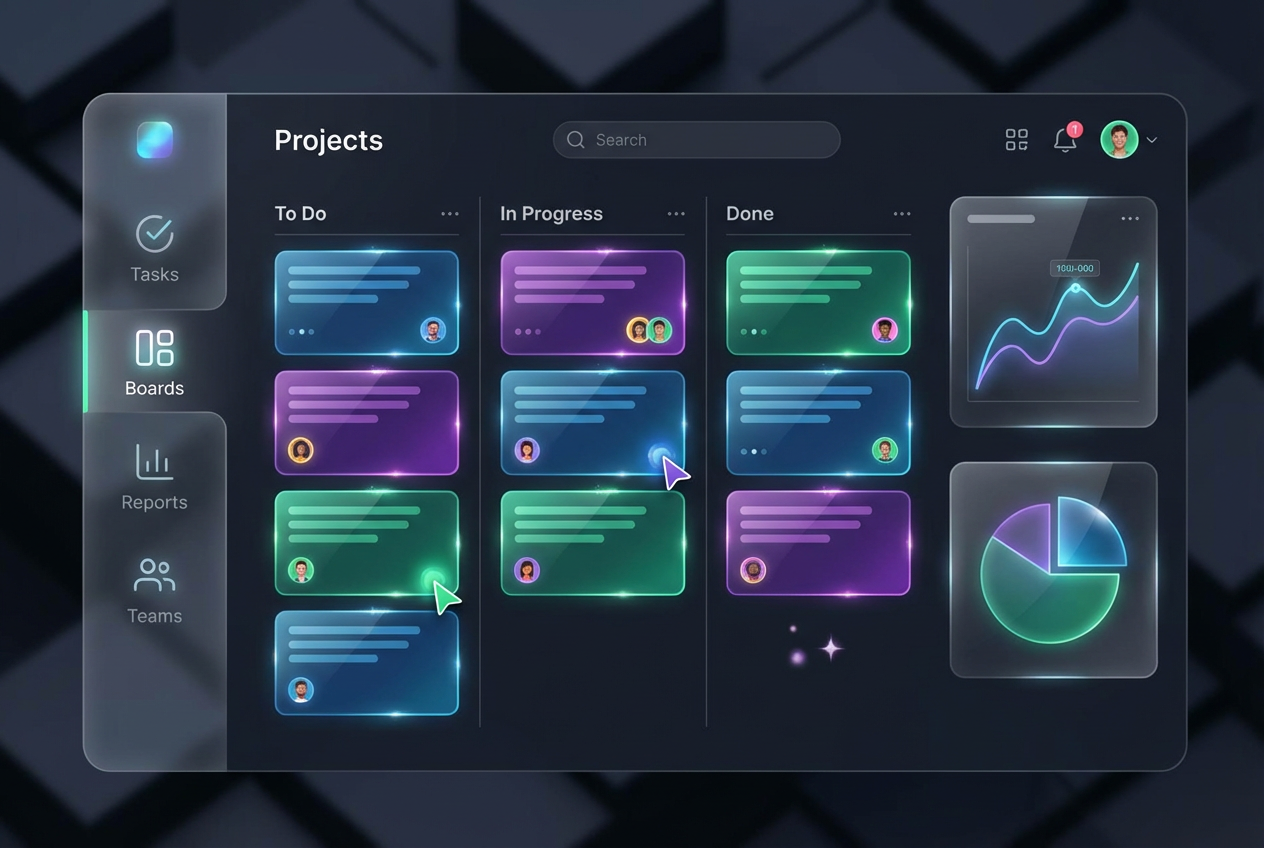
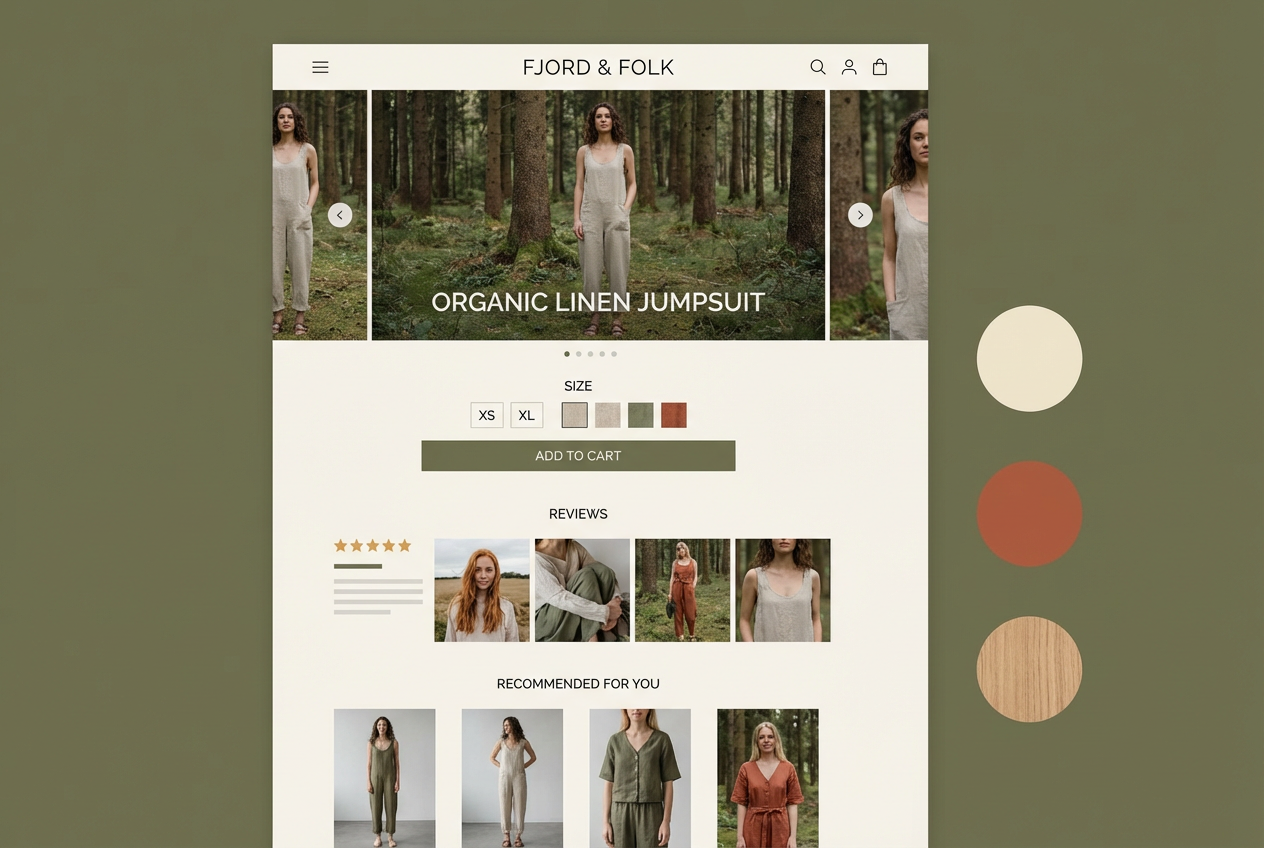
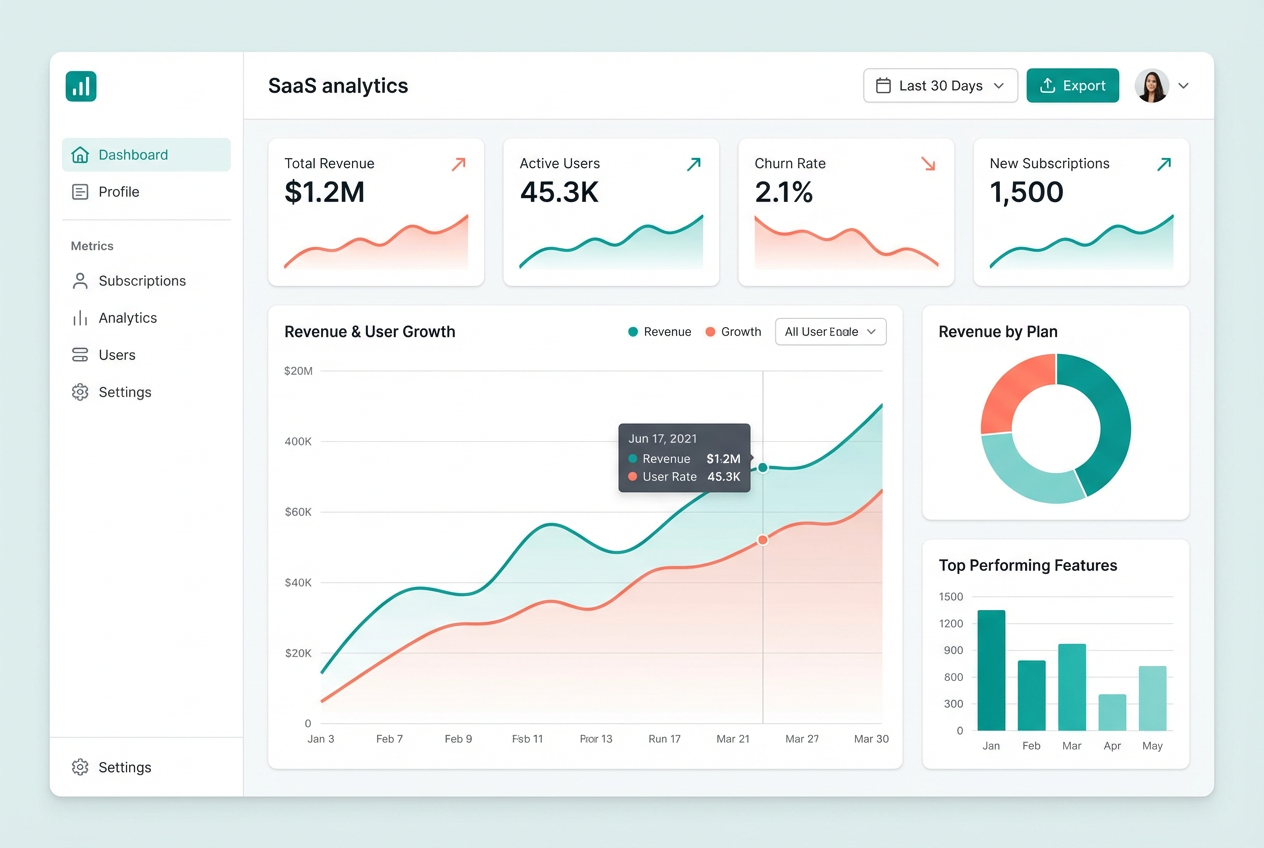
The agent gathers these inputs and preferences in the conversation before it starts.
Describe your desired prototype design...
Choices: Any Industry, Web Application, Mobile App, SaaS Platform, E-commerce, Social Media, FinTech, Healthcare, Education, Gaming, Enterprise Software
Choices: Auto Fidelity, Low (Wireframe), Medium (Mockup), High (Final Design)
Choices: Auto Colors, Monochrome, Light Theme, Dark Theme, Colorful, Pastel, Corporate, Vibrant
Create professional UI/UX prototypes quickly with AI-powered assistance.
Create your perfect prototype in three simple steps:
Enter a detailed description of your desired prototype design.
Select industry, style, fidelity level, and color scheme preferences.
Let AI create unique prototype designs based on your specifications.
Pre-configured templates for web, mobile, SaaS, and more.
Support for popular design systems and customizable styles.
Download your designs instantly for use in your favorite design tools.
AI-powered recommendations for better design decisions.
Quickly create initial designs and explore different concepts.
Generate visual references for implementation.
Visualize product ideas and create presentation mockups.
Rapidly prototype MVPs and validate ideas.
Create modern web interfaces and landing pages.
Design mobile app interfaces and user flows.
Include detailed information about layout, features, and functionality.
Think about user journey and interaction patterns.
Match fidelity level to your project phase and goals.
Specify design system preferences for consistent results.
Consider how your design will adapt to different screen sizes.
We support multiple styles including minimal, modern, material design, neumorphic, glassmorphic, and more. Each style follows current design trends and best practices.
Yes! You can generate designs at different fidelity levels from low-fidelity wireframes to high-fidelity mockups, depending on your project needs.
While our AI generates detailed designs, they serve as excellent references for development. We recommend using them as a foundation for your final implementation.
Yes, you can generate multiple versions of your design to explore different interpretations and styles.
You can easily download your generated designs and share them directly with your team for collaboration and feedback.
Include details about the layout, key features, user interactions, and any specific design system or style preferences you have in mind.
Yes! All designs generated by our AI Prototype Generator are 100% free for commercial use. You can use them in your projects, presentations, or any other commercial applications without any licensing restrictions.


