Describe the psychedelic art you want to create
Swirling rainbow colors with geometric patterns and kaleidoscope effects...

Create vibrant psychedelic and trippy art with swirling colors and patterns
Reference media and sample results for this task.
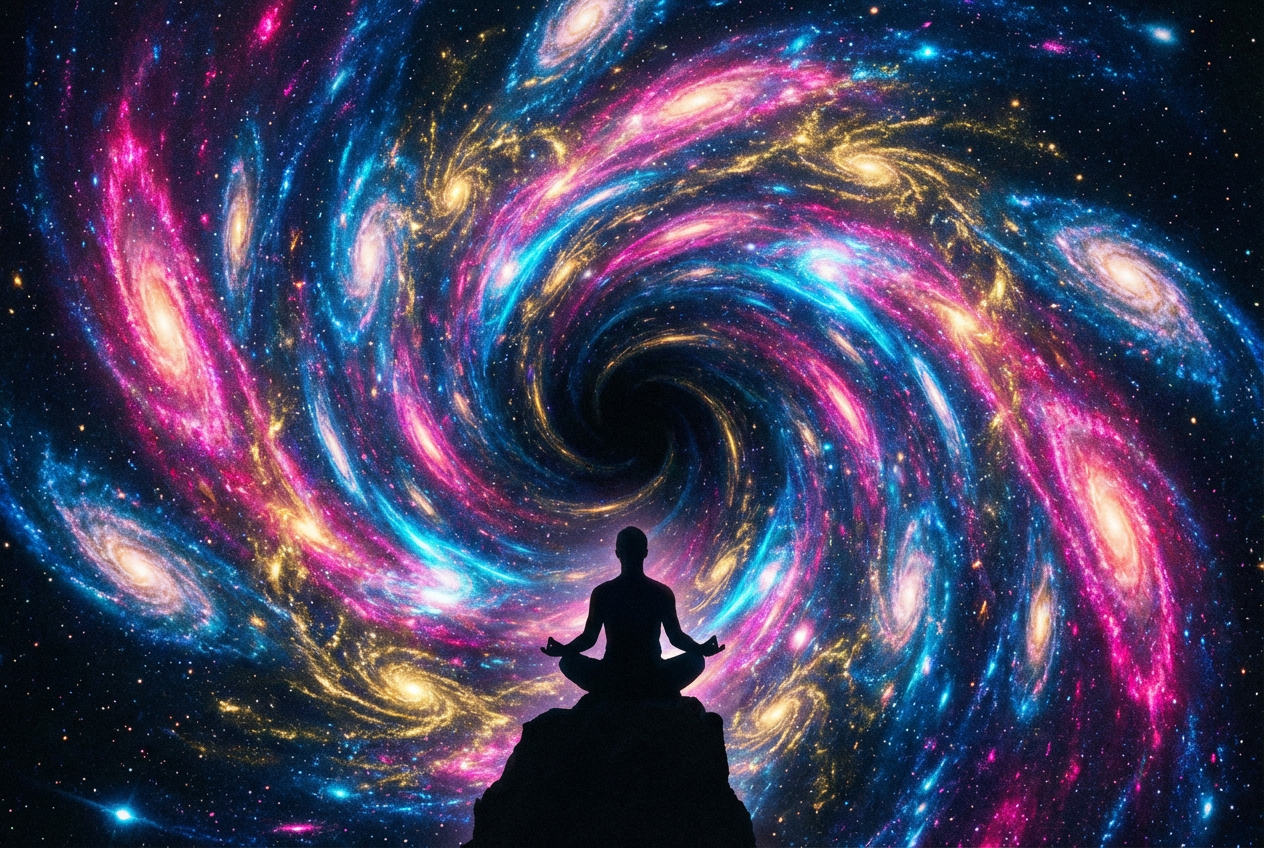
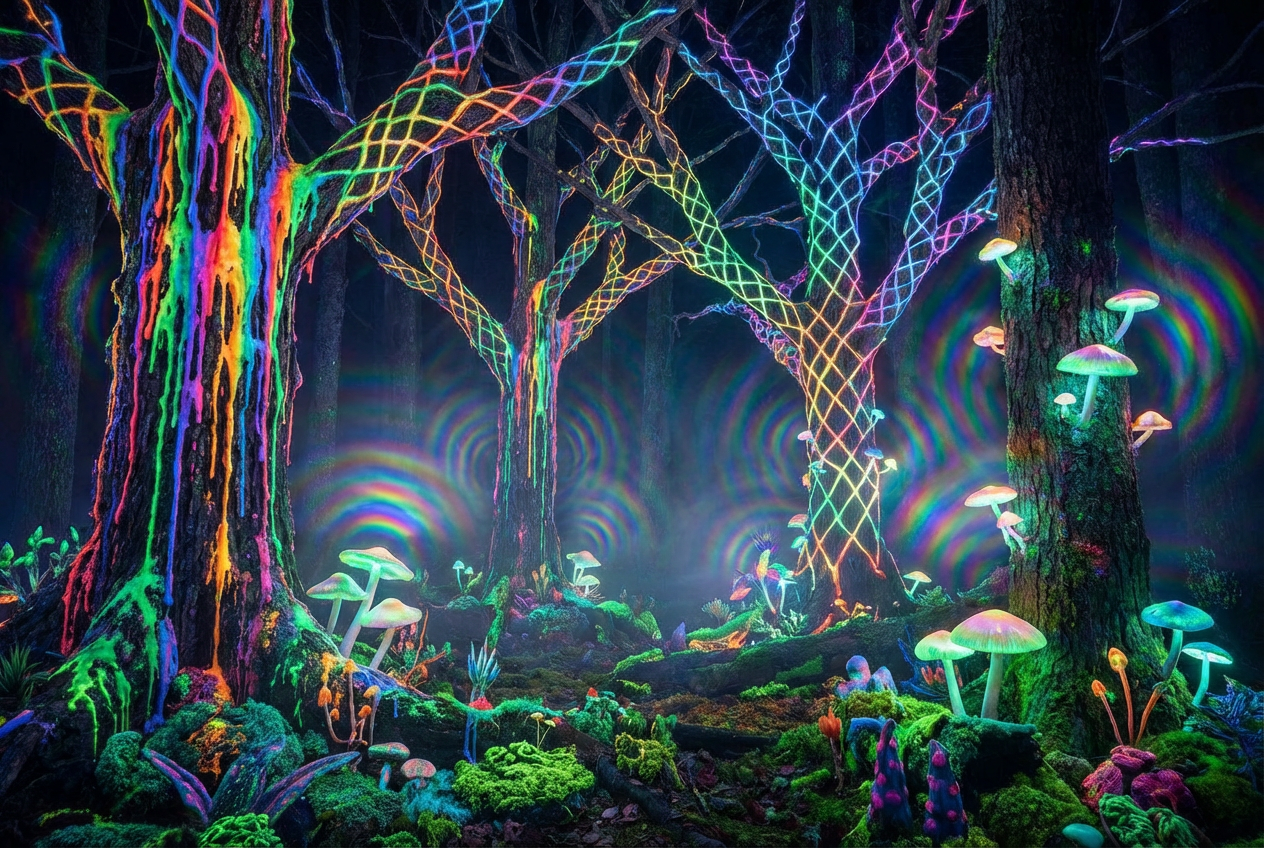
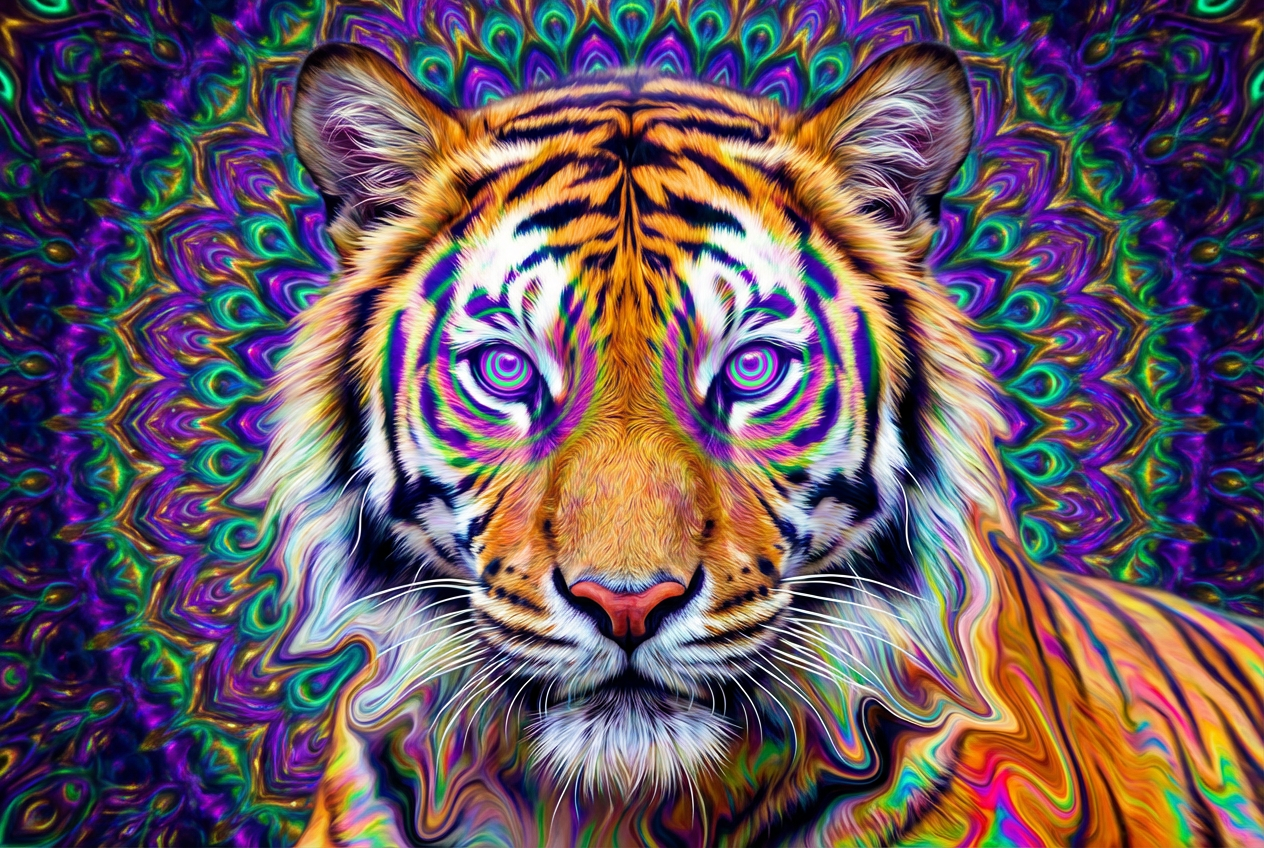
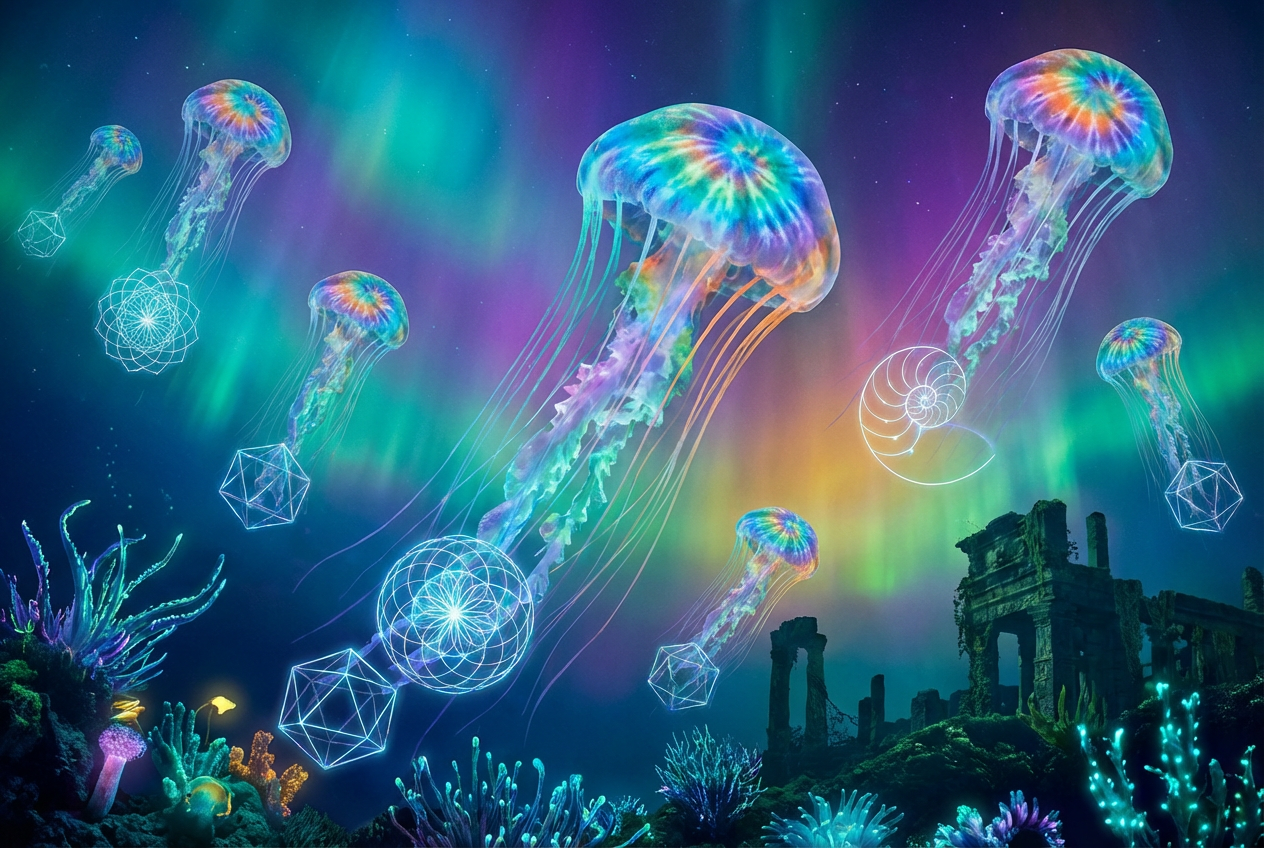
The agent gathers these inputs and preferences in the conversation before it starts.
Swirling rainbow colors with geometric patterns and kaleidoscope effects...
Choose the psychedelic art style
Choices: Classic Psychedelic, Kaleidoscope, Fractal Patterns, Swirling Colors, Mandala Style, Op Art, Tie-Dye Effect, Liquid Patterns, Geometric Trippy
Choose the color palette
Choices: Rainbow Spectrum, Neon Colors, Warm Colors, Cool Colors, Sunset Colors, Ocean Colors, Forest Colors, Cosmic Colors, Monochrome
Choices: Simple, Medium, Complex, Highly Intricate
Choices: Flowing, Spiral, Wave-like, Pulsing, Radiating, Morphing
Choices: Organic Flow, Radial Symmetry, Bilateral Symmetry, Rotational, Asymmetric
Choices: Smooth Gradients, Rough Texture, Glossy Finish, Matte Finish, Metallic Sheen, Organic Texture
Choices: Integrated Pattern, Gradient Background, Solid Color, Cosmic Space, Dark Void
Add luminous glow and light effects
Increase contrast for more dramatic effect
Add sparkle and star effects
Add retro 60s/70s psychedelic filter
Create mind-bending psychedelic artwork with vibrant colors, intricate patterns, and mesmerizing visual effects.
Create trippy visual art in three simple steps
Enter details about the psychedelic art style and colors you want to create
Choose patterns, colors, movement, symmetry, and special effects
Get your mind-bending psychedelic artwork
Create kaleidoscope, fractal, swirling, mandala, op art, and tie-dye effects
Choose from rainbow, neon, cosmic, sunset, and custom color schemes
Add spiral, wave, pulsing, radiating, and morphing movement patterns
Create radial, bilateral, rotational, or organic asymmetric compositions
Add glow effects, sparkles, high contrast, and vintage filters
Choose from smooth gradients to metallic sheens and organic textures
Perfect for artists, musicians, designers, and anyone creating visually striking content
Create album covers, concert visuals, and music-related psychedelic artwork
Generate trippy backgrounds and surreal art elements for creative projects
Create psychedelic patterns for clothing, accessories, and textile designs
Generate eye-catching visuals for social media and digital content
Create trippy environments and visual effects for games
Generate psychedelic artwork for modern and eclectic interior spaces
Psychedelic art thrives on vibrant, saturated colors - don't be afraid to go bold
Include words like 'swirling', 'flowing', or 'pulsing' to create dynamic visual effects
Radial symmetry creates mandala-like effects, while asymmetry feels more organic
Combine glow effects with sparkles and high contrast for maximum visual impact
Start with medium complexity - you can always generate more intricate versions
You can generate kaleidoscope, fractal patterns, swirling colors, mandala, op art, tie-dye, liquid patterns, and geometric trippy styles.
Yes, choose from rainbow spectrum, neon colors, warm/cool palettes, sunset, ocean, forest, cosmic, and monochrome schemes.
Select from simple, medium, complex, or highly intricate pattern complexity levels to match your vision.
Add flowing, spiral, wave-like, pulsing, radiating, or morphing movement to your psychedelic art.
Absolutely! Choose from radial, bilateral, rotational symmetry, or organic asymmetric compositions.
Include glow effects, sparkles, high contrast, and vintage 60s/70s psychedelic filters.
Choose from smooth gradients, rough texture, glossy/matte finishes, metallic sheen, or organic textures.
Yes, enable the vintage filter to get authentic 1960s/70s psychedelic art aesthetics.
Kaleidoscope creates mirror effects, fractals show mathematical patterns, mandalas are circular designs, while op art focuses on optical illusions.
Yes, all generated psychedelic art can be used for personal and commercial projects including album covers, merchandise, and digital content.


