Describe the puppy you want to create
A fluffy golden retriever puppy playing in a meadow...

Generate adorable puppy images and cute dog artwork with AI
Reference media and sample results for this task.
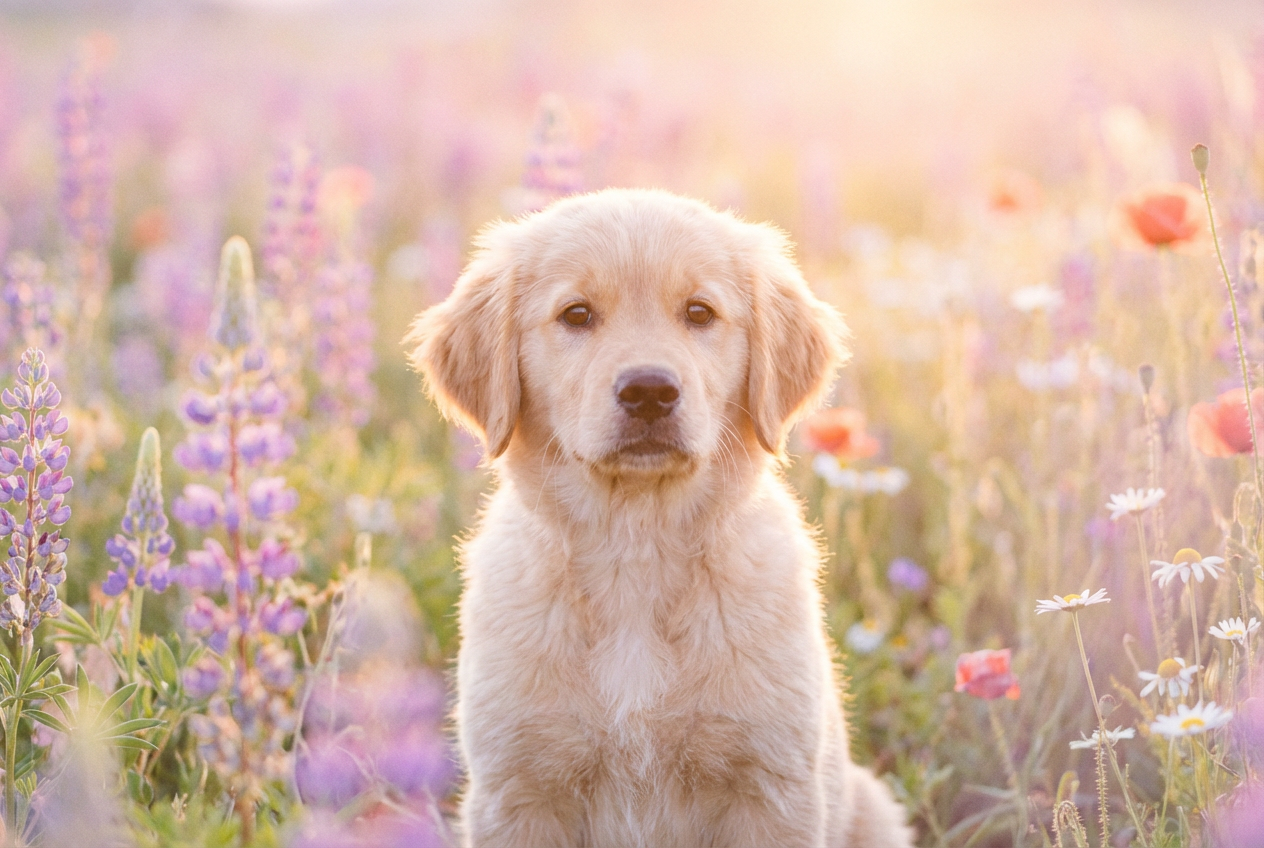
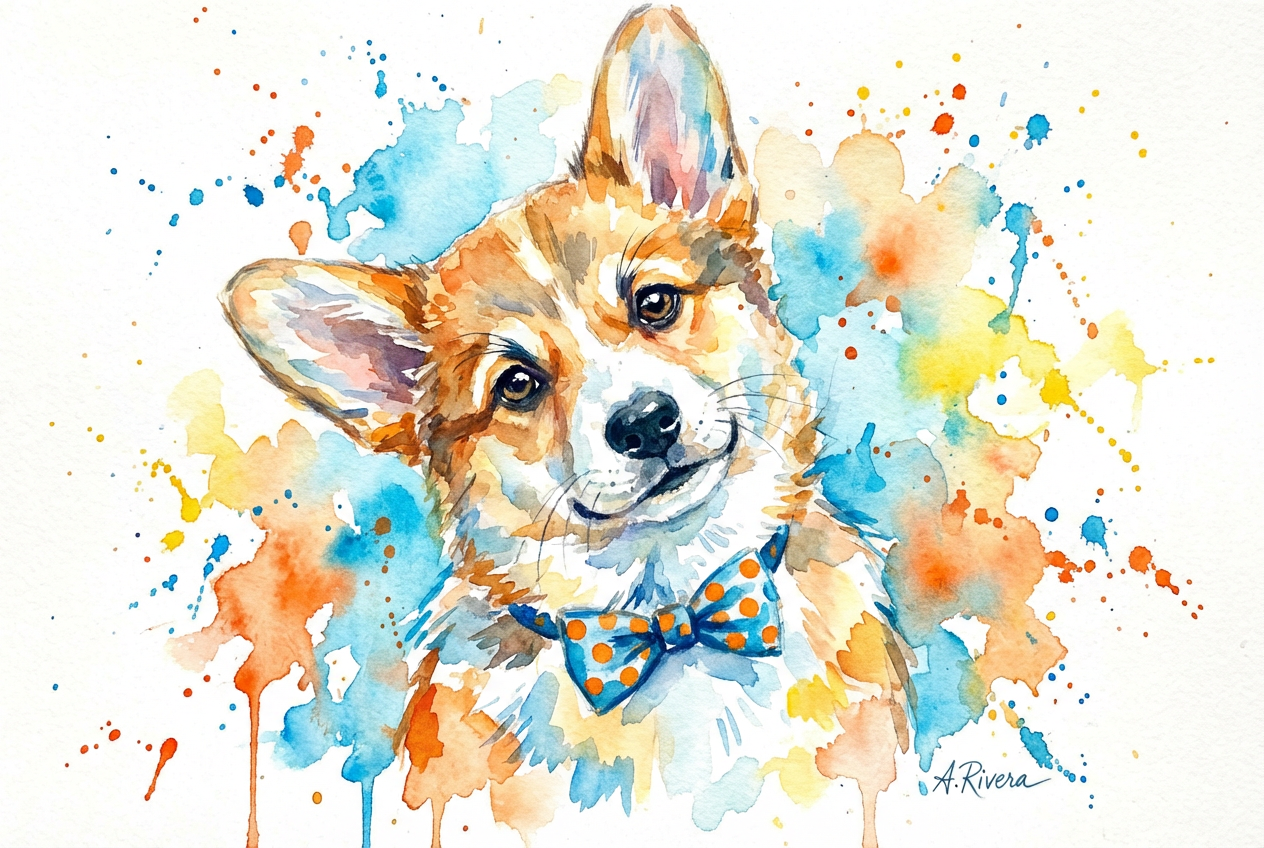
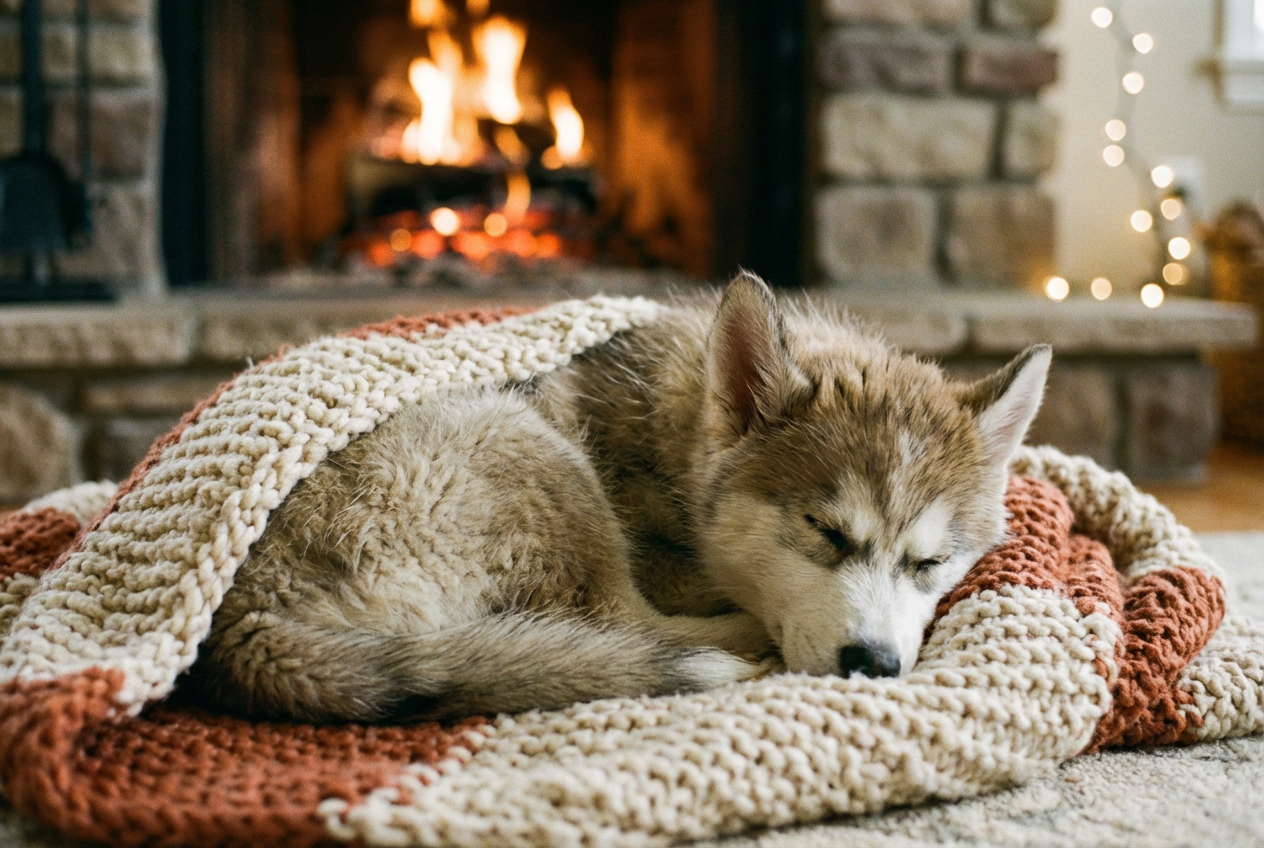
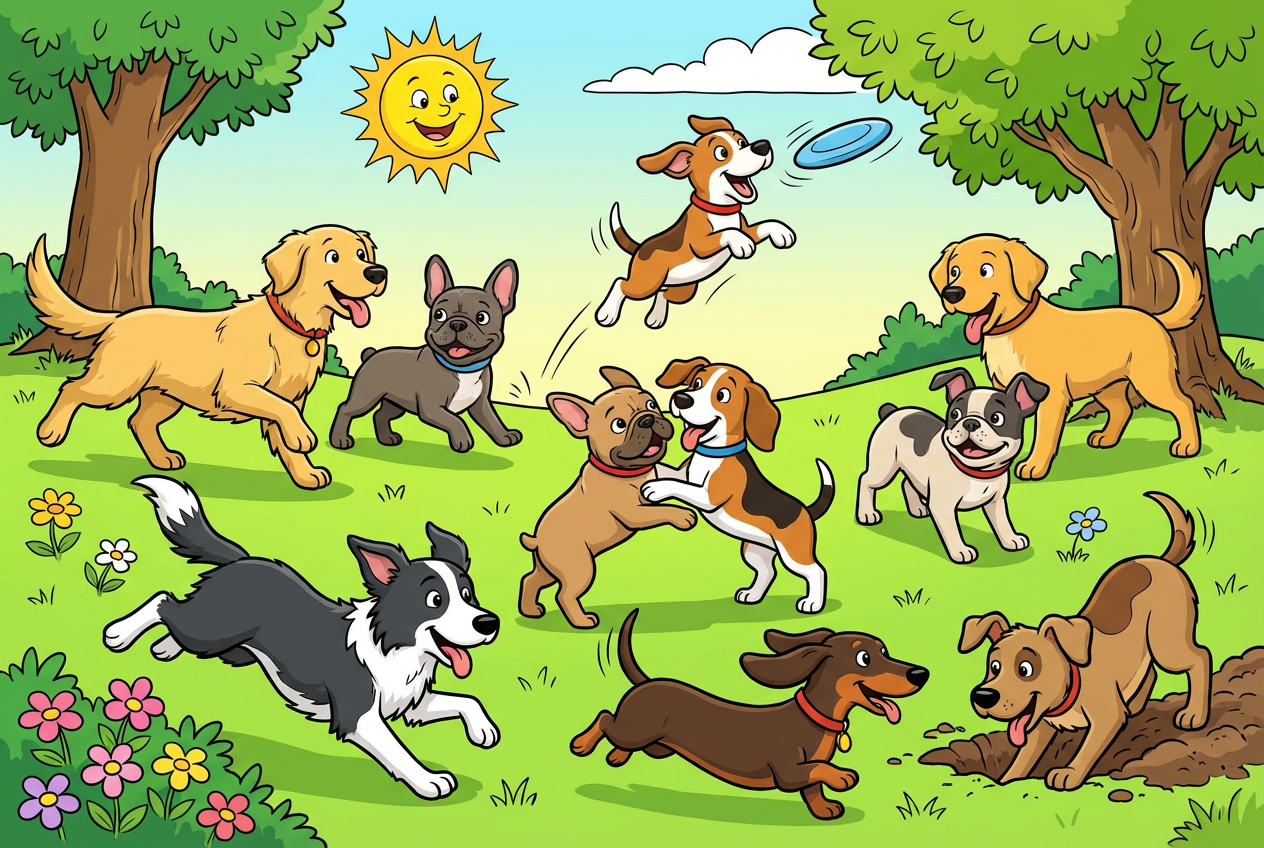
The agent gathers these inputs and preferences in the conversation before it starts.
A fluffy golden retriever puppy playing in a meadow...
Choices: Any Breed, Golden Retriever, Labrador, German Shepherd, Beagle, Bulldog, Poodle, Husky, Corgi, Chihuahua, Mixed Breed
Choices: Any Activity, Playing, Sleeping, Running, Sitting, Jumping, Fetching, Eating, Cuddling
Choices: Any Age, Newborn (0-2 weeks), Young Puppy (2-8 weeks), Puppy (8-16 weeks), Adolescent (4-12 months)
Choices: Any Color, Golden, Brown, Black, White, Cream, Gray, Spotted, Multicolor
Choices: Any Setting, Garden, Park, Home Indoor, Beach, Forest, Meadow, Studio, Backyard
Choices: Any Mood, Playful, Sleepy, Excited, Curious, Happy, Calm
Create heartwarming puppy images and adorable dog artwork with advanced AI technology
Create adorable puppy images in three simple steps
Enter details about the breed, activity, and scene you want to create
Choose breed, age, coat color, activity, and art style preferences
Get your adorable puppy image ready to share and spread joy
From Golden Retrievers to Corgis, Huskies to Chihuahuas - create any breed you love
Playing, sleeping, running, fetching, or just being adorably cute
Golden, brown, black, white, spotted, or beautiful multicolor coats
From tiny newborns to playful adolescent puppies at every growth stage
Gardens, parks, beaches, forests, or cozy home environments
Realistic photography, cartoon style, watercolor, sketches, and digital art
Perfect for anyone who loves dogs and wants to create adorable puppy content
Create adorable puppy images for personal enjoyment and social media sharing
Generate cute puppy content for blogs, social media, and pet-related content
Create marketing materials for pet stores, veterinarians, and dog services
Generate puppy references and inspiration for pet-themed artwork and designs
Design personalized pet-themed gifts, cards, and puppy-related merchandise
Create educational materials about dog breeds, pet care, and animal behavior
Include breed-specific features like fluffy coat for Golden Retrievers or short legs for Corgis
Young puppies work well with sleeping or cuddling, while older puppies are great for playing and running
Match the setting to the activity - parks for playing, home for sleeping, beaches for running
Try realistic for professional pet photos, cartoon for fun content, watercolor for artistic appeal
Select playful for energetic puppies, calm for peaceful scenes, curious for alert expressions
Yes! Our AI understands breed-specific features. Select your desired breed and include specific characteristics in your description for accurate breed representation.
Young puppies (2-8 weeks) and puppies (8-16 weeks) tend to produce the most adorable results, but newborns are perfect for tiny, sleepy scenes.
Absolutely! Choose from realistic photography, cartoon style, watercolor, sketches, digital art, or oil painting styles to match your creative vision.
Select 'realistic' style, be specific about breed characteristics, choose natural settings like parks or homes, and include details about coat texture and color.
Newborns: sleeping, cuddling. Young puppies: eating, sleeping, sitting. Older puppies: playing, running, jumping, fetching. Match activity to age for realistic results.
Yes! Select 'mixed breed' and describe the combination in your prompt, like 'golden retriever and poodle mix' for specific mixed breed characteristics.
Gardens and parks are perfect for playful activities, beaches for running scenes, meadows for peaceful moments, and forests for adventurous puppies.
Select 'cartoon' style and use playful moods and activities. This works great for children's content, stickers, and fun social media posts.
Yes! Use the coat color options or include specific patterns in your description, like 'spotted coat' or 'white with brown patches'.
Use 'calm' or 'happy' moods with 'realistic' style and 'studio' or natural settings. This creates professional-quality pet portrait results.


