Describe your realistic artwork
A photorealistic portrait of a woman with flowing hair...

Create stunning photorealistic artwork and paintings with AI precision
Reference media and sample results for this task.
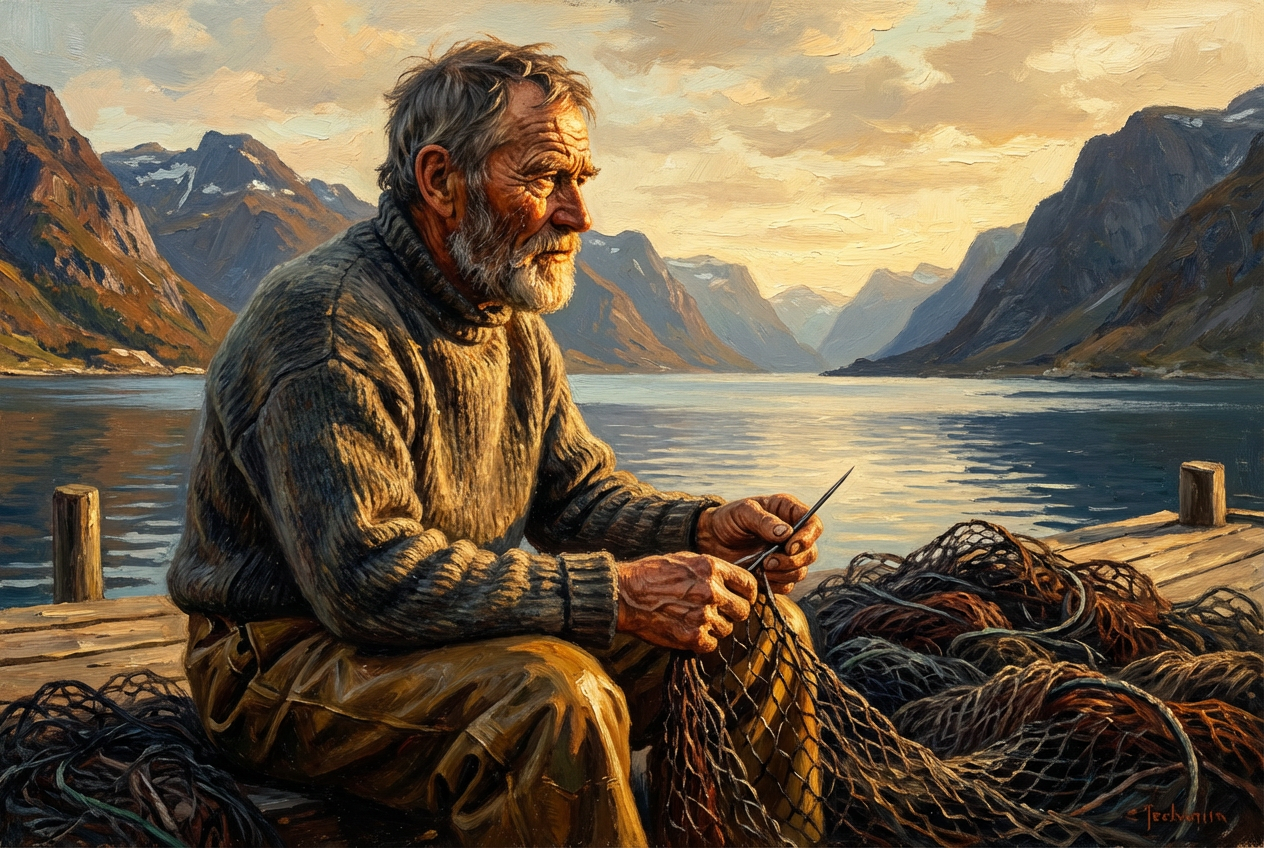
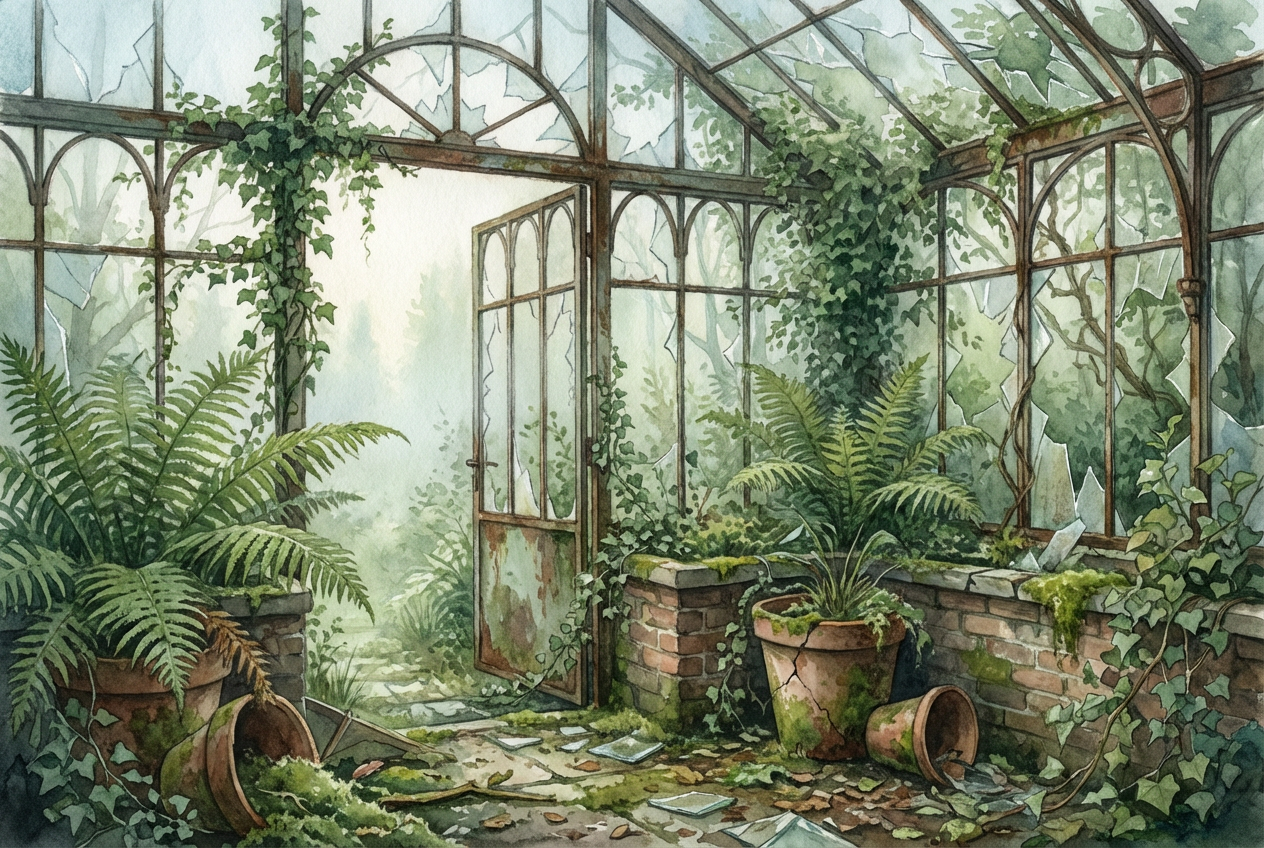
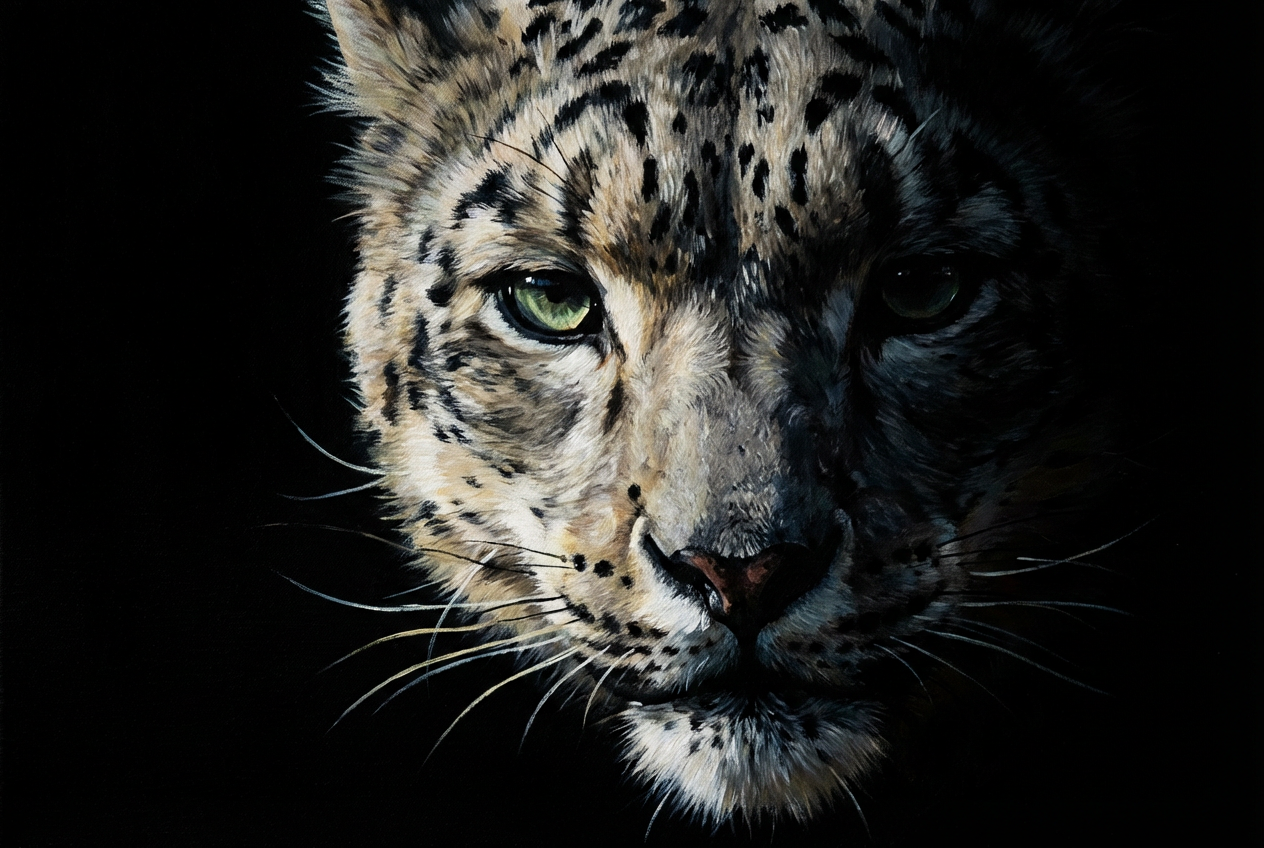
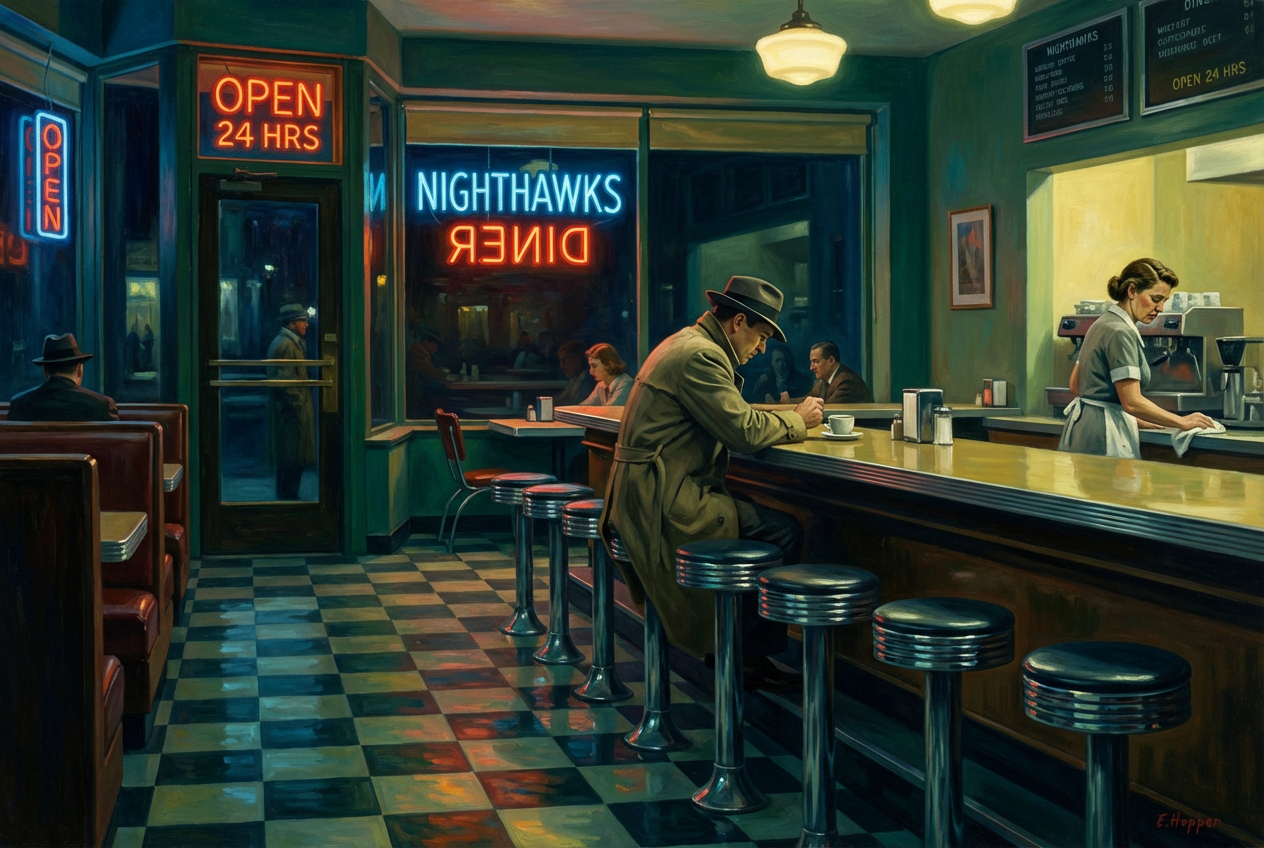
The agent gathers these inputs and preferences in the conversation before it starts.
A photorealistic portrait of a woman with flowing hair...
Choose the type of realistic art style
Choices: Any Style, Photorealistic, Hyperrealistic, Classical Realism, Contemporary Realism, Academic Realism, Social Realism, Magical Realism, Surreal Realism
Choices: Any Medium, Oil Painting, Acrylic, Watercolor, Charcoal, Pencil Drawing, Pastel, Tempera, Digital Art
Choices: Any Lighting, Natural Light, Studio Lighting, Dramatic Lighting, Soft Lighting, Golden Hour, Chiaroscuro, Backlighting, Rim Lighting
Choices: Any Composition, Portrait, Landscape, Close-up, Wide Shot, Three-quarters View, Profile View, Bird, Worm
Choices: Any Colors, Warm Tones, Cool Tones, Monochromatic, Earth Tones, Vibrant Colors, Muted Colors, Sepia Tones, Black & White
Control the level of texture and fine detail
Add a subtle artist signature to the artwork
Apply professional museum-quality finishing touches
Create stunning photorealistic artwork that rivals traditional masterpieces with the power of advanced AI technology
Transform your ideas into photorealistic masterpieces in three simple steps
Enter a detailed description of the realistic artwork you want to create, including subject, style, and mood
Choose your preferred art style, medium, lighting, and composition to match your artistic vision
Our AI creates a photorealistic artwork with professional quality and stunning detail in seconds
Generate artwork so realistic it's indistinguishable from photographs or traditional paintings
Choose from oil painting, watercolor, charcoal, pencil, and more traditional and digital mediums
Apply studio lighting, natural light, or dramatic chiaroscuro effects to enhance your artwork
Adjust texture detail levels from smooth to extremely detailed for perfect artistic expression
Professional finishing touches that make your artwork suitable for galleries and exhibitions
Generate professional-quality realistic artwork in seconds, no artistic training required
Perfect for anyone who wants to create professional-quality realistic artwork
Create realistic concept art, character designs, and detailed illustrations for projects
Generate reference images and explore different realistic styles and compositions
Create artistic interpretations of photographic concepts and explore painterly effects
Generate realistic artwork for client presentations and room visualizations
Study different realistic art styles and techniques for educational purposes
Create personalized realistic artwork for home decoration and personal enjoyment
Include specific details about facial features, clothing, environment, and mood for more accurate results
Select the art medium that best suits your subject - oil for portraits, watercolor for landscapes
Specify lighting direction and quality to create depth and dimension in your realistic artwork
Use composition rules like rule of thirds and leading lines to create visually compelling artwork
Fine-tune texture detail based on your subject - higher for portraits, moderate for landscapes
Our AI Realistic Art Generator specializes in photorealistic quality with advanced controls for lighting, composition, and traditional art mediums, producing museum-quality artwork.
Yes! Choose from various mediums including oil painting, watercolor, charcoal, pencil, acrylic, pastel, and digital art, each with authentic texture and appearance.
Our AI can create hyperrealistic artwork that's virtually indistinguishable from photographs or traditional paintings, with fine details and authentic textures.
Absolutely! Adjust lighting styles from natural to dramatic chiaroscuro, and choose compositions from portraits to landscapes with professional results.
Yes, with museum-quality finishing options and high-resolution output, the artwork is perfect for galleries, exhibitions, and professional projects.
Yes, you can create realistic portraits by describing facial features, expressions, and characteristics in detail for accurate representation.
All artworks are generated in high resolution suitable for printing and professional use, with crisp details and fine textures.
Generation typically takes 10-30 seconds, depending on complexity and detail level, delivering professional results quickly.
Yes, choose from warm tones, cool tones, monochromatic, earth tones, vibrant colors, or even black and white for different artistic effects.
No artistic training required! Simply describe your vision and adjust settings - our AI handles all the technical artistic aspects automatically.


