Image Description
Describe the realistic image you want to create...

Create stunning photorealistic images with AI
Reference media and sample results for this task.
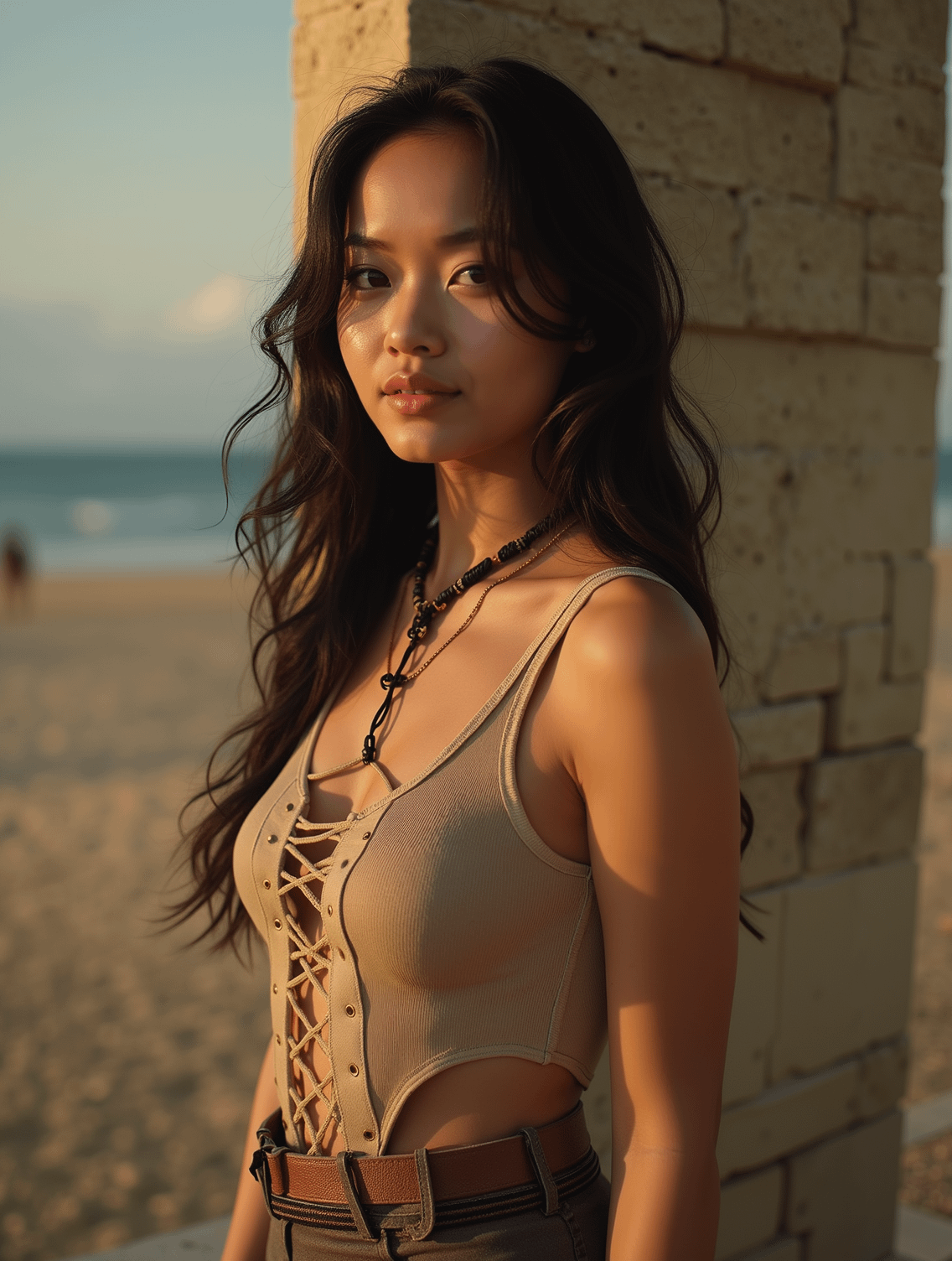
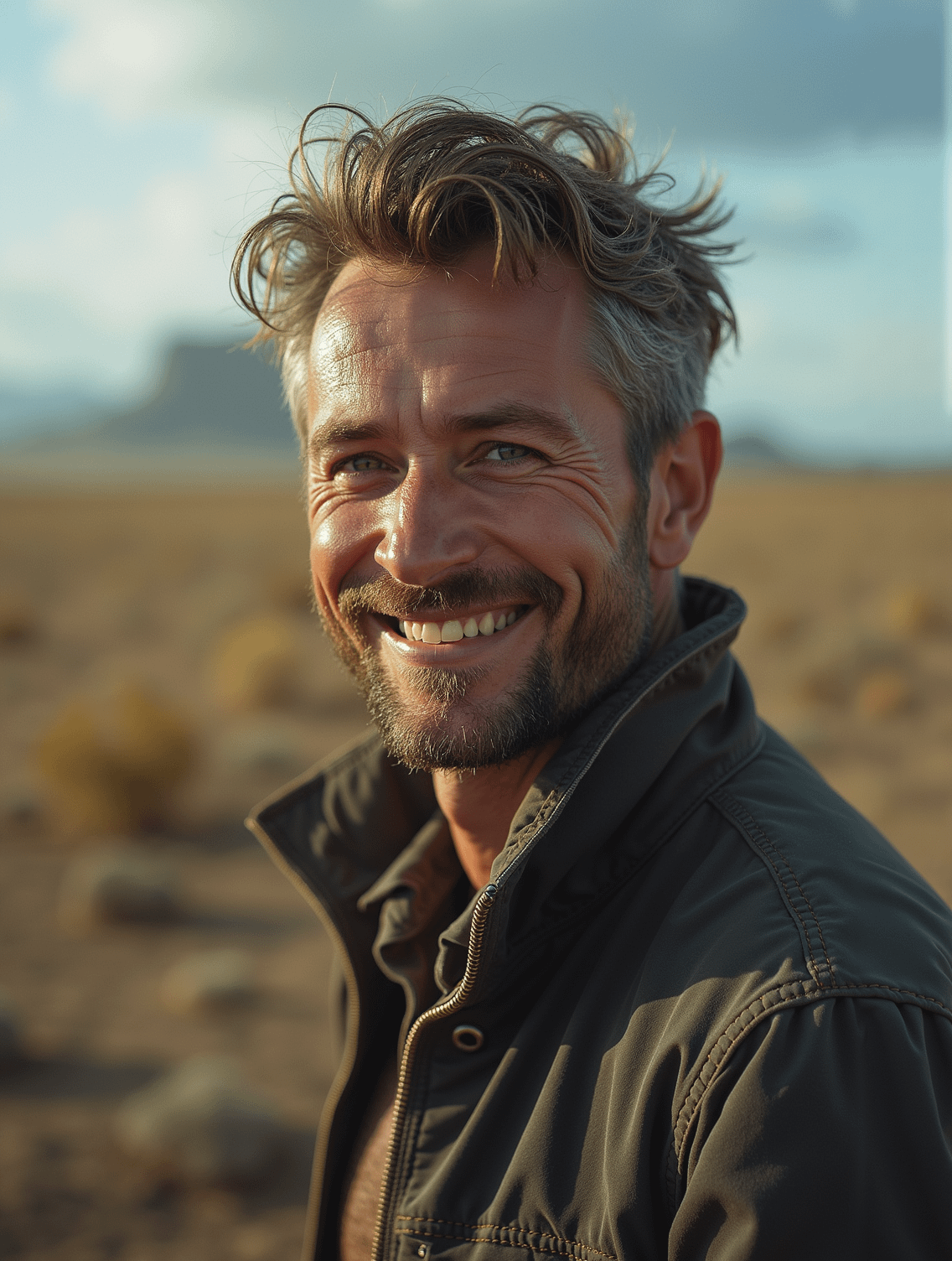
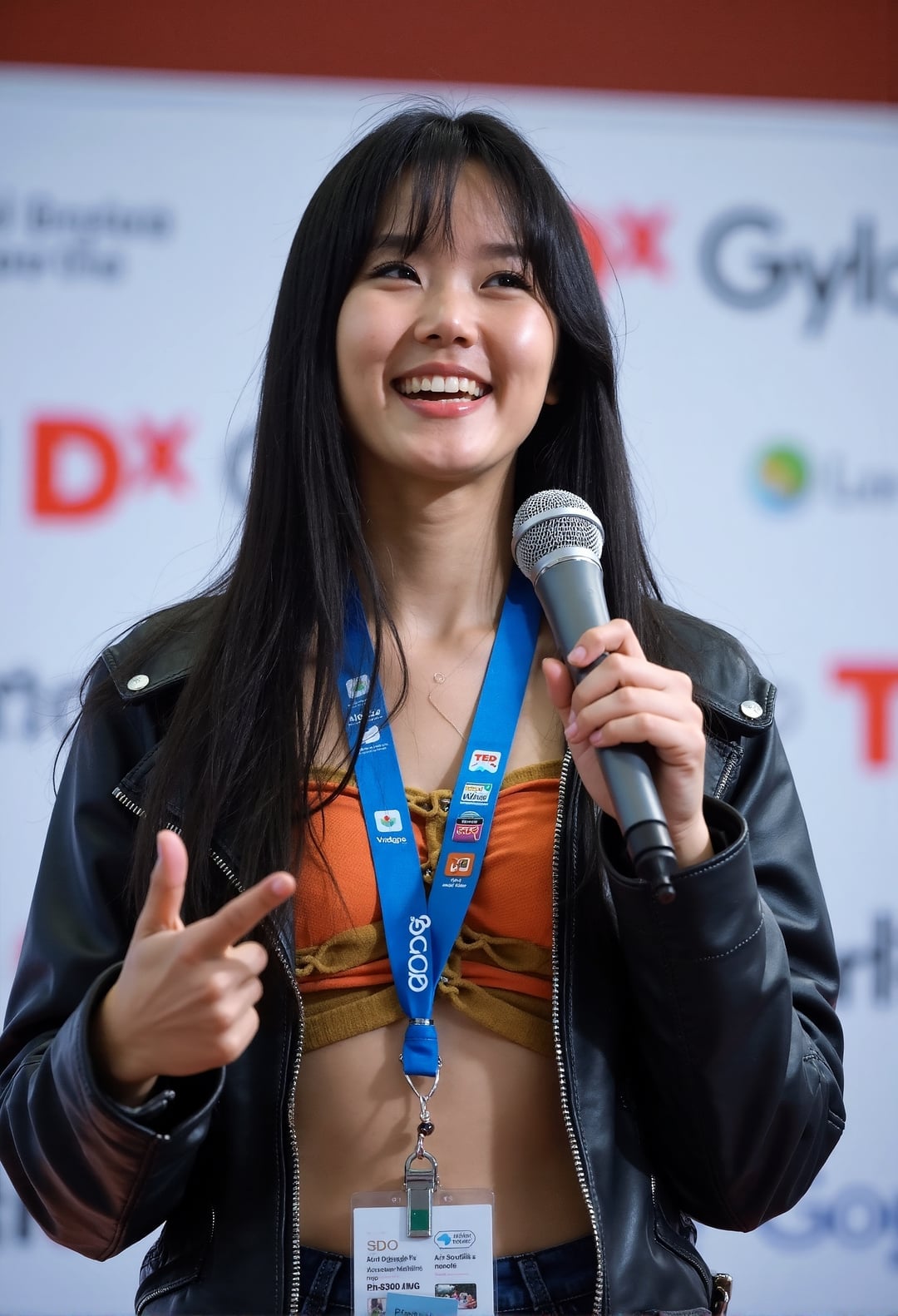
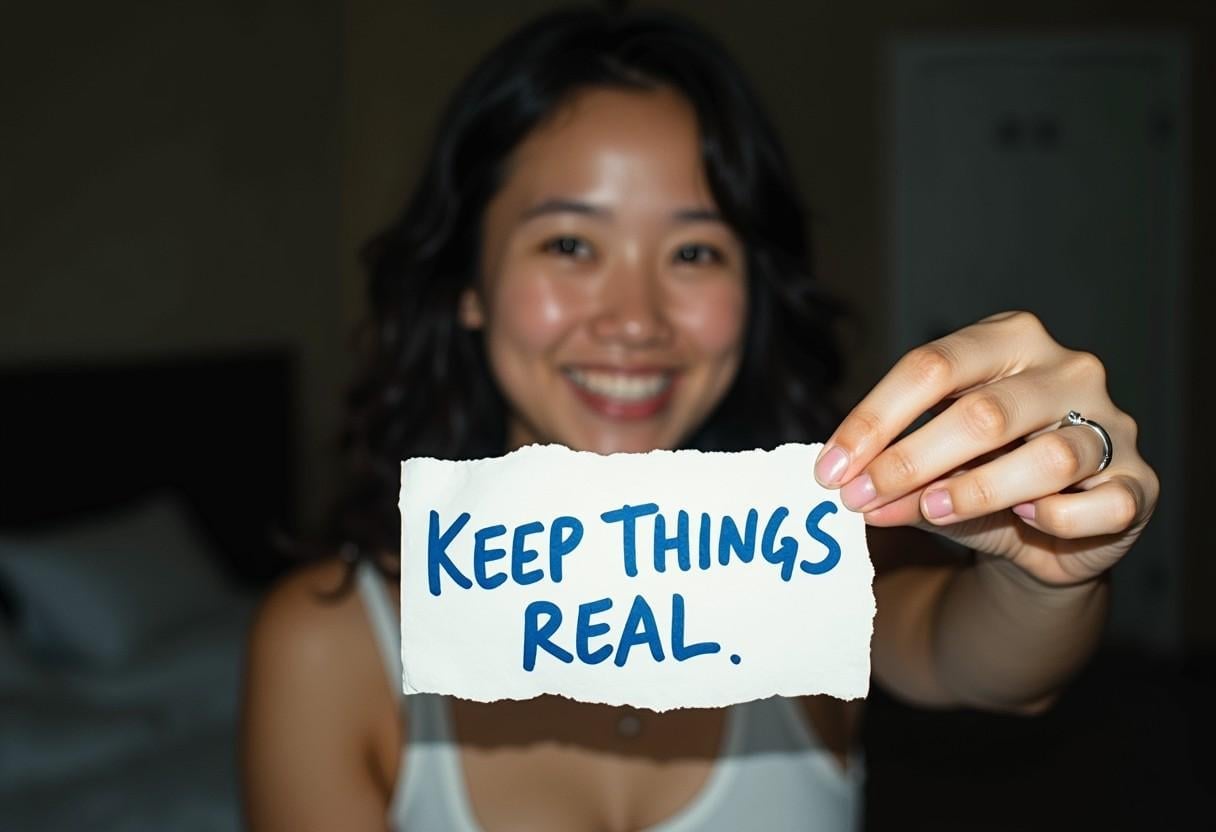
The agent gathers these inputs and preferences in the conversation before it starts.
Describe the realistic image you want to create...
Choices: Natural Lighting, Studio Lighting, Dramatic Lighting, Soft Lighting, Golden Hour, Blue Hour, Backlit
Choices: Natural Perspective, Close-up, Wide Angle, Aerial, Eye Level, Low Angle, High Angle
Choices: Natural Environment, Studio, Outdoor, Urban, Nature, Indoor
Choices: Natural Mood, Dramatic, Peaceful, Energetic, Mysterious, Romantic
Choices: Professional Camera, DSLR, Medium Format, Telephoto Lens, Macro Lens, Wide Lens
Create stunning, photorealistic images with professional quality and incredible detail.
Create professional-quality images in three simple steps:
Enter a detailed description of the image you want to create.
Select style, lighting, perspective, and other professional parameters.
Let AI create stunning photorealistic images based on your specifications.
Generate images that match professional photography standards.
Fine-tune lighting, perspective, and camera settings.
Choose from various photography styles and aesthetics.
Create images suitable for professional printing and digital use.
Create concept images and explore different styles.
Generate professional imagery for marketing and presentations.
Create realistic mockups and visual concepts.
Produce high-quality visuals for various platforms.
Generate reference images and inspiration.
Create custom imagery for projects and presentations.
Include details about lighting, composition, and subject matter.
Specify the type of lighting that best suits your vision.
Select the right camera angle for your subject.
Define the atmosphere you want to create in your image.
Include environmental details for more realistic results.
We support various photography styles including cinematic, editorial, documentary, commercial, fashion, architectural, and product photography.
Our AI generates high-resolution images suitable for both digital and print use, with excellent detail and clarity.
Yes! You can specify lighting conditions, camera perspectives, and environmental settings to achieve your desired look.
Yes, all generated images come with full commercial usage rights and can be used in your projects without restrictions.
You can generate multiple variations of your concept to explore different interpretations and styles.
Include specific details about subject matter, lighting, mood, and composition. The more detailed your description, the better the results.
Yes, you can download and edit the generated images using any image editing software of your choice.
Image generation typically takes 10-30 seconds, depending on complexity and server load.


