Restaurant Description
Describe your ideal restaurant (e.g.,

Generate stunning restaurant interior and exterior designs with AI
Reference media and sample results for this task.
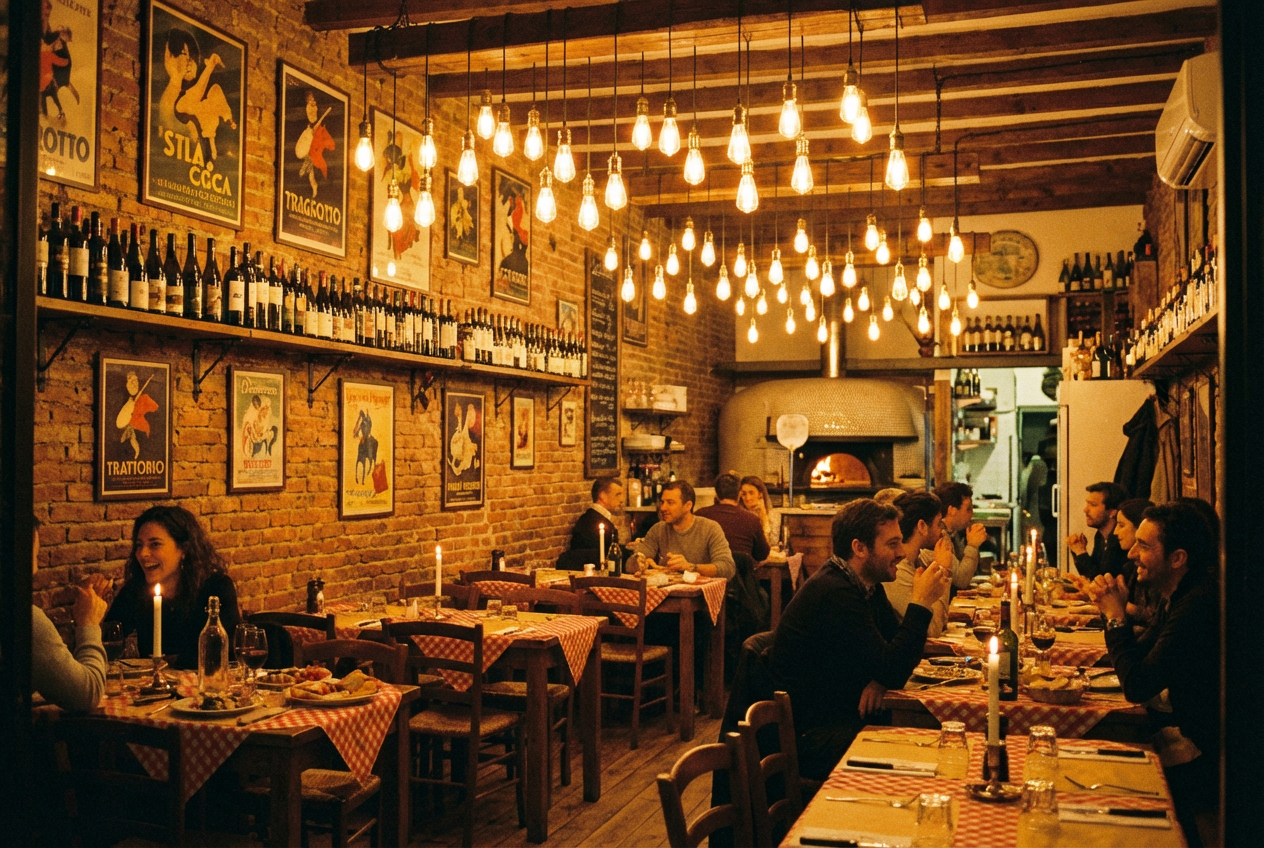
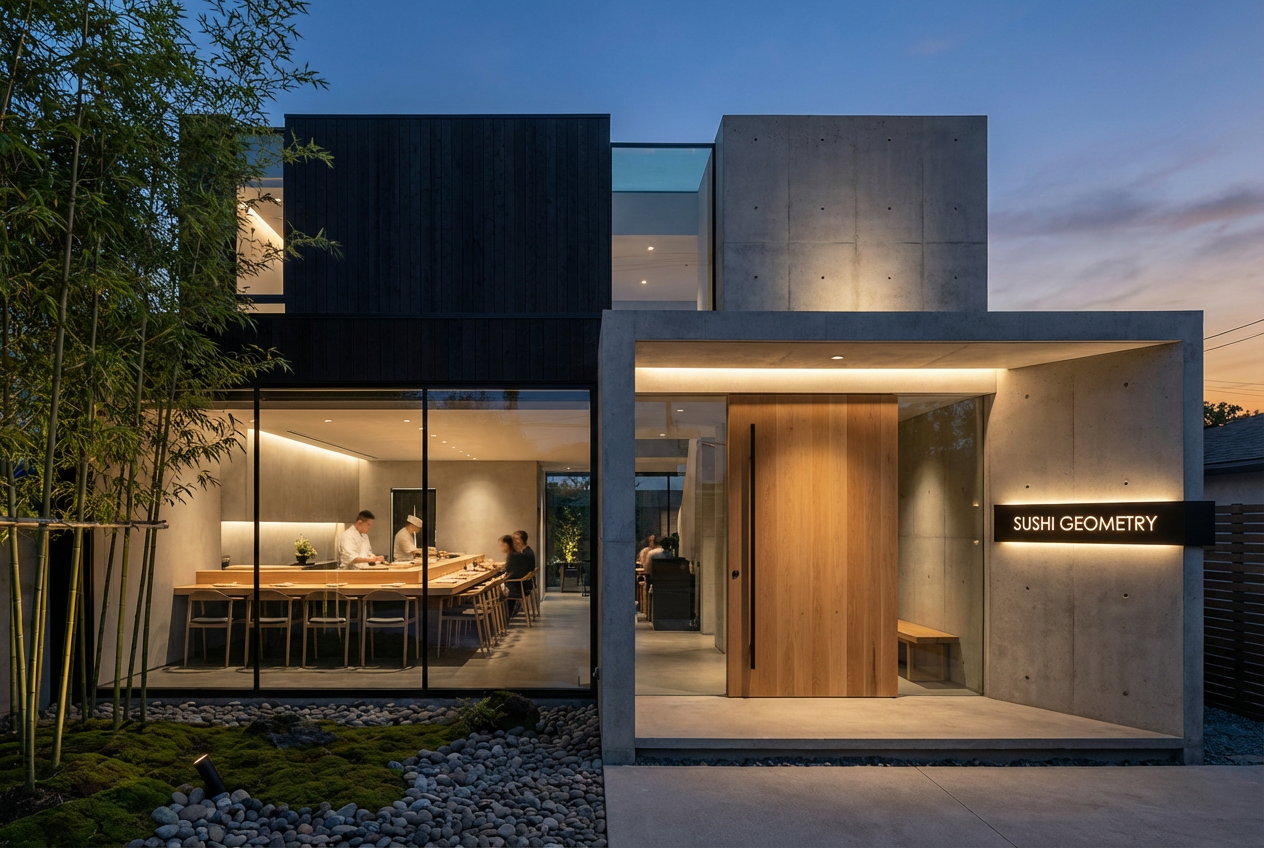
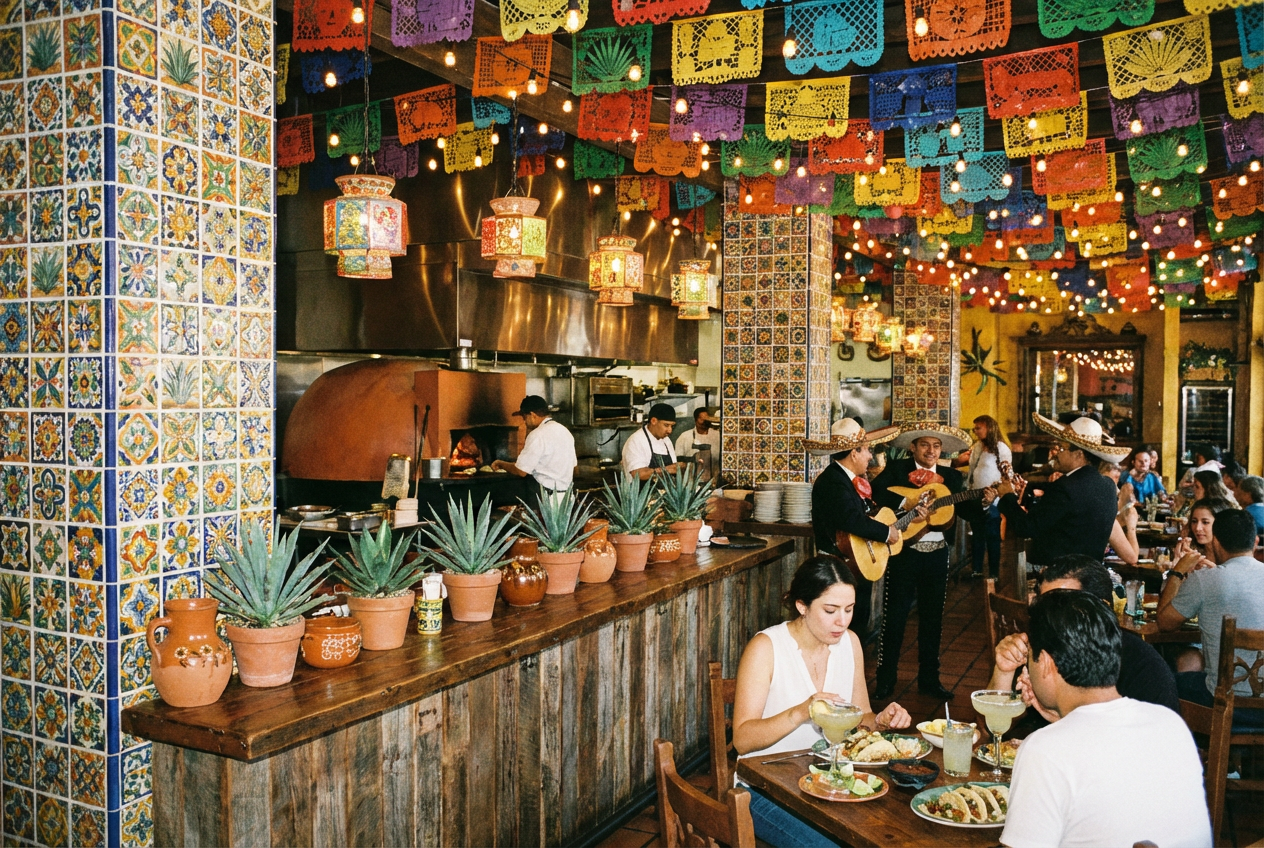
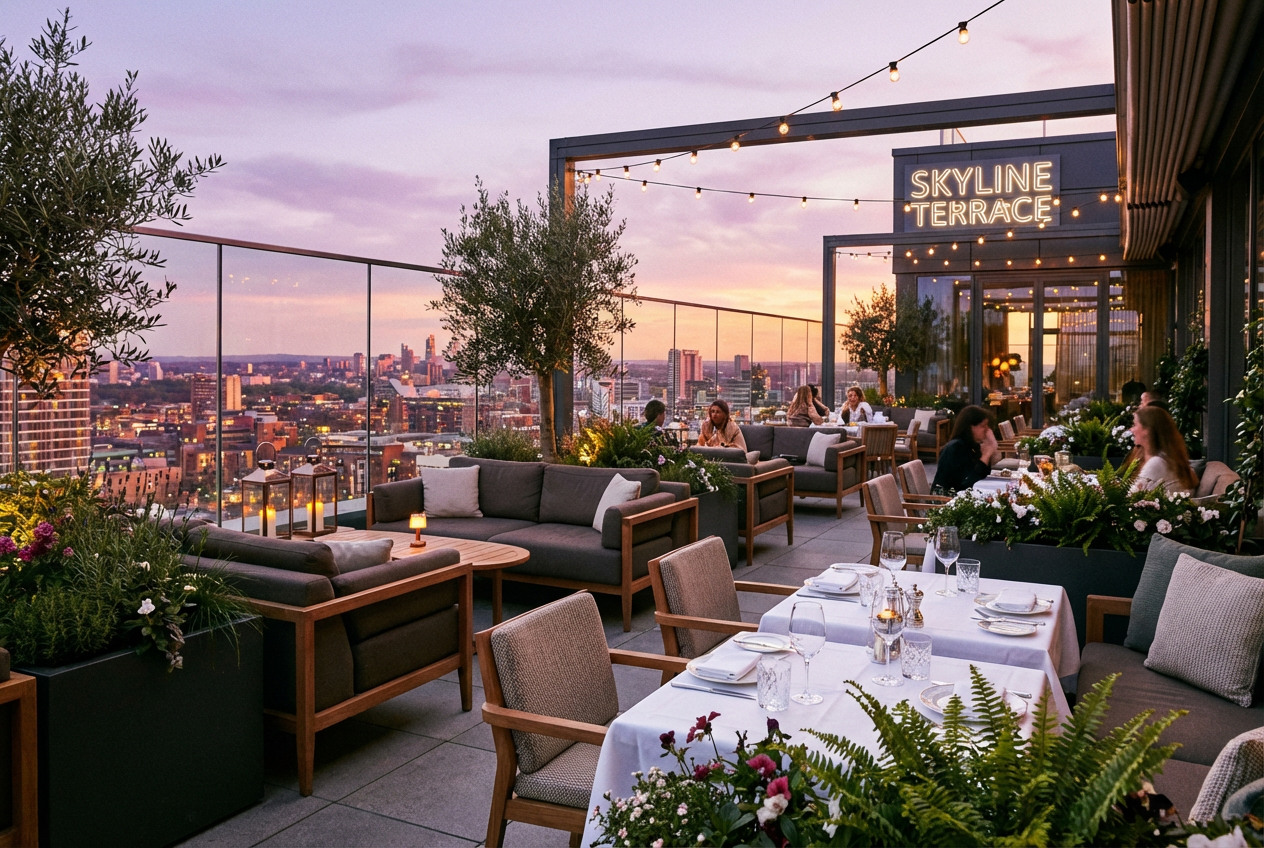
The agent gathers these inputs and preferences in the conversation before it starts.
Describe your ideal restaurant (e.g.,
Choose the type of restaurant
Choices: Any Type, Fine Dining, Casual Dining, Bistro, Café, Pizzeria, Steakhouse, Sushi Bar, Fast Food, Food Court
Choices: Any Cuisine, Italian, French, Japanese, Chinese, Mexican, Indian, Mediterranean, Thai, American
Choices: Any Style, Modern, Contemporary, Rustic, Industrial, Minimalist, Traditional, Luxury, Scandinavian, Vintage
Choices: Any Ambiance, Cozy & Intimate, Elegant & Sophisticated, Casual & Relaxed, Romantic, Lively & Energetic, Quiet & Peaceful, Upscale
Choices: General Dining Area, Booth Seating, Bar Area, Outdoor Patio, Private Dining Room, Counter Seating, Lounge Area
Choices: Standard Lighting, Dim & Moody, Bright & Airy, Pendant Lights, Chandeliers, Natural Light, Candlelit
Choices: Any Time, Breakfast Time, Lunch Service, Dinner Service, Evening, Night
Choices: Interior View, Exterior/Facade, Entrance, Kitchen View, Full Dining Room, Corner Perspective
Add dining customers to the scene
Include restaurant staff in the image
Visualize your dream restaurant design instantly with our advanced AI technology. Perfect for planning, presentations, and inspiration.
Create stunning restaurant visualizations in three simple steps
Enter your restaurant concept, including cuisine type, style, and atmosphere
Select restaurant type, design style, seating areas, lighting, and ambiance
Receive a photorealistic rendering of your restaurant design instantly
Generate both interior dining spaces and exterior facades to visualize your complete restaurant concept
From modern and industrial to rustic and luxury, create restaurants in any design aesthetic
Set the perfect mood with options for dim romantic lighting, bright casual ambiance, or natural daylight
Include customers and staff to visualize your restaurant in full operation
Visualize booth seating, bar areas, outdoor patios, private dining rooms, and more
Architectural visualization quality suitable for business plans and investor presentations
Perfect for anyone in the restaurant and hospitality industry
Visualize your restaurant concept before construction or renovation for better planning
Present multiple design options to clients and quickly iterate on concepts
Create preliminary visualizations for restaurant spaces in mixed-use developments
Evaluate restaurant concepts and potential returns with realistic visualizations
Create restaurant design projects and explore different concepts for coursework
Help clients visualize restaurant concepts for business plans and proposals
Align your design style with your cuisine type - rustic for Italian, modern for Japanese, etc.
Dim lighting creates intimacy for fine dining, while bright lighting works for casual cafés
Enable 'Include Customers' to see how your space looks when operational and inviting
Generate separate images for different zones - dining area, bar, outdoor patio - for complete planning
Create both interior and exterior views to present a comprehensive vision of your restaurant
Yes! All generated images can be used commercially in business plans, investor presentations, and marketing materials.
Our AI creates photorealistic visualizations that look like professional architectural renderings, suitable for presentations and planning.
Absolutely! Select 'Outdoor Patio' for the seating area or 'Exterior' for the view type to create outdoor dining spaces.
Yes, choose from Italian, French, Japanese, Mexican, Indian, and many other cuisine types that influence the design aesthetic.
Yes! Select 'Kitchen View' in the view type options to visualize professional kitchen layouts and open kitchen concepts.
Yes, all generated images are high-resolution and suitable for printing in business plans, brochures, and presentations.
Yes, enable 'Include Customers' and 'Show Staff' options to visualize your restaurant during operational hours.
Use the 'Time of Day' option to visualize your restaurant during breakfast, lunch, dinner, or evening service.
Yes! Select 'Private Dining Room' in the seating area options to create exclusive dining spaces.
There's no limit! Generate as many variations as you need to find the perfect design for your restaurant concept.


