Describe Your River Scene
A peaceful river flowing through a forest at sunset...

Generate stunning river landscapes and waterway scenes with AI
Reference media and sample results for this task.
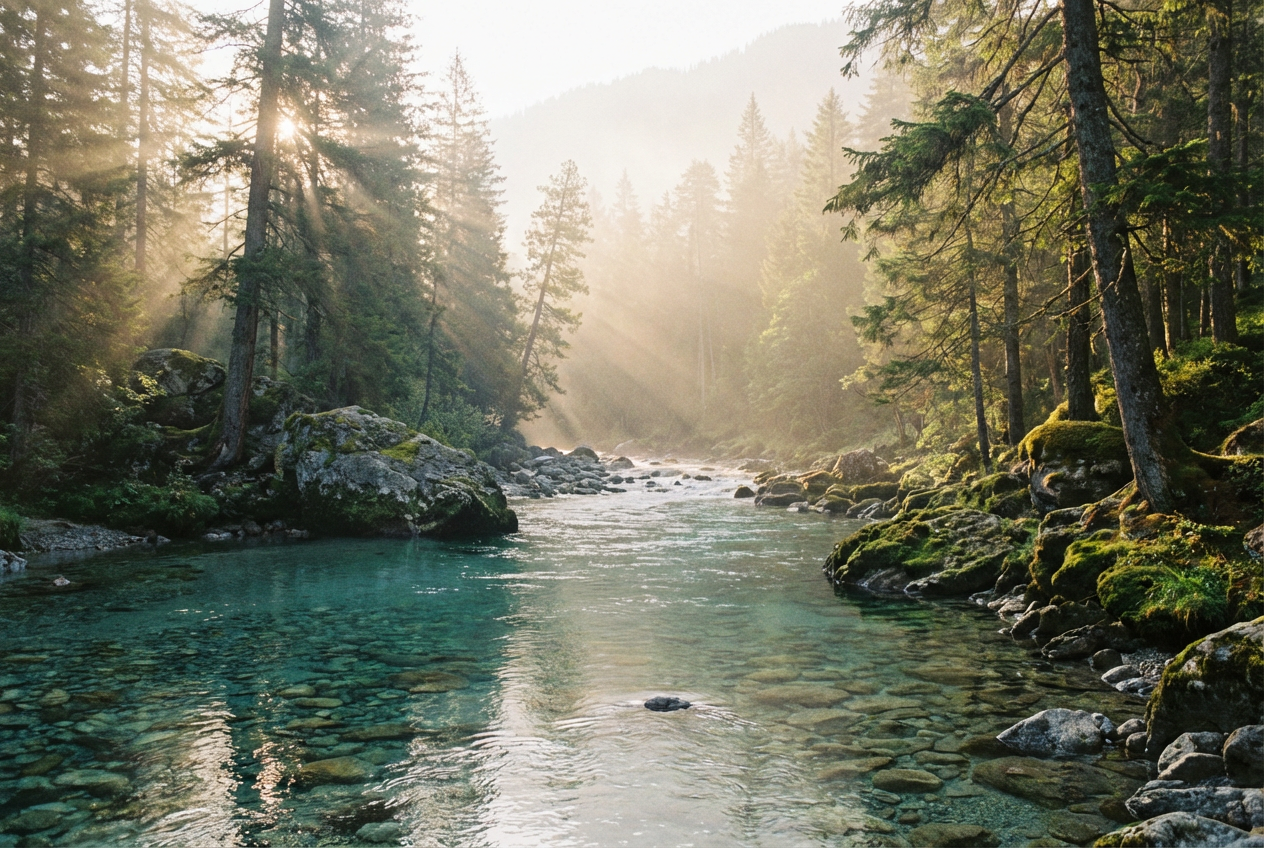
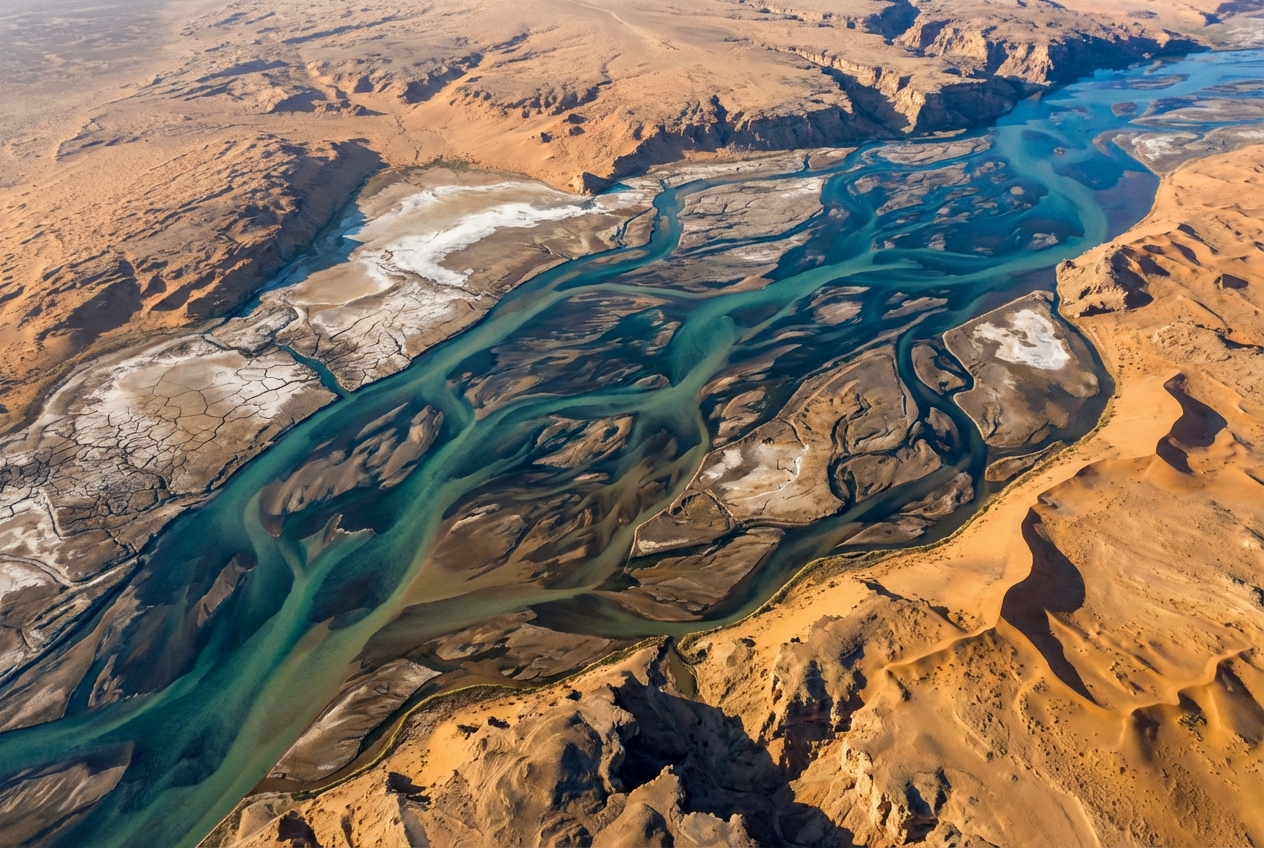
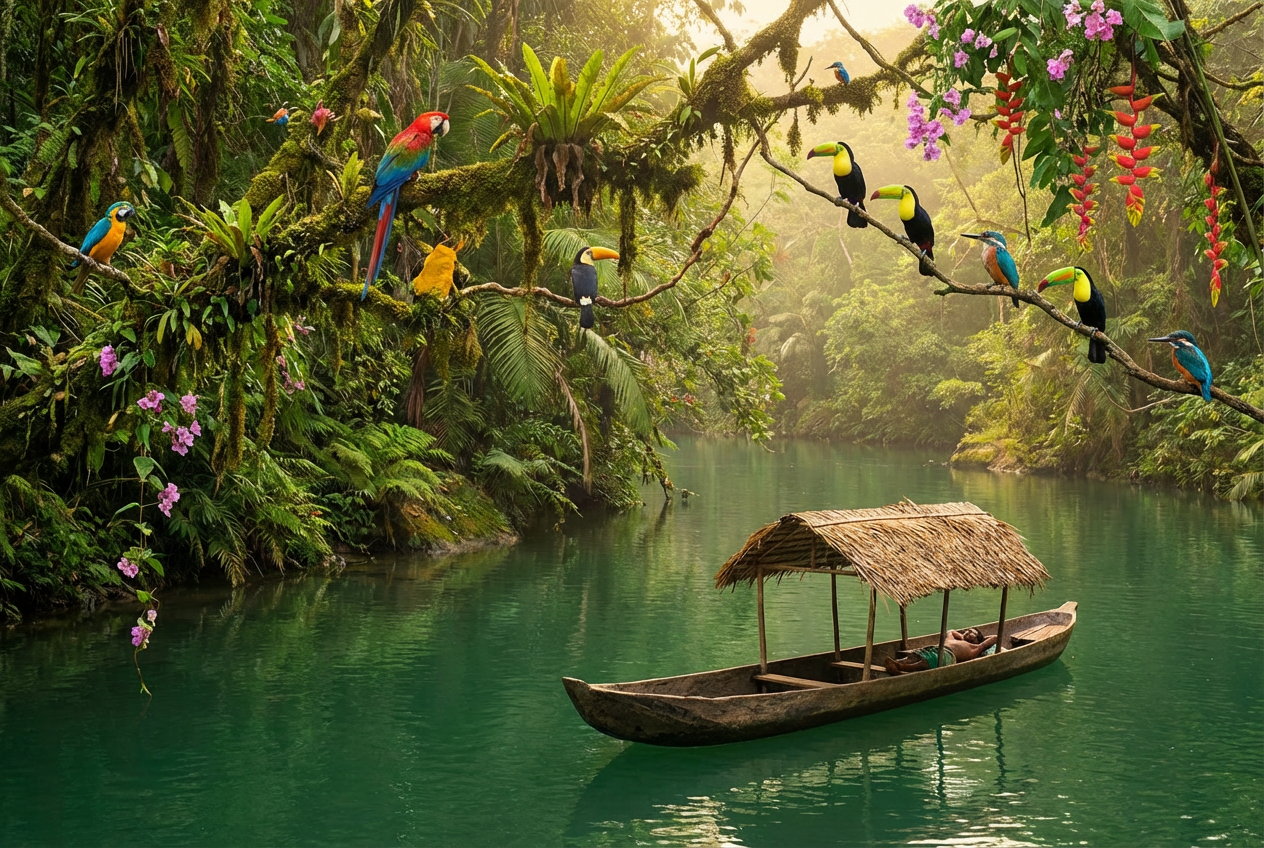
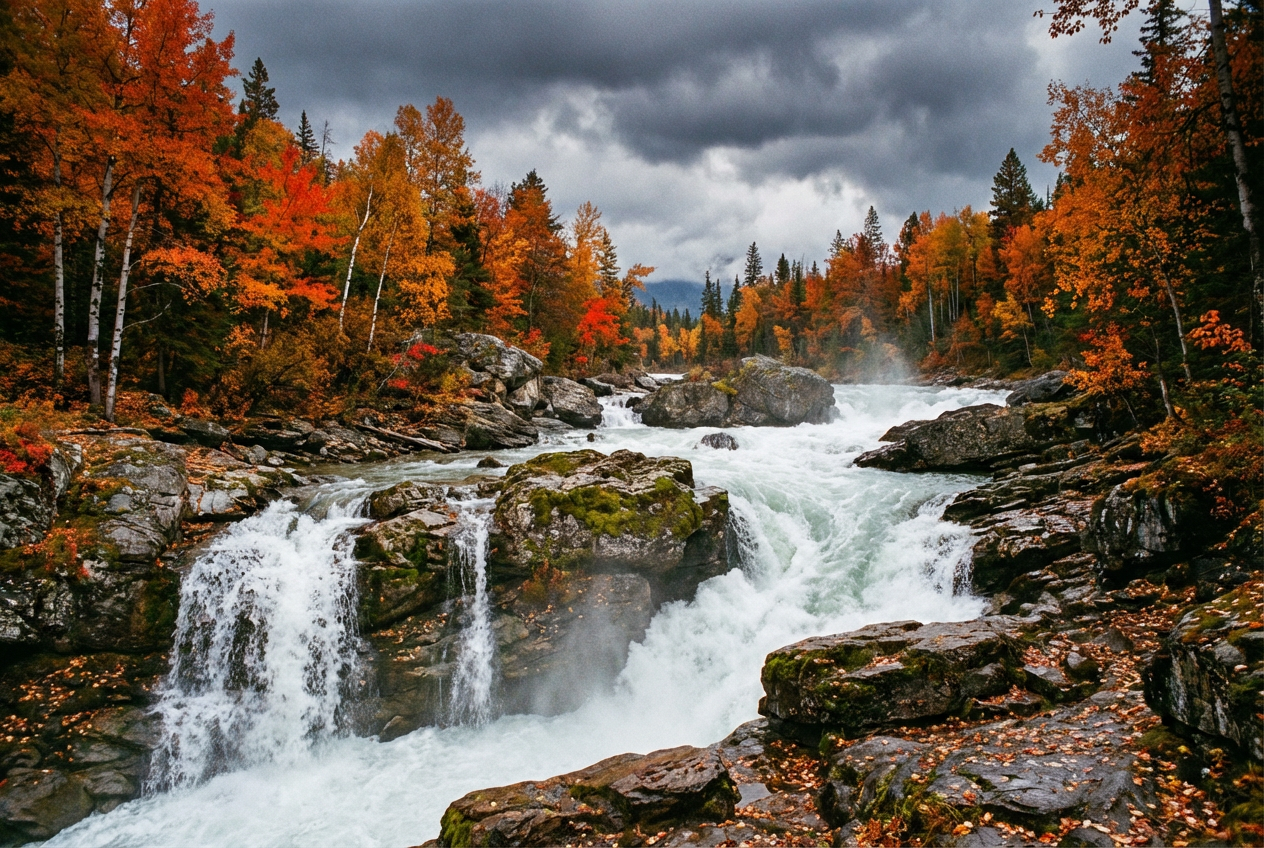
The agent gathers these inputs and preferences in the conversation before it starts.
A peaceful river flowing through a forest at sunset...
Choose the type of river or waterway
Choices: Any Type, Mountain Stream, Wide River, Rapids & Whitewater, River Delta, Creek, Canyon River, Jungle River, Frozen River
Choices: Any Time, Sunrise, Morning, Midday, Afternoon, Sunset, Dusk, Night
Choices: Any Season, Spring, Summer, Autumn, Winter
Choices: Any Weather, Clear, Cloudy, Misty, Foggy, Rainy, Stormy
Choices: Any Environment, Forest, Mountains, Plains, Desert, Jungle, Urban, Countryside
Choices: Natural, Crystal Clear, Turquoise, Emerald, Murky, Highly Reflective
Add birds, fish, or other wildlife
Apply cinematic lighting and composition
Create breathtaking river landscapes and waterway scenes with advanced AI technology that captures the natural beauty and flow of rivers.
Generate stunning river scenes in three simple steps
Enter details about your desired river scene, including type, surroundings, and atmosphere
Adjust time of day, season, weather, and water clarity to perfect your vision
AI creates your river landscape in seconds, ready to download and use
Create mountain streams, wide rivers, rapids, deltas, and more with realistic water flow
Set the perfect lighting with sunrise, sunset, or any time of day across all seasons
Add atmosphere with clear skies, mist, fog, rain, or dramatic storm conditions
Place rivers in forests, mountains, plains, or any natural setting you imagine
Control water appearance from crystal clear to turquoise, emerald, or naturally murky
Generate high-resolution images with cinematic or natural photography styles
Perfect for creators and professionals across various fields
Create stunning river backgrounds and landscapes for digital art projects and compositions
Generate river environments and natural scenery for game backgrounds and concept art
Design eye-catching thumbnails and backgrounds featuring beautiful river landscapes
Create nature-themed wall art and decorative pieces featuring serene waterways
Generate river scenes for book covers, illustrations, and fantasy world building
Create promotional materials showcasing beautiful river destinations and natural attractions
Mention whether you want calm, flowing, or rushing water to get the right water movement
Match time of day with appropriate weather and lighting for natural-looking results
Different water clarity options create dramatically different moods and aesthetics
The environment around your river greatly impacts the overall scene composition
Enable cinematic style for dramatic scenes; leave off for natural, realistic results
Yes! You can select from spring, summer, autumn, or winter settings to create seasonal river scenes with appropriate foliage and atmosphere.
You can generate mountain streams, wide rivers, rapids, river deltas, creeks, canyon rivers, jungle rivers, and frozen rivers.
Absolutely! Choose from crystal clear, turquoise, emerald, murky, or highly reflective water to match your vision.
Yes, all river landscapes are generated in high resolution, suitable for printing and professional use.
Yes! Enable the wildlife option to include birds, fish, and other animals that naturally inhabit river environments.
Cinematic style adds dramatic lighting and composition for artistic effect, while natural style creates realistic, documentary-style river photographs.
Yes, you can select urban surroundings to generate rivers flowing through cities or alongside buildings.
Combine time of day, weather, and season settings. For example, misty morning in autumn creates a peaceful mood, while stormy afternoon creates drama.
Yes, all generated river images can be used for commercial purposes, including marketing, products, and publications.
Describe specific features like waterfalls, rocks, bridges, or boats in your description for more detailed and customized results.


