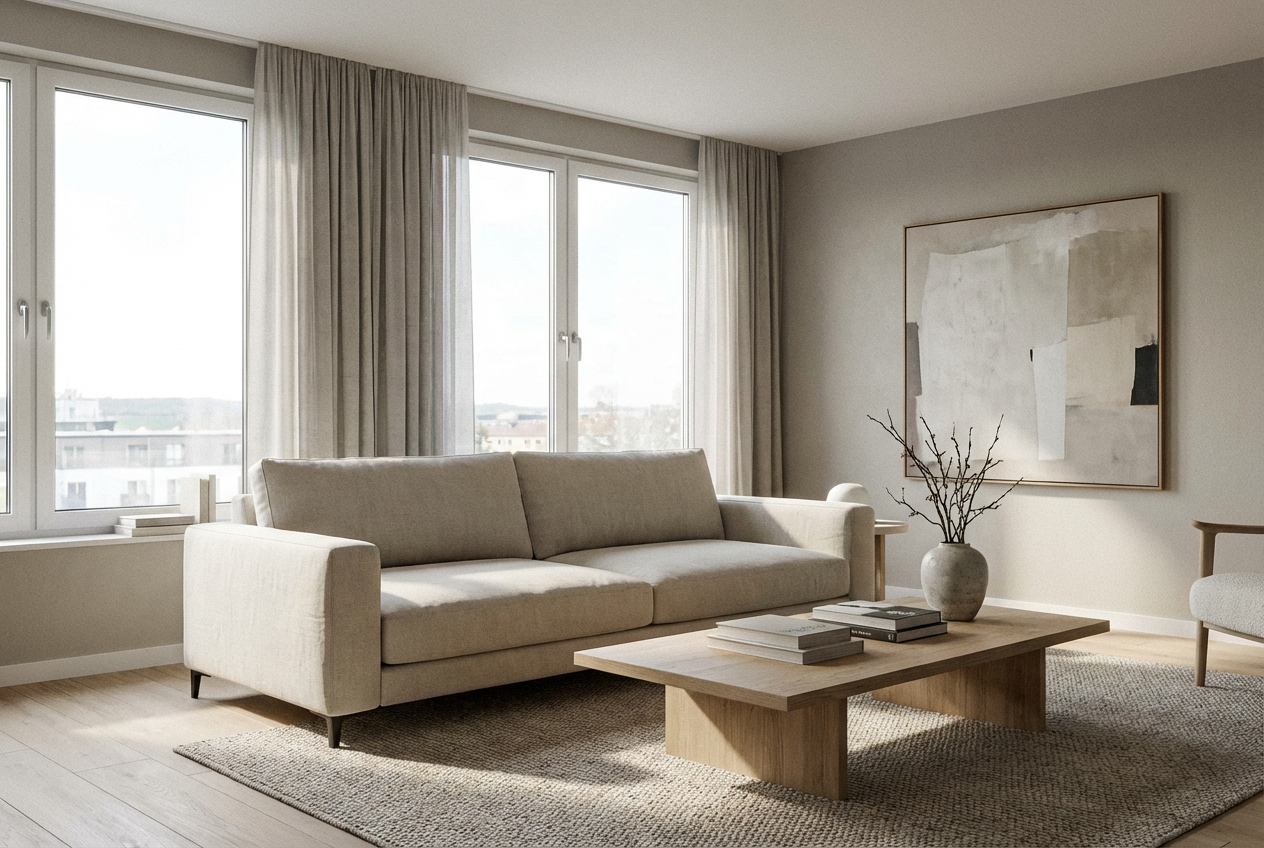
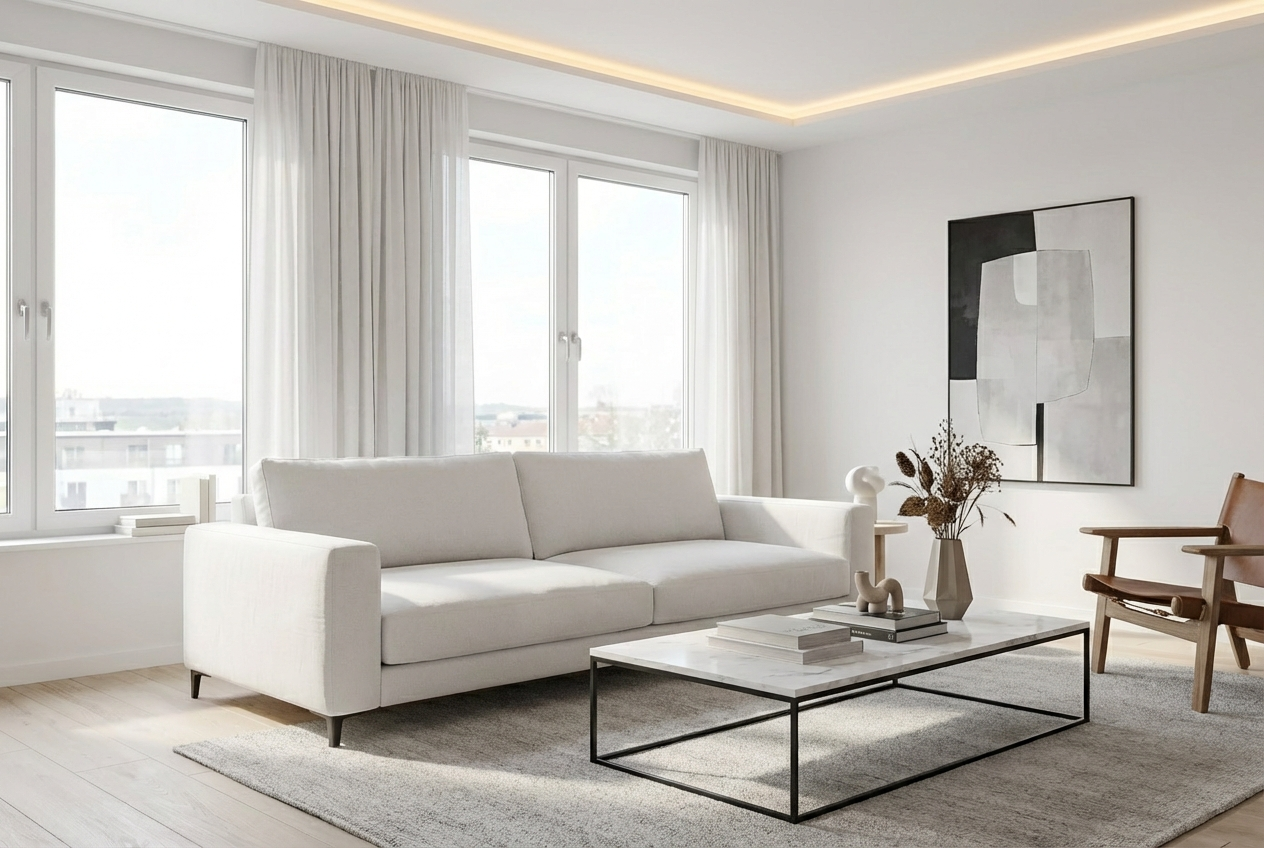
Compare the source image with each finished result.
Source image
Result
What Magica will ask for
The agent gathers these inputs and preferences in the conversation before it starts.
Room Description
Describe your dream room design...
Room Type
Choices: Any Room Type, Living Room, Bedroom, Kitchen, Bathroom, Dining Room, Home Office, Game Room, Nursery, Walk-in Closet, Home Gym
Lighting
Choices: Any Lighting, Natural, Warm, Cool, Ambient, Bright, Moody, Dramatic
Color Scheme
Choices: Any Color Scheme, Neutral, Monochromatic, Warm, Cool, Earthy, Pastel, Bold, Black and White
Viewpoint
Choices: Any Viewpoint, Front, Corner, Side, High Angle, Low Angle
Why Choose Our AI Room Generator?
Create stunning interior designs tailored to your vision and style preferences.
Advanced AI models specialized in interior design
Multiple room types and style options
Customizable lighting and color schemes
Various viewpoint options for better visualization
How Our AI Room Generator Works
Design your perfect room in three simple steps:
01
Describe Your Vision
Enter a detailed description of your desired room design.
02
Customize Settings
Select room type, style, lighting, and color preferences.
03
Generate
Let AI create stunning room visualizations based on your specifications.
Key Features of AI Room Generator
Multiple Room Types
Generate designs for any room type, from living rooms to home offices.
Style Customization
Choose from various interior design styles to match your preferences.
Easy Export
Download your designs instantly to share with interior designers.
Multiple Viewpoints
View your room design from different angles for better visualization.
Who Can Benefit from Our AI Room Generator?
Homeowners
Visualize renovation ideas and room makeovers before committing.
Interior Designers
Generate quick concepts and inspire new design directions.
Design Students
Create room designs for projects and build your portfolio.
Real Estate Agents
Show potential buyers different room styling possibilities.
DIY Enthusiasts
Plan and visualize your home improvement projects.
Property Developers
Create quick visualizations for different room layouts and styles.
Tips for Better Room Designs
Tip 1
Be Specific
Include details about furniture, materials, and specific features you want.
Tip 2
Consider Lighting
Specify natural or artificial lighting to set the right mood.
Tip 3
Think About Flow
Consider traffic flow and furniture arrangement in your description.
Tip 4
Reference Styles
Mention specific interior design styles that inspire you.
Tip 5
Include Color Preferences
Specify your desired color scheme for more accurate results.
Frequently Asked Questions About AI Room Generator
What room types can I generate?
You can generate designs for any room type including living rooms, bedrooms, kitchens, bathrooms, home offices, and more. Each room type has its own specialized features and styling options.
Can I customize the style and colors?
Yes! You can choose from various interior design styles like modern, minimalist, traditional, and more. You can also specify color schemes and lighting preferences.
Are the designs realistic?
Yes, our AI generates photorealistic room designs that can help you visualize how your space could look. However, remember that actual implementation may require adjustments based on real-world constraints.
Can I generate multiple variations?
Yes, you can generate multiple versions of your room design to explore different interpretations and styles.
How do I share designs with my interior designer?
You can easily download your generated designs and share them directly with your interior designer for reference and implementation.
What makes a good room design prompt?
Include details about the room type, desired style, color preferences, and any specific features or furniture you want. The more specific you are, the better the results.
Can I use the generated designs commercially?
Yes! All designs generated by our AI Room Generator are 100% free for commercial use. You can use them in your interior design business, portfolio, or any other commercial projects without any licensing restrictions.