Describe your RPG map
Fantasy village with marketplace, sci-fi space station corridor...

Create custom RPG battle maps, world maps, and adventure locations for tabletop and video game RPGs
Reference media and sample results for this task.
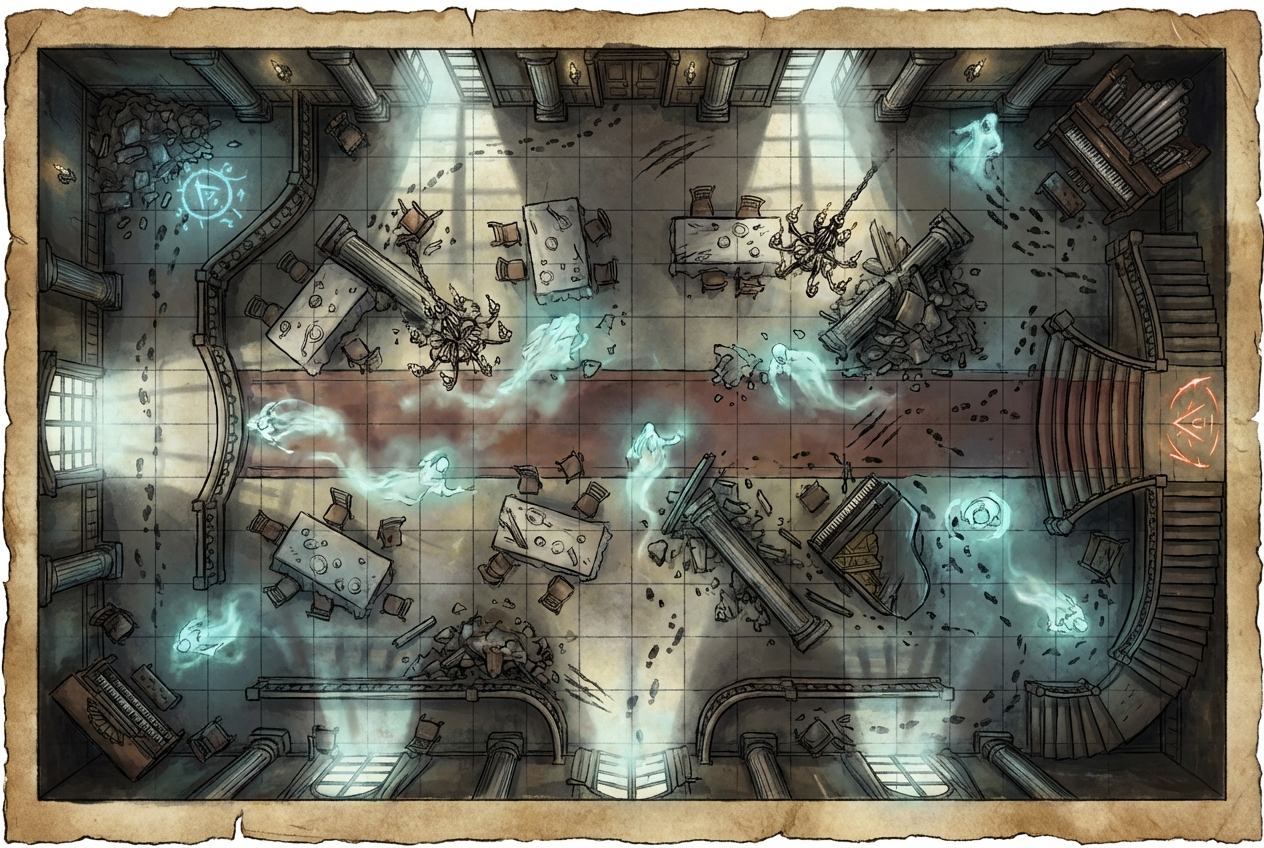
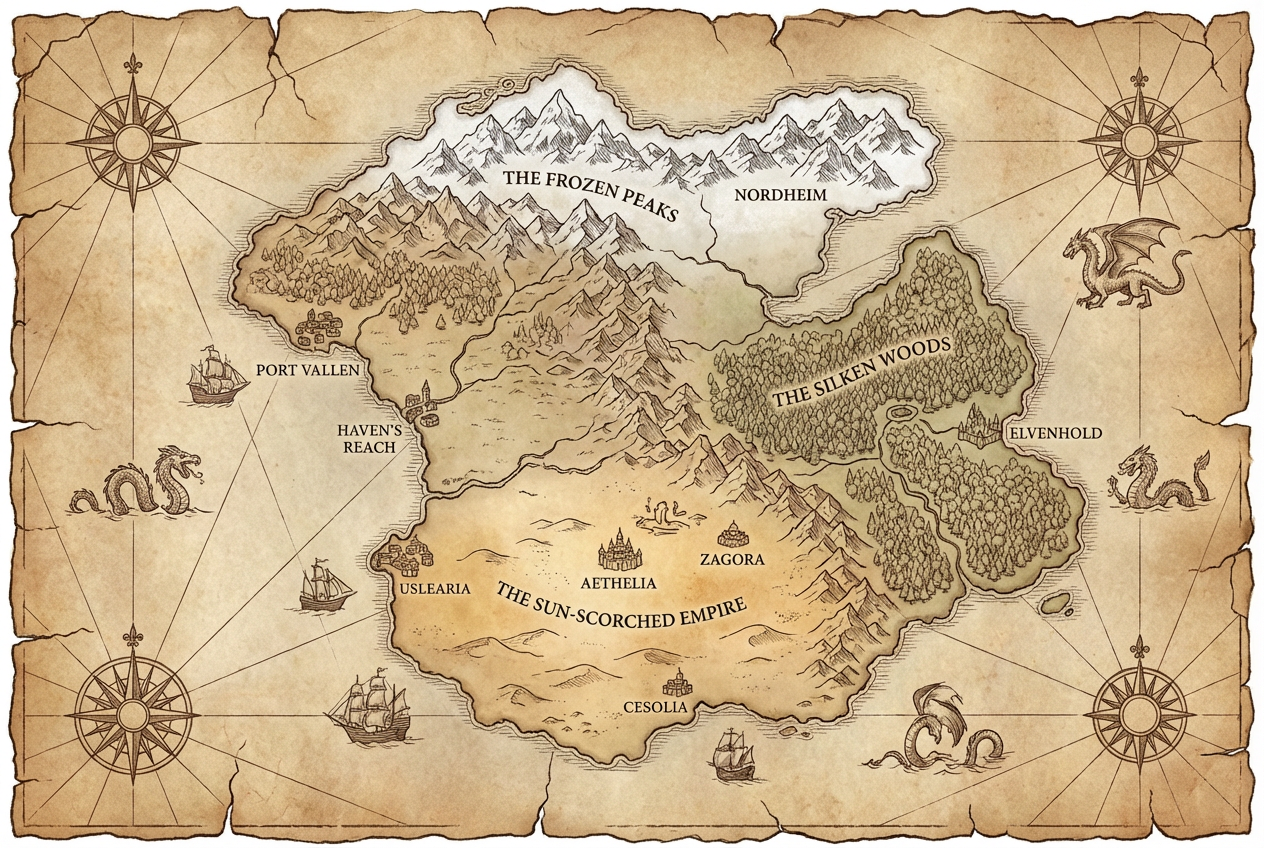
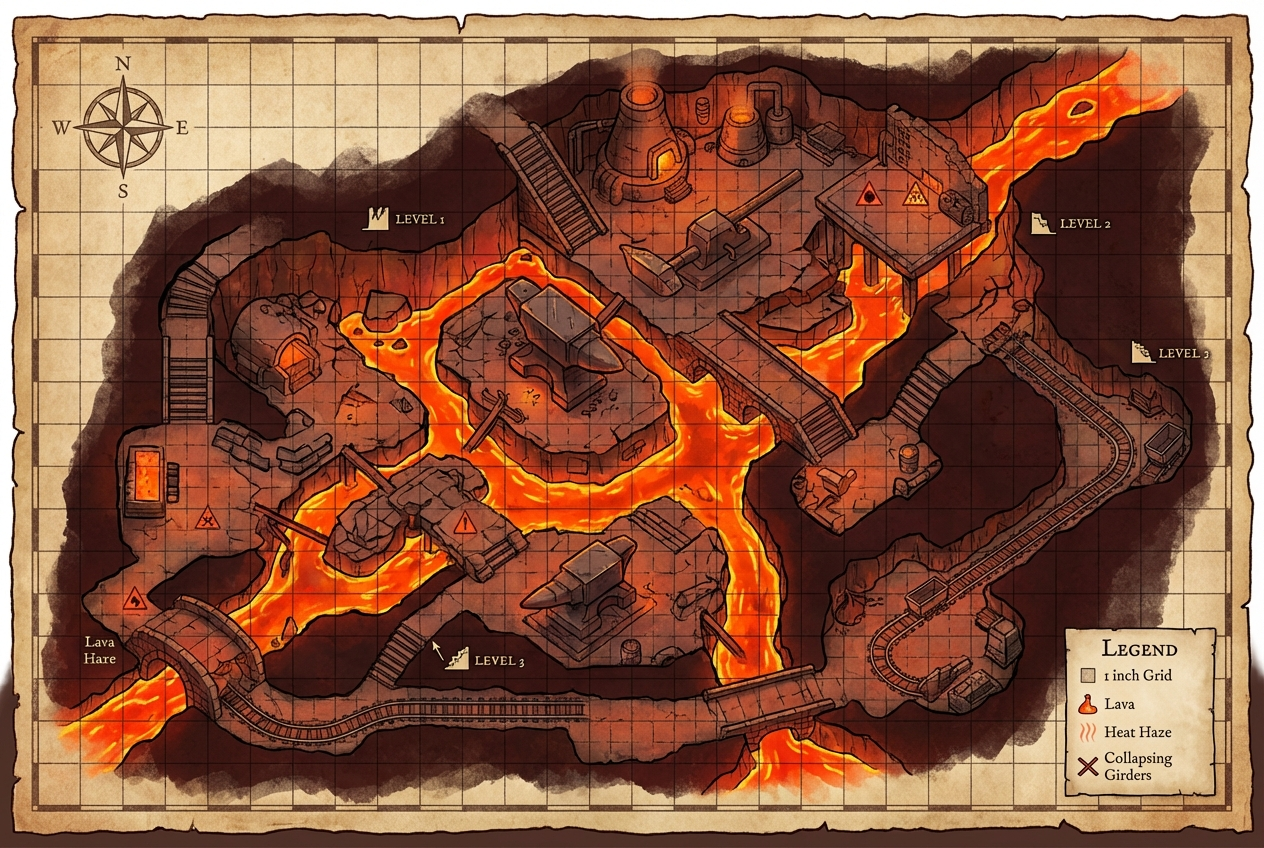
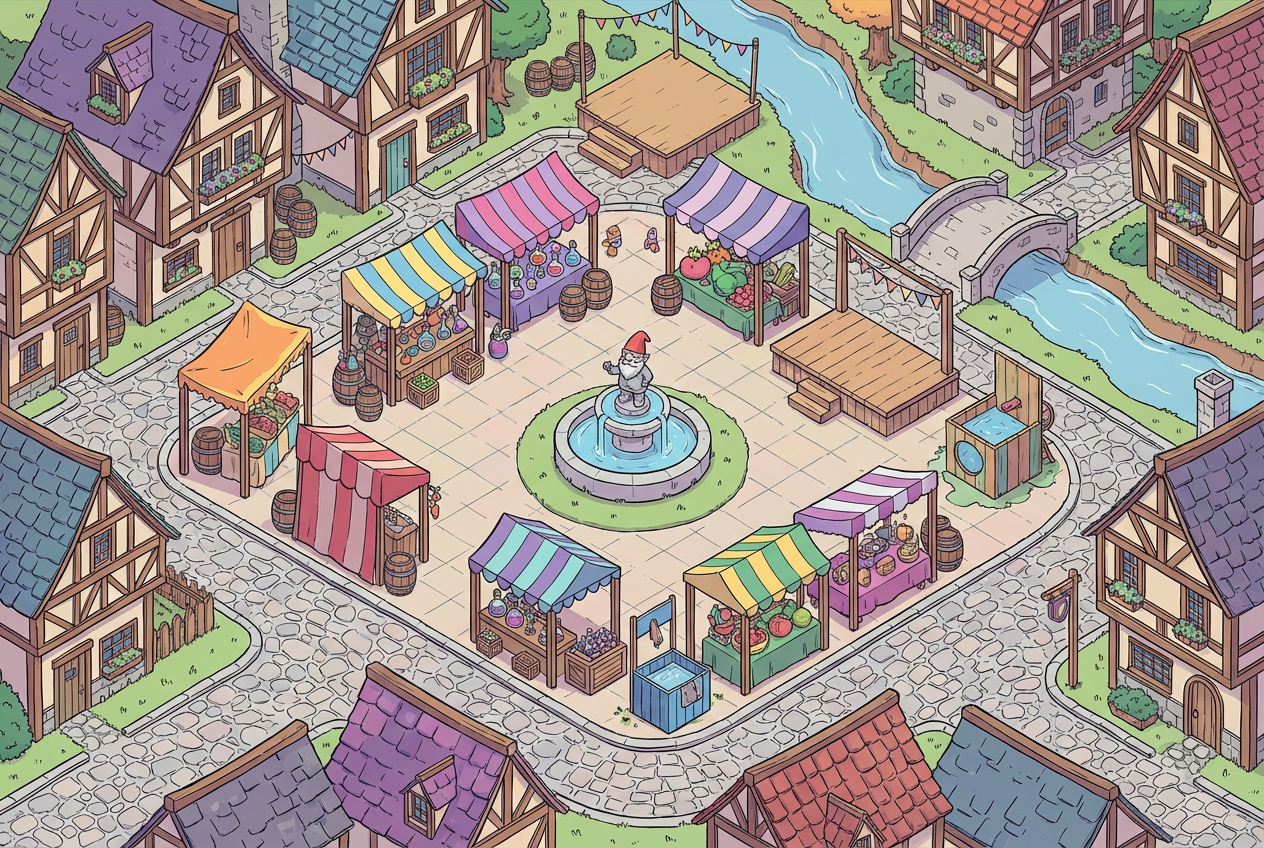
The agent gathers these inputs and preferences in the conversation before it starts.
Fantasy village with marketplace, sci-fi space station corridor...
Choose the RPG setting genre
Choices: Any Genre, Fantasy, Sci-Fi/Space, Cyberpunk, Post-Apocalyptic, Steampunk, Horror, Western, Modern/Contemporary
Choices: Any Map Type, Battle/Encounter Map, World Map, Region/Area Map, Dungeon/Complex, Town/Settlement, Interior/Building
Choices: Any Perspective, Top-Down, Isometric, Side View/Platformer
Choices: Any Style, Hand-Drawn, Pixel Art/Retro, Realistic/3D, Stylized/Cartoon, Sketch/Draft, Minimalist
Choices: Any Atmosphere, Bright/Cheerful, Dark/Mysterious, Foggy/Misty, Rainy/Stormy, Magical/Mystical, Desolate/Abandoned
Include grid for tactical gameplay
Optimize for miniatures/tokens
Create professional RPG maps for any genre and system with AI, perfect for tabletop games, video game design, and virtual tabletops.
Create professional RPG maps in three simple steps
Enter your map concept - any location from fantasy taverns to space stations.
Select RPG genre, perspective, art style, and atmosphere settings.
Download and use in virtual tabletops, game engines, or print for physical play.
Fantasy, sci-fi, cyberpunk, post-apocalyptic, steampunk, horror, western, and modern settings.
Top-down for tactical play, isometric for depth, side-view for platformer-style games.
Hand-drawn, pixel art, realistic 3D, stylized cartoon, sketch, or minimalist aesthetics.
Battle maps, world maps, regions, dungeons, towns, and interior locations.
Set mood with bright, dark, foggy, rainy, magical, or desolate atmospheres.
Optional grid overlay perfect for combat and movement in tactical RPGs.
Perfect for game masters, designers, and content creators
Quickly create maps for any RPG system without spending hours on map-making tools.
Generate game maps and level designs for RPG video games and prototypes.
Create custom maps for Roll20, Foundry, Fantasy Grounds, and other virtual tabletops.
Design maps for published adventures, one-shots, and campaign settings.
Generate maps for streaming campaigns, YouTube shows, and podcasts.
Create location concepts and environment designs for RPG projects.
Use fantasy for D&D-style games, sci-fi for space opera, cyberpunk for neon cities, etc. The AI adapts to each genre.
Top-down for tactical combat, isometric for strategy games, side-view for platformer-style adventures.
Pixel art for retro games, realistic for immersive VTT play, hand-drawn for classic tabletop feel.
Atmosphere dramatically changes gameplay feel - dark for horror, bright for heroic adventures, foggy for mystery.
Enable grids for combat-focused games, disable for exploration and world maps for cleaner visuals.
Fantasy, sci-fi/space, cyberpunk, post-apocalyptic, steampunk, horror, western, and modern/contemporary genres are all supported.
Yes, the maps are perfect for indie RPG games, game prototypes, and level design references for game engines like Unity and Unreal.
Top-down shows overhead view (like D&D), isometric shows 45° angle (like classic RPGs), side-view shows 2D platformer style.
Yes, pixel art/retro style creates classic 16-bit or 8-bit style maps perfect for retro-inspired RPGs.
Yes, maps work with Roll20, Fantasy Grounds, Foundry VTT, and other virtual tabletop platforms.
Absolutely! Select sci-fi genre and describe your space station, spaceship, or alien facility.
Battle/encounter maps, world maps, region maps, dungeons/complexes, towns/settlements, and interior/building maps.
Yes, all generated maps are available for commercial use in games, published adventures, and RPG products.
Enable 'Token-Friendly Design' to create maps with clear spaces optimized for miniatures and character tokens.
Yes, select cyberpunk genre to generate neon-lit cities, corporate facilities, and dystopian urban environments.


