Describe your RPG scene
Describe the RPG scene you want to create...

Create epic RPG scenes and fantasy game environments with AI-powered generation
Reference media and sample results for this task.
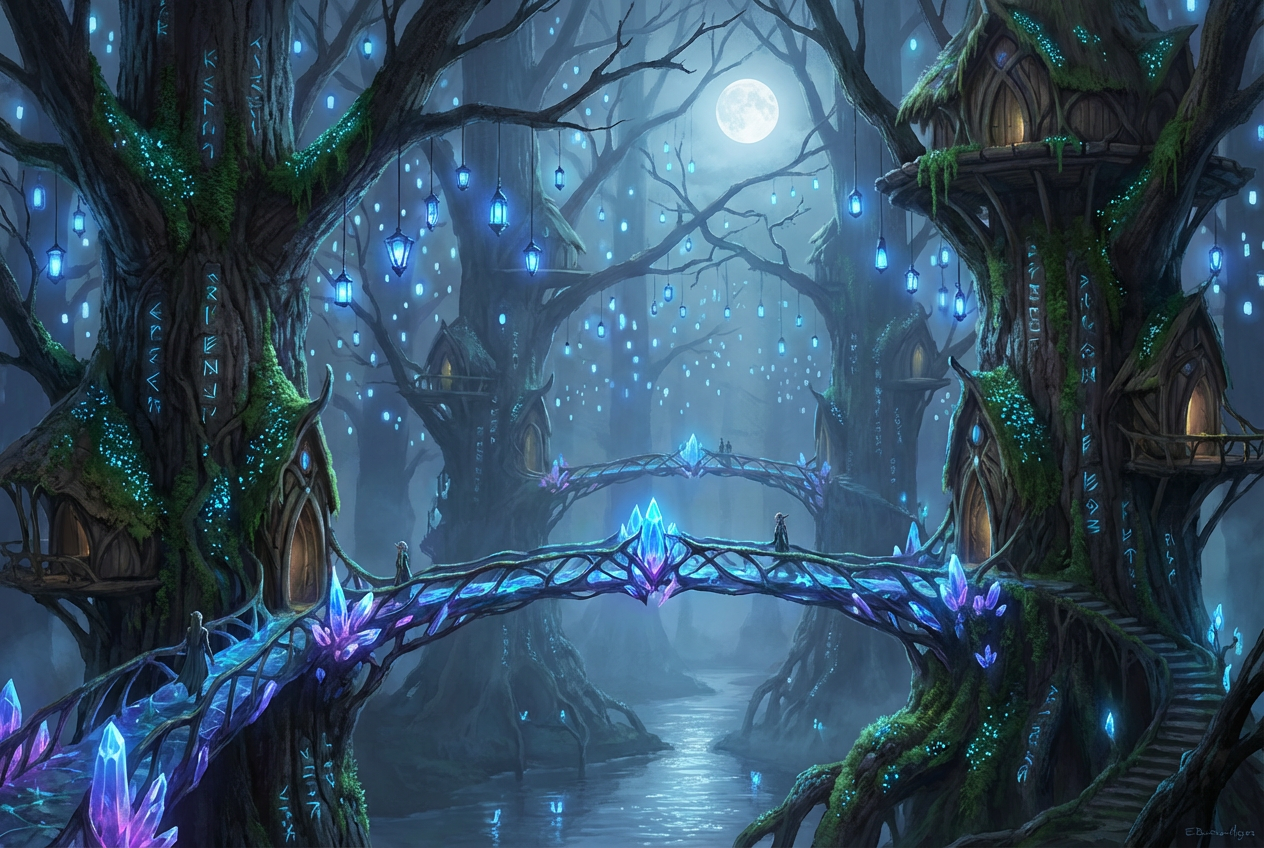
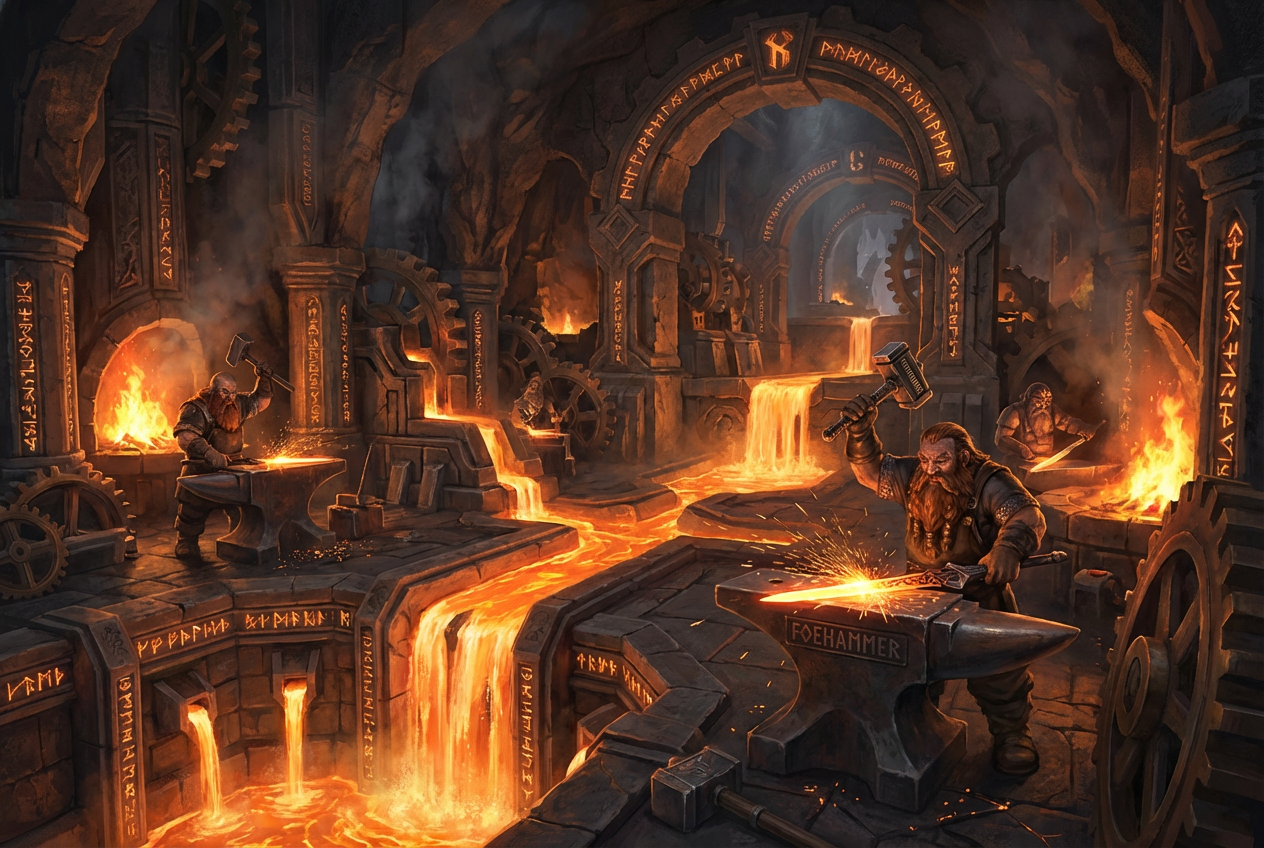
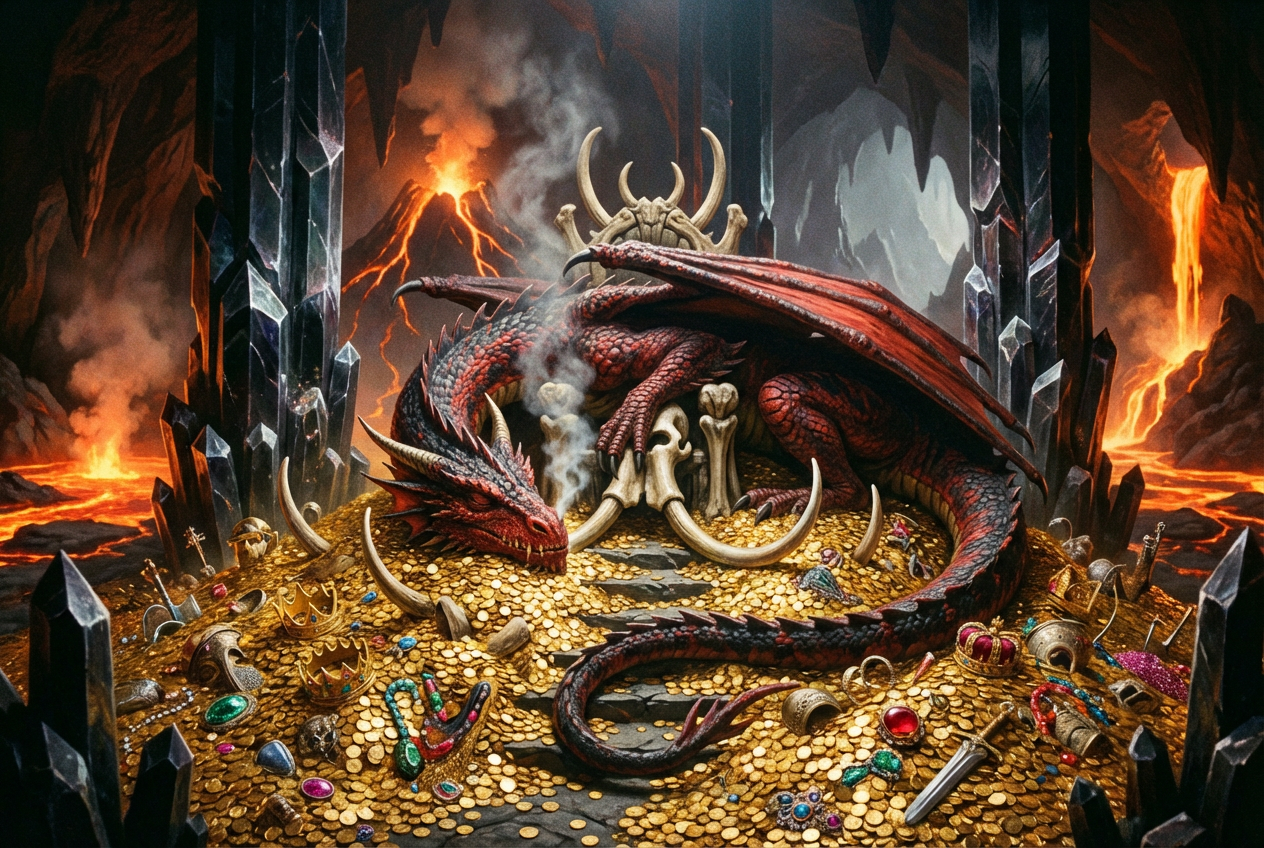
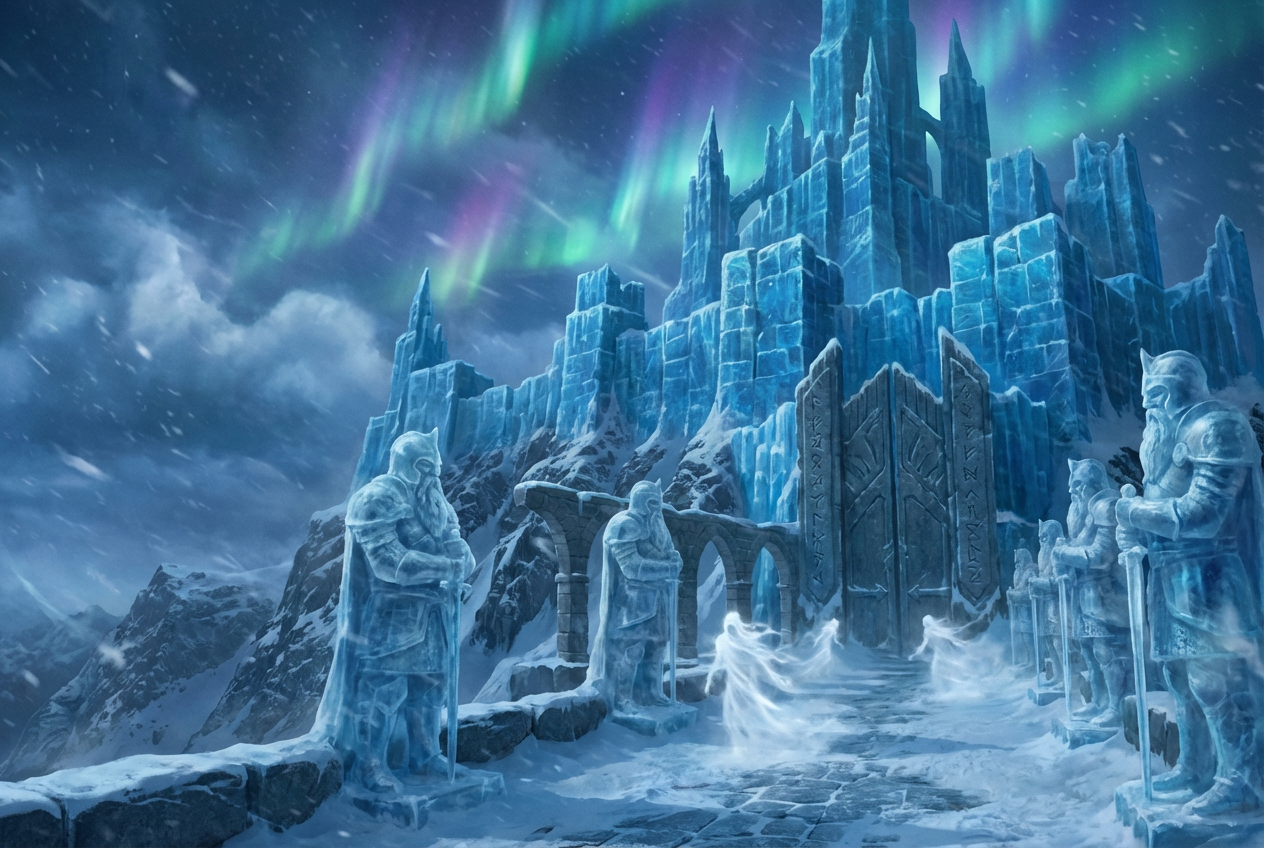
The agent gathers these inputs and preferences in the conversation before it starts.
Describe the RPG scene you want to create...
Choices: Any Scene, Dungeon, Tavern, Forest, Castle, Cave, Village, Battlefield, Throne Room, Temple, Marketplace
Choices: Any Style, Fantasy, Dark Fantasy, Medieval, Anime, Isometric, Pixel Art, Realistic, Painterly
Choices: Any Atmosphere, Mysterious, Ominous, Peaceful, Epic, Eerie, Majestic, Gloomy, Vibrant
Choices: Any Time, Dawn, Morning, Midday, Afternoon, Dusk, Night, Midnight
Create immersive RPG environments and fantasy game scenes with advanced AI technology tailored for game masters, developers, and storytellers.
Generate stunning RPG scenes in three simple steps with our AI-powered tool:
Enter details about the RPG scene you want - location, elements, mood, and any specific features.
Select scene type, art style, atmosphere, and time of day to match your campaign aesthetic.
Let AI create your epic RPG scene. Download and use it in your games, campaigns, or projects.
Generate dungeons, taverns, forests, castles, battlefields, and more RPG locations.
Choose from fantasy, dark fantasy, anime, isometric, pixel art, and realistic styles.
Set the mood with mysterious, epic, peaceful, ominous, or other atmospheric options.
Professional-quality scenes suitable for virtual tabletops, game development, and print.
Maintain visual consistency across your entire RPG campaign with style options.
Set lighting for dawn, midday, dusk, or night to create the perfect ambiance.
Perfect for anyone creating RPG content and fantasy game environments:
Create immersive scenes for D&D, Pathfinder, and other tabletop RPG sessions.
Generate concept art and environment designs for RPG video games and indie projects.
Visualize scenes from your fantasy novels and RPG sourcebooks for inspiration.
Create backgrounds for RPG streams, YouTube videos, and gaming content.
Generate artwork for adventure modules, campaign settings, and RPG supplements.
Create custom maps and scene backgrounds for Roll20, Foundry VTT, and other platforms.
Include specific elements like 'stone pillars', 'flickering torches', or 'ancient runes' for richer scenes.
Think about what happened or will happen in the scene - this adds depth to your description.
Match atmosphere to scene purpose: mysterious for plot hooks, epic for boss battles, peaceful for safe havens.
Try different art styles for various campaign elements - realistic for serious moments, painterly for storytelling.
Time of day significantly affects mood - night for horror elements, dawn for hope, dusk for mystery.
The scenes work with any RPG system including D&D 5e, Pathfinder, Call of Cthulhu, Savage Worlds, and more. They're system-agnostic visual aids.
Yes! The generated scenes can be used in commercial RPG products, game development, streams, and published content.
Scenes are generated in high resolution suitable for virtual tabletops, print materials, and digital displays.
Yes, include character descriptions in your prompt. The AI can generate scenes with NPCs, monsters, or party members.
Use the same art style and atmosphere settings across multiple generations. Reference previous scenes in your descriptions for continuity.
Absolutely! Choose from dungeons, castles, forests, caves, villages, and many other indoor and outdoor RPG locations.
Fantasy style for classic RPGs, dark fantasy for grim settings, anime for Japanese RPGs, realistic for modern/horror games, and pixel art for retro aesthetics.
Yes! Describe the encounter setup - a trapped corridor, a boss arena, an ambush location - and the AI will create appropriate scenes.


