Scene Description
Describe the scene you want to create...

Create stunning, atmospheric scenes with AI
Reference media and sample results for this task.
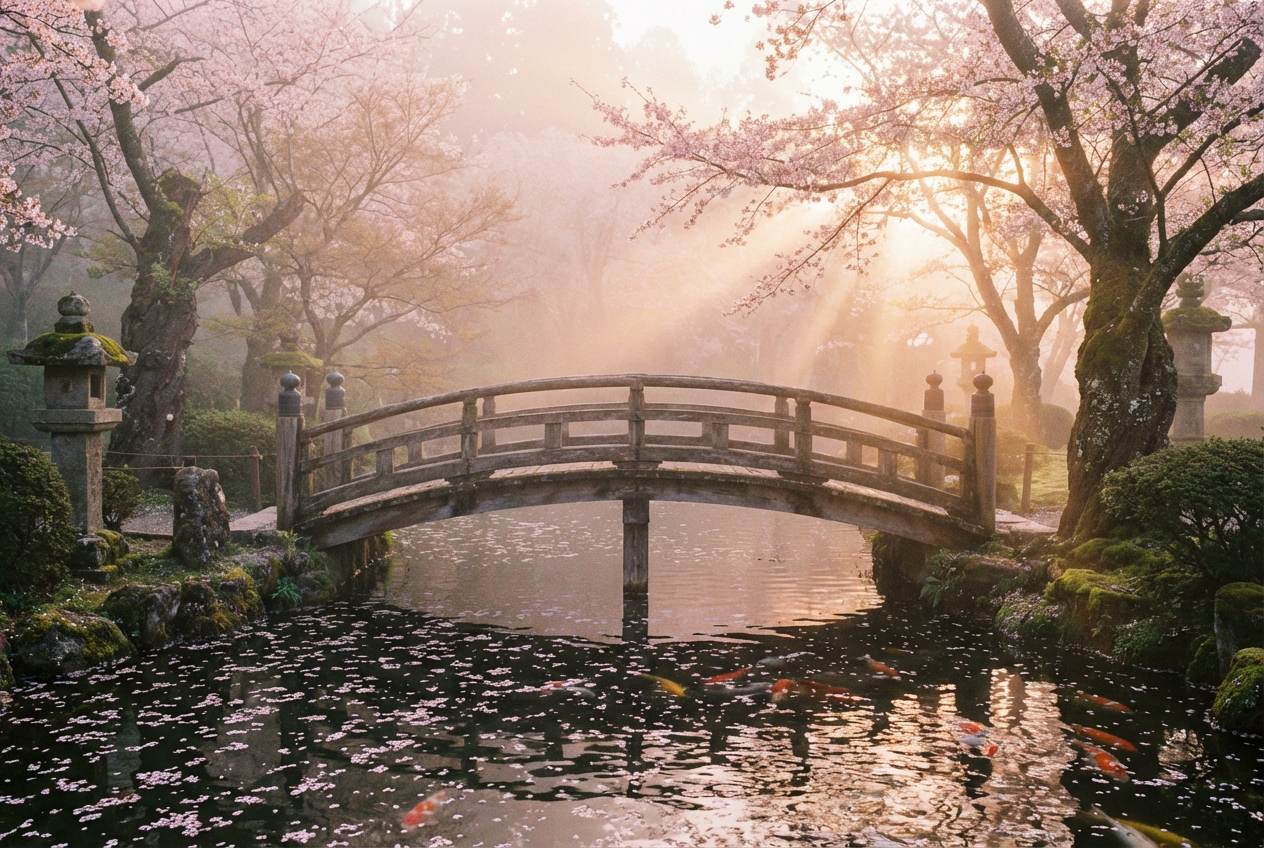
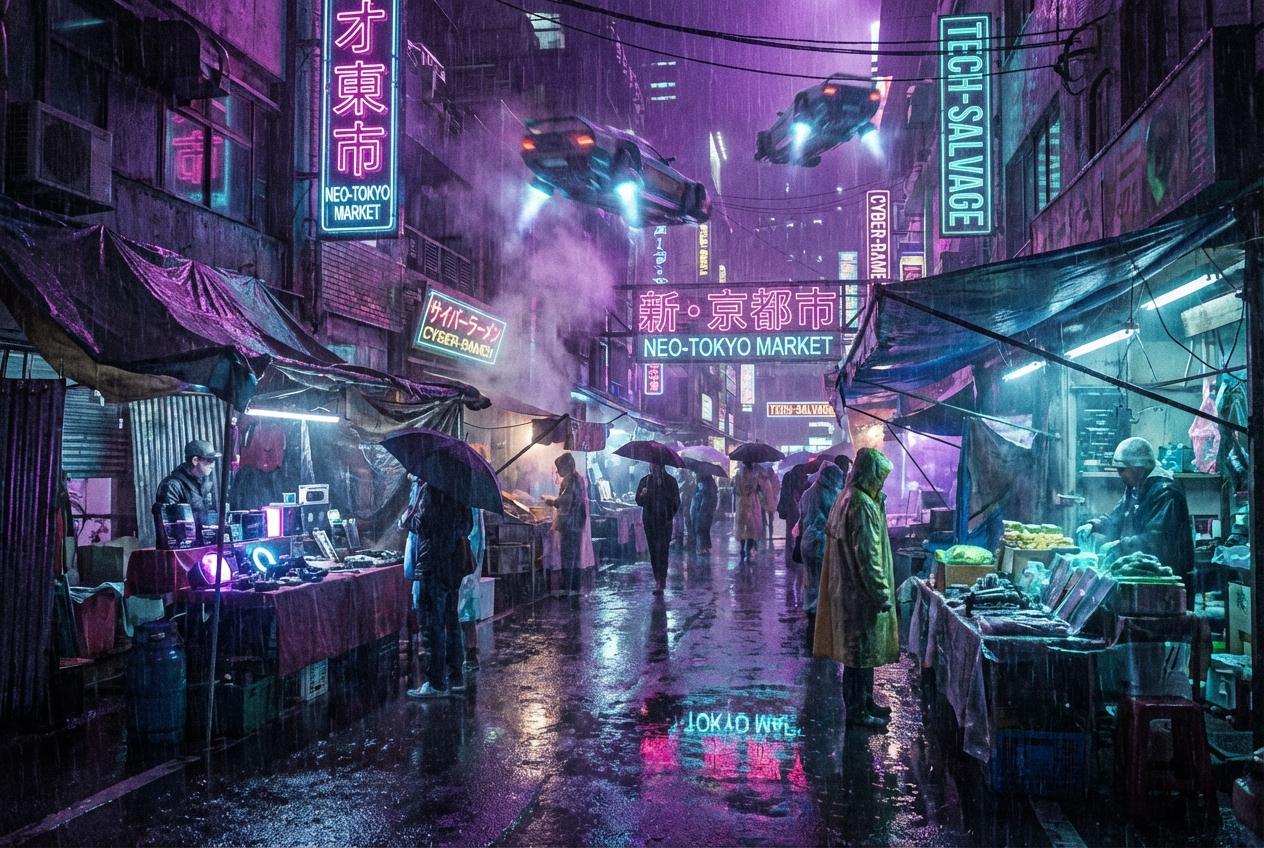
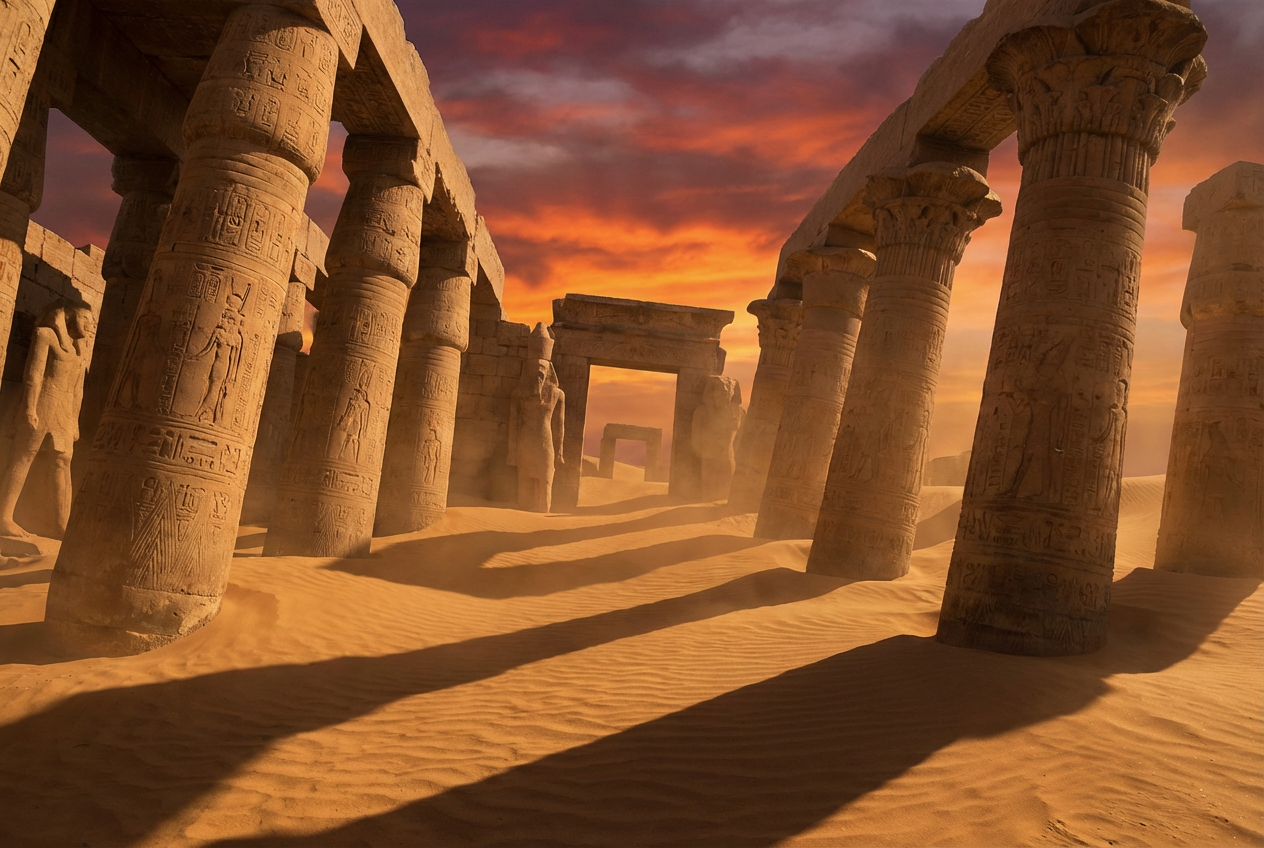
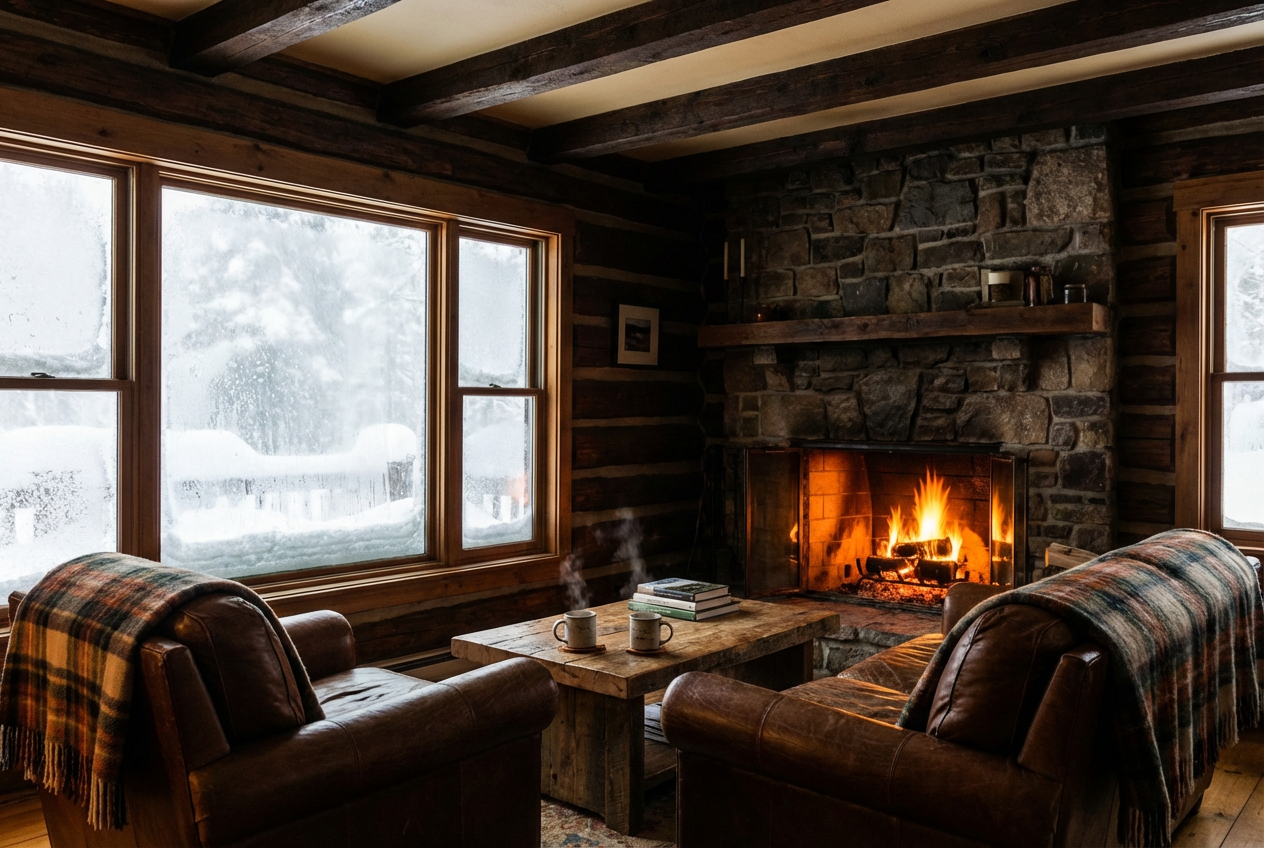
The agent gathers these inputs and preferences in the conversation before it starts.
Describe the scene you want to create...
Choices: Any Time, Sunrise, Morning, Noon, Afternoon, Sunset, Dusk, Night, Midnight
Choices: Any Weather, Clear, Cloudy, Rainy, Stormy, Snowy, Foggy, Misty
Choices: Auto Lighting, Natural, Soft, Dramatic, Moody, Bright, Dim, Backlit
Choices: Any Mood, Peaceful, Dramatic, Mysterious, Romantic, Energetic, Melancholic, Ethereal
Choices: Auto Perspective, Wide Angle, Aerial, Ground Level, Close-up, Bird's Eye, Isometric
Create immersive, detailed scenes for any creative project.
Create your perfect scene in three simple steps:
Enter a detailed description of the scene you want to create.
Select style, lighting, weather, and mood preferences.
Let AI create unique scenes based on your specifications.
Choose from photorealistic, cinematic, artistic, and other styles.
Set the perfect lighting with various time-of-day options.
Add atmosphere with different weather conditions.
Choose from multiple viewing angles and perspectives.
Create concept art and storyboards for productions.
Generate environment concepts and level designs.
Get inspiration and reference material for artwork.
Visualize scenes from stories and novels.
Create unique visuals for social media.
Generate mood boards and visual concepts.
Include details about lighting, atmosphere, and key elements.
Think about the emotional impact you want to achieve.
Mention specific styles or scenes that inspire you.
Consider foreground, middle ground, and background elements.
Specify time of day and weather for desired atmosphere.
You can create any type of scene, from natural landscapes to urban environments, fantasy worlds to sci-fi settings. The possibilities are limitless!
Yes! You can specify time of day, weather conditions, and lighting effects to achieve your desired atmosphere.
We offer multiple styles including photorealistic, cinematic, artistic, animated, and more. Each style has its own unique characteristics.
Yes, you can generate multiple versions of your scene to explore different interpretations and styles.
The more detailed your description, the better. Include information about the environment, lighting, mood, and key elements you want to see.
Yes! All scenes generated by our AI Scene Generator are 100% free for commercial use. You can use them in your projects without any licensing restrictions.
Our AI generates high-resolution images suitable for professional use. The exact resolution depends on your selected aspect ratio.
Yes, you can mix different styles, lighting effects, and atmospheric conditions to create unique and personalized scenes.


