Describe your school or educational space
Modern elementary school with colorful classrooms and playground...

Design schools, classrooms, and educational facilities with AI
Reference media and sample results for this task.
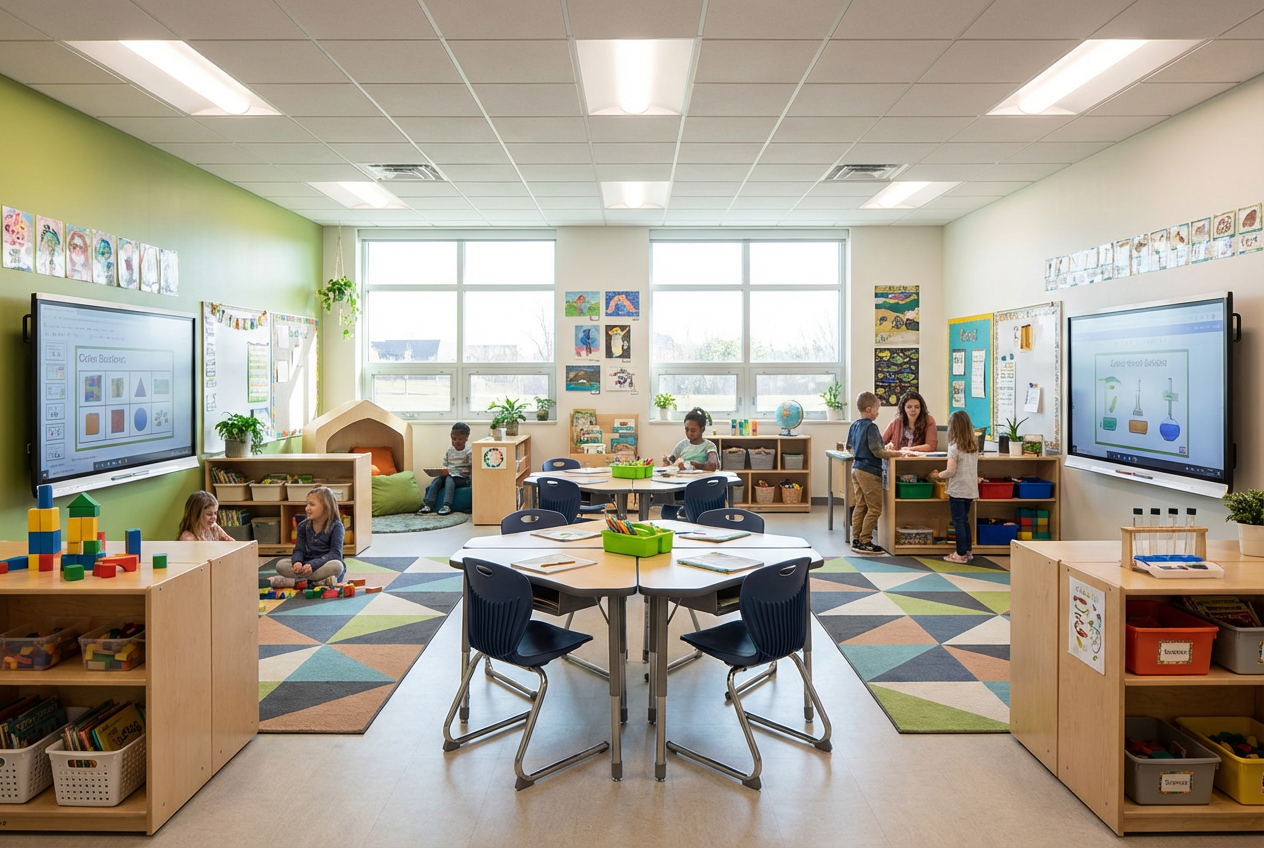
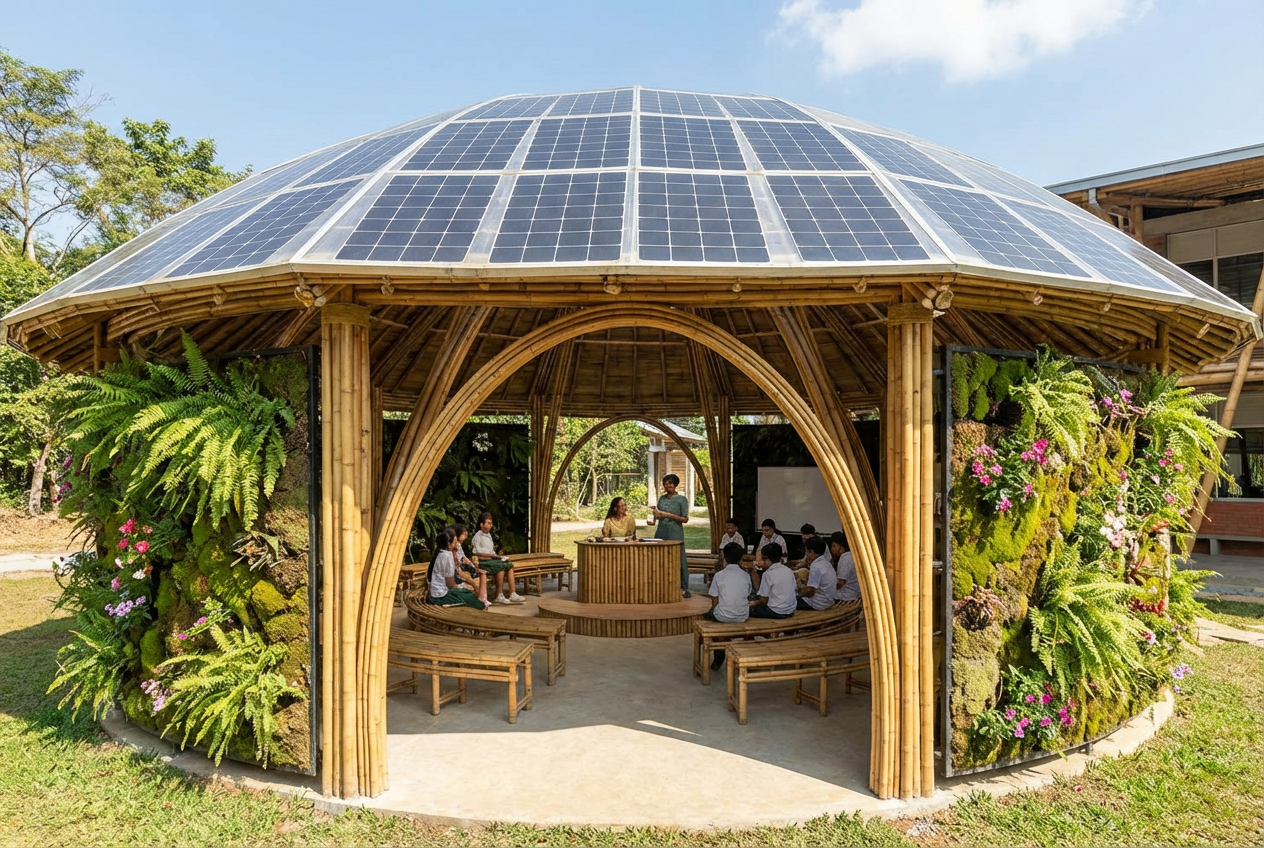
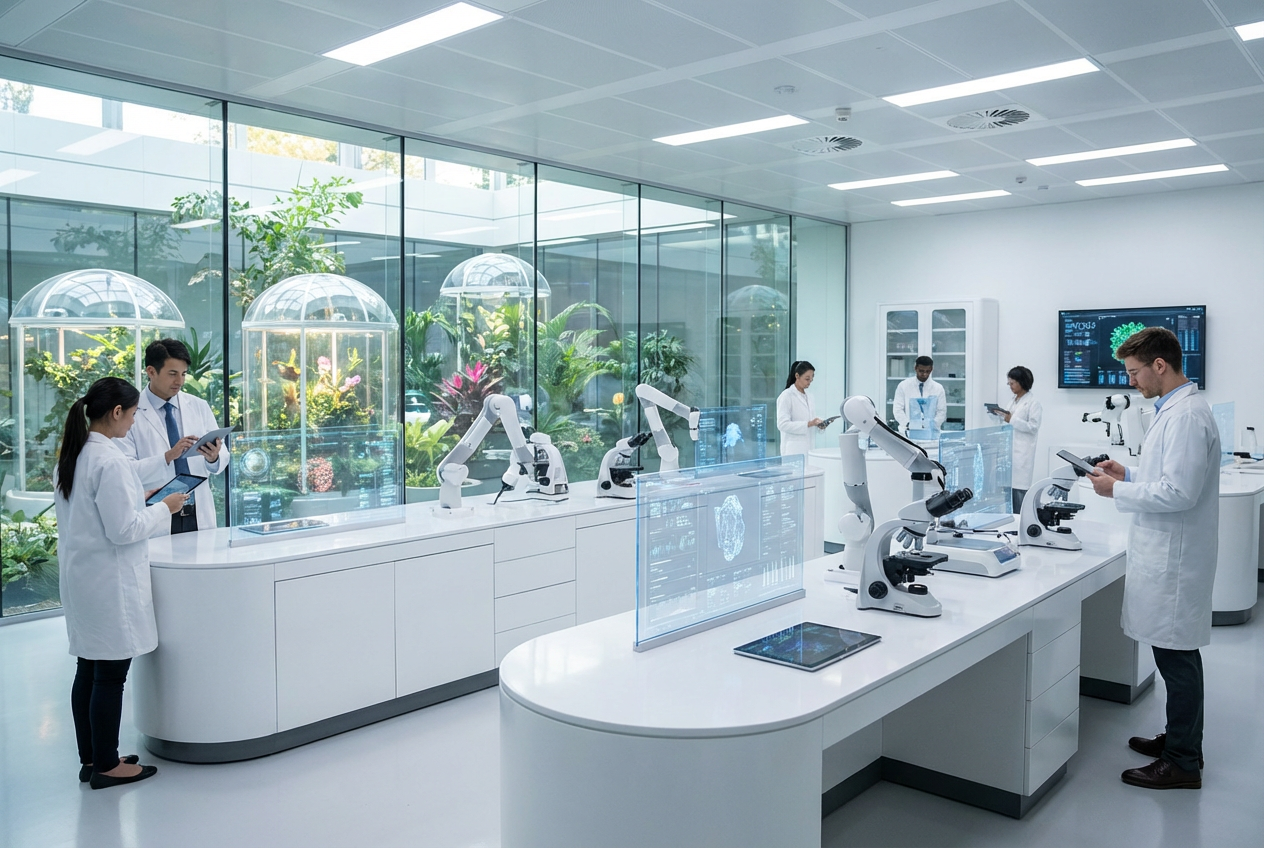
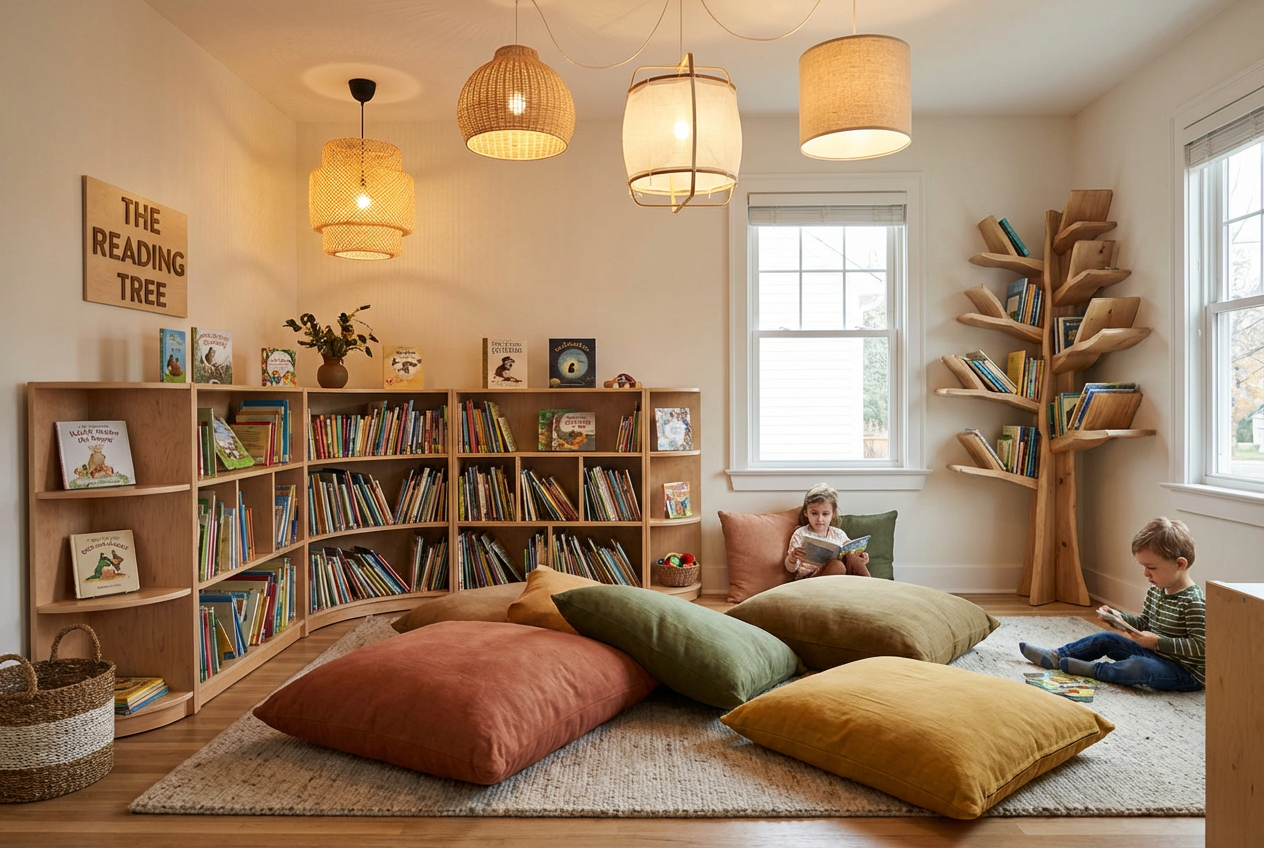
The agent gathers these inputs and preferences in the conversation before it starts.
Modern elementary school with colorful classrooms and playground...
Choices: Any School Type, Elementary School, Middle School, High School, Preschool/Kindergarten, Private School, Boarding School, International School
Choices: Exterior/Campus, Classroom, Library, Cafeteria, Gymnasium, Science Lab, Computer Lab, Art Room, Playground
Choices: Bright & Welcoming, Colorful & Playful, Clean & Minimalist, Bright Natural Light, Warm & Cozy
Choices: Medium Scale, Small/Intimate, Large Campus, Multi-Building Complex
Choices: Any Season, Spring, Summer, Fall/Autumn, Winter
Design inspiring educational facilities instantly with AI, from classrooms to complete campus layouts.
Create educational facility designs in three easy steps
Choose from elementary, middle, high school, preschool, or specialized educational facilities
Set space type, architectural style, atmosphere, size, and technology integration
AI creates professional school designs perfect for proposals and presentations
Create elementary, middle, high, preschool, private, and international schools
Design classrooms, libraries, cafeterias, gyms, labs, art rooms, and playgrounds
Choose modern, traditional, contemporary, historic, eco-friendly, or innovative designs
Create bright, colorful, minimalist, or naturally-lit educational environments
Include modern educational technology like smartboards and computer labs
Option to show students engaged in learning activities
Perfect for educational and architectural professionals
Design and present school and educational facility concepts to clients
Visualize renovation ideas and new building proposals for boards
Create inspiring classroom and learning space designs
Showcase educational facility plans for new communities
Present innovative learning environment concepts to institutions
Design optimal learning spaces for various educational models
Bright, naturally-lit spaces improve student focus and well-being
Colorful and playful for elementary, more sophisticated for high school
Enable students in the scene to demonstrate the space's educational purpose
Show smartboards, computers, and tech integration for contemporary learning
Include green spaces, playgrounds, and outdoor learning areas
You can generate elementary schools, middle schools, high schools, preschools/kindergartens, private schools, boarding schools, and international schools.
Yes! Create exterior/campus views, classrooms, libraries, cafeterias, gymnasiums, science labs, computer labs, art rooms, and playgrounds.
Choose from modern, traditional, contemporary, historic/classic, eco-friendly/green, and innovative design styles.
Absolutely! Select from bright & welcoming, colorful & playful, clean & minimalist, natural light, or warm & cozy atmospheres.
Yes! Enable the 'Show Students & Activity' option to include students actively learning and engaging in the space.
Turn on 'Include Modern Technology' to add smartboards, computers, tablets, and other educational technology.
Design small/intimate schools, medium scale facilities, large campuses, or multi-building educational complexes.
Yes! Generate images in spring, summer, fall/autumn, or winter settings to show seasonal variation.
Absolutely! The professional quality makes them perfect for school board presentations, fundraising, and architectural proposals.
Yes! Generate concepts for school renovations, expansions, or new construction projects.


