Screen Description
Describe your desired screen design...

Generate realistic screen designs and displays with AI
Reference media and sample results for this task.
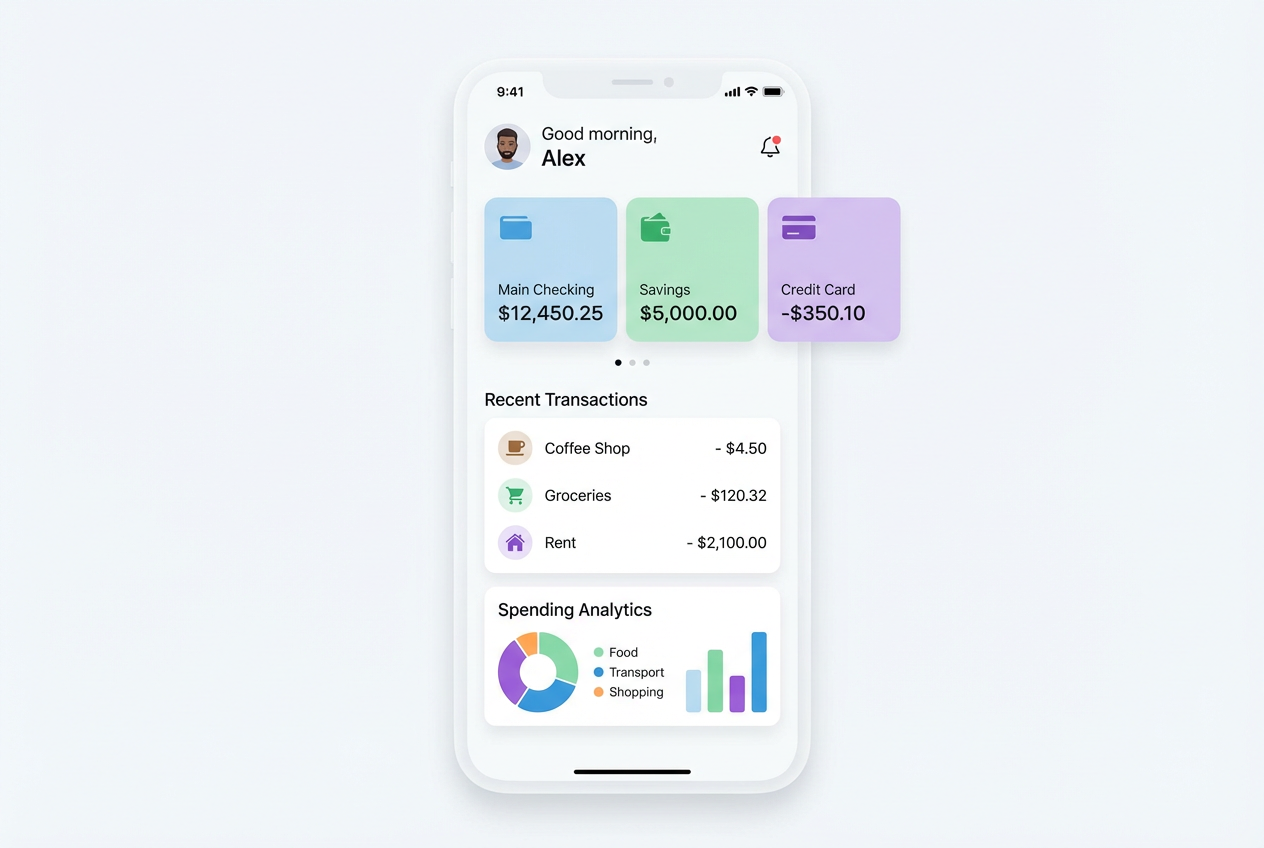
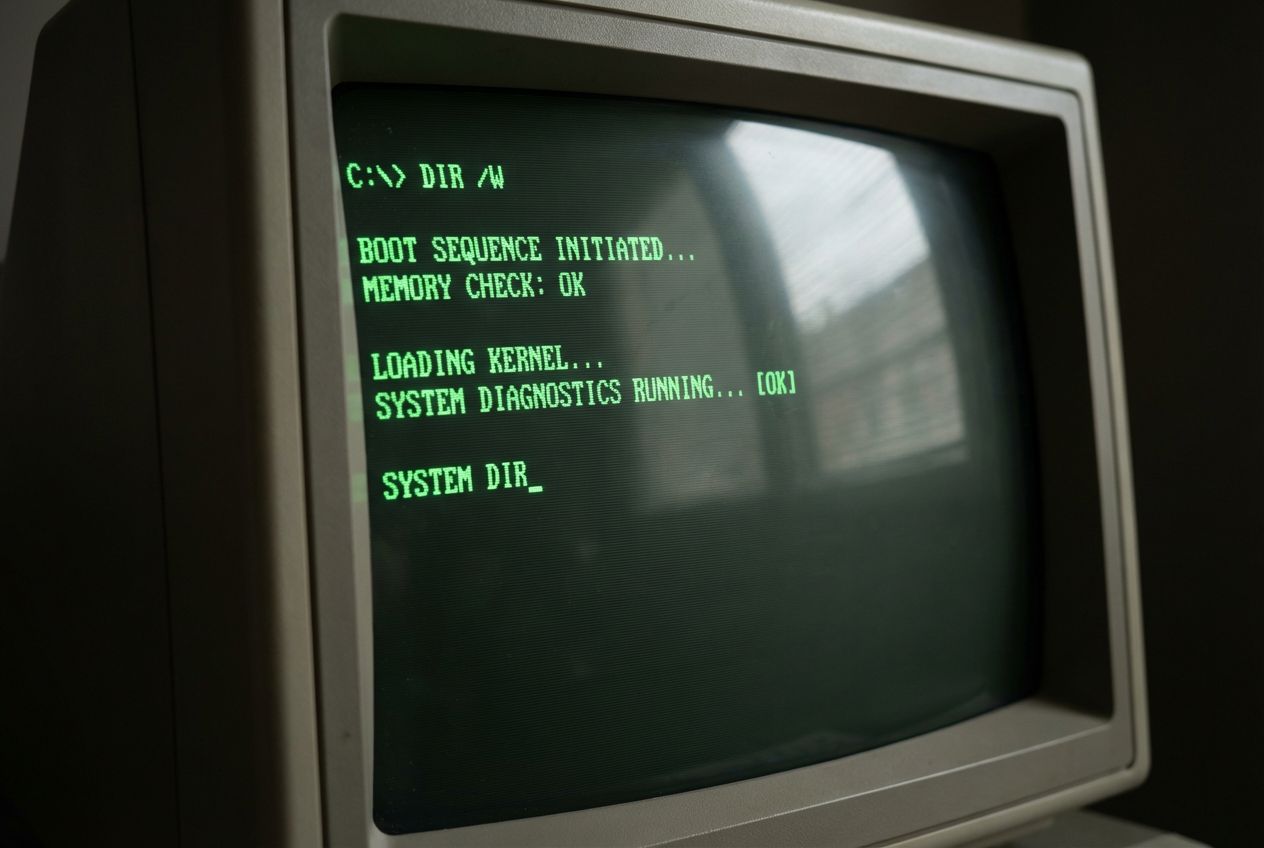
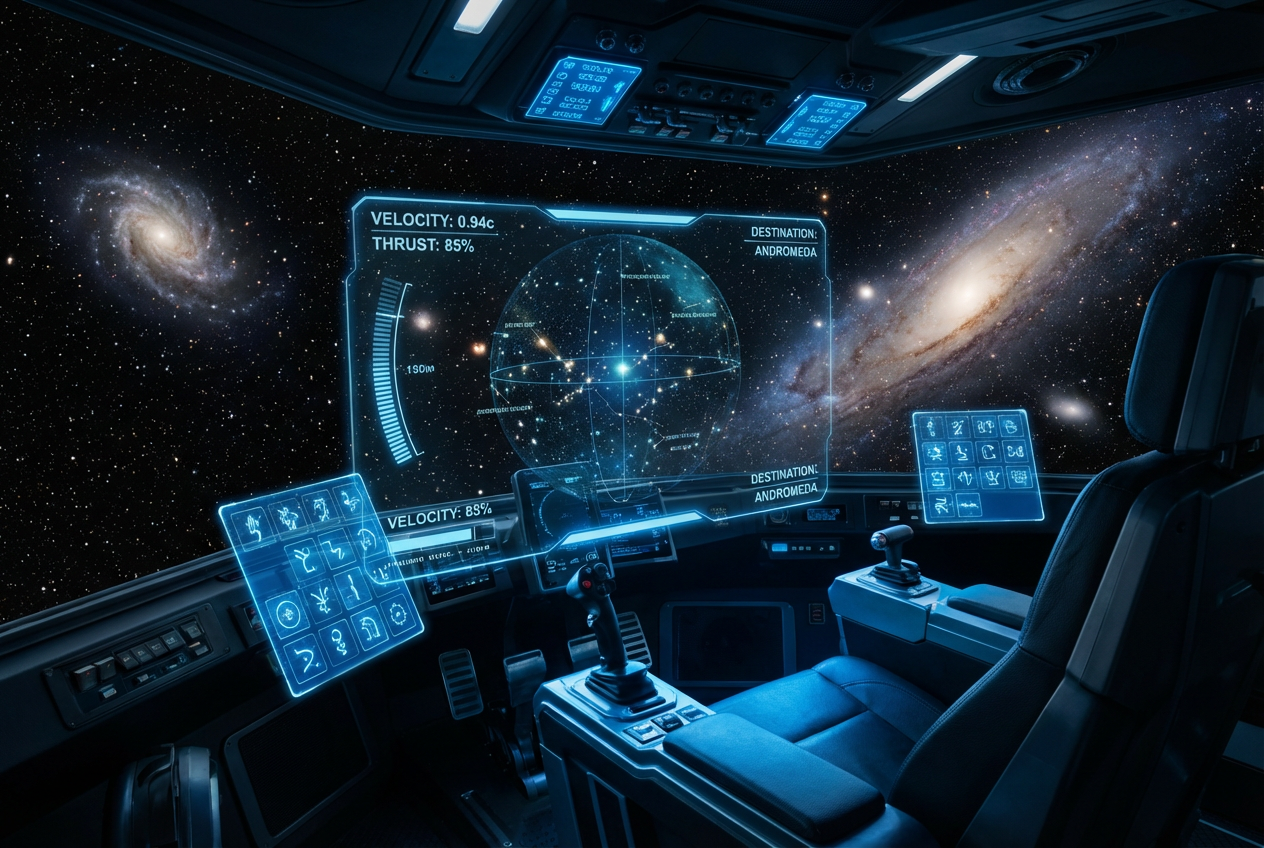

The agent gathers these inputs and preferences in the conversation before it starts.
Describe your desired screen design...
Choose the type of screen
Choices: Any Type, Desktop Monitor, Laptop Screen, Smartphone Screen, Tablet Screen, TV Screen, Digital Billboard, Kiosk Display, Smartwatch Screen
Choose what
Choices: Any Content, Website, App Interface, Dashboard, Video Content, Presentation, Game, Code Editor, Social Media
Choose the display aesthetic
Choices: Any Style, Modern, Minimalist, Dark Mode, Light Mode, Colorful, Professional
Choose the screen
Choices: Any Environment, Office, Home, Public Space, Outdoor, Studio
Create professional screen displays and device visualizations with AI technology.
Create professional screen displays in three simple steps:
Enter details about the screen you want to create, including device type and content displayed.
Select screen type, content type, display style, and environment for your visualization.
Let AI create stunning screen displays based on your specifications. Download instantly.
Generate desktop monitors, laptops, smartphones, tablets, TVs, billboards, kiosks, and smartwatches.
Display websites, apps, dashboards, videos, presentations, games, code, or social media.
Create screens in modern, minimalist, dark mode, light mode, colorful, or professional styles.
Place screens in office, home, public space, outdoor, or studio environments.
Generate high-quality screen displays perfect for product mockups and presentations.
Perfect for UI/UX design, marketing, portfolios, presentations, and digital products.
This tool is perfect for various creative and business professionals:
Create mockups, showcase interface designs, and visualize user experiences across devices.
Generate product screenshots, create promotional materials, and design marketing assets.
Visualize app interfaces, create app store screenshots, and showcase features.
Generate screen content for videos, tutorials, social media, and educational materials.
Create website mockups, showcase responsive designs, and present web projects to clients.
Visualize product features, create presentation materials, and communicate product vision.
Include details about UI elements, layout, colors, and content for more accurate screen displays.
Describe the environment and how the screen is being used for authentic, relatable imagery.
Include brand colors, logos, or specific design elements to create on-brand screen displays.
Mention hands, cursors, or interaction elements to demonstrate how users engage with the screen.
Experiment with different viewing angles and perspectives for diverse mockup options.
You can generate desktop monitors, laptop screens, smartphone displays, tablets, TV screens, digital billboards, kiosks, smartwatches, and other digital displays.
Yes! You can display websites, app interfaces, dashboards, videos, presentations, games, code editors, social media, and custom content.
Choose from modern, minimalist, dark mode, light mode, colorful, professional, and other display aesthetics.
Absolutely! You can show screens in office, home, public space, outdoor, studio, or other environmental contexts.
Yes, the AI generates high-quality screen displays perfect for product mockups, app store screenshots, and marketing materials.
Yes, generate screens across different devices to showcase responsive designs and cross-platform interfaces.
Describe specific buttons, menus, icons, or interface elements in your description for customized screen content.
Yes, mention hands, cursors, touch interactions, or user presence in your description to show engagement.
The AI creates highly realistic, photorealistic screen displays with accurate lighting, reflections, and display quality.
Absolutely! The generated screens are professional-quality and perfect for presenting designs, features, or concepts to clients.


