Describe your pattern
Floral pattern with roses and leaves in vintage style...

Create beautiful seamless repeating patterns for textiles, wallpapers, and design projects
Reference media and sample results for this task.
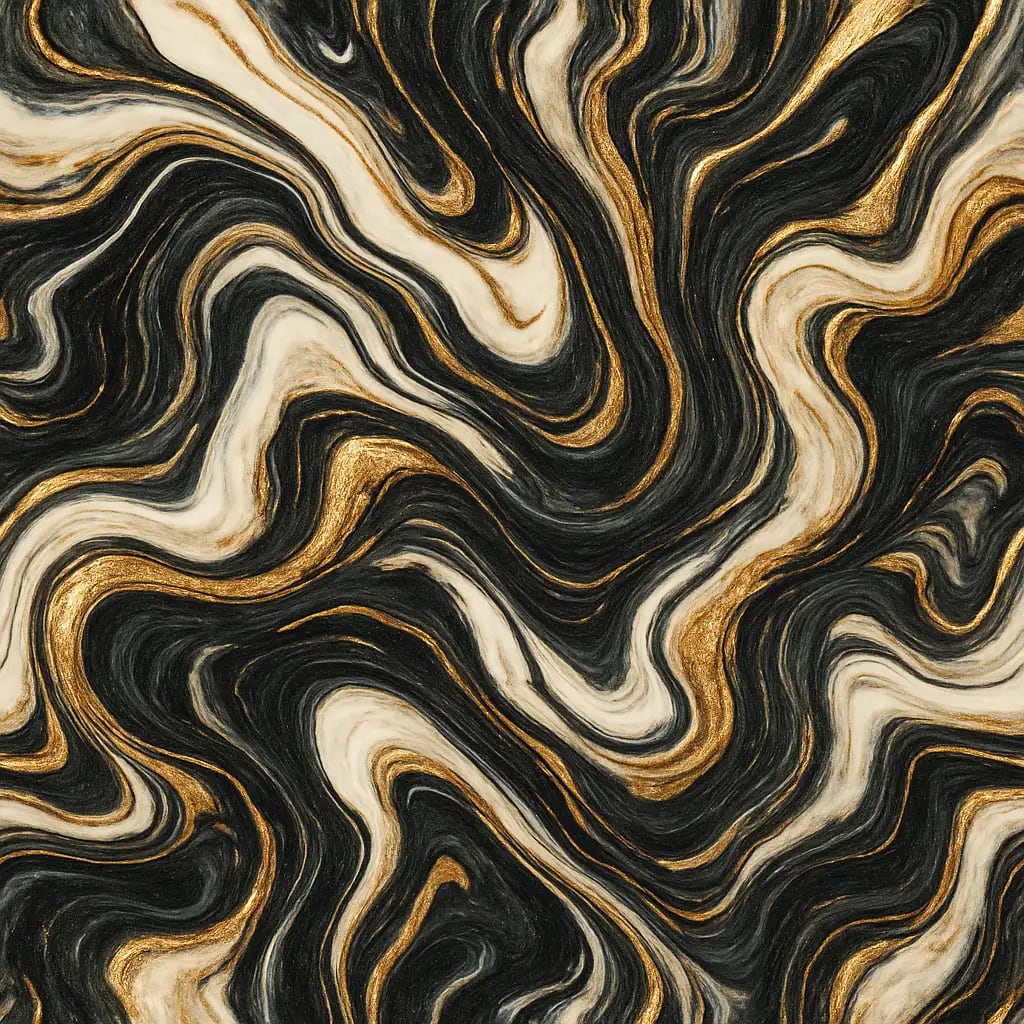
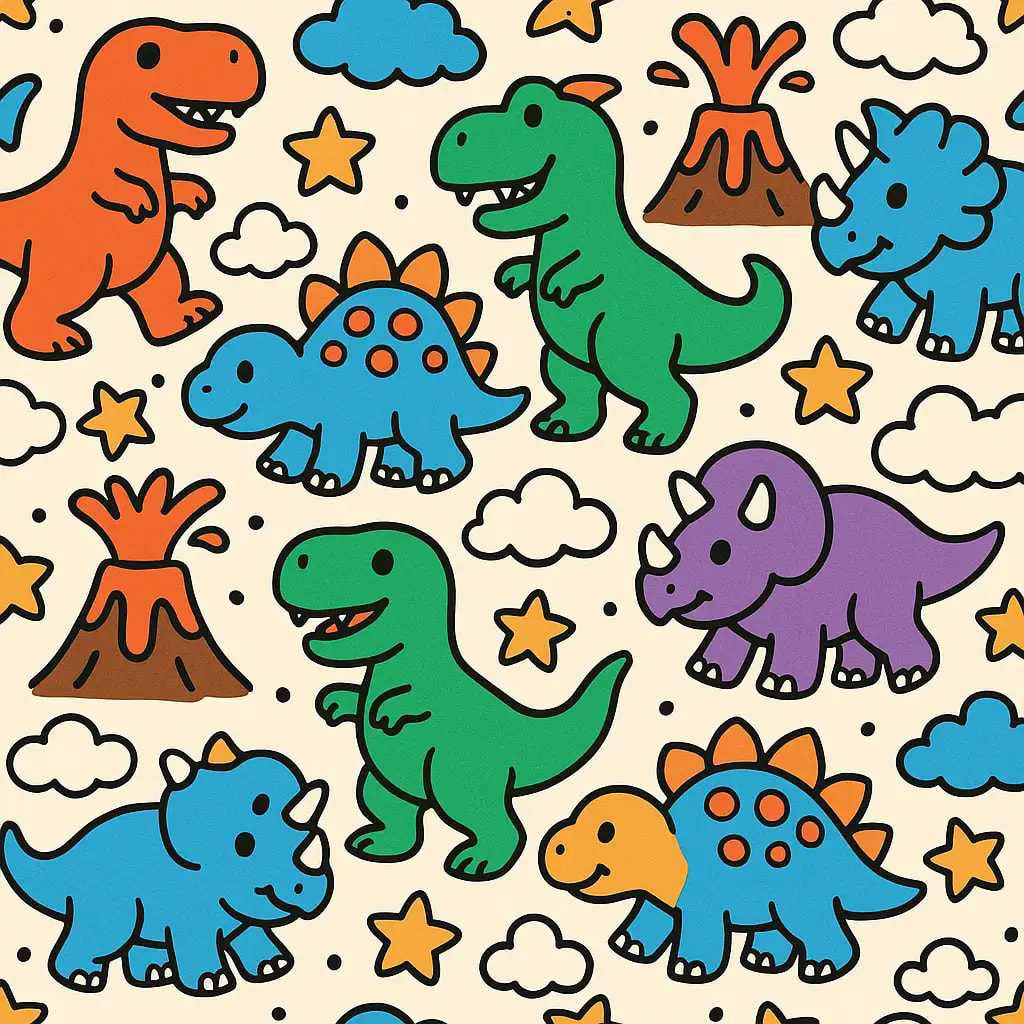
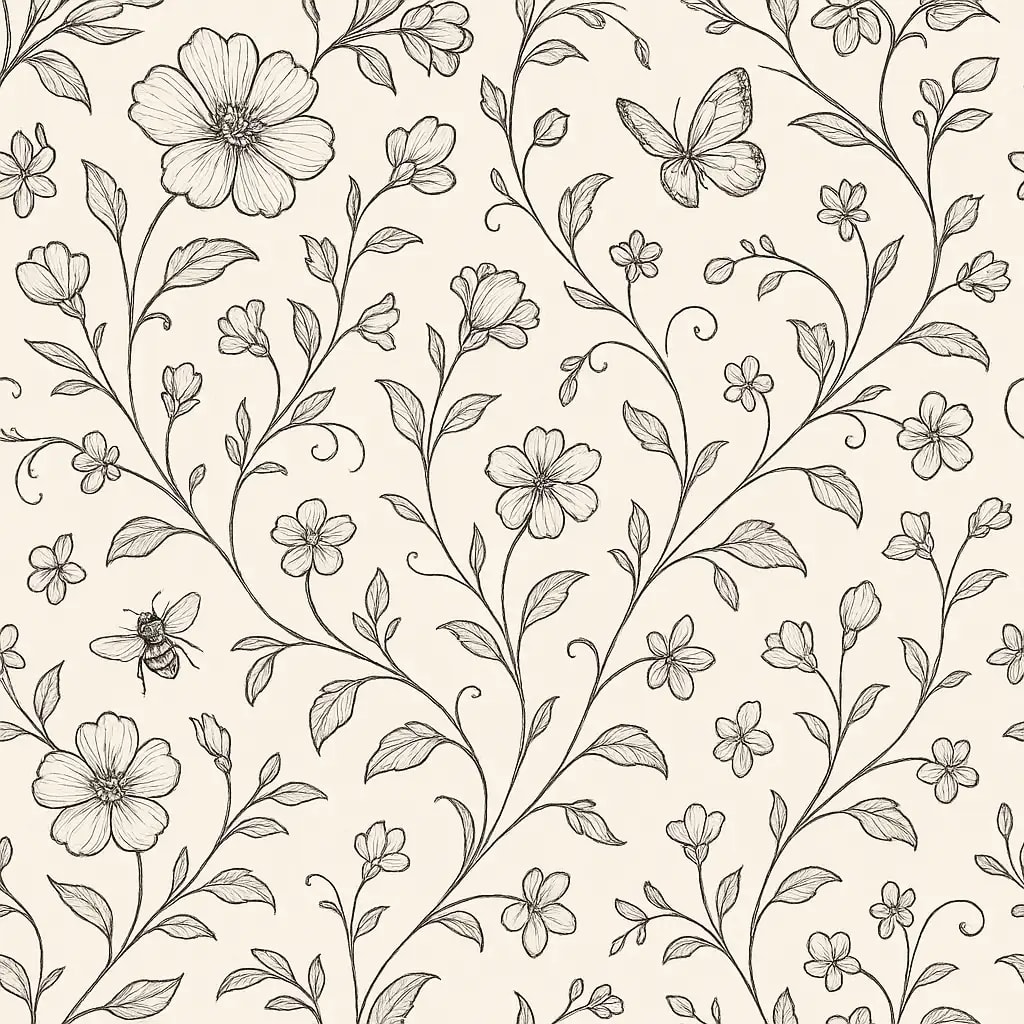
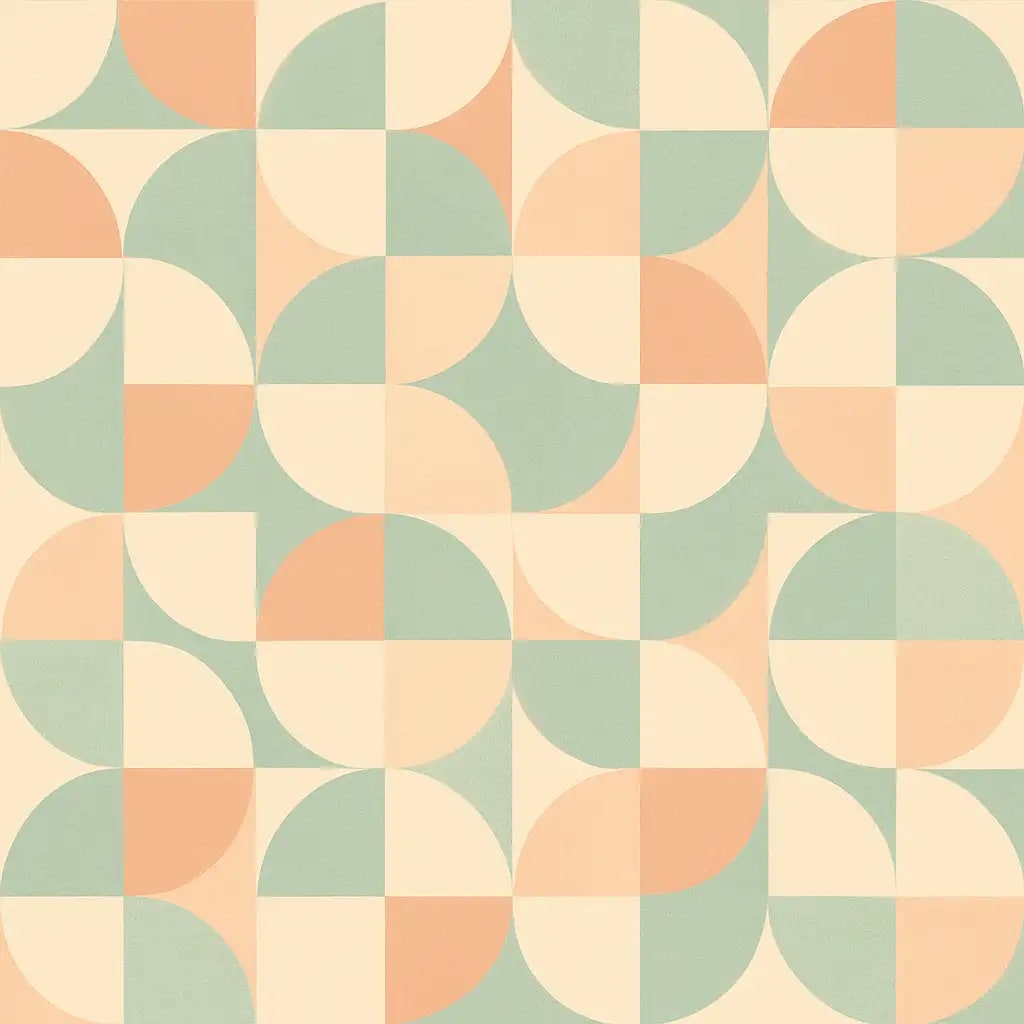
The agent gathers these inputs and preferences in the conversation before it starts.
Floral pattern with roses and leaves in vintage style...
Choose the overall style of your seamless pattern
Choices: Any Style, Floral, Geometric, Abstract, Botanical, Tribal, Vintage, Modern, Art Deco, Mandala, Damask
Choices: Simple, Medium, Complex, Highly Intricate
Choices: Any Colors, Monochrome, Pastel, Vibrant, Earth Tones, Jewel Tones, Neutral, Warm Colors, Cool Colors, Black & White
Choices: Small Repeat, Medium Repeat, Large Repeat, Extra Large Repeat
Choices: Sparse, Balanced, Dense, Tightly Packed
Choices: Auto-Select Motif, Flowers, Leaves, Circles, Squares, Triangles, Diamonds, Stars, Hearts, Paisley, Stripes, Dots
Higher values ensure perfect seamless tiling
Add subtle texture effects to the pattern
Create patterns with mirror symmetry for balance
Create professional seamless repeating patterns perfect for textiles, wallpapers, and design projects with guaranteed tileable results
Create perfect seamless patterns in three simple steps with professional results guaranteed
Enter details about your desired pattern including style, motifs, colors, and overall aesthetic
Adjust complexity, repeat size, density, color palette, and seamless quality for perfect results
Our AI creates a perfectly tileable pattern with no visible seams, ready for any application
Guaranteed seamless patterns that tile perfectly with no visible seams or breaks
Create floral, geometric, abstract, vintage, modern, and many other pattern styles
Control pattern complexity from simple designs to highly intricate, detailed patterns
Choose from small to extra large repeat sizes to match your specific project needs
High-resolution patterns suitable for commercial printing, textiles, and professional design
Create professional seamless patterns in seconds, saving hours of manual design work
Perfect for professionals and creatives who need high-quality seamless patterns for various applications
Create seamless patterns for fabrics, clothing, and textile products with perfect repeatability
Generate wallpaper patterns, upholstery designs, and decorative elements for interior projects
Create background patterns, packaging designs, and decorative elements for various projects
Design patterns for packaging, product surfaces, and branded materials with seamless tiling
Generate patterns for scrapbooking, digital art, crafting projects, and artistic creations
Create seamless background patterns for websites, apps, and digital design projects
Clearly describe the main elements you want in your pattern for more accurate and cohesive results
Select color palettes that match your intended use - neutral for backgrounds, vibrant for accents
Smaller repeats work better for detailed viewing, larger repeats for bold statement pieces
Complex patterns work better with balanced density, simple patterns can handle higher density
Use high seamless quality settings for professional applications and commercial printing
Yes! Our AI ensures perfect seamless tiling with no visible seams or breaks when the pattern is repeated in any direction.
Patterns are generated in high-resolution formats suitable for both digital use and professional printing applications.
Absolutely! Choose from small, medium, large, or extra large repeat sizes to match your specific project requirements.
Create floral, geometric, abstract, botanical, tribal, vintage, modern, Art Deco, mandala, and damask patterns among others.
Yes, choose from various color options including monochrome, pastel, vibrant, earth tones, jewel tones, and more.
Yes, all generated patterns are high-resolution and professional quality, perfect for commercial textile and design applications.
You can create patterns ranging from simple designs to highly intricate, detailed patterns with multiple complexity levels.
Yes, you can add subtle texture effects to enhance the visual interest and depth of your seamless patterns.
Density controls how tightly packed the pattern elements are - from sparse (lots of space) to packed (elements close together).
Yes, enable mirror symmetry for balanced, harmonious patterns that are pleasing to the eye and work well in design applications.


