Shape Description
Describe your desired shape design...

Create unique, mathematically precise shape designs with AI
Reference media and sample results for this task.
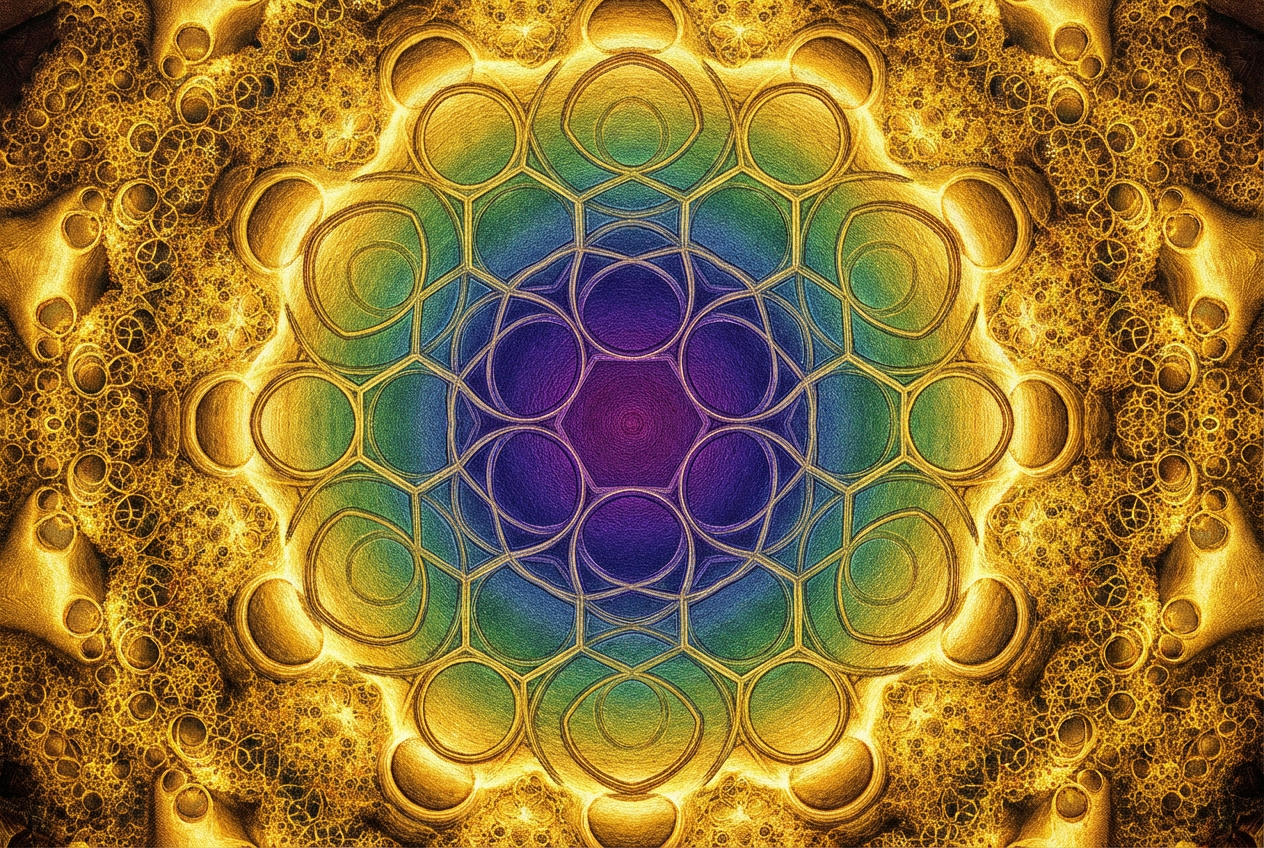
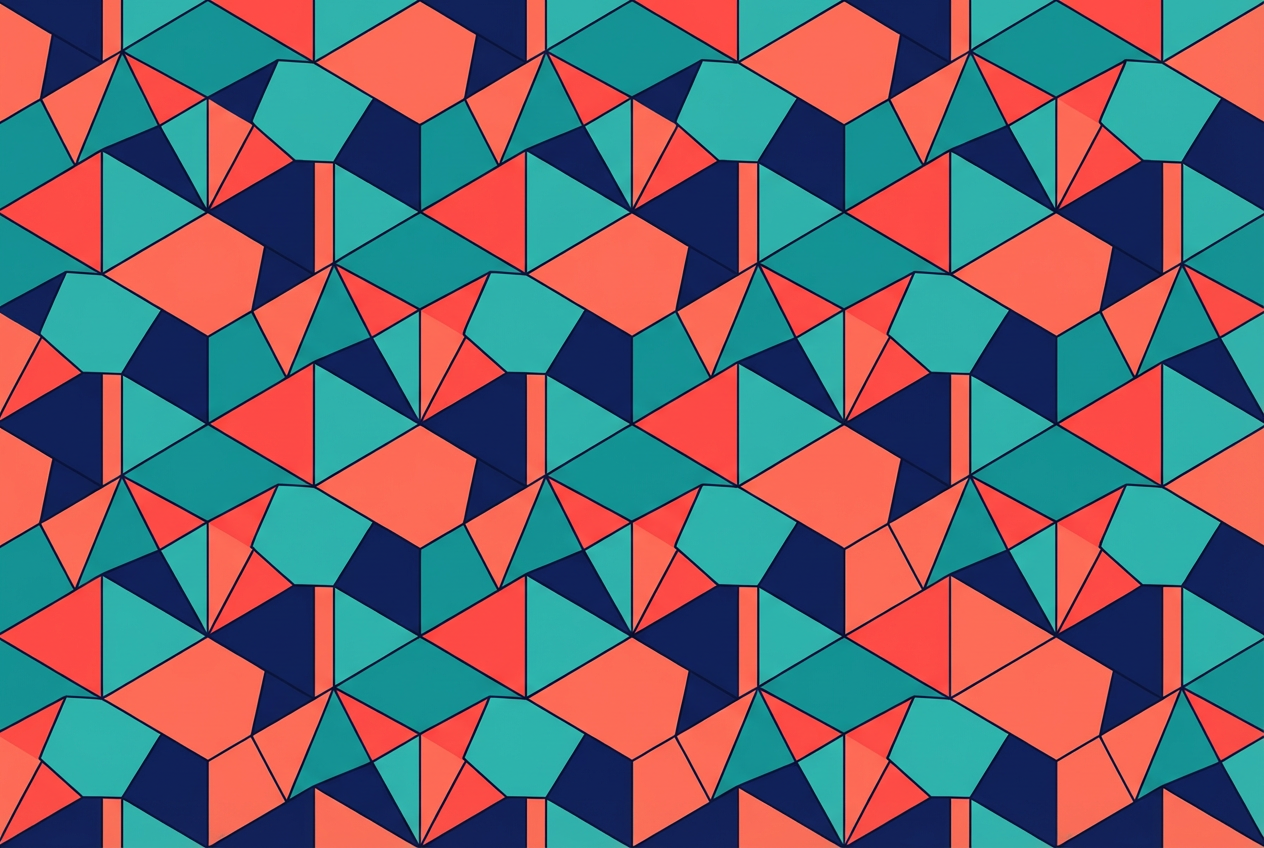
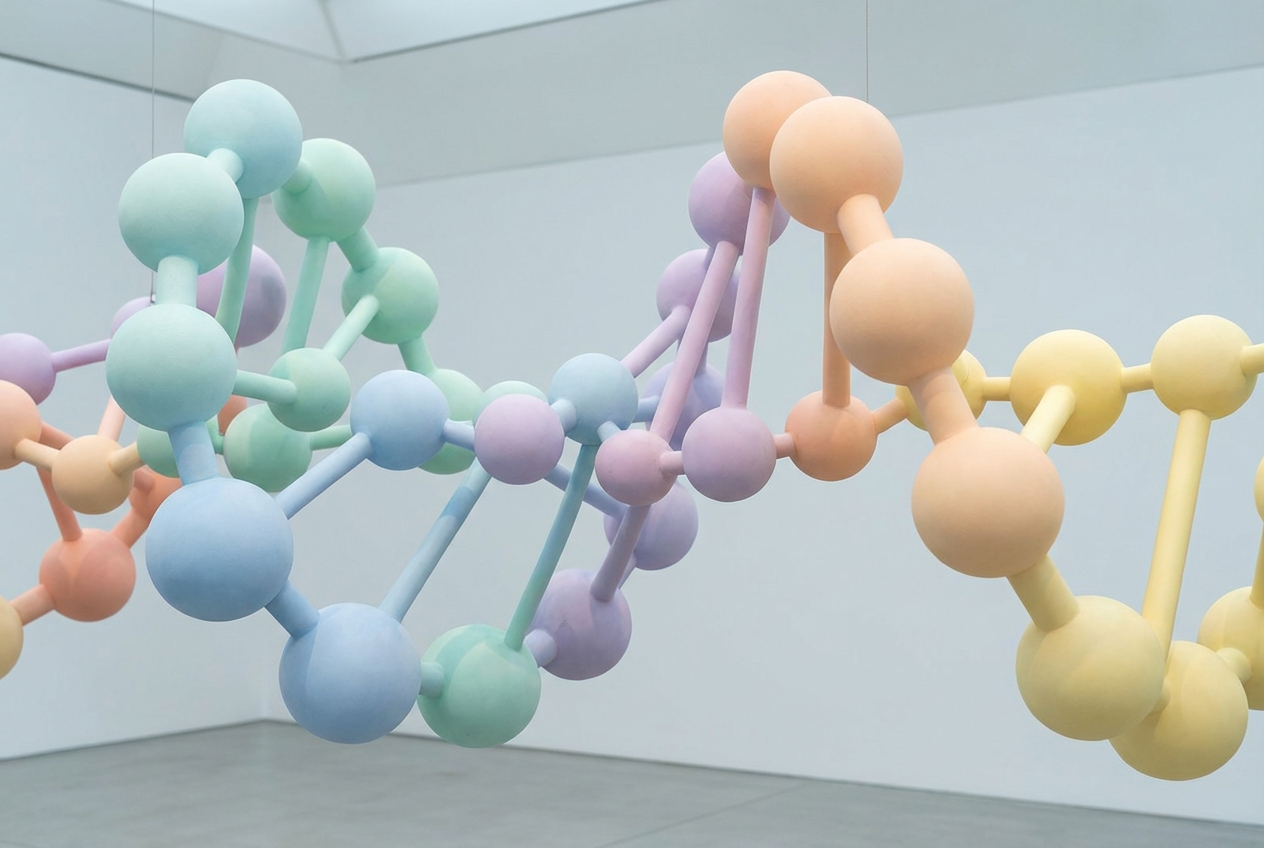
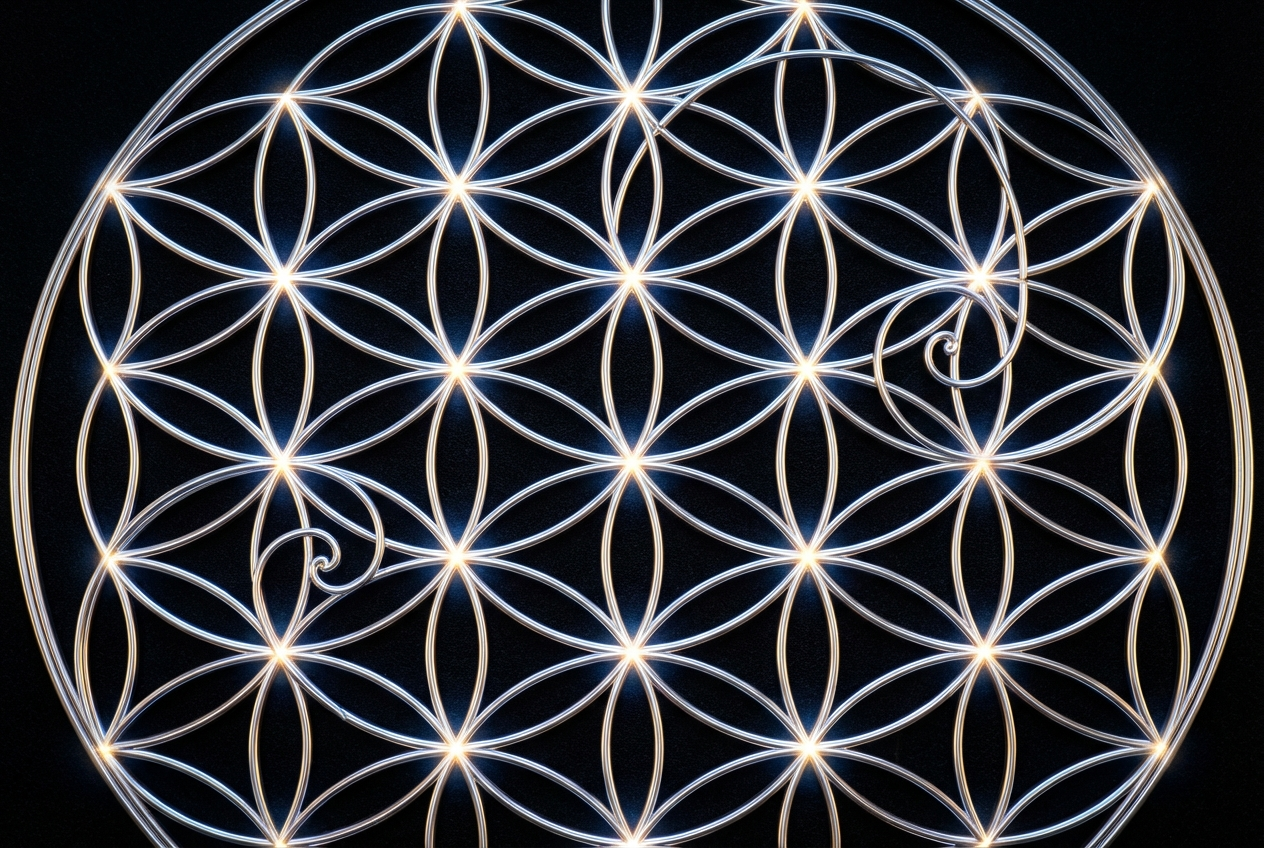
The agent gathers these inputs and preferences in the conversation before it starts.
Describe your desired shape design...
Choices: Auto Complexity, Simple, Moderate, Complex, Intricate
Choices: Auto Dimension, 2D, 2.5D, 3D, Isometric
Choices: Any Colors, Monochromatic, Complementary, Analogous, Triadic, Rainbow, Grayscale
Create mathematically precise, visually stunning shape designs with advanced AI technology.
Create perfect shapes in three simple steps:
Enter a detailed description of your desired shape design.
Select style, complexity, dimension, and color scheme preferences.
Let AI create unique shape designs based on your specifications.
Choose from geometric, organic, abstract, and other shape styles.
Create designs in 2D, 3D, or isometric perspectives.
Adjust complexity from simple to intricate patterns.
Select from various color schemes for perfect visual balance.
Create unique geometric elements for logos and branding.
Generate base shapes for complex digital compositions.
Design decorative elements for web and app interfaces.
Create repeatable shapes for textile and surface design.
Generate inspiration for architectural forms and patterns.
Visualize mathematical concepts and geometric principles.
Describe the exact geometric forms and patterns you want to see.
Think about how complex or simple your shape design needs to be.
Choose color schemes that enhance your shape's impact.
Experiment with different dimensional settings for varied results.
Consider how the shape will be used in your final project.
You can create any type of shape, from simple geometric forms to complex abstract patterns, fractals, and organic shapes.
Yes! You can choose from different complexity levels, from simple designs to intricate patterns with multiple layers.
Yes, our AI ensures mathematical precision in geometric shapes while maintaining artistic quality.
Yes, you can generate multiple versions of your shape design to explore different interpretations and styles.
The shapes can be used in graphic design, web design, architectural visualization, pattern making, and more.
Include details about the geometric forms, style, complexity, and any specific mathematical properties you want to see.
Yes! All designs generated by our AI Shape Generator are 100% free for commercial use. You can use them in your projects, products, or any commercial applications without restrictions.
The shapes are generated as high-quality images that can be downloaded and used in any design software.


