Silhouette Description
Describe your desired silhouette design...

Create stunning silhouette designs with AI
Reference media and sample results for this task.
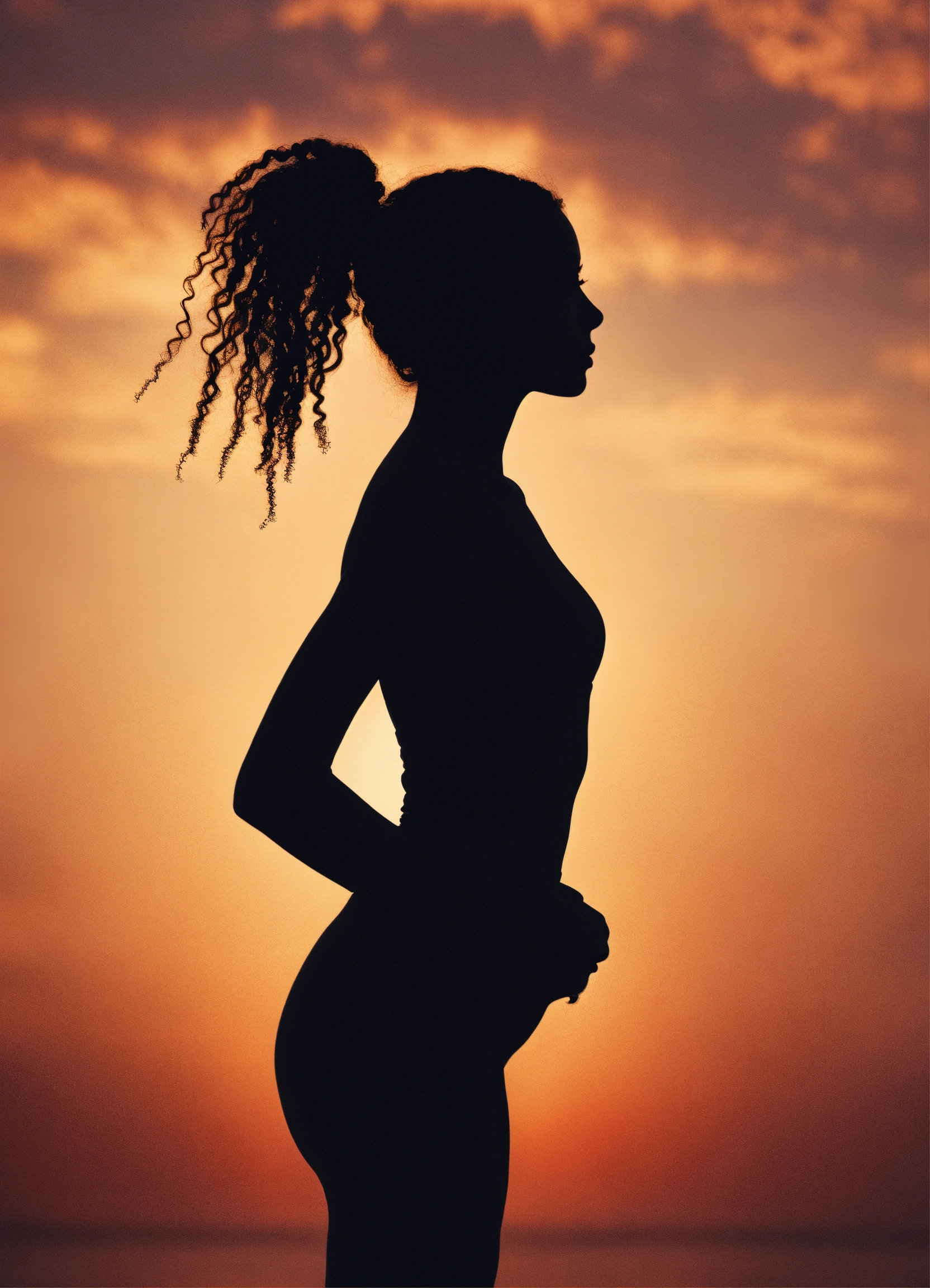
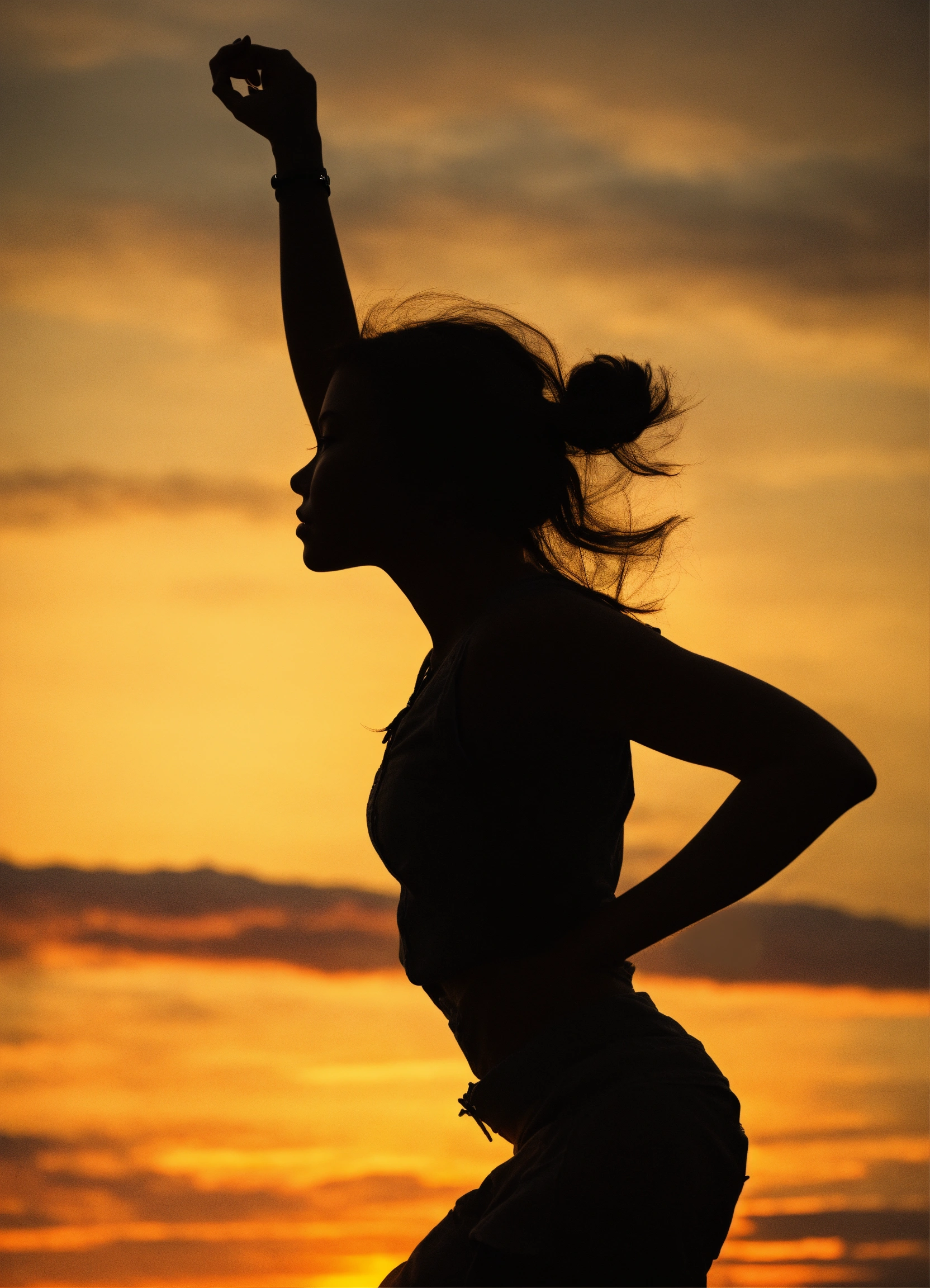
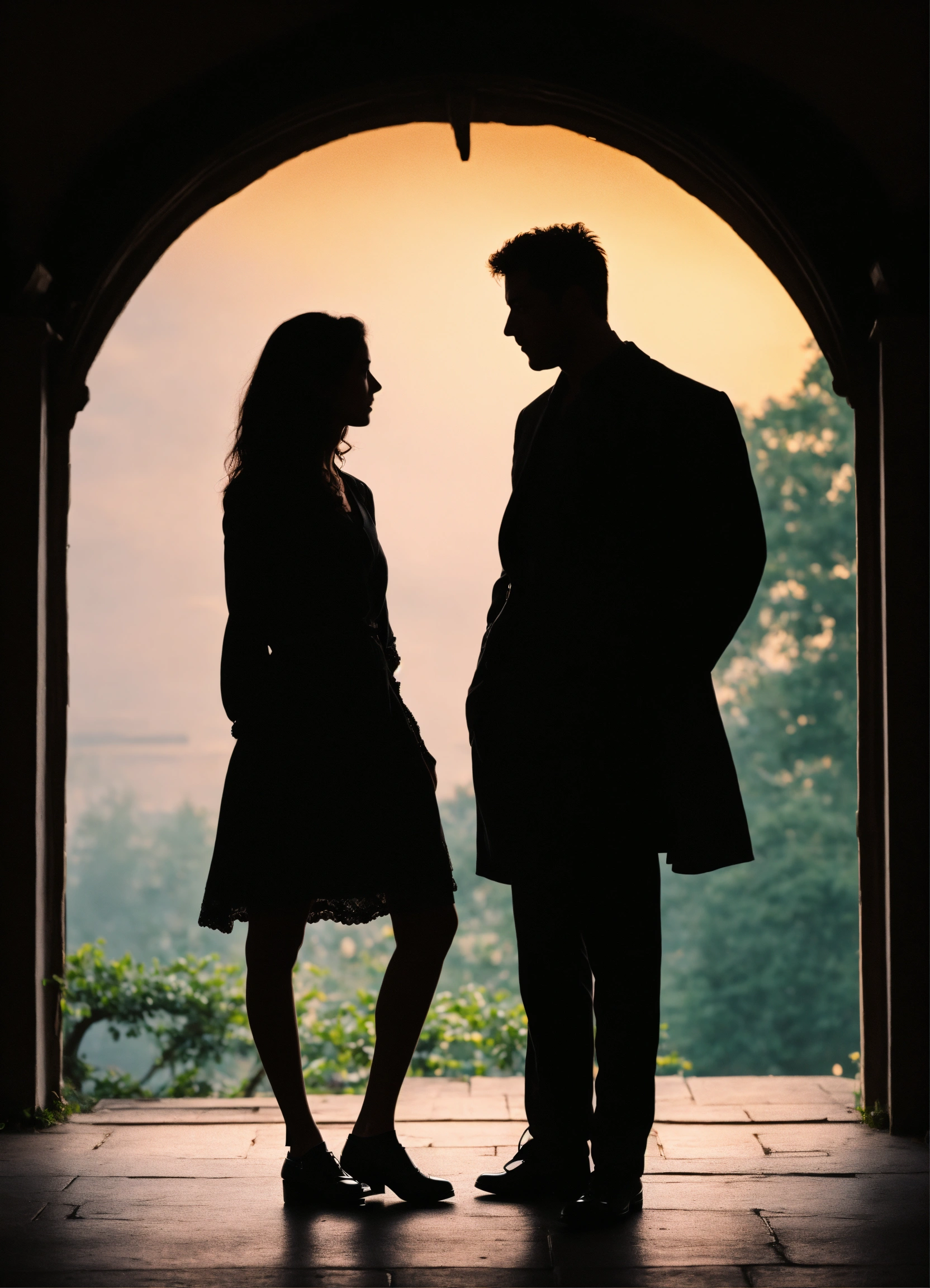
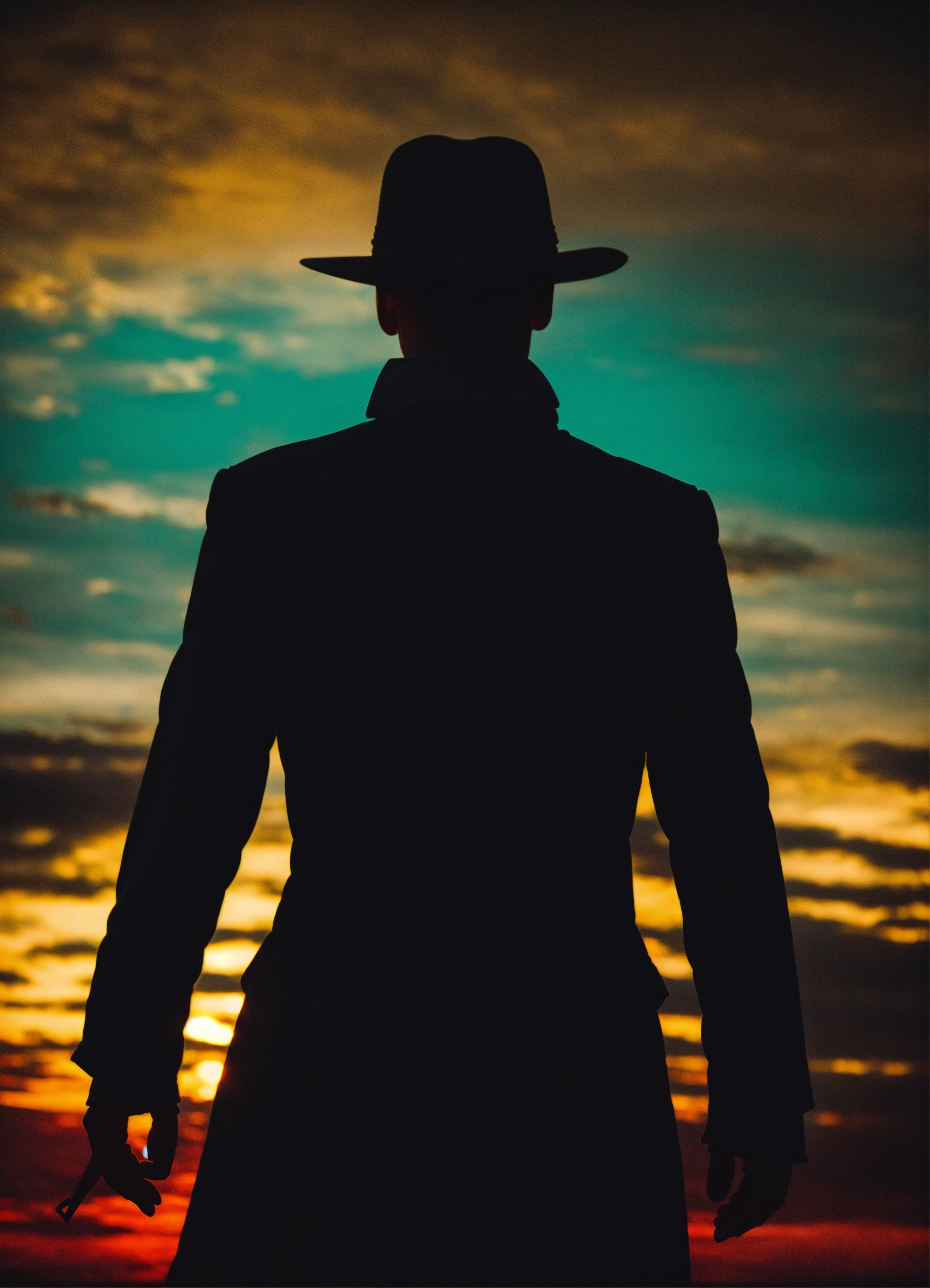
The agent gathers these inputs and preferences in the conversation before it starts.
Describe your desired silhouette design...
Choices: Any Pose, Standing, Sitting, Walking, Running, Dancing, Jumping, Profile
Choices: Any Background, Sunset, Gradient, Solid Color, Nature, Urban, Abstract
Choices: Any Lighting, Backlit, Rim Light, Dramatic, Soft, Natural
Choices: Any Colors, Black and White, Monochromatic, Duotone, Warm Colors, Cool Colors
Create stunning silhouette designs with powerful AI-driven customization.
Create your perfect silhouette in three simple steps:
Enter a detailed description of your desired silhouette design.
Select style, pose, background, and lighting preferences.
Let AI create unique silhouette designs based on your specifications.
Choose from minimalist, artistic, dramatic, and other popular styles.
Create engaging silhouettes with various poses and arrangements.
Add drama with different lighting styles and atmospheric effects.
Experiment with different color combinations and contrasts.
Create unique silhouettes for logos, branding, and visual designs.
Generate reference material and inspiration for artwork.
Design compelling silhouette compositions for photo shoots.
Create striking silhouette illustrations for various projects.
Generate unique visual content for social media and marketing.
Emphasize distinctive shapes and poses that create strong silhouettes.
Use high contrast between the subject and background for impact.
Include environmental elements that enhance the story.
Experiment with different lighting effects to create mood.
Focus on essential details that read well in silhouette form.
Our generator supports various styles including minimalist, artistic, dramatic, abstract, geometric, and more. Each style offers unique characteristics for your design.
Yes! You can choose from different background options and lighting effects to create the perfect atmosphere for your silhouette design.
Generated silhouettes can be downloaded in high-quality formats suitable for both digital and print use.
Yes, all generated silhouette designs are free for both personal and commercial use.
Provide clear descriptions, choose appropriate poses, and experiment with different lighting and background combinations.


