Sketch Description
Describe what you want to create...

Transform your ideas into beautiful sketches with AI
Reference media and sample results for this task.
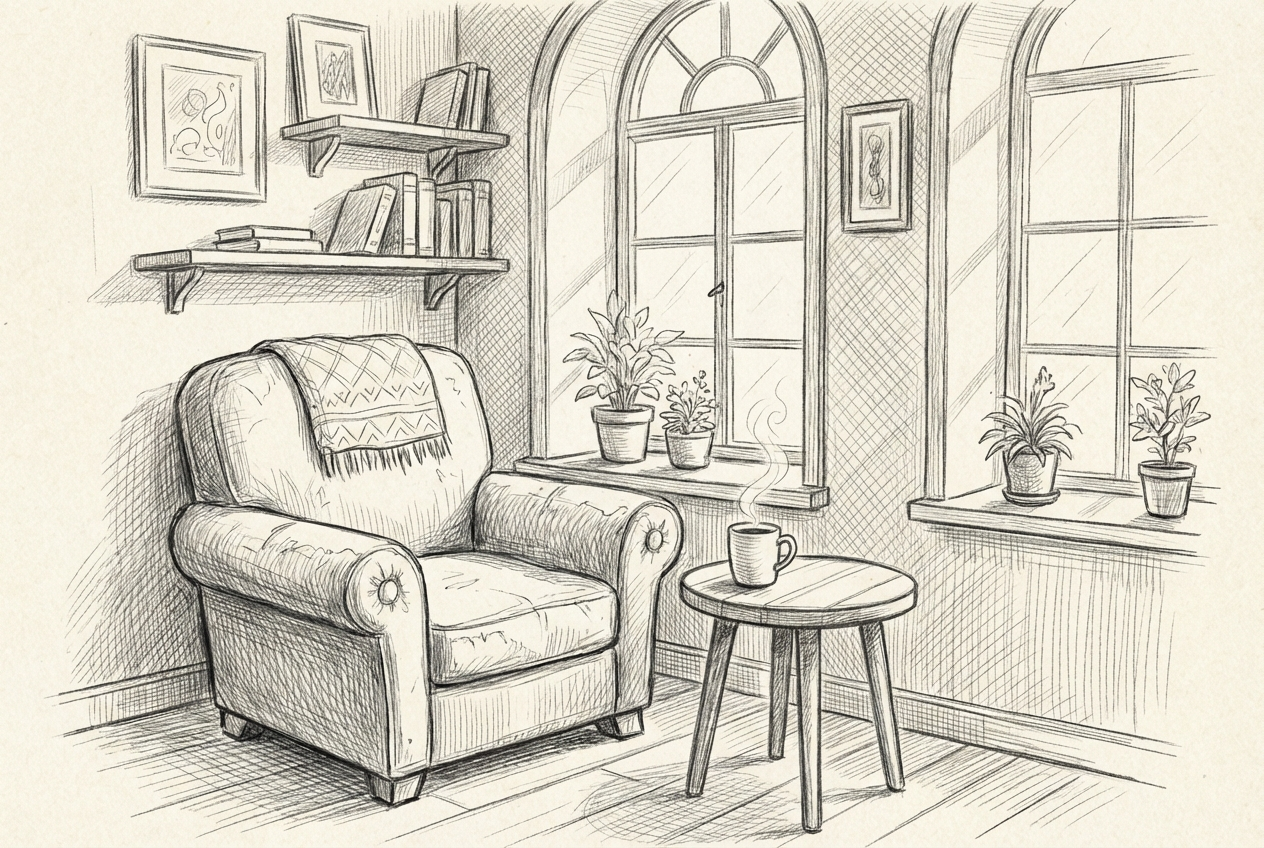
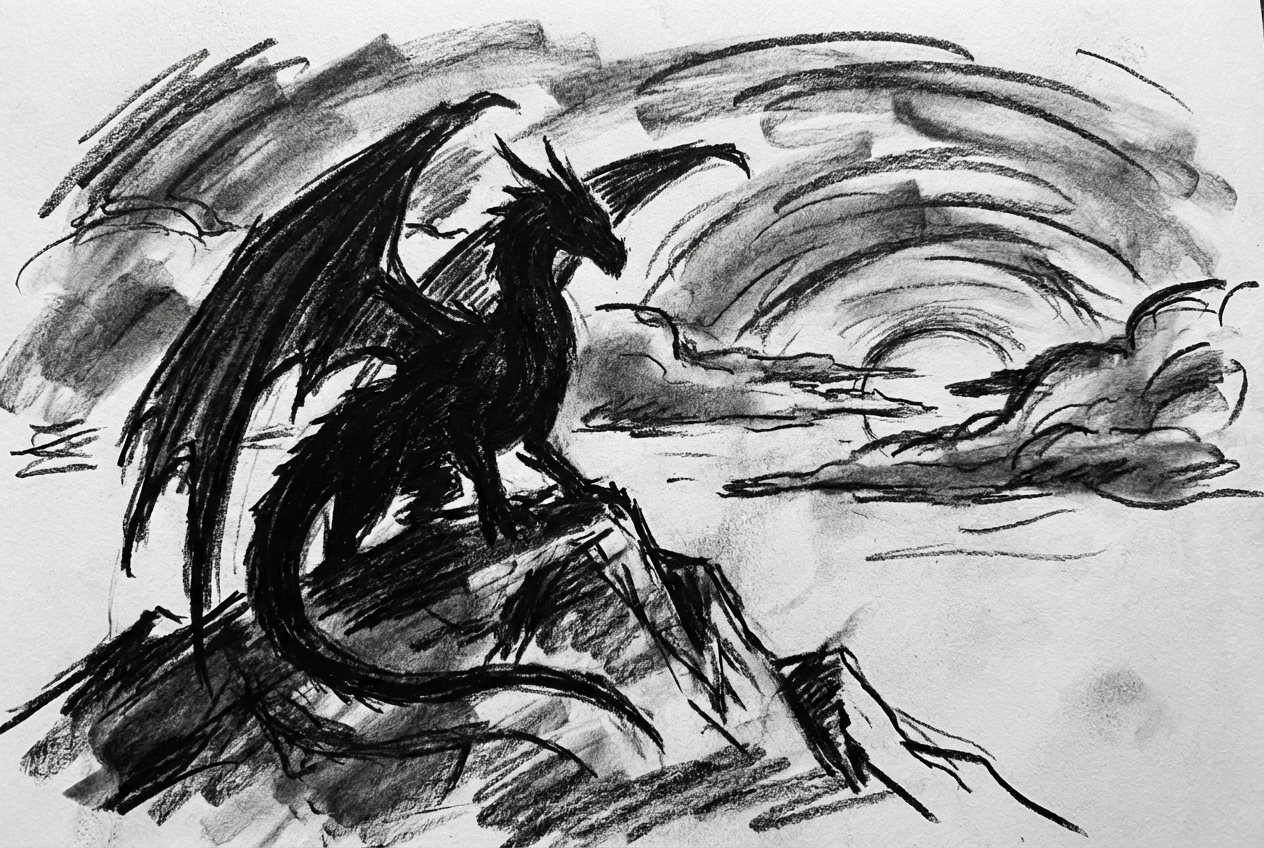
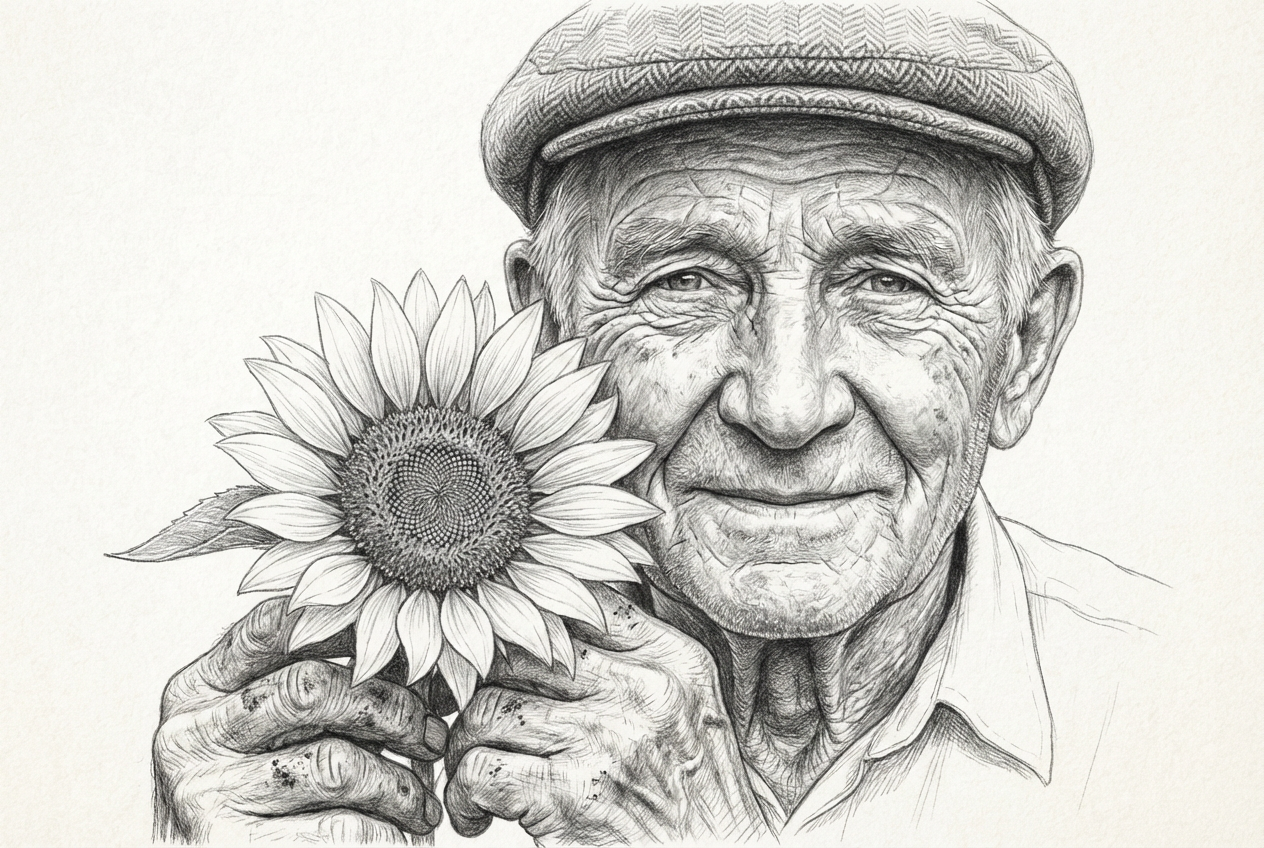
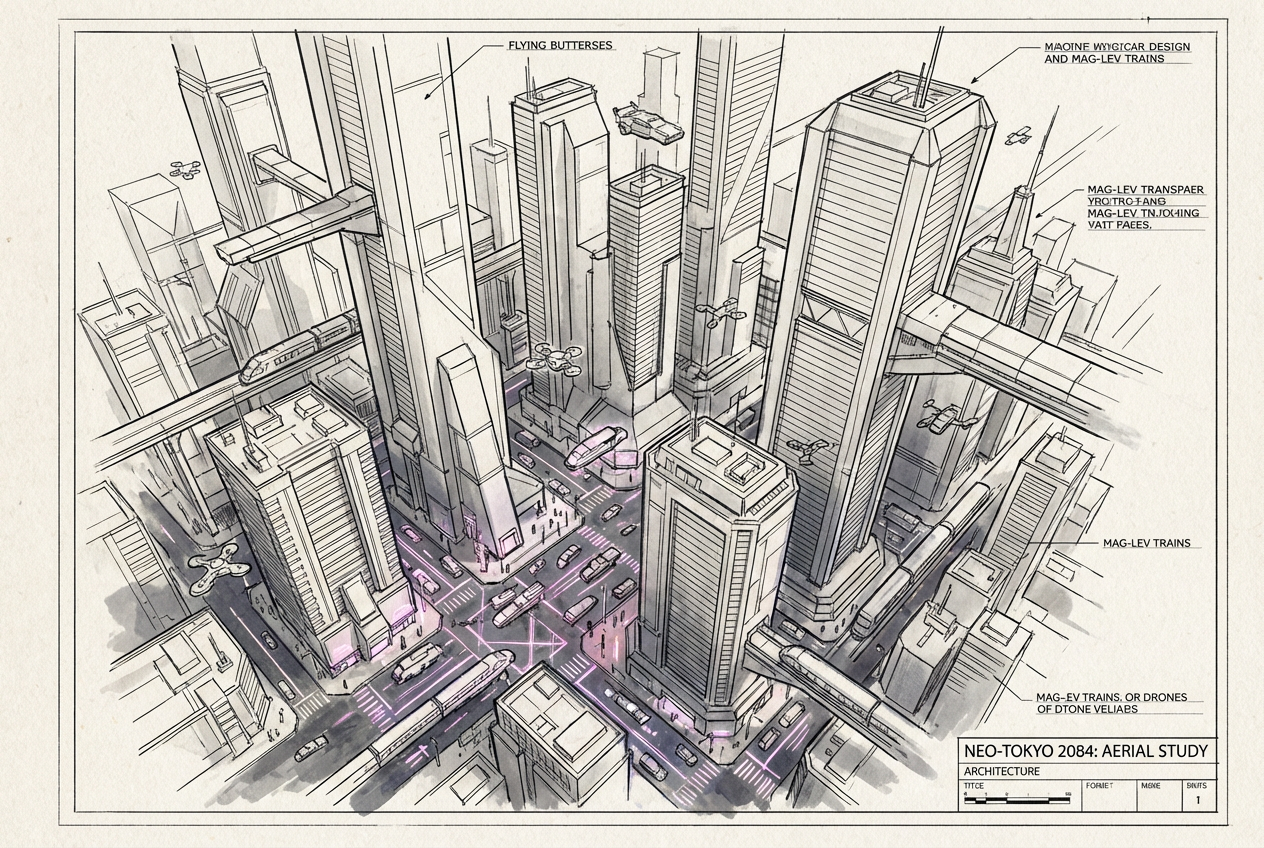
The agent gathers these inputs and preferences in the conversation before it starts.
Describe what you want to create...
Choices: Any Medium, Pencil, Charcoal, Pen and Ink, Digital, Watercolor, Mixed Media
Choices: Any Colors, Monochrome, Grayscale, Sepia, Vibrant, Pastel, Muted
Choices: Any Mood, Peaceful, Dramatic, Mysterious, Energetic, Melancholic, Whimsical
Choices: Any Composition, Centered, Rule of Thirds, Diagonal, Symmetrical, Asymmetrical
Create beautiful sketches in various styles and mediums with AI assistance.
Create your perfect sketch in three simple steps:
Enter a detailed description of what you want to sketch.
Select style, medium, color scheme, and other preferences.
Let AI create unique sketches based on your specifications.
Choose from realistic, impressionist, abstract, and other artistic styles.
Generate sketches in pencil, charcoal, pen and ink, and more.
Download your sketches instantly in high resolution.
Customize the layout and arrangement of your sketch.
Get inspiration and explore new artistic directions.
Create quick concept sketches for projects.
Learn about different artistic styles and techniques.
Create beautiful sketches without formal training.
Generate unique artwork for various media projects.
Include specific details about subjects, composition, and style.
Mention lighting conditions to enhance depth and atmosphere.
Try different drawing tools for varied effects.
Use composition options to create balanced and interesting layouts.
Choose appropriate mood settings to convey the right emotion.
We support multiple styles including realistic, impressionist, abstract, cartoon, manga, minimalist, and surrealist. Each style has its own unique characteristics.
Yes! You can select from various mediums including pencil, charcoal, pen and ink, digital, watercolor, and mixed media.
Our AI can create highly detailed sketches based on your description. The level of detail can be controlled through your prompt and style selections.
Yes, you can generate multiple versions of your sketch to explore different interpretations and styles.
Yes! All sketches generated by our AI are 100% free for personal and commercial use.
Include details about the subject, style, medium, mood, and composition you want. The more specific you are, the better the results.
Yes! You own full rights to the sketches you generate and can use them in any commercial projects without restrictions.
Our AI generates high-resolution sketches suitable for both digital use and printing.


