Describe your skybox
Describe the skybox environment you want to create...

Create stunning 360° skybox images for games and 3D environments with realistic or fantasy atmospheres
Reference media and sample results for this task.
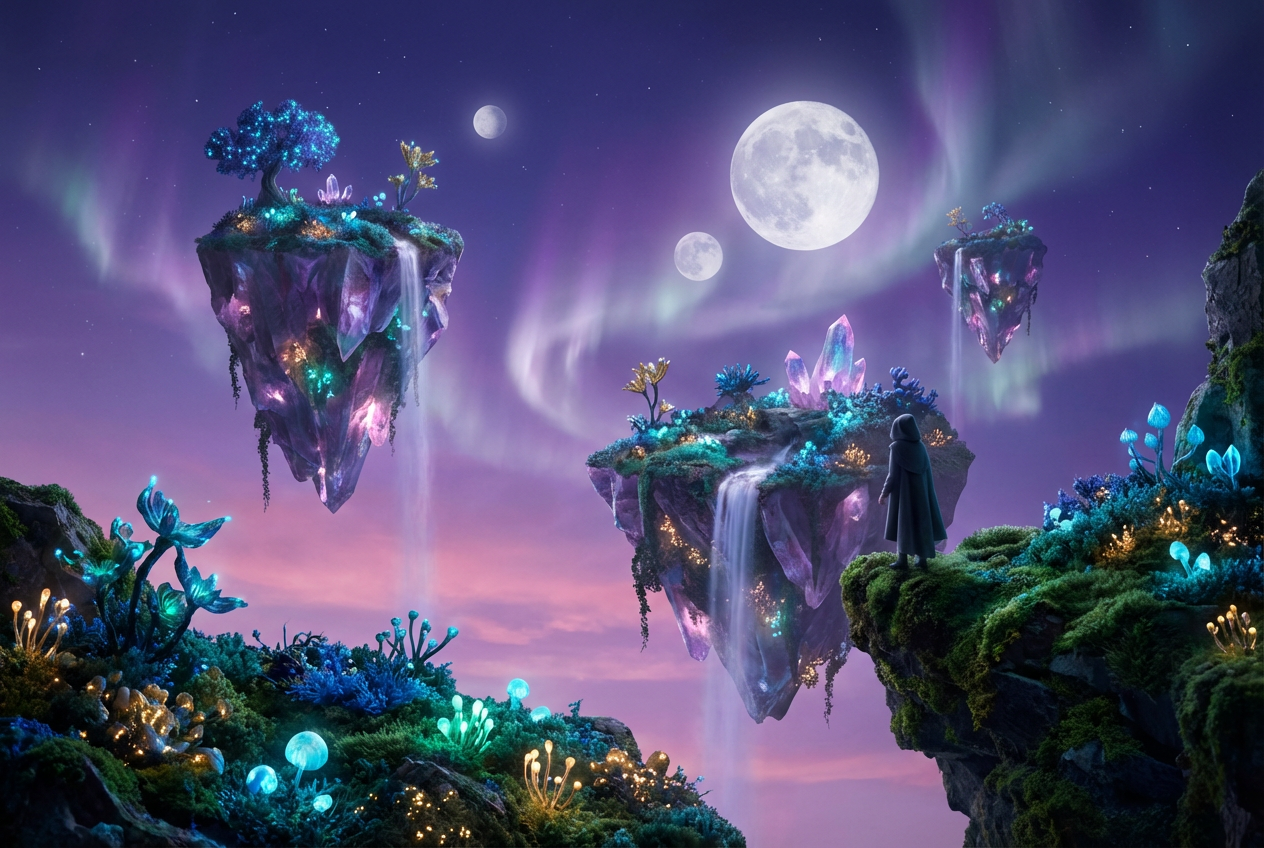
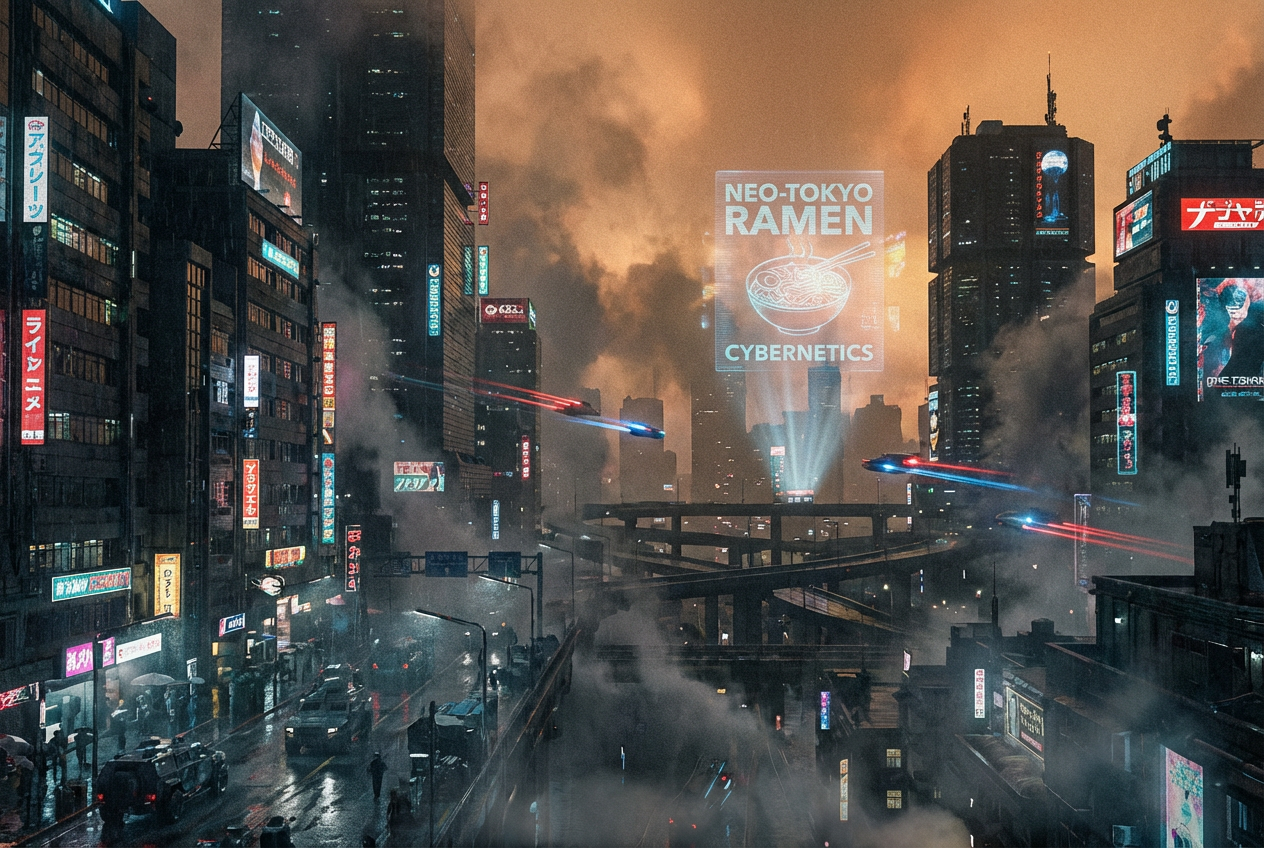
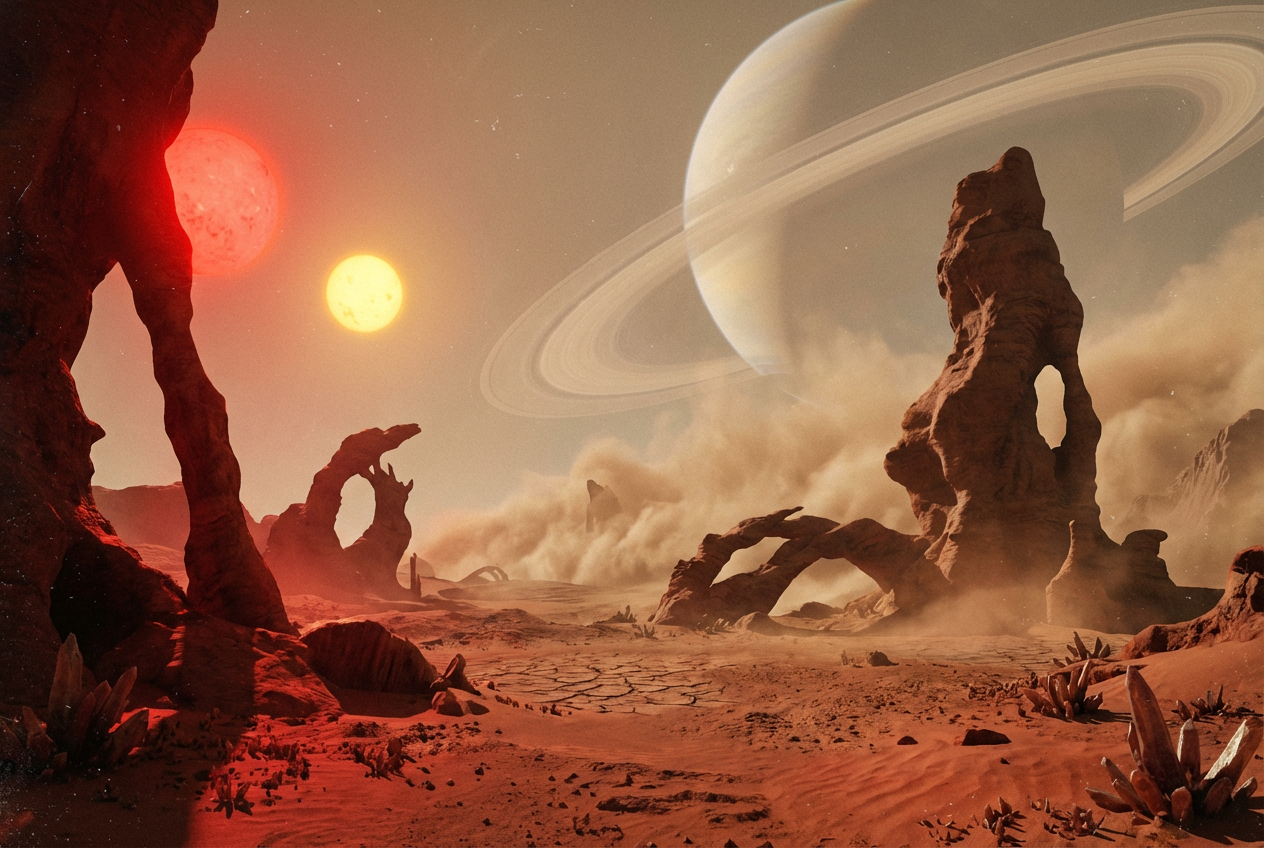
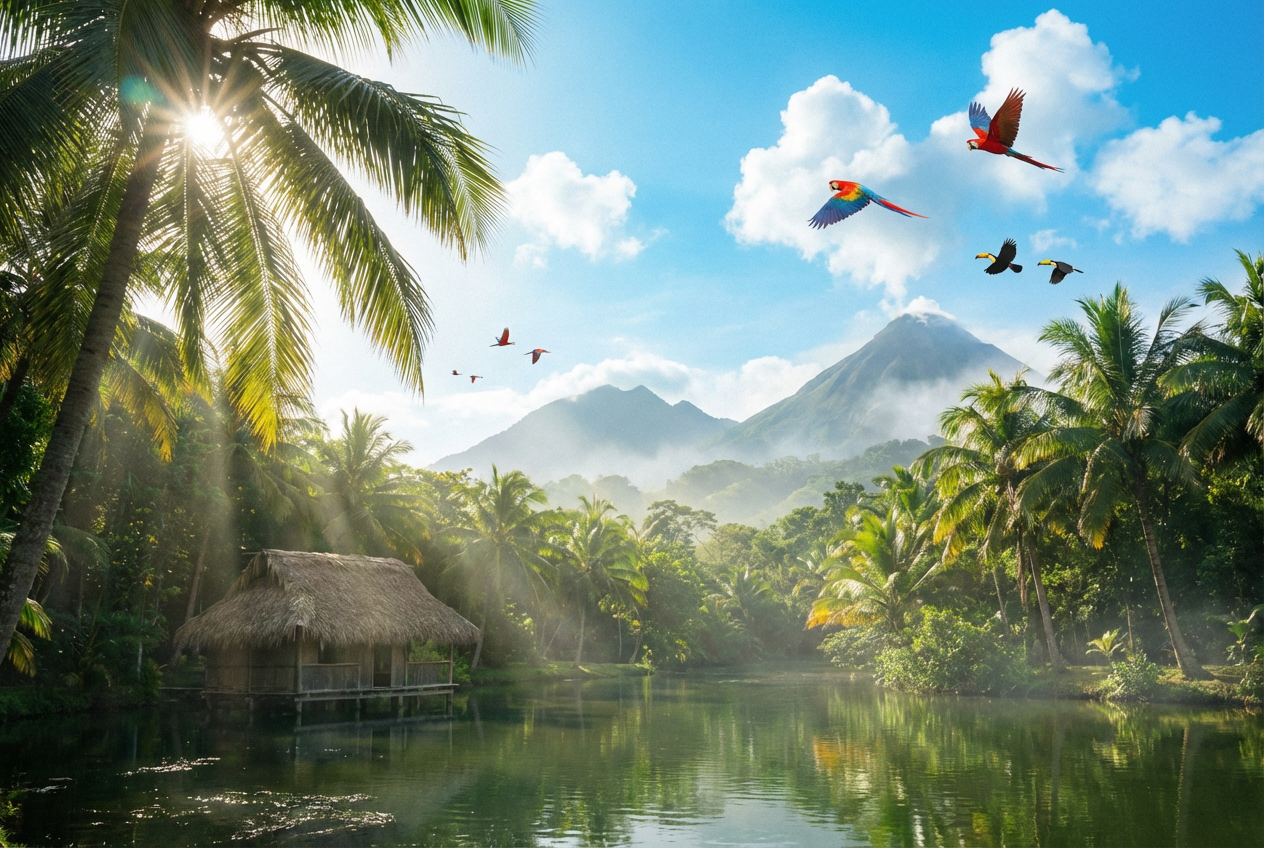
The agent gathers these inputs and preferences in the conversation before it starts.
Describe the skybox environment you want to create...
Choices: Any Type, Realistic Sky, Fantasy Sky, Space/Cosmic, Alien World, Underwater, Apocalyptic
Choices: Any Time, Sunrise, Day, Sunset, Dusk, Night, Midnight
Choices: Any Weather, Clear, Cloudy, Stormy, Foggy, Rainy, Snowy
Create professional 360° skybox images perfect for game development, VR, and 3D environments.
Create your perfect skybox in three simple steps:
Enter details about the sky atmosphere, setting, and mood you want to create.
Select sky type, time of day, and weather conditions for your skybox.
Let AI create seamless 360° skybox images ready for game engines and 3D applications.
Generate realistic, fantasy, space, alien, underwater, and apocalyptic skyboxes.
Create sunrise, day, sunset, dusk, night, or midnight atmospheres.
Choose from clear, cloudy, stormy, foggy, rainy, or snowy conditions.
Generate skyboxes compatible with Unity, Unreal Engine, and other platforms.
AI creates properly wrapped panoramic images that tile seamlessly.
Generate professional quality skyboxes suitable for production use.
Our AI Skybox Generator is perfect for game development and 3D projects:
Create custom skyboxes for games in Unity, Unreal Engine, and other platforms.
Generate skybox environments for 3D scenes, renders, and animations.
Design immersive 360° environments for virtual reality experiences.
Quickly prototype and create atmosphere for game levels and scenes.
Match sky type to your game genre - realistic for simulators, fantasy for RPGs, space for sci-fi.
Time affects mood and lighting - sunrise for hopeful, night for mysterious.
Select weather that enhances your game's atmosphere and story.
Mention details like cloud formations, star patterns, or horizon elements.
Specify color schemes that match your game's overall visual style.
A skybox is a 360° panoramic image that wraps around a 3D scene to create the sky and distant environment, commonly used in games and VR applications.
You can generate realistic skies, fantasy atmospheres, space scenes, alien worlds, underwater environments, and apocalyptic skies.
Yes! The generated skyboxes work with Unity, Unreal Engine, and other game engines that support standard skybox formats.
Absolutely! Choose from sunrise, day, sunset, dusk, night, or midnight to set the perfect atmosphere.
You can create clear, cloudy, stormy, foggy, rainy, or snowy weather conditions for your skybox.
Import the generated image into your game engine and apply it as a skybox material. Most engines have built-in skybox support.
Yes! The space/cosmic option generates beautiful star fields, nebulas, planets, and cosmic phenomena.
Include atmosphere type, color palette, cloud formations, celestial objects, horizon details, and lighting conditions for best results.


