Describe your sprite
Describe the sprite you want to generate...

Create pixel-perfect sprites for games, animations, and digital art using AI
Reference media and sample results for this task.
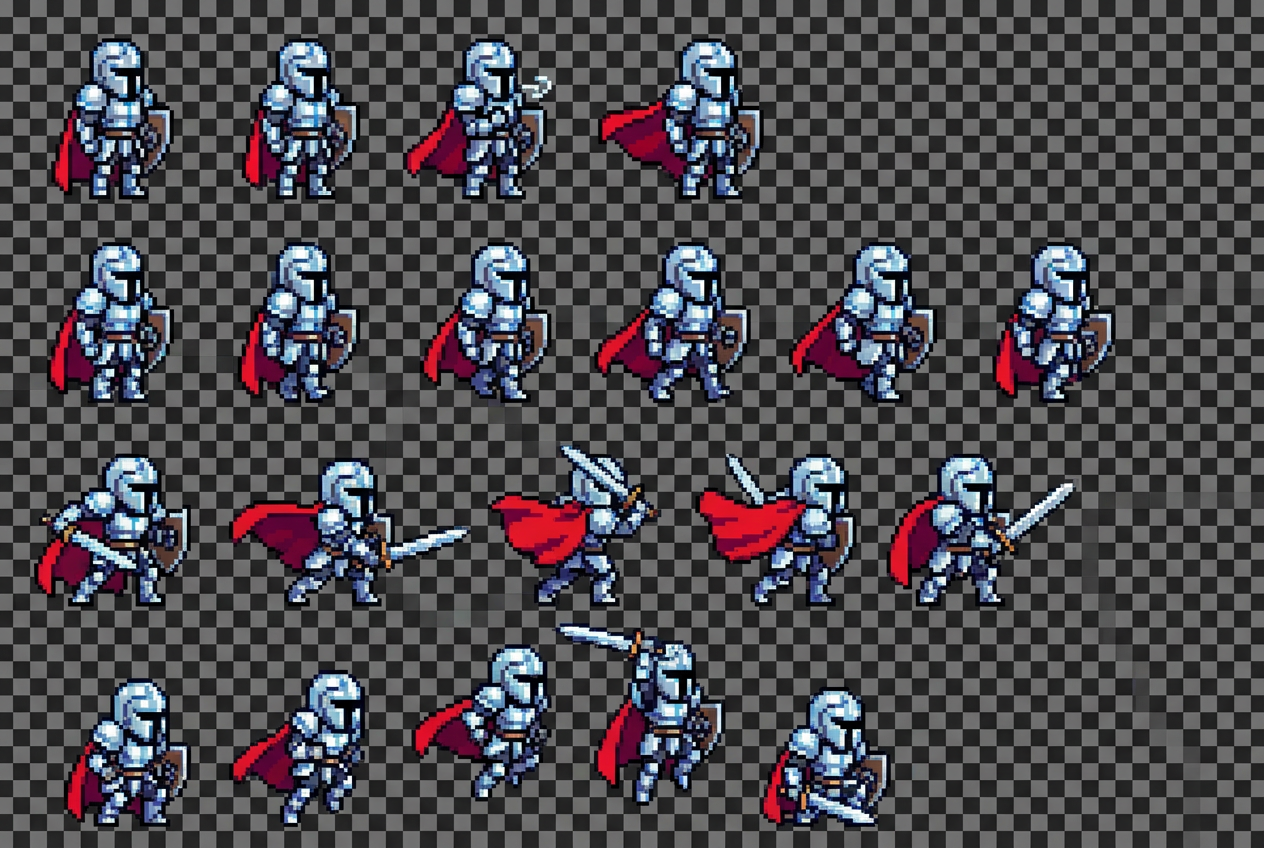
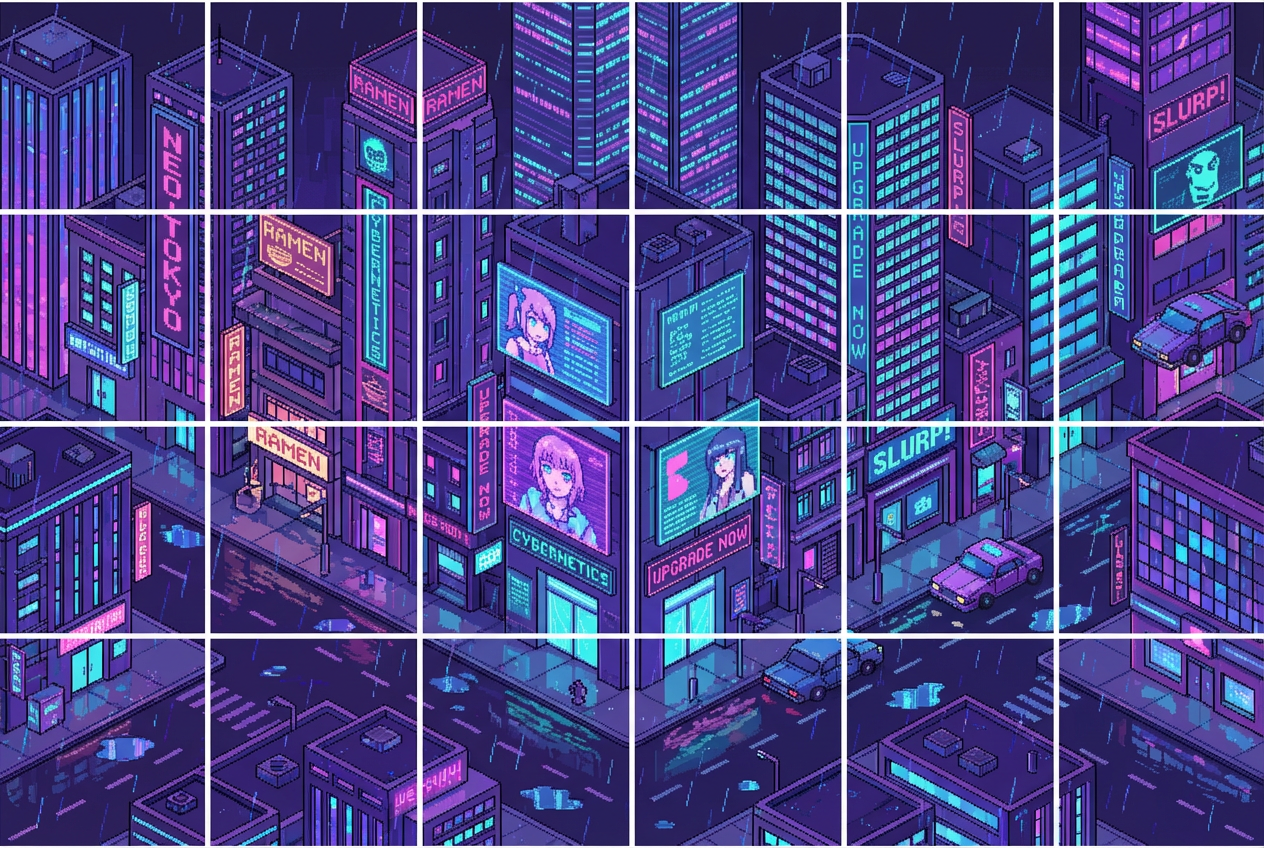
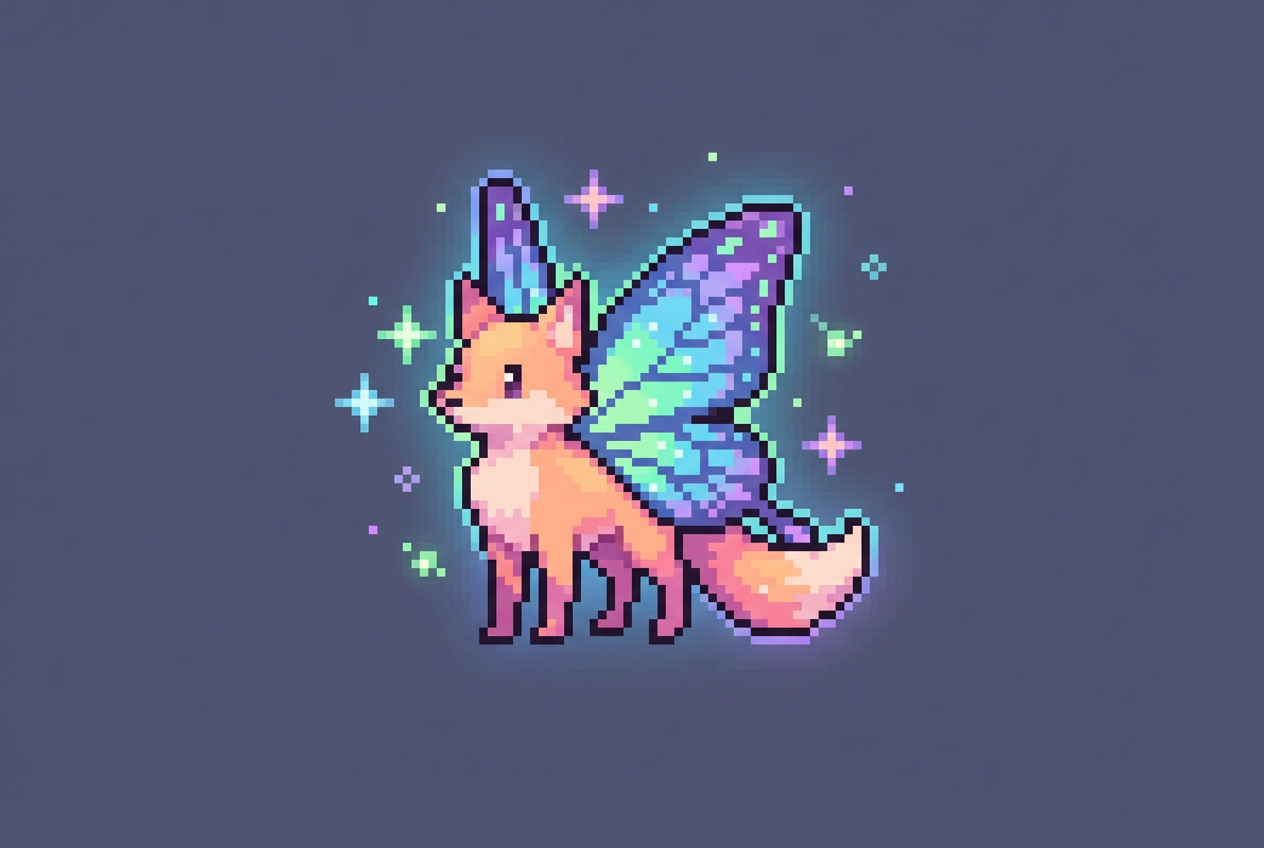
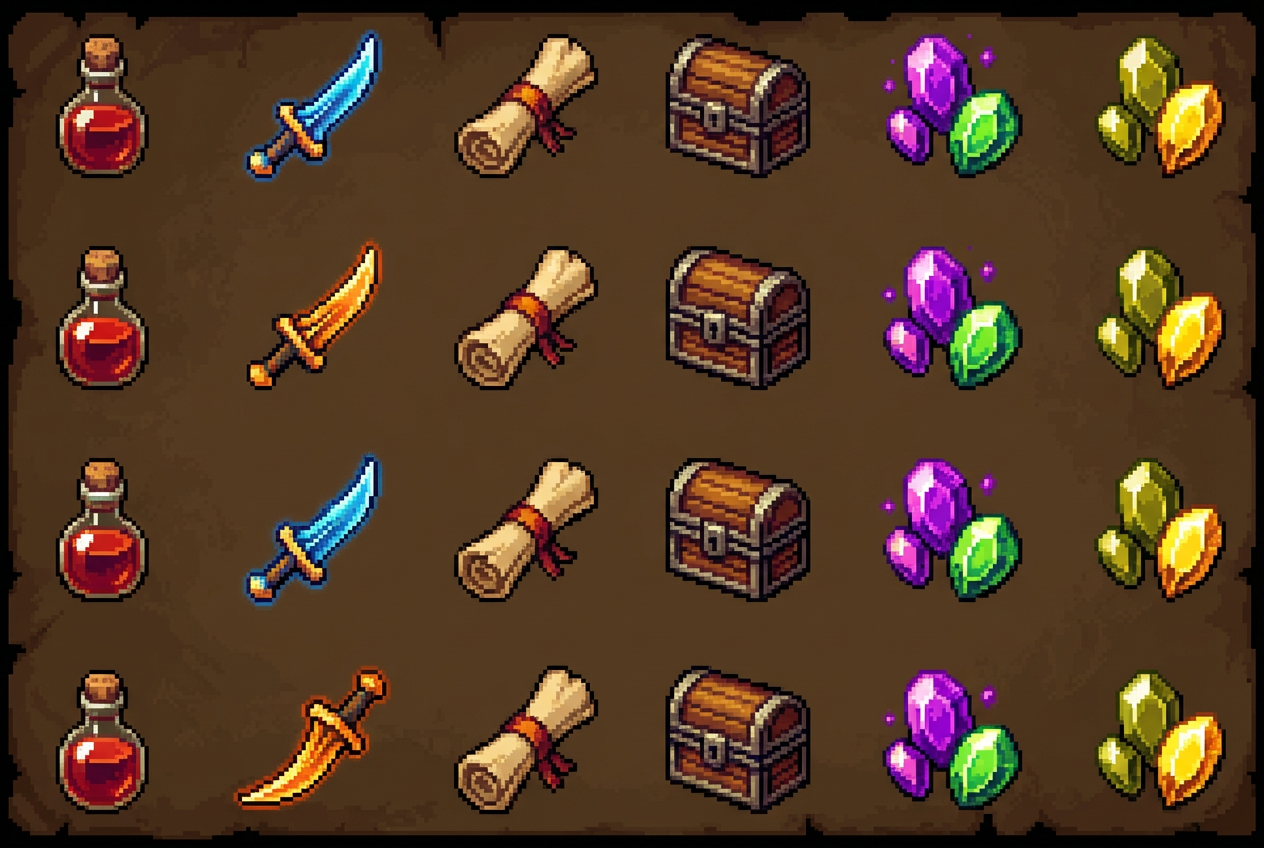
The agent gathers these inputs and preferences in the conversation before it starts.
Describe the sprite you want to generate...
Choices: Any Style, 8-bit Retro, 16-bit Classic, 32-bit Modern, Isometric, Top-Down, Side-View Platformer
Choices: Any Resolution, 16x16 (Micro), 32x32 (Small), 64x64 (Medium), 128x128 (Large)
Choices: Any Colors, Monochrome, Game Boy Green, NES Classic, Vibrant Colors, Pastel Colors
Create pixel-perfect sprites for your games and digital projects with advanced AI technology.
Create professional game sprites in three simple steps:
Enter a detailed description of the sprite you want to create - character, object, or item.
Select your preferred sprite style, resolution, and color palette options.
Let AI create pixel-perfect sprites ready for your game or project.
Generate sprites from 16x16 micro sprites to 128x128 detailed characters.
Choose from authentic retro palettes like NES, Game Boy, or modern vibrant colors.
Get sprites optimized for 8-bit, 16-bit, and 32-bit game styles.
Create sprites in isometric, top-down, or side-view perspectives for any game type.
Download your pixel art sprites immediately in high-quality formats.
Perfect for anyone creating games, animations, or pixel art projects.
Create character sprites, items, and objects for retro and modern games.
Generate professional game assets without needing pixel art skills.
Get inspiration and starting points for your pixel art projects.
Design unique sprites for videos, streams, and digital content.
Include details like pose, expression, and key features for more accurate sprites.
Choose the sprite style (8-bit, 16-bit, etc.) that matches your game's aesthetic.
If creating character sprites, describe them in a neutral pose suitable for animation.
Stick to one color palette across sprites for a cohesive game look.
Try multiple resolutions to find the perfect balance of detail for your project.
You can create 8-bit, 16-bit, 32-bit, isometric, top-down, and side-view sprites suitable for various game genres.
We support resolutions from 16x16 pixels (micro sprites) up to 128x128 pixels (detailed characters).
Yes! All generated sprites can be used in your personal and commercial game projects.
Yes, sprites are typically generated with transparent or simple backgrounds, perfect for game integration.
Choose from monochrome, Game Boy green, NES classic, vibrant modern, and pastel color schemes.
The tool creates individual sprite frames. You can generate multiple poses and combine them for animation.
Include the subject (character/object), pose, key features, and any specific details you want included.
Absolutely! Create characters, enemies, items, objects, and any game assets you need.


