Description
Describe what you want to create...

Create game-ready sprite sheets and animations with AI
Reference media and sample results for this task.
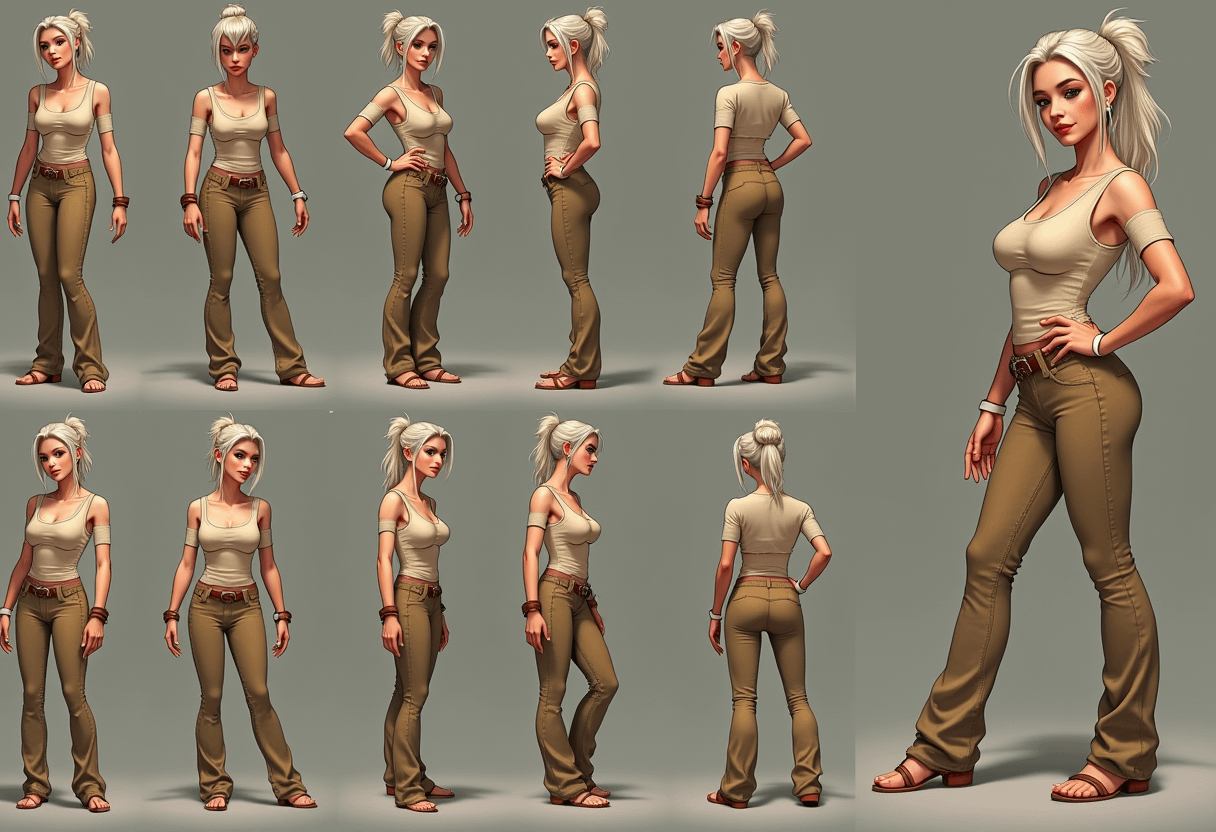
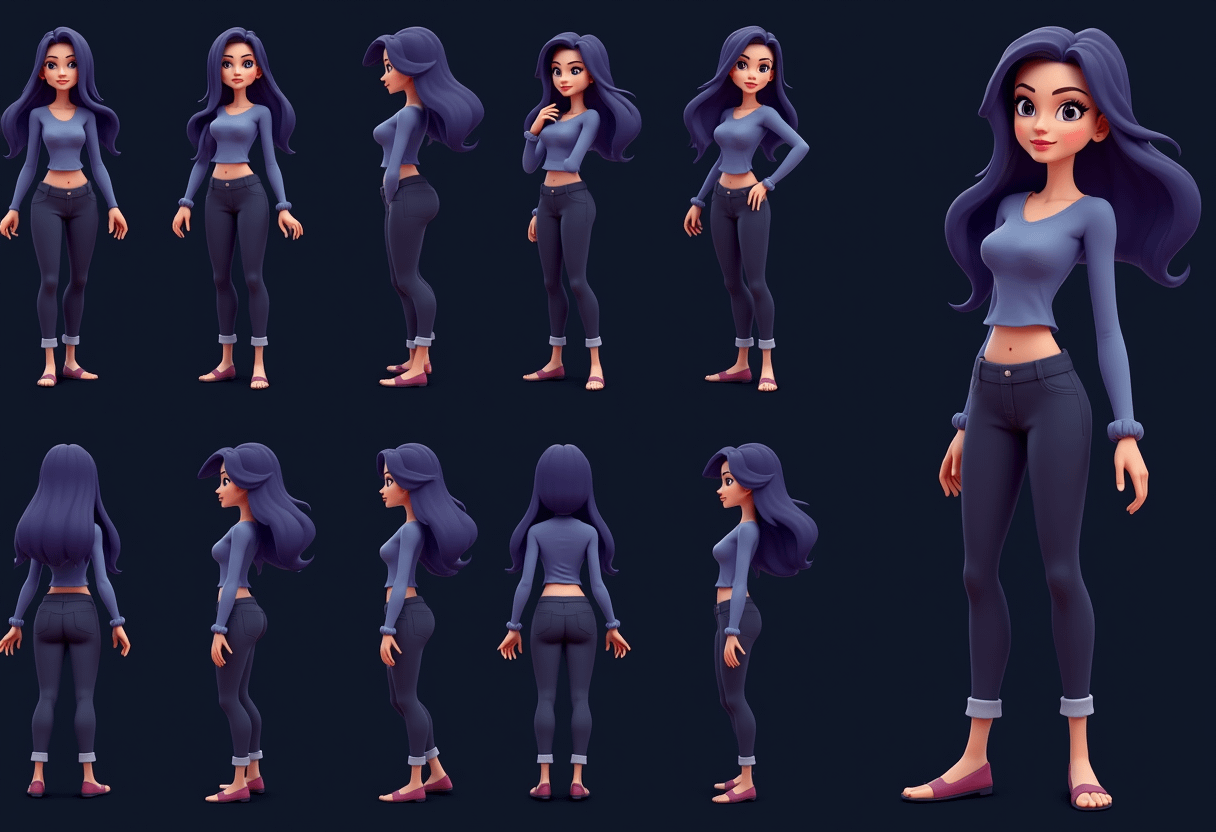
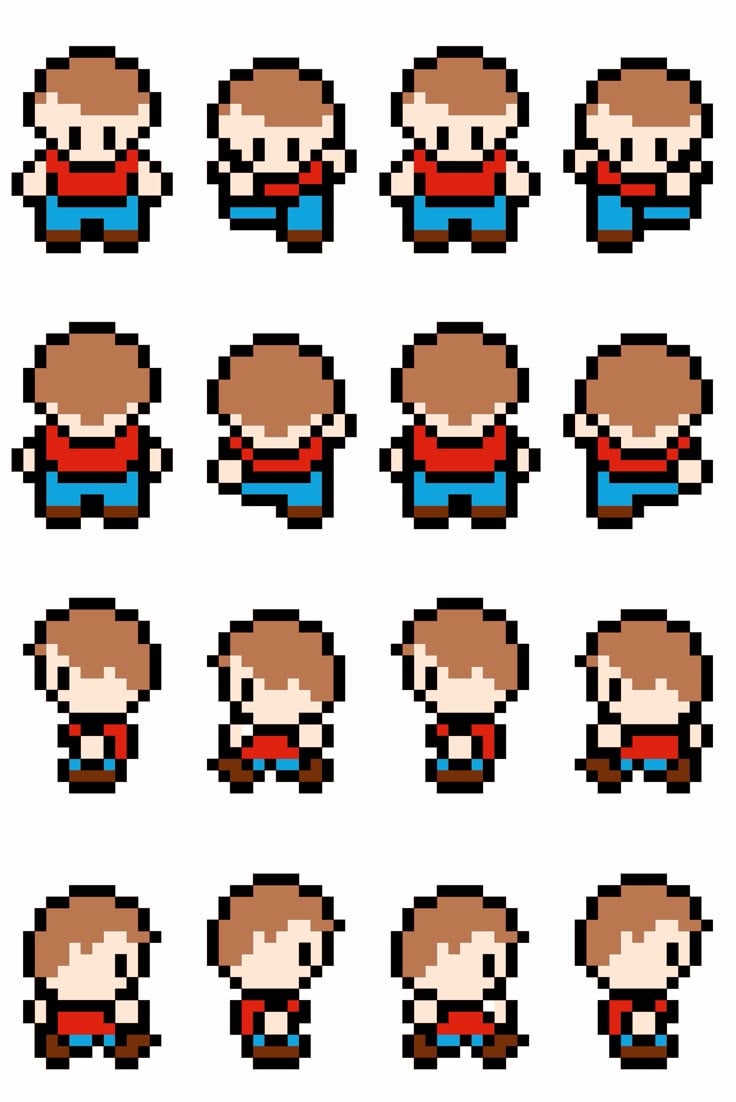
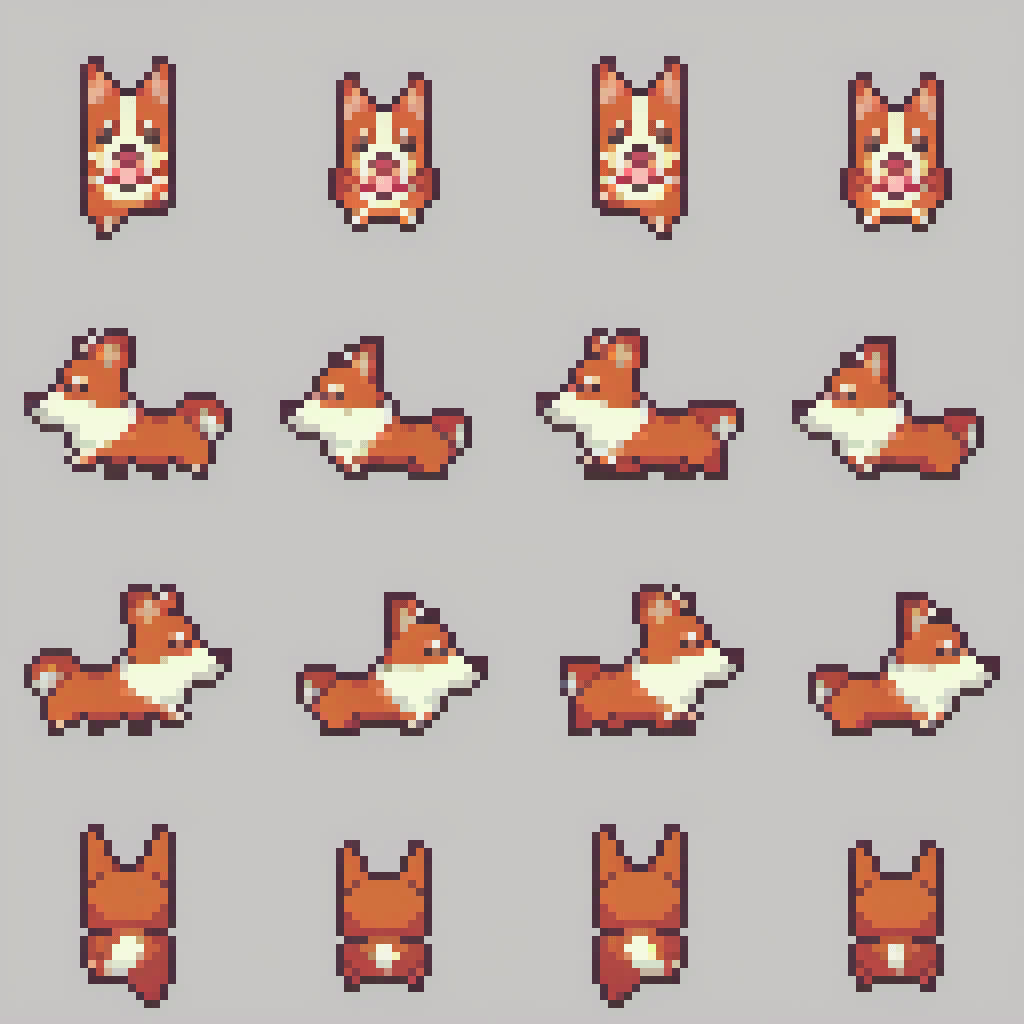
The agent gathers these inputs and preferences in the conversation before it starts.
Describe what you want to create...
Choices: Any Character, Human, Fantasy, Animal, Monster, Robot, Vehicle
Choices: Any Animation, Idle, Walk Cycle, Run Cycle, Jump, Attack, Death, Complete Animation Set
Choices: Any View, Side View, Front View, Three Quarter View, Top Down, Isometric
Choices: Any Colors, 16 Color Palette, 32 Color Palette, Grayscale, Retro Palette, Fantasy Palette, Cyberpunk Palette
Create professional game-ready sprite sheets with powerful AI assistance.
Create your sprite sheets in three simple steps:
Enter a detailed description of your character or animation.
Select style, animation type, perspective, and color palette.
Let AI create a professional sprite sheet with multiple animation frames.
Generate walk cycles, idle animations, attacks, and more.
Choose from various pixel art styles and color palettes.
Download sprite sheets ready for game engine implementation.
Create sprites from different views for complete character sets.
Create character animations for your game projects quickly.
Access professional-quality sprites without a large art budget.
Generate base animations to refine and customize further.
Learn animation principles with instant visualization.
Create game assets for marketplaces and stores.
Quickly prototype character animations and movement cycles.
Describe character details, movement style, and special features.
Think about how frames will connect for smooth animation.
Consider how many frames you need for each animation type.
Choose art styles that fit your game's overall aesthetic.
Consider the size your sprites will appear in the game.
We support common game animations including idle, walk cycles, run cycles, jumps, attacks, and death animations. You can generate complete animation sets or individual actions.
The AI generates an appropriate number of frames based on the animation type selected. You can generate multiple variations to get different frame counts.
Yes! The generated sprite sheets are organized in a grid layout ready for game engine implementation. You may need to slice the sheet into individual frames depending on your engine.
Sprite sheets are delivered as PNG files with transparency, suitable for most game development needs.
Yes! All generated sprite sheets are free for commercial use in your games or other projects.
Include details about the character design, desired animation type, art style, and any specific movement characteristics you want to capture.
Yes! You can import the sprite sheets into pixel art editors for further refinement or customization.
The generator creates sprite sheets at appropriate resolutions for pixel art, typically suitable for both modern and retro-style games.


