Sticker Description
Describe your desired sticker design...

Create unique, vibrant sticker designs with AI
Reference media and sample results for this task.
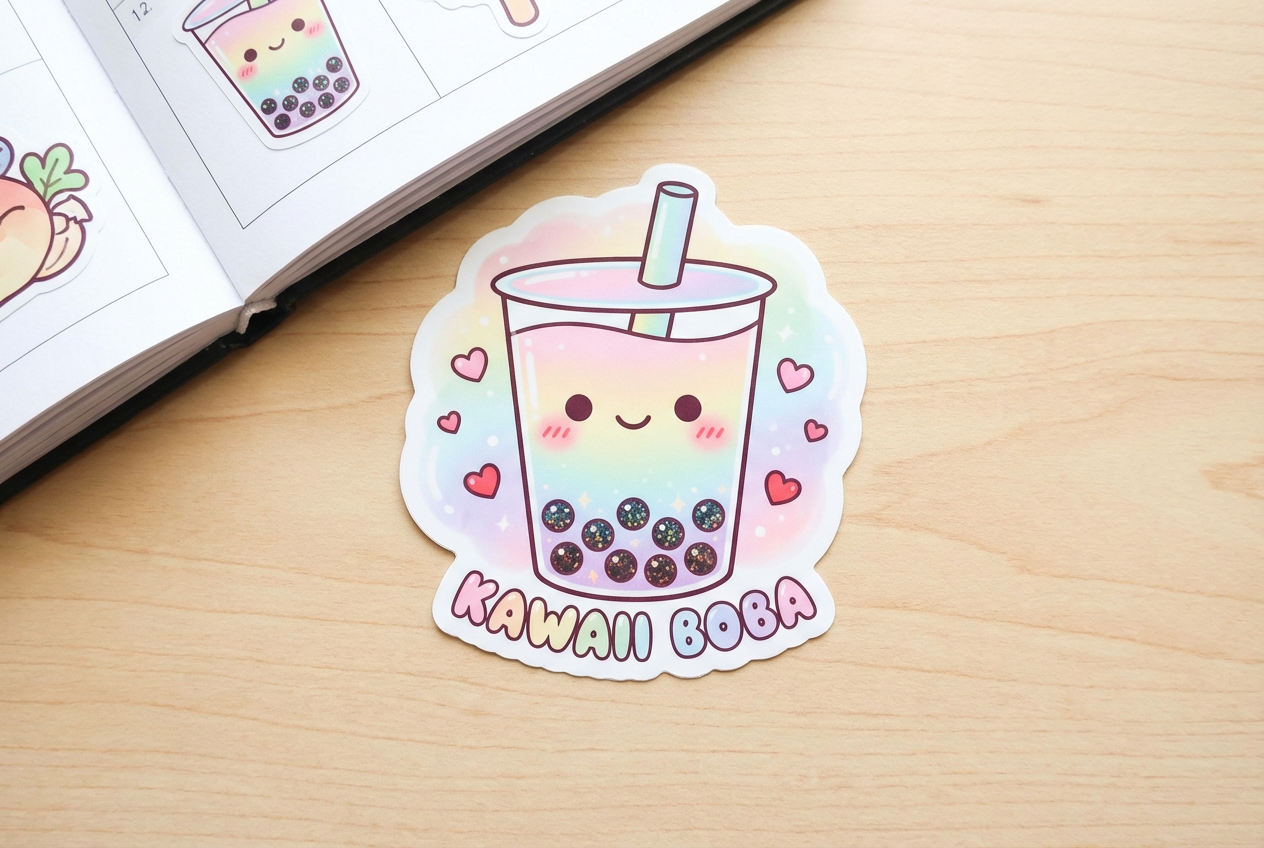
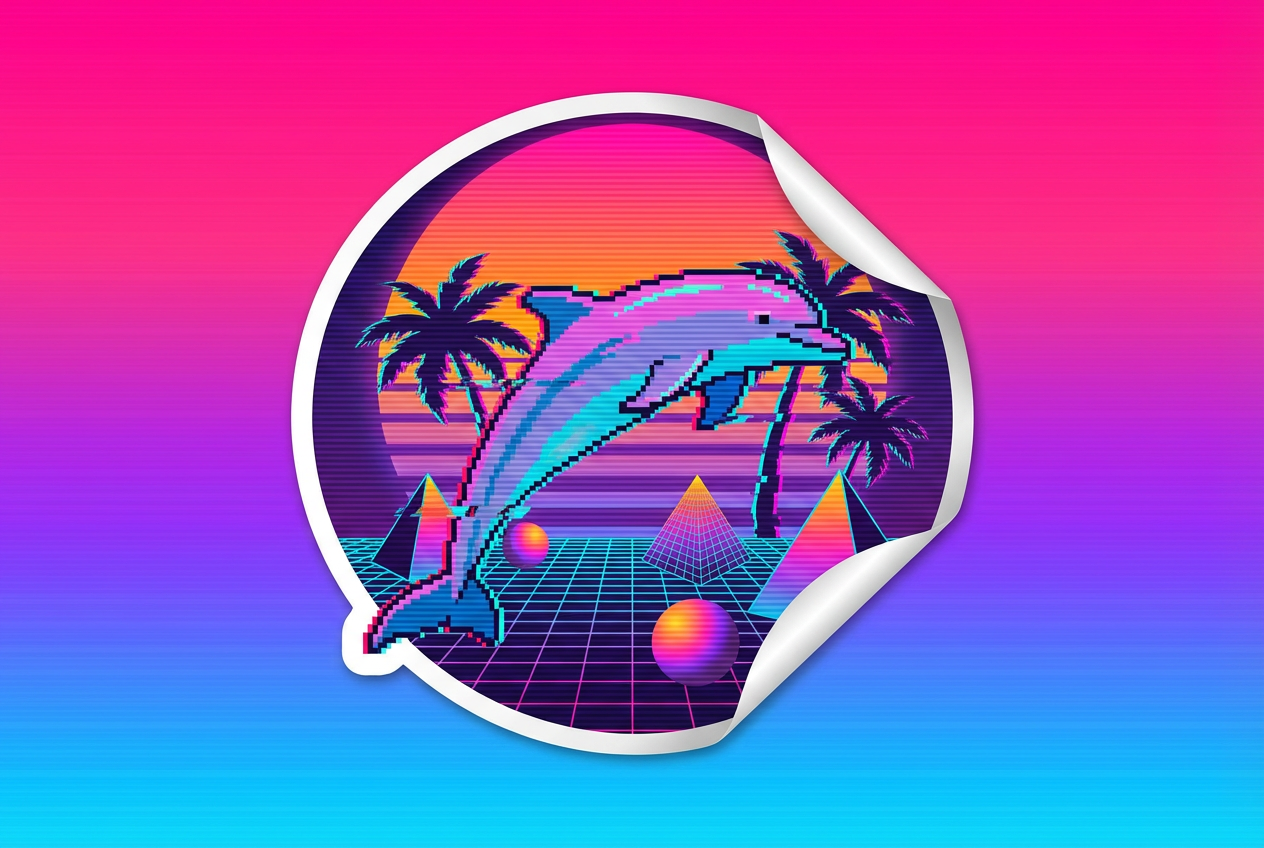
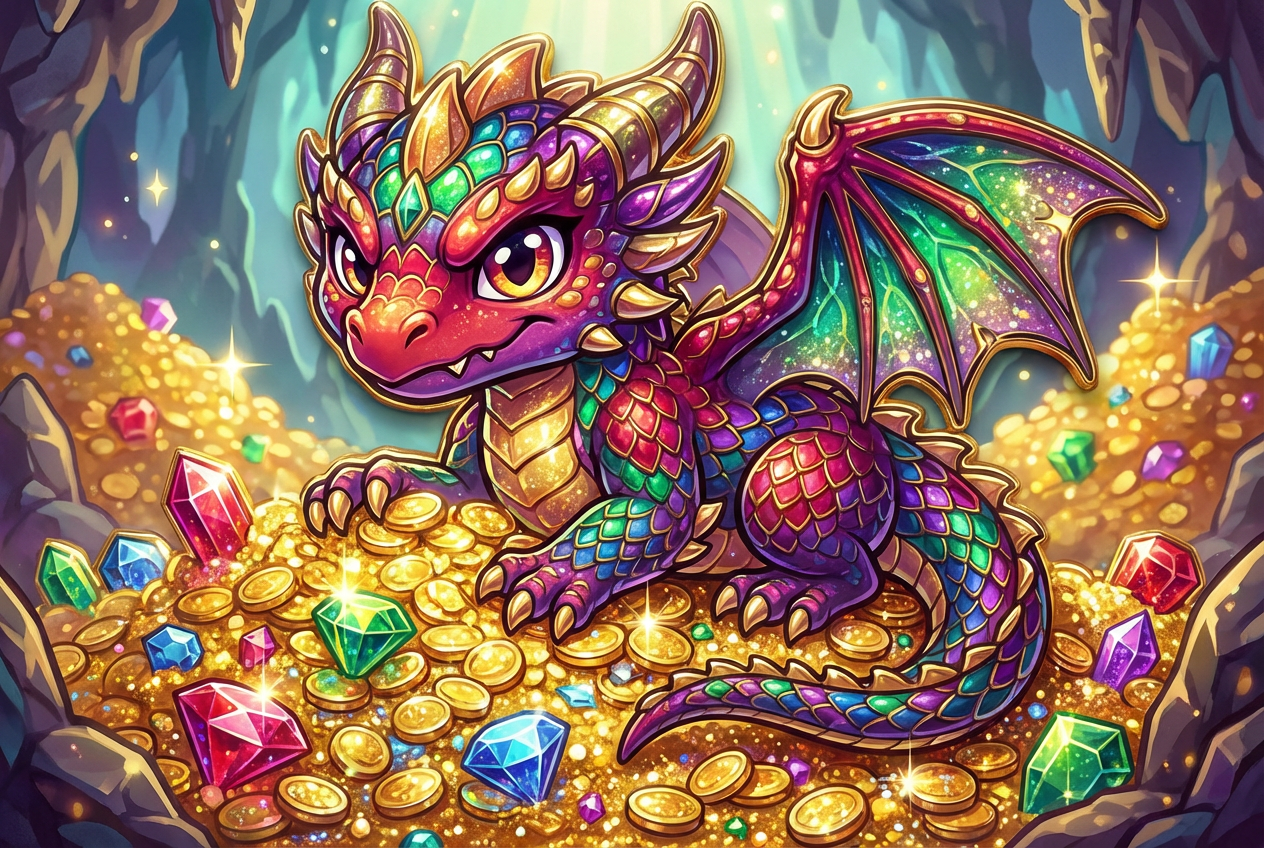
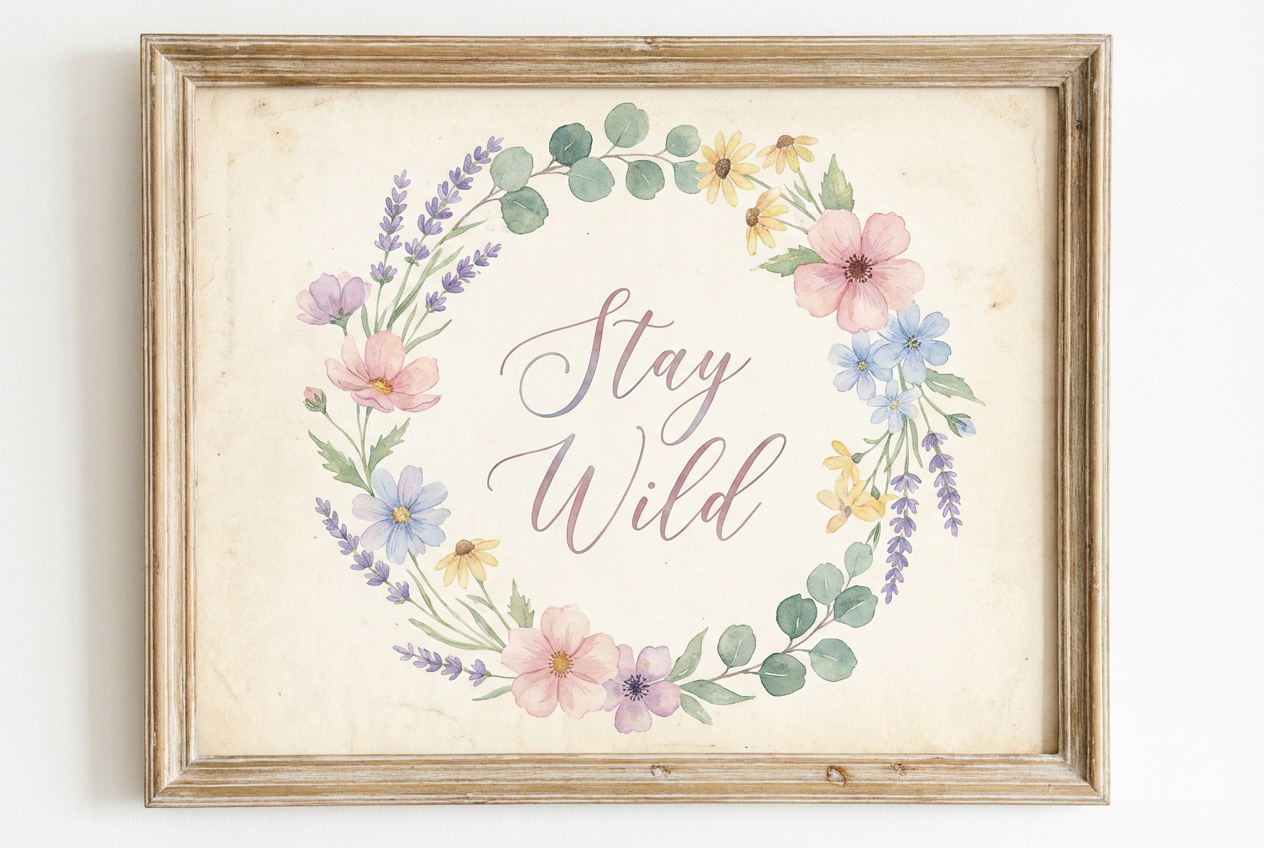
The agent gathers these inputs and preferences in the conversation before it starts.
Describe your desired sticker design...
Choices: Any Theme, Nature, Food, Animals, Space, Fantasy, Gaming, Music, Sports, Holiday
Choices: Any Art Style, Watercolor, Flat Design, 3D, Hand Drawn, Doodle, Line Art, Gradient, Pop Art, Comic
Create personalized, vibrant sticker designs tailored to your style.
Create your perfect sticker in three simple steps:
Enter a detailed description of your desired sticker design.
Select style, theme, and art style preferences.
Let AI create unique sticker designs based on your specifications.
Choose from cute, minimalist, cartoon, chibi, and other popular sticker styles.
Explore various themes from nature to fantasy for your sticker designs.
Download your designs instantly in high resolution for printing.
Create stickers in different art styles from watercolor to pop art.
Express yourself with unique, personalized sticker designs.
Generate inspiration and create sticker collections quickly.
Create custom stickers for products or branding.
Design unique stickers for your merchandise.
Make stickers for planners, journals, or scrapbooks.
Design custom stickers for social media and merchandise.
Include detailed elements and themes you want in your sticker.
Match the style to your intended use (cute for planners, minimalist for branding, etc.).
Think about color schemes that match your brand or purpose.
Simple designs often make the best stickers.
Consider how the design will look in different sizes.
We support multiple styles including cute, minimalist, cartoon, chibi, pixel art, retro, graffiti, holographic, and kawaii. Each style has its own unique characteristics.
Yes! You can choose from various themes including nature, food, animals, space, fantasy, gaming, music, sports, and holiday themes.
Yes, all generated designs are high-resolution and optimized for sticker printing with clean edges and vibrant colors.
Yes, you can generate multiple versions of your design to explore different interpretations and styles.
Designs are provided in high-quality digital format suitable for both digital use and professional printing.
Include details about the style, theme, and any specific elements you want. Also mention if you prefer certain colors or art styles.
Yes! All designs generated by our AI Sticker Generator are 100% free for commercial use. You can use them in your business, products, or any other commercial projects.


