Sticker Description
Describe your sticker (e.g., 'cute kawaii cat with pink bow')

Create unique, custom stickers using AI technology
Reference media and sample results for this task.
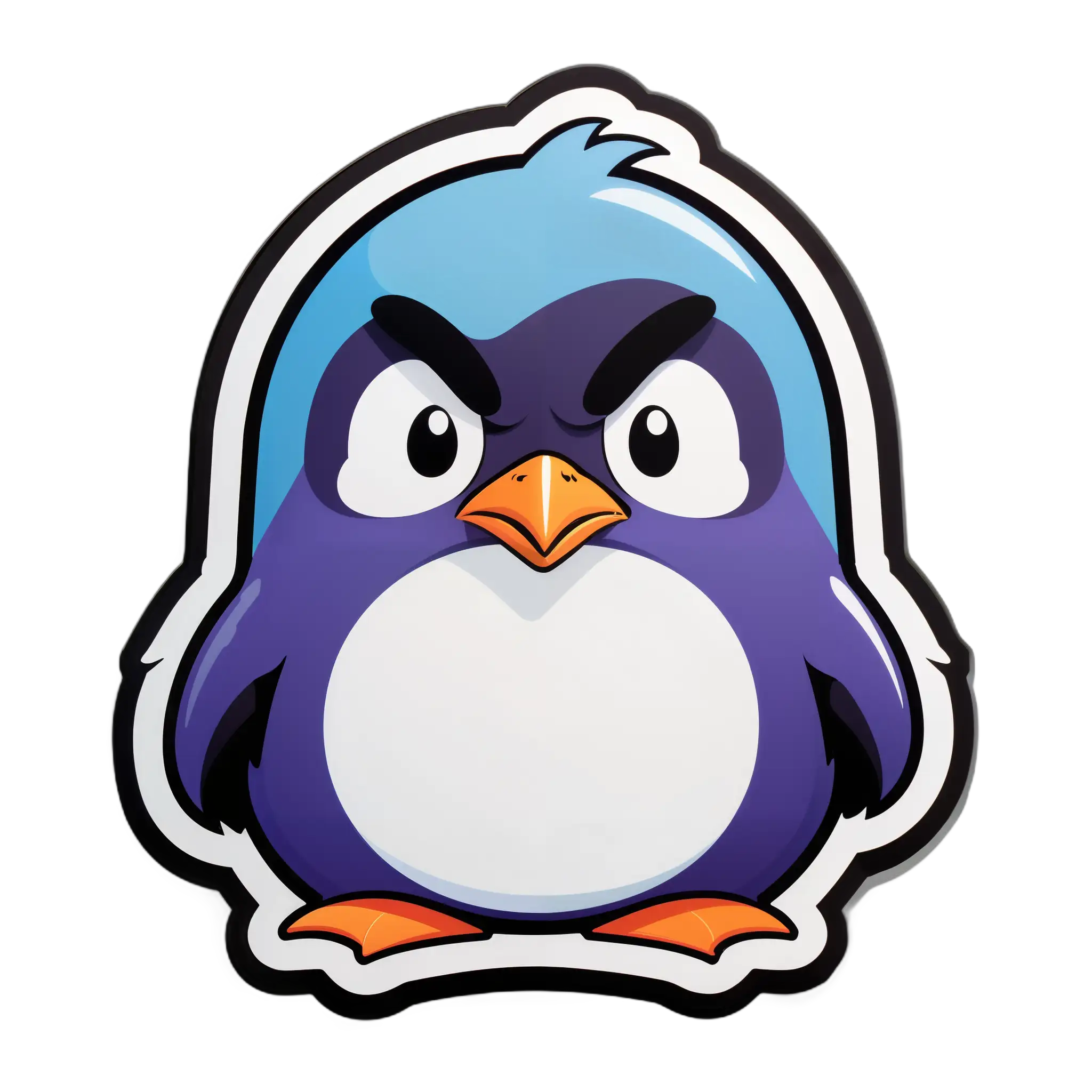
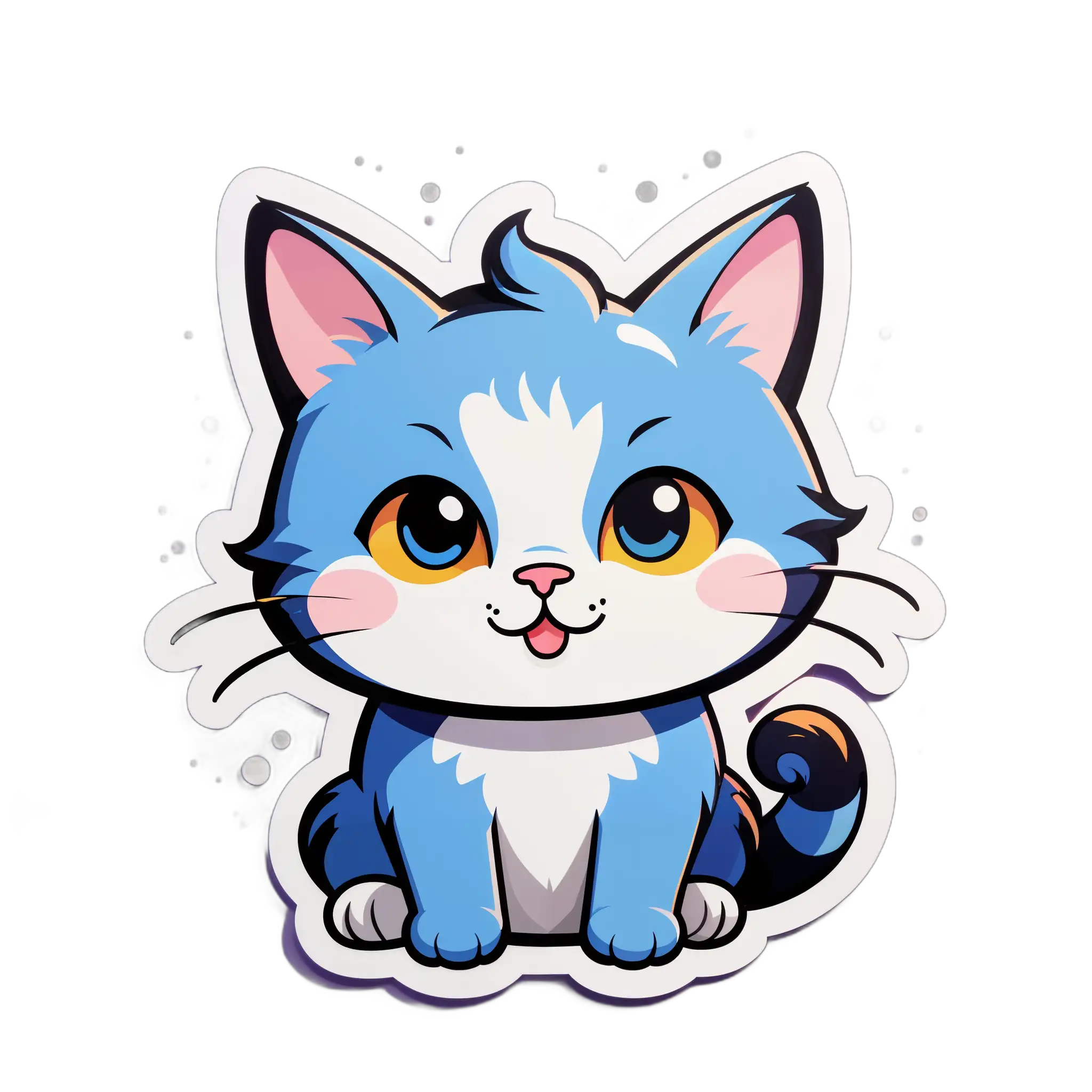
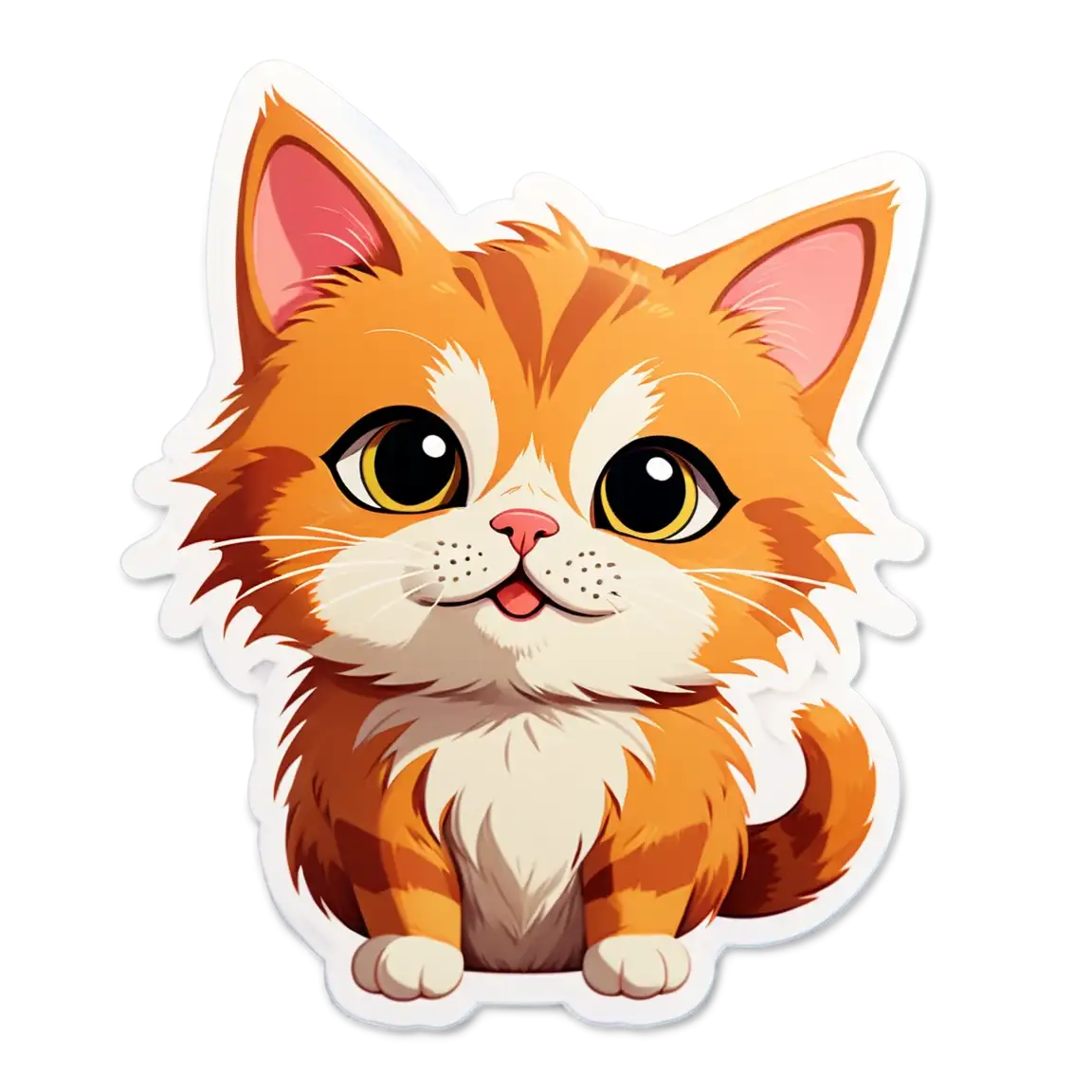
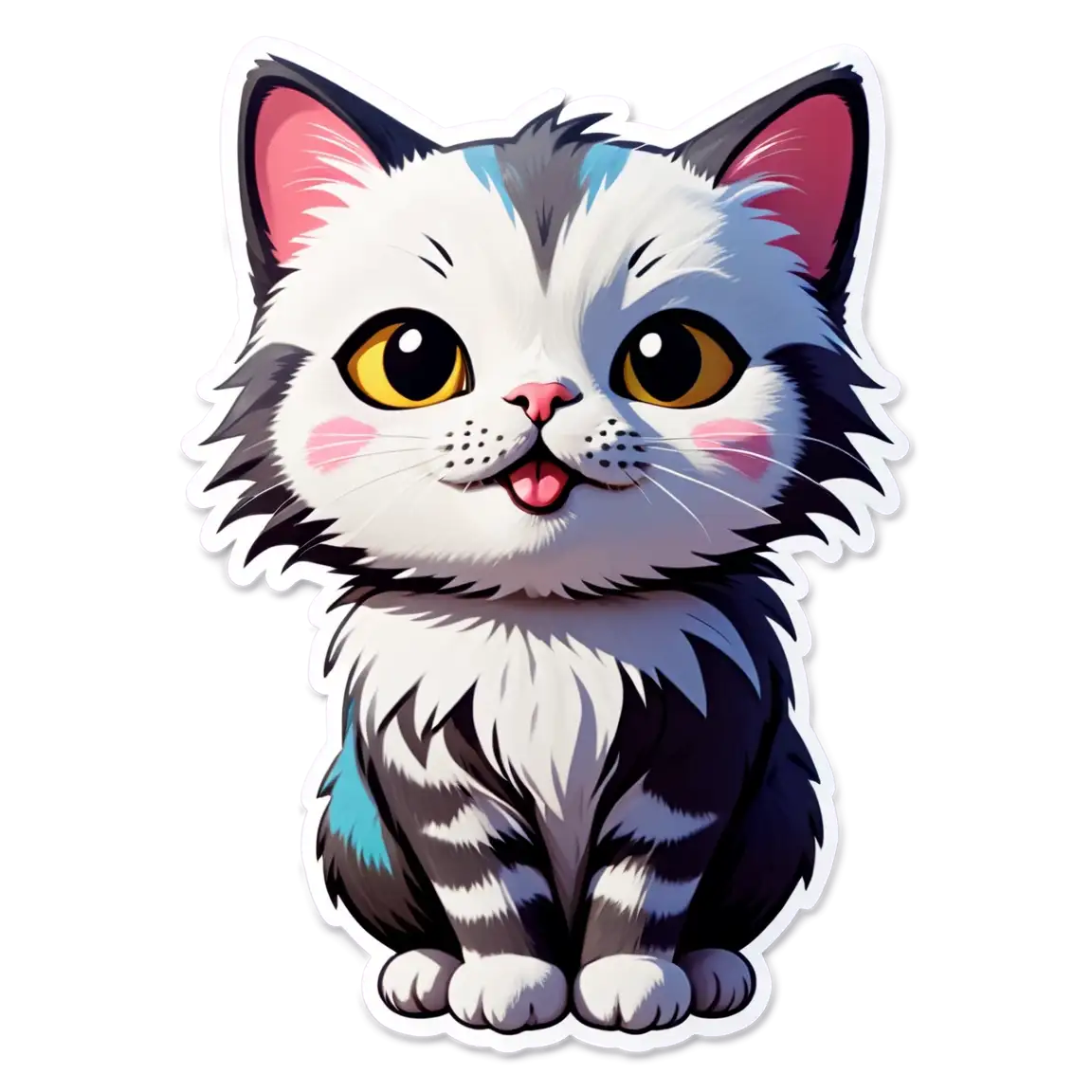
The agent gathers these inputs and preferences in the conversation before it starts.
Describe your sticker (e.g., 'cute kawaii cat with pink bow')
Create unique, custom stickers with cutting-edge AI technology.
Transform your ideas into stunning stickers in just a few steps:
Describe the sticker you want to create using natural language. Be specific about style, subject, and mood.
Our advanced AI model processes your description and generates multiple unique sticker variations.
Review the generated stickers and choose your favorites from multiple options.
Download your stickers in high-quality WebP format, ready for use on any platform.
Generate three unique variations of your sticker idea in one go
Get crystal clear stickers in WebP format optimized for digital use
Describe your sticker idea in plain English - no technical knowledge needed
Download your stickers immediately with no processing wait time
Create unique stickers for Stories, Reels, and posts
Generate sticker ideas and inspiration for your artwork
Add personality to your content with custom stickers
Create branded stickers for marketing and engagement
Make learning materials more engaging with custom stickers
Create custom stickers for online communities and chat groups
Include details about style, colors, and mood in your prompt (e.g., 'cute kawaii cat with pink bow and sparkly eyes')
Think about where you'll use the sticker and include relevant details (e.g., 'minimalist icon suitable for business presentations')
Try different artistic styles like 'cartoon', 'watercolor', or '3D' in your prompts
Focus on one main subject per sticker for the best results
Specify emotions or expressions for character-based stickers (e.g., 'happy', 'excited', 'peaceful')
All stickers are generated and downloaded in WebP format, which provides excellent quality while maintaining small file sizes, perfect for digital use.
Each generation creates 3 unique variations of your sticker idea, allowing you to choose the best one for your needs.
Yes, all generated stickers are free to use for both personal and commercial purposes with no attribution required.
The best prompts are specific and include details about the subject, style, colors, and mood you want. For example, 'cute cartoon penguin wearing a red scarf, happy expression, winter theme'.
Yes, we prohibit the generation of explicit, offensive, or harmful content. Please keep your prompts family-friendly and appropriate.
While the tool doesn't include editing features, you can download the stickers and edit them in your preferred image editing software.


