Scene Description
Describe the scene you want to visualize...

Create professional storyboard frames for your film or animation project with AI
Reference media and sample results for this task.
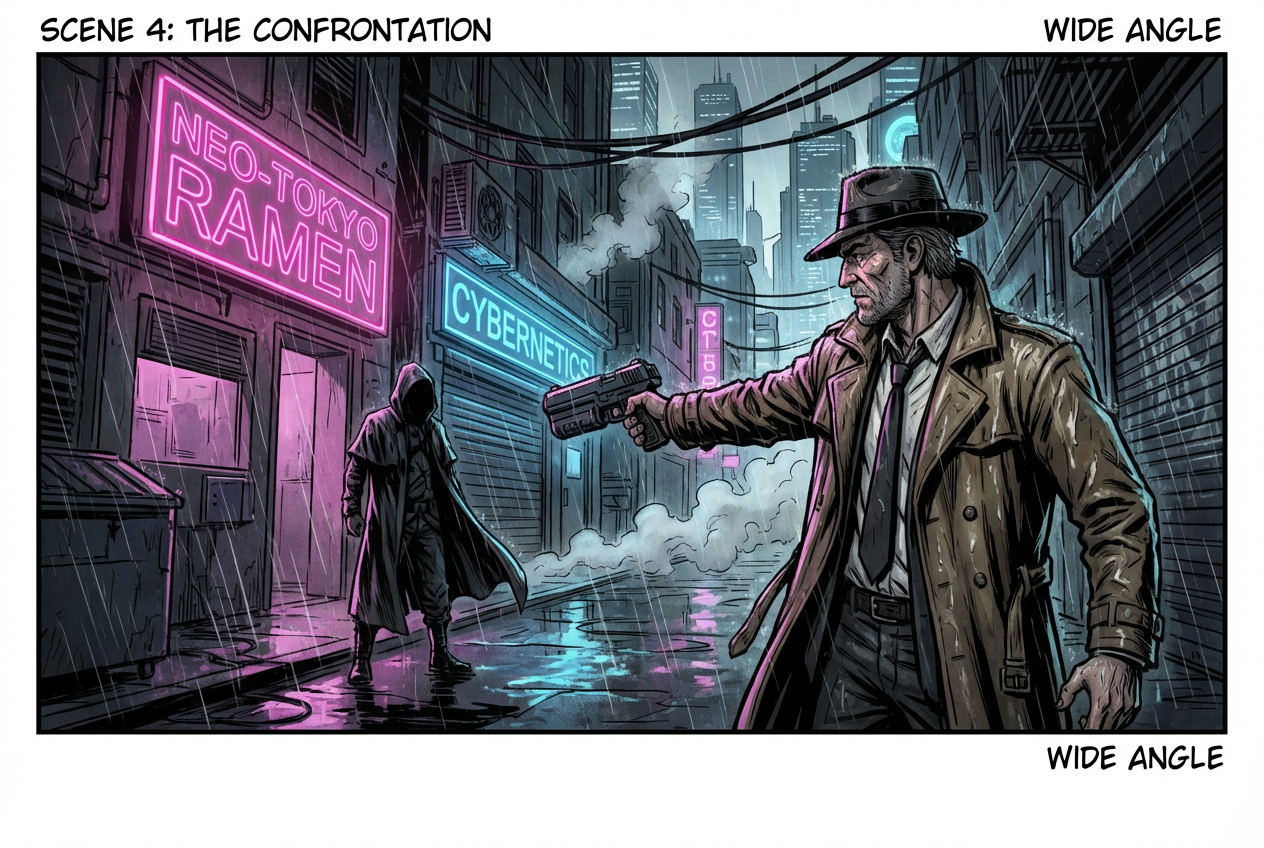
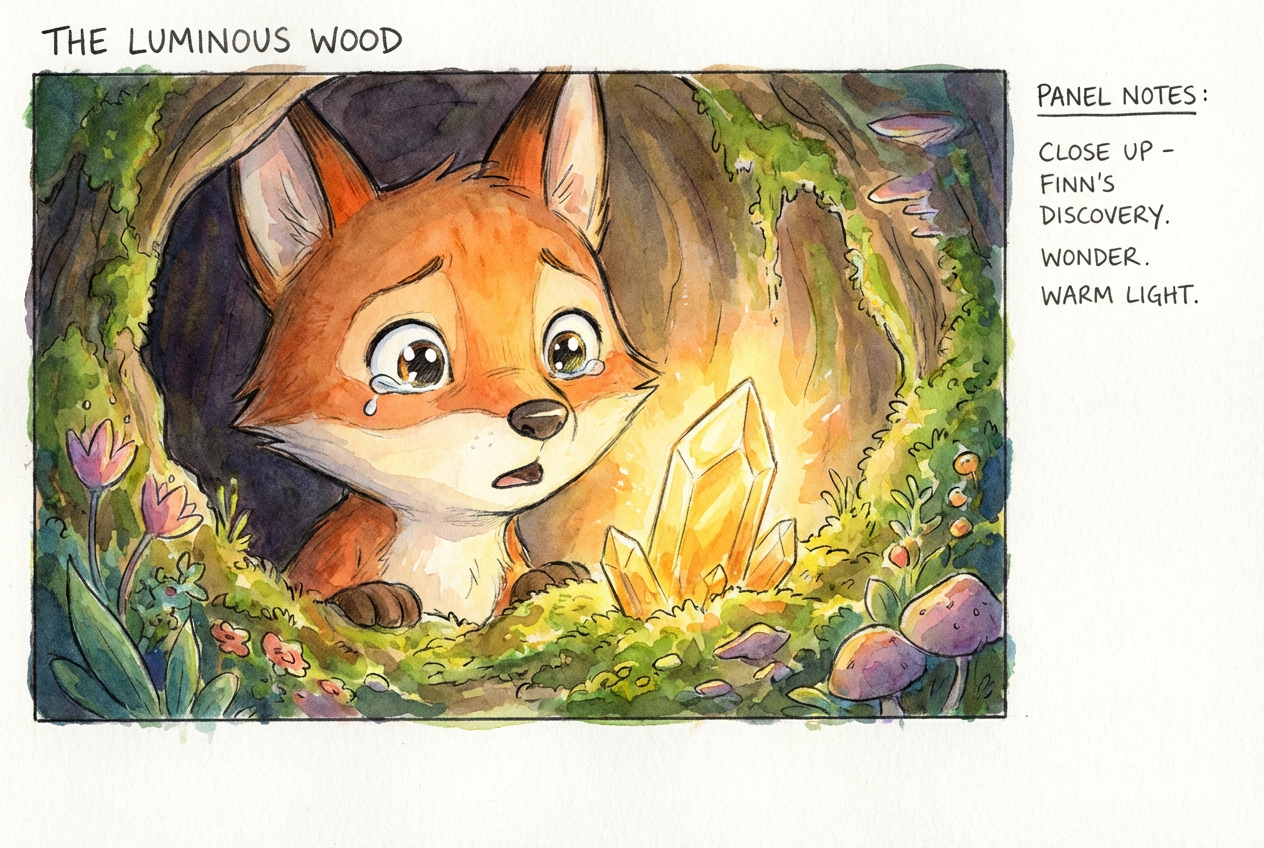
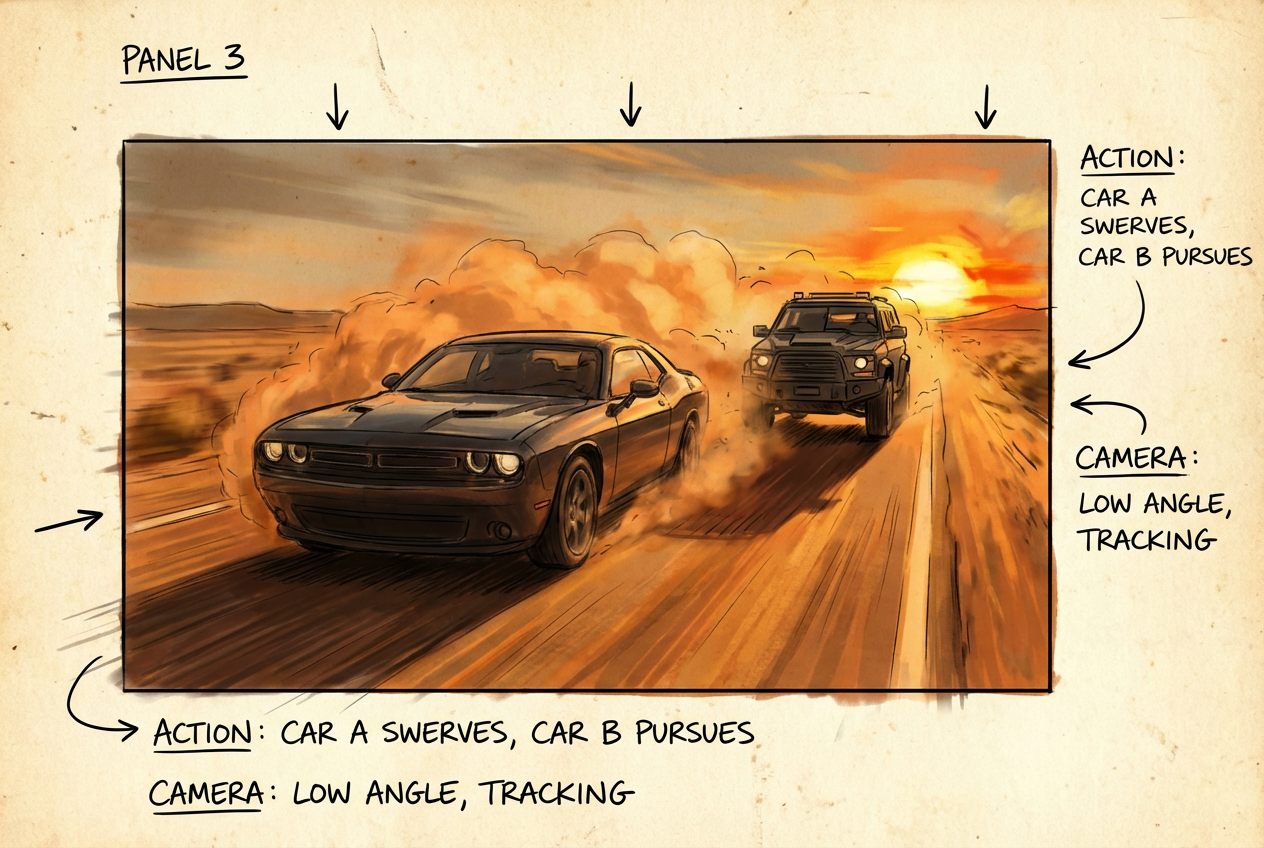
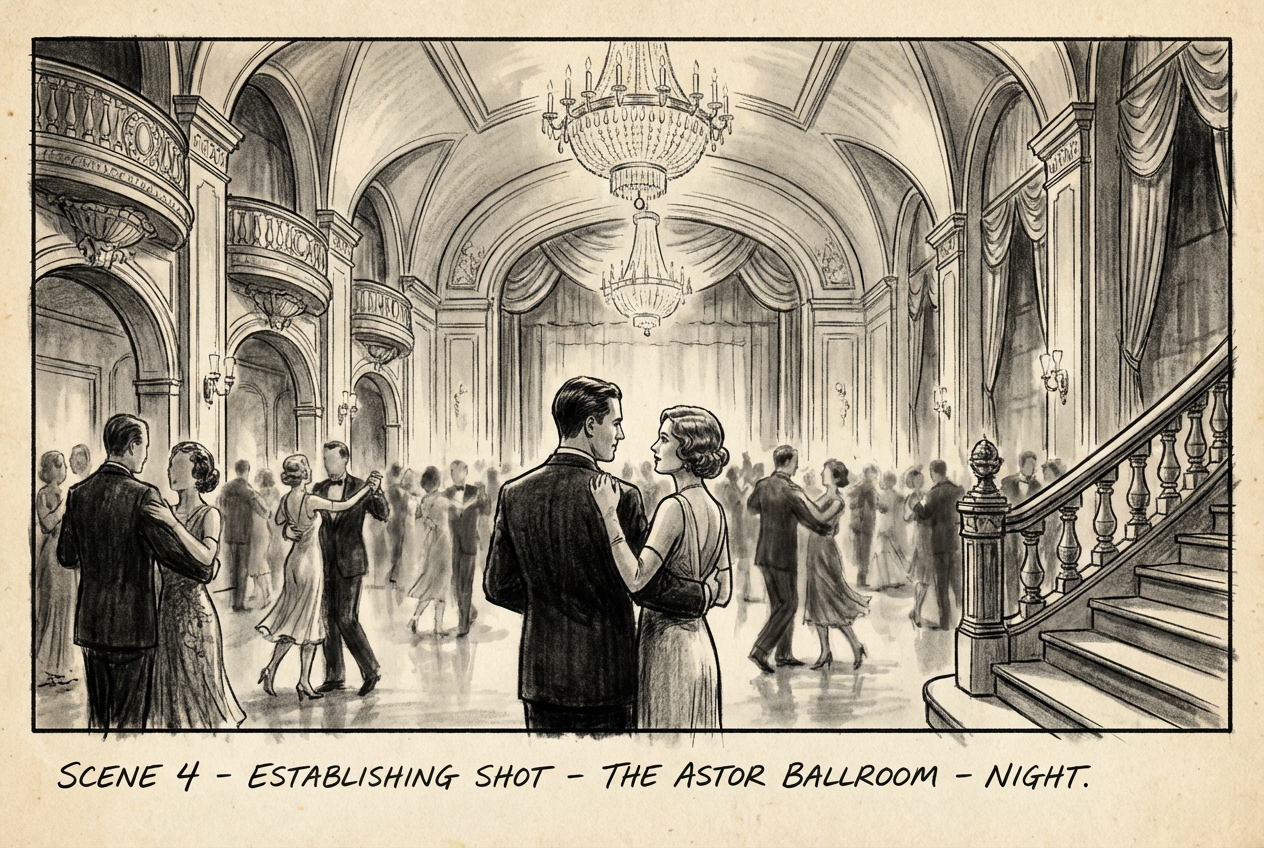
The agent gathers these inputs and preferences in the conversation before it starts.
Describe the scene you want to visualize...
Choices: Standard Format, Single Panel, Multi Panel, Widescreen, Vertical, Square
Choices: Any Scene Type, Action, Dialogue, Establishing Shot, Close Up, Wide Shot, Aerial View, POV, Montage, Transition
Create professional storyboard frames quickly and efficiently for your visual projects.
Create your storyboard frames in three simple steps:
Enter a detailed description of the scene you want to visualize.
Select style, format, and scene type preferences.
Let AI create detailed storyboard frames based on your specifications.
Choose from realistic, cinematic, anime, comic book, and other popular styles.
Generate frames in various formats including single panel, multi-panel, and widescreen.
Download your frames instantly for use in your production pipeline.
Specify different scene types from establishing shots to close-ups.
Quickly visualize scenes and plan shots before filming.
Create detailed storyboards for animation sequences.
Plan video content and visualize scenes before shooting.
Communicate visual ideas effectively with crew members.
Learn visual storytelling and practice scene composition.
Create visual references and develop scene concepts.
Include details about camera angles, lighting, and character positions.
Think about framing, depth, and visual hierarchy in your scene.
Choose appropriate scene types to convey your story effectively.
Select a visual style that fits your project's aesthetic.
Consider how frames will flow together in your final sequence.
We support multiple styles including realistic, cinematic, anime, comic book, film noir, minimalist, 3D rendered, hand-drawn, and more. Each style has its own unique visual characteristics.
Yes! You can choose from various formats including single panel, multi-panel, widescreen, vertical, and square to match your project needs.
Yes, our AI generates high-quality frames suitable for professional film, animation, and video production pipelines.
Yes, you can generate multiple versions of each scene to explore different interpretations and compositions.
You can easily download your generated frames and share them directly with your production team.
Include details about camera angle, lighting, character positions, emotions, and any specific visual elements you want in the scene.
Yes! All frames generated by our AI Storyboard Generator are 100% free for commercial use in your productions.
No, there are no restrictions on how you can use the generated frames. You own full rights to the frames you generate and can modify, share, or use them in any production.


