Street Art Description
Describe your street art concept...

Create stunning street art and graffiti designs with AI
Reference media and sample results for this task.
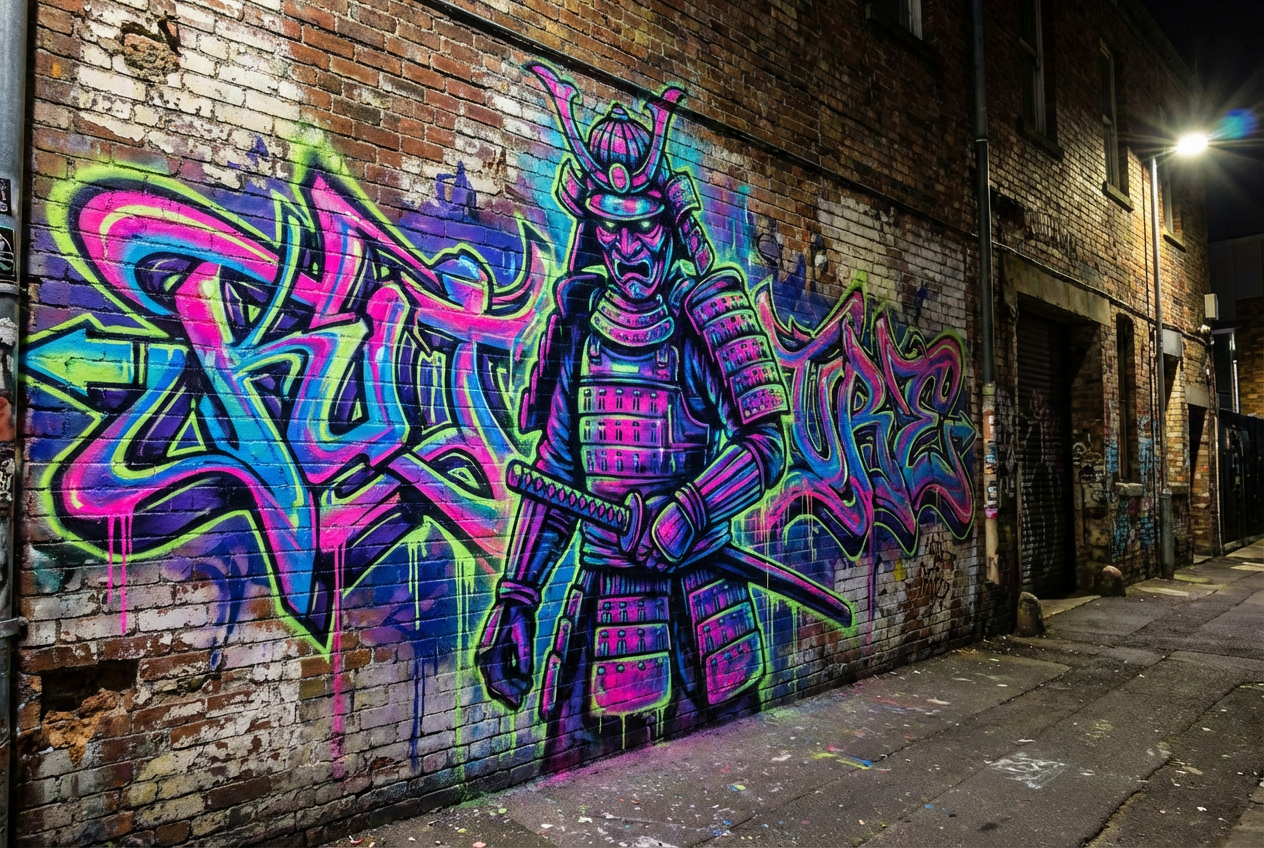
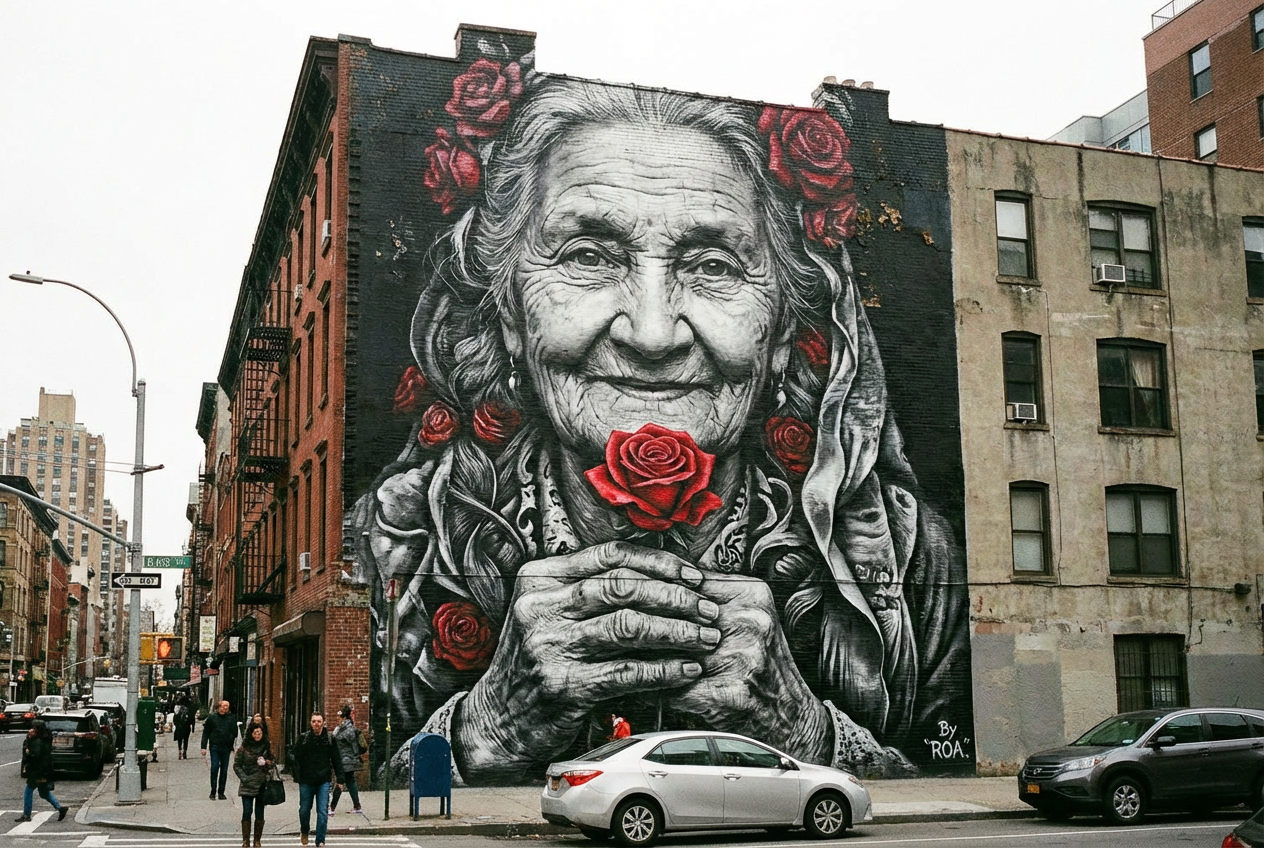
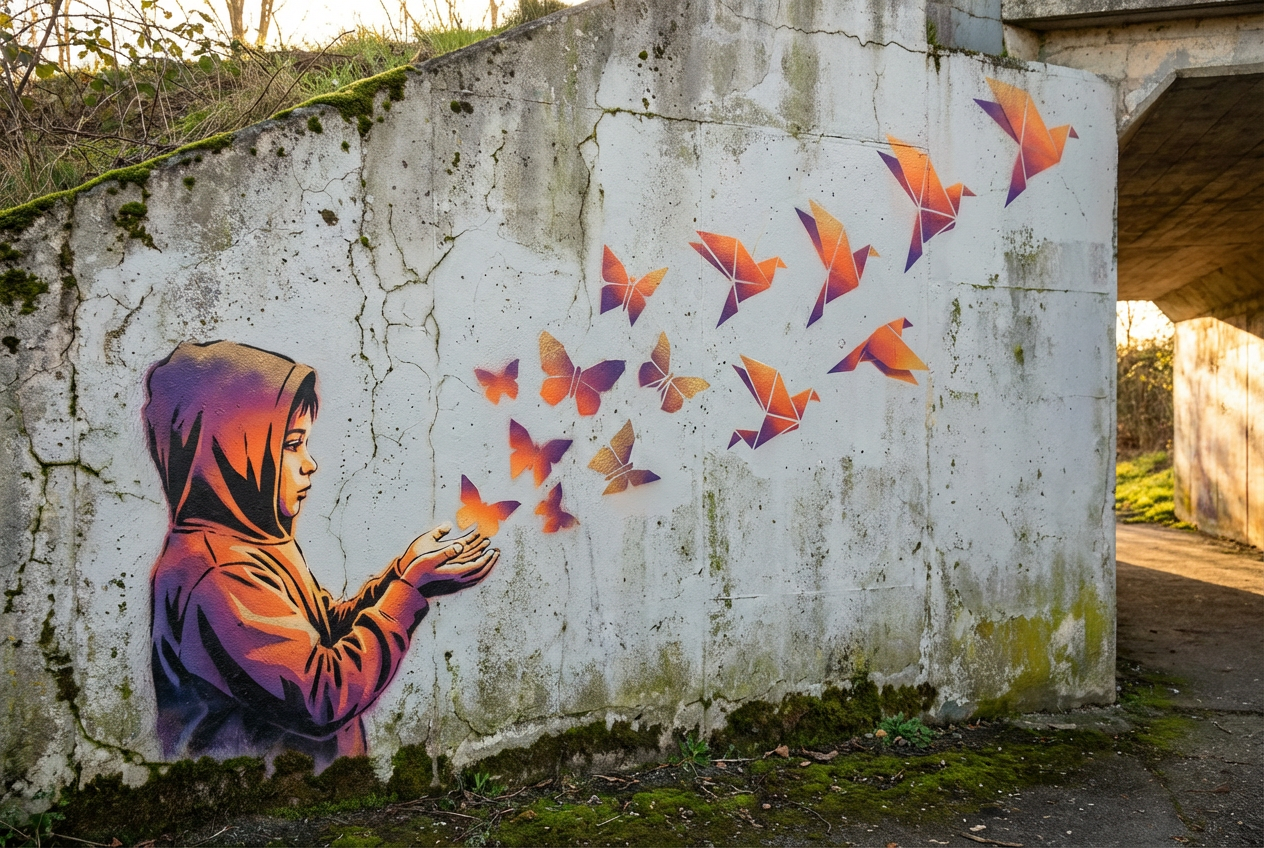
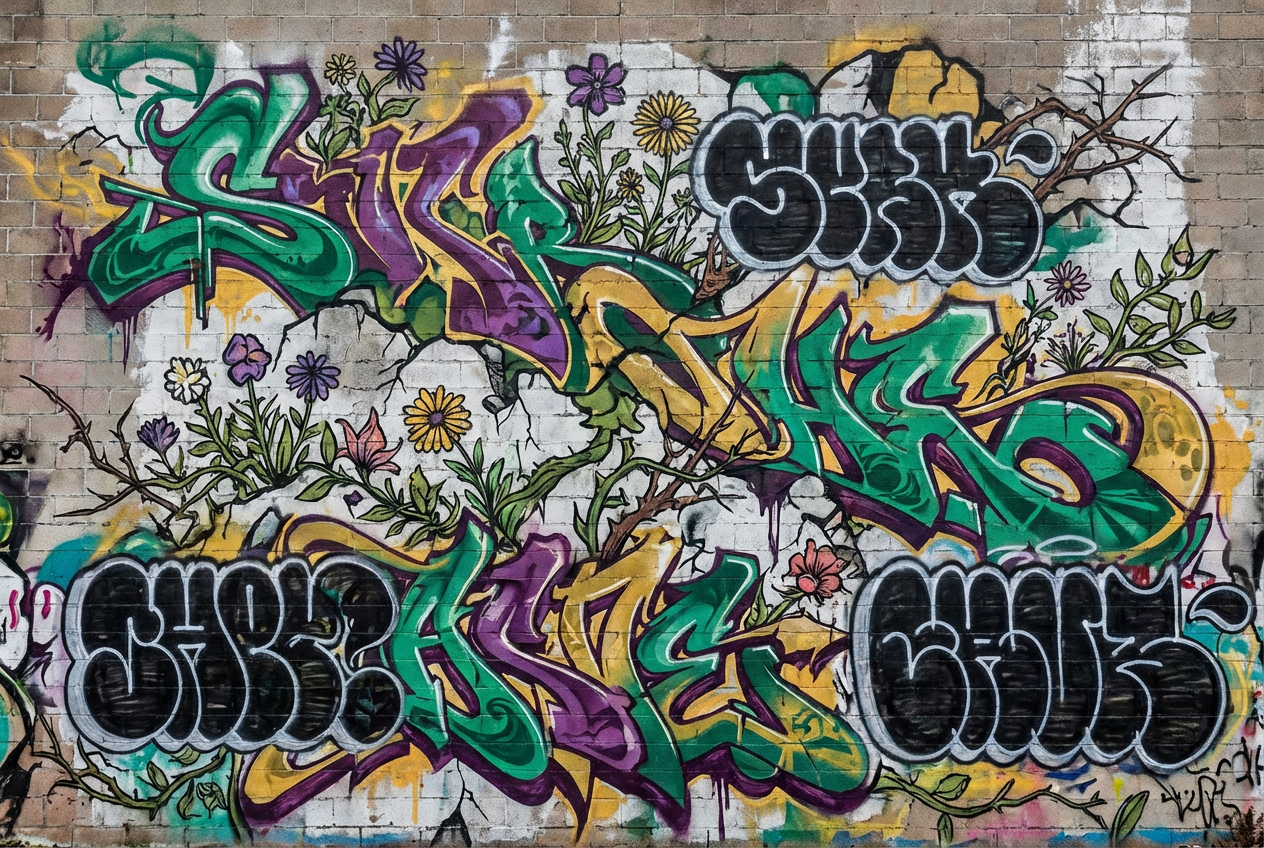
The agent gathers these inputs and preferences in the conversation before it starts.
Describe your street art concept...
Choices: Any Surface, Brick Wall, Concrete Wall, Building Facade, Subway Car, Bridge, Abandoned Building, Metal Surface, Wooden Fence, Highway Wall
Choices: Any Colors, Vibrant, Neon, Pastel, Monochromatic, Earth Tones, Metallic, High Contrast, Black and White
Choices: Auto Complexity, Minimal, Moderate, Complex, Highly Detailed, Intricate
Choices: Any Environment, Urban, Industrial, Suburban, Underground, Downtown, Alleyway, Warehouse District, Art District
Transform your creative vision into stunning street art designs with advanced AI technology.
Create your urban masterpiece in three simple steps:
Enter a detailed description of your street art concept.
Select style, surface, colors, and environment preferences.
Let AI create unique street art designs based on your specifications.
Choose from graffiti, murals, stencil art, and other urban art styles.
Explore various color palettes from vibrant to monochromatic schemes.
Download your designs instantly for presentations or implementation.
Visualize how your art will look in different urban settings.
Quickly prototype and visualize concepts before painting.
Create mockups for urban beautification projects.
Design concepts for urban art installations and events.
Visualize murals and artwork for storefronts and buildings.
Experiment with street art styles and techniques.
Plan and visualize public art initiatives.
Think about how your design will work at different sizes and viewing distances.
Choose a surface that complements your design style and technique.
Consider how colors will interact with the environment and lighting.
Think about how your art will integrate with its surroundings.
Balance intricate details with bold, eye-catching elements.
Our generator supports various styles including graffiti, murals, stencil art, 3D street art, wildstyle, and more. Each style has its unique characteristics and can be customized further.
Yes! You can choose from various surfaces like brick walls, concrete, building facades, and more, as well as different urban environments to visualize your art in context.
You can control the complexity level from minimal to highly detailed, allowing you to create both simple designs and intricate masterpieces.
Yes! The generated designs can be used as references or mockups for actual street art projects, presentations, or proposals.
You can easily download your generated designs and share them with clients, collaborators, or on social media.
Include details about the style, intended message, color preferences, and any specific elements you want. Also consider mentioning the context or environment where the art would be placed.
Yes! All designs generated by our AI Street Art Generator are 100% free for commercial use. You can use them in your portfolio, client presentations, or any commercial projects without restrictions.


