Describe your structure
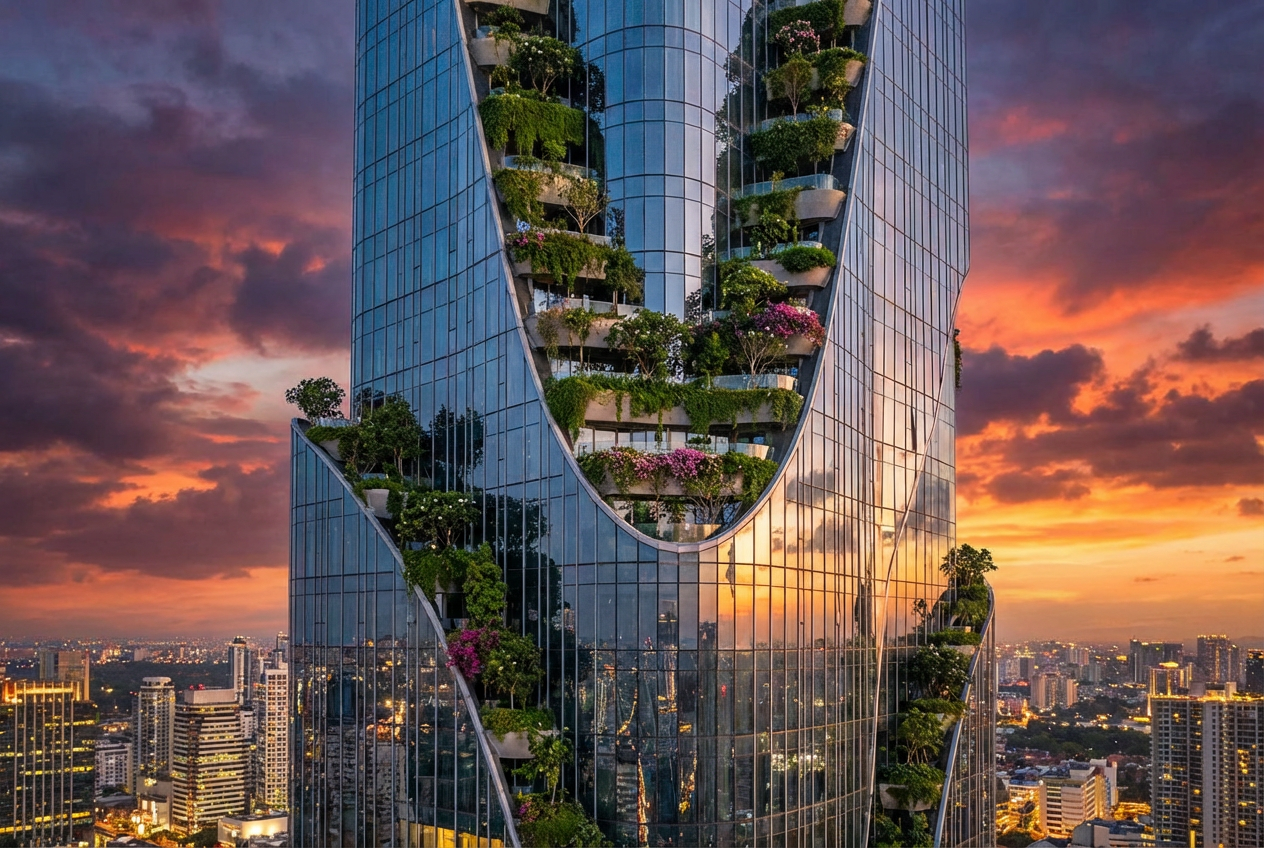
Modern glass skyscraper with futuristic design...

Generate architectural structures, buildings, and constructions with AI
Reference media and sample results for this task.
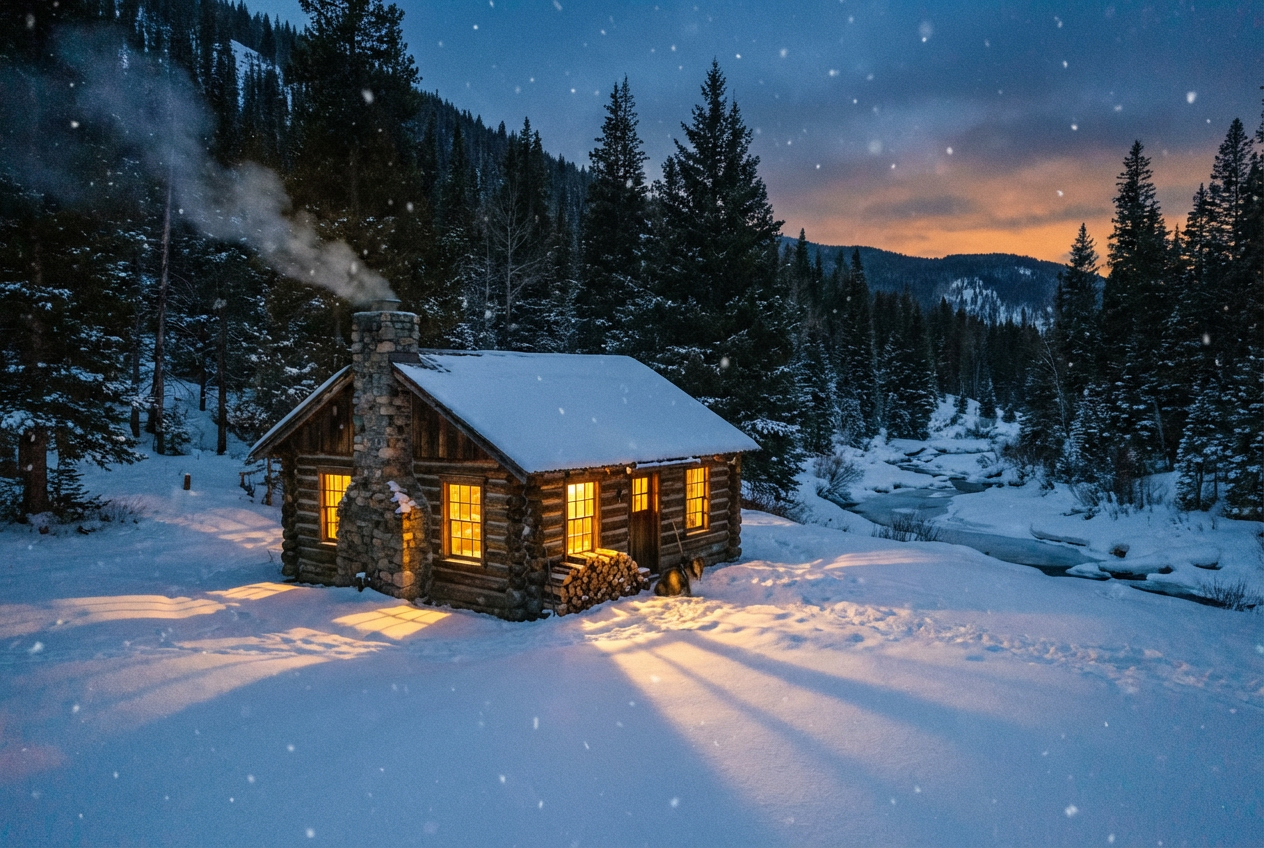
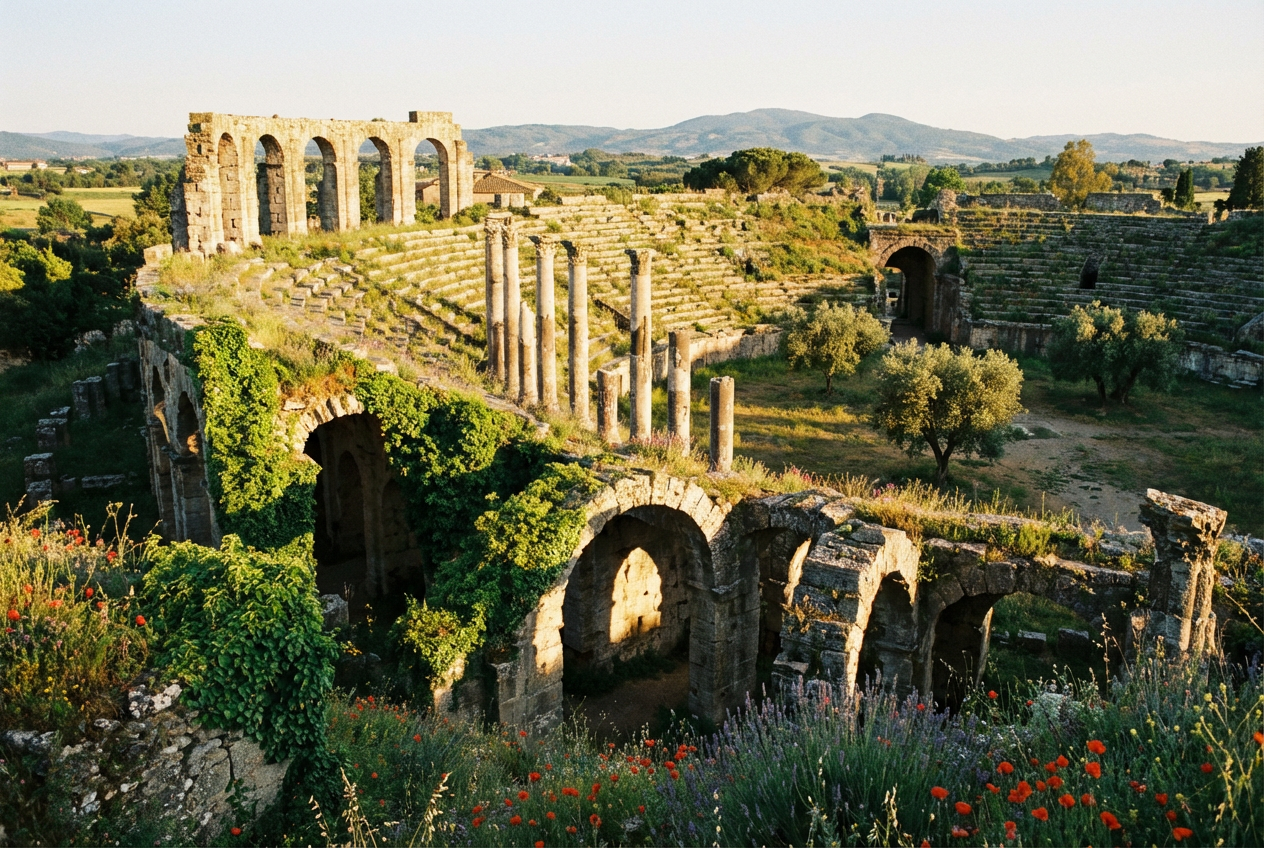
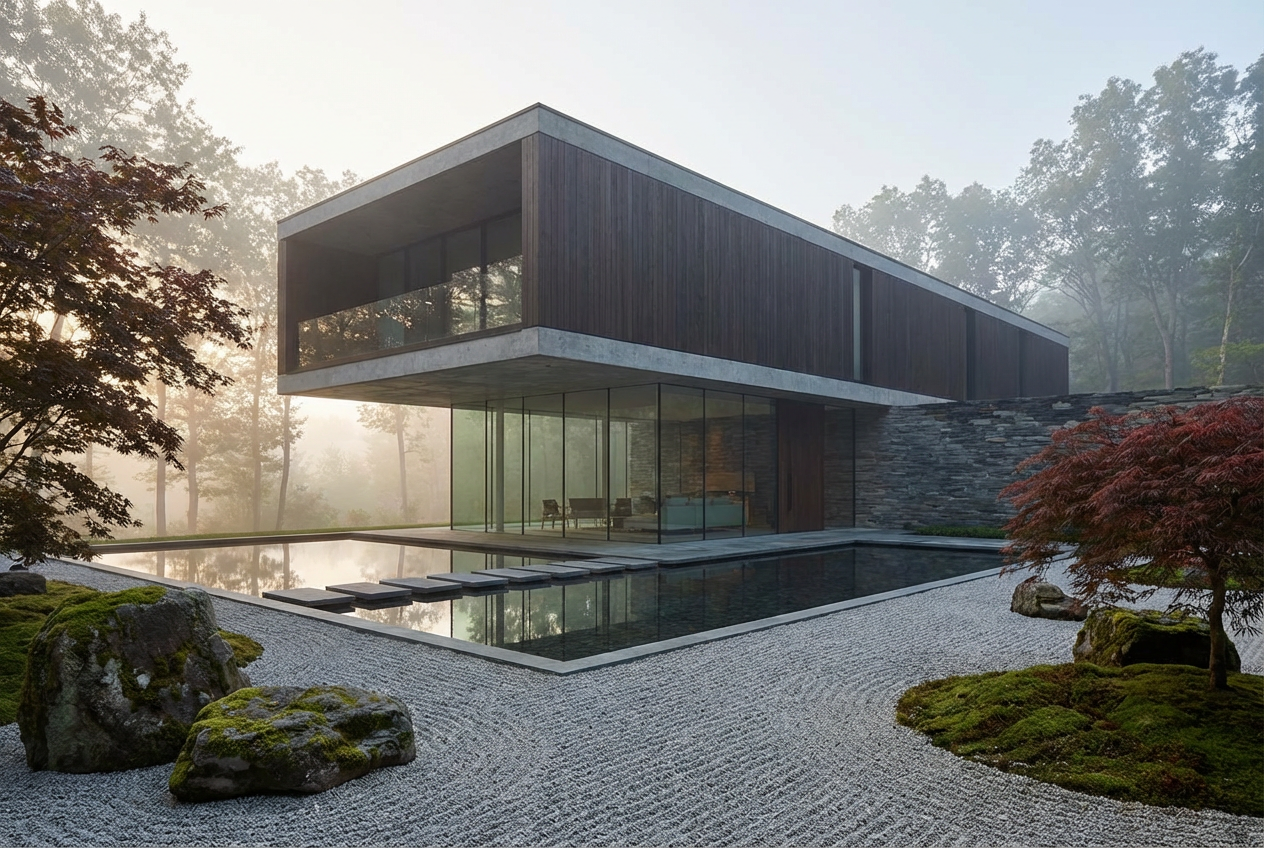
The agent gathers these inputs and preferences in the conversation before it starts.
Modern glass skyscraper with futuristic design...
Choices: Any Structure, Skyscraper, Bridge, Tower, Building, Pavilion, Monument, Dome Structure, Arch, Complex Structure
Choices: Any Style, Modern, Futuristic, Classical, Gothic, Brutalist, Art Deco, Minimalist, Organic, Parametric, Industrial
Choices: Any Material, Glass, Steel, Concrete, Wood, Stone, Brick, Metal, Composite
Choices: Default, Small Scale, Medium Scale, Large Scale, Monumental
Choices: Any Environment, Urban Setting, Natural Landscape, Waterfront, Desert, Mountain, Isolated
Choices: Any Time, Dawn, Daytime, Dusk, Night, Golden Hour
Choices: Default View, Aerial View, Ground Level, Perspective View, Isometric
Create stunning architectural visualizations and structural designs with advanced AI technology.
Generate architectural structures in three simple steps:
Describe the structure, building, or architectural design you envision
Select architectural style, materials, scale, and environment
Get professional architectural visualization instantly
Generate skyscrapers, bridges, towers, monuments, and complex architectural designs
Choose from modern, futuristic, classical, gothic, brutalist, and more
Specify glass, steel, concrete, wood, stone, and other materials
Place structures in urban, natural, waterfront, or other settings
Choose time of day for perfect lighting and mood
Aerial, ground level, perspective, or isometric views available
Perfect for professionals and enthusiasts in architecture and design
Visualize concepts quickly before detailed modeling
Create compelling visualizations for project presentations
Explore architectural ideas and concepts for projects
Generate architectural elements for games and films
Visualize infrastructure and urban development concepts
Generate architectural imagery for blogs and social media
Clearly describe architectural style, era, and design philosophy for more accurate results
Mention relative size and scale for proper context and proportions
Select time of day that best showcases your structure's features
Mention primary materials to influence the overall aesthetic
Choose an appropriate setting that complements your structure
You can generate skyscrapers, bridges, towers, buildings, pavilions, monuments, domes, arches, and complex architectural structures in various styles.
Yes! Choose from modern, futuristic, classical, gothic, brutalist, art deco, minimalist, organic, parametric, and industrial styles.
Our AI generates highly detailed, photorealistic architectural visualizations suitable for presentations and concept work.
Absolutely! You can place your structure in urban settings, natural landscapes, waterfronts, deserts, mountains, or isolated locations.
You can choose glass, steel, concrete, wood, stone, brick, metal, or composite materials as the primary construction material.
Yes! Select from aerial views, ground level, perspective views, or isometric angles to best showcase your structure.
Yes! The high-quality, photorealistic outputs are perfect for concept presentations, mood boards, and client discussions.
Yes! All generated structures are 100% free for commercial use. You can use them in presentations, portfolios, marketing materials, and any commercial projects.
Not at all! The tool is designed to be user-friendly. Simply describe your vision, and the AI handles the technical visualization.
Yes! Generate unlimited variations by adjusting your description and settings to explore different design possibilities.


