
AI SVG Generator
Transform your ideas into scalable vector graphics using AI
AI SVG Generator examples
Reference media and sample results for this task.
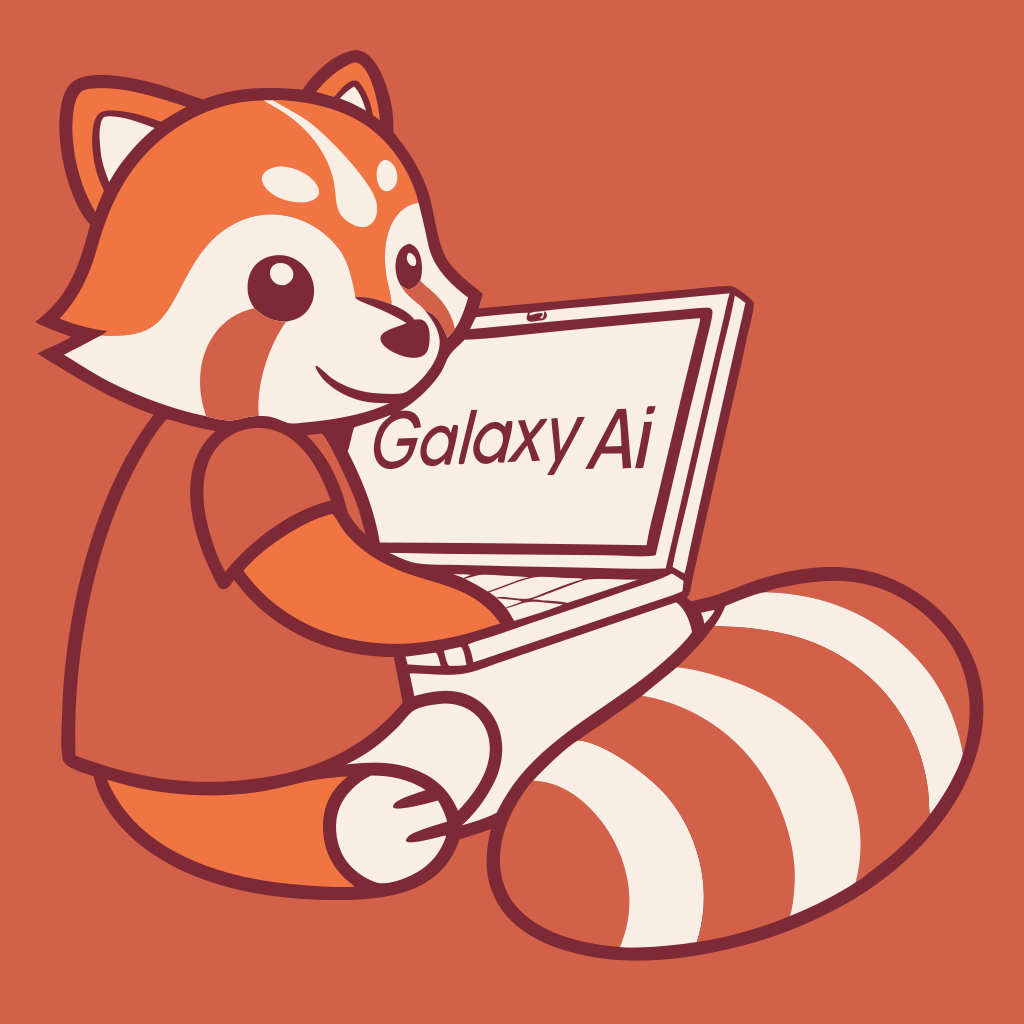

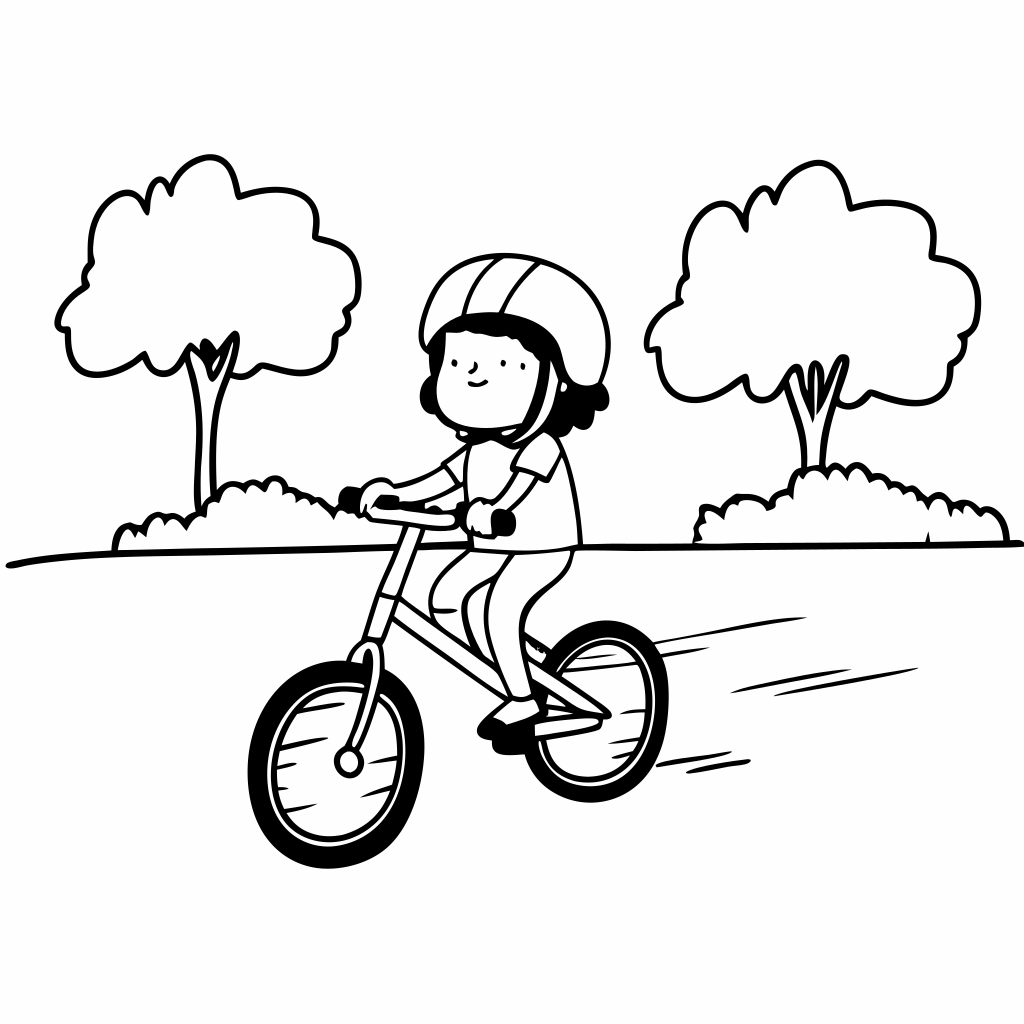

What Magica will ask for
The agent gathers these inputs and preferences in the conversation before it starts.
Size
Select the dimensions for your SVG
Choices: 1024x1024, 1365x1024, 1024x1365, 1536x1024, 1024x1536, 1820x1024, 1024x1820, 1024x2048, 2048x1024, 1434x1024, 1024x1434, 1024x1280, 1280x1024, 1024x1707, 1707x1024
Why Choose Our AI SVG Generator?
Transform your ideas into professional vector graphics using advanced AI technology that ensures scalability and precision.
- Instant vector graphic generation
- Multiple artistic styles available
- High-quality scalable output
- Perfect for logos and illustrations
- Multiple size options
- Clean, optimized SVG code
- Professional-grade results
- Seamless integration ready
How Our AI SVG Generator Works
- 01
Describe Your Vision
Enter a detailed description of the vector graphic you want to create
- 02
Choose Style & Size
Select from various artistic styles and dimensions for your vector
- 03
Select Output Size
Choose the perfect dimensions for your use case
- 04
Generate & Download
Get your professional SVG file ready for immediate use
Key Features of Our AI SVG Generator
Smart Vector Generation
Creates clean, optimized SVG code with precise paths and shapes
Multiple Styles
Choose from various artistic styles including line art, engraving, and more
Scalable Output
Generate infinitely scalable vectors perfect for any size requirement
Instant Download
Download your SVG files immediately in standard vector format
Who Can Benefit from Our AI SVG Generator?
This Magica workflow is designed for creative professionals and businesses who need high-quality vector graphics for various applications.
Graphic Designers
Create scalable vectors for logos, icons, and illustrations quickly and efficiently.
Business Owners
Generate professional vector graphics for branding and marketing materials.
Web Developers
Get clean, optimized SVG code ready for web implementation.
Marketing Teams
Create consistent vector assets across all marketing channels.
UI/UX Designers
Generate scalable interface elements and illustrations for any screen size.
Digital Artists
Transform artistic concepts into clean vector illustrations.
Frequently Asked Questions About Our AI SVG Generator
What is an SVG file?
SVG (Scalable Vector Graphics) is a vector image format that uses mathematical equations to define shapes, lines, and curves. Unlike pixel-based formats, SVGs can be scaled to any size without losing quality, making them perfect for logos, icons, and illustrations that need to look crisp at any resolution.
What styles are available in the AI SVG Generator?
Our generator offers multiple artistic styles including line art, engraving, line circuit, and linocut. Each style creates unique vector aesthetics suitable for different design needs. You can also select 'any style' to let the AI choose the best approach based on your description.
What sizes are supported for SVG generation?
We support a wide range of dimensions from 1024x1024 up to 2048x1024, allowing you to create vectors for various use cases. Remember that SVGs are scalable, so you can resize them after generation without quality loss.
How do I write an effective prompt?
For best results, be specific and detailed in your description. Include key elements you want in the vector, desired style characteristics, and intended use. For example, instead of 'mountain logo', try 'minimalist line art mountain logo with geometric shapes and clean lines'.
Can I edit the generated SVG files?
Yes! The generated SVG files can be edited in any vector graphics software like Adobe Illustrator, Inkscape, or Figma. You can modify colors, shapes, paths, and other elements while maintaining the scalability of the vector format.
Are the generated SVGs optimized for web use?
Yes, our AI generates clean, optimized SVG code that's ready for web implementation. The files are efficiently structured for fast loading times while maintaining visual quality.
What's the difference between the available styles?
Each style offers a unique aesthetic approach: Line Art creates clean, continuous lines; Engraving mimics traditional etched illustrations; Line Circuit creates technical, geometric patterns; and Linocut simulates hand-carved block print textures.
Can I use these SVGs commercially?
Yes, you have full commercial rights to use the SVGs generated with this Magica workflow. They can be used in logos, websites, marketing materials, or any other commercial applications.
How long does the generation process take?
Most SVG generations are completed within 10-30 seconds, depending on the complexity of your description and chosen style. More detailed or complex requests may take slightly longer to ensure quality results.
Can I generate multiple variations?
Yes, you can generate multiple variations of your vector by adjusting your description, trying different styles, or changing dimensions. This helps you explore different creative possibilities for your project.
Ready to make it?
Help me use AI SVG Generator. First ask me for vector description and ask me for size and ask me for the vision. Then ask for my preferences, complete the task, and return the finished result.Attach filesConnect tools


