Description
Describe what you want to create...

Create stunning text visualizer with AI
Reference media and sample results for this task.

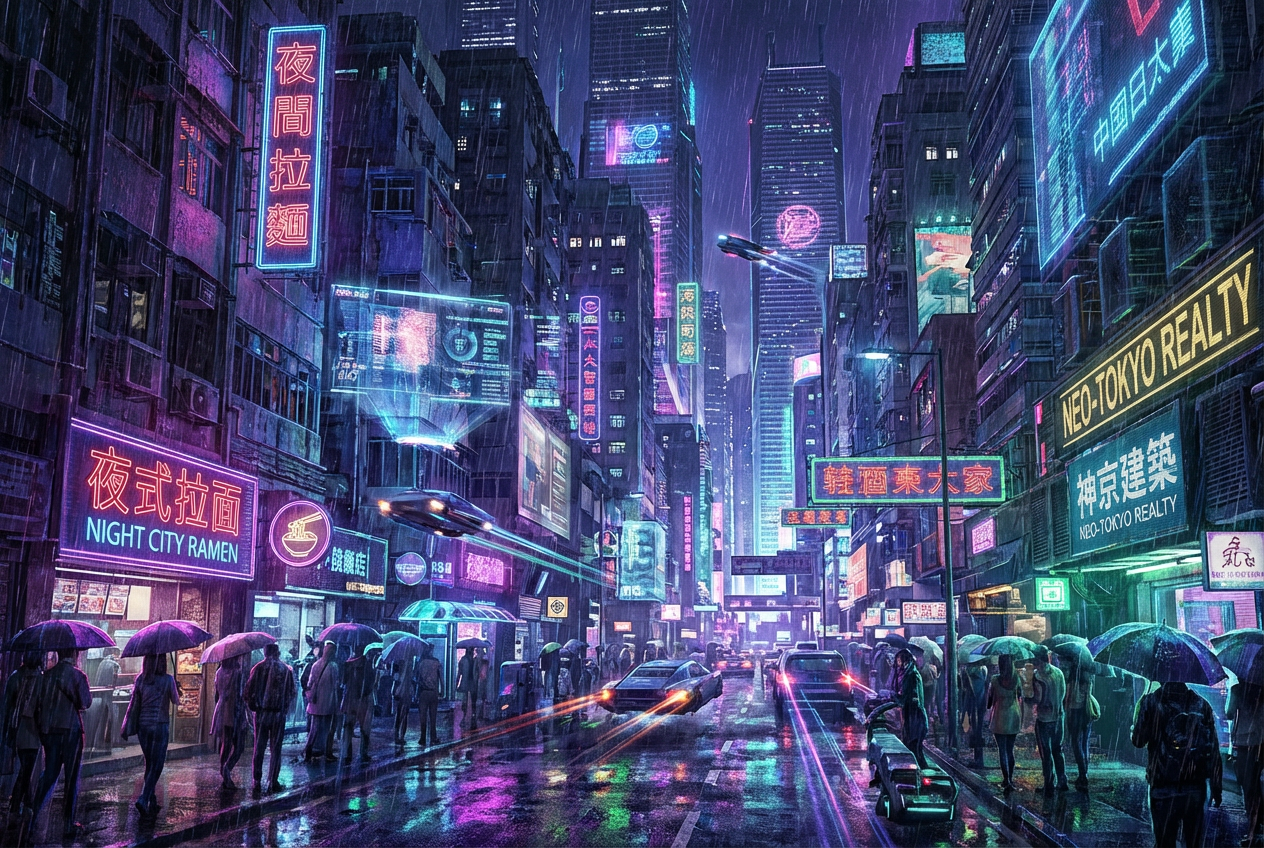
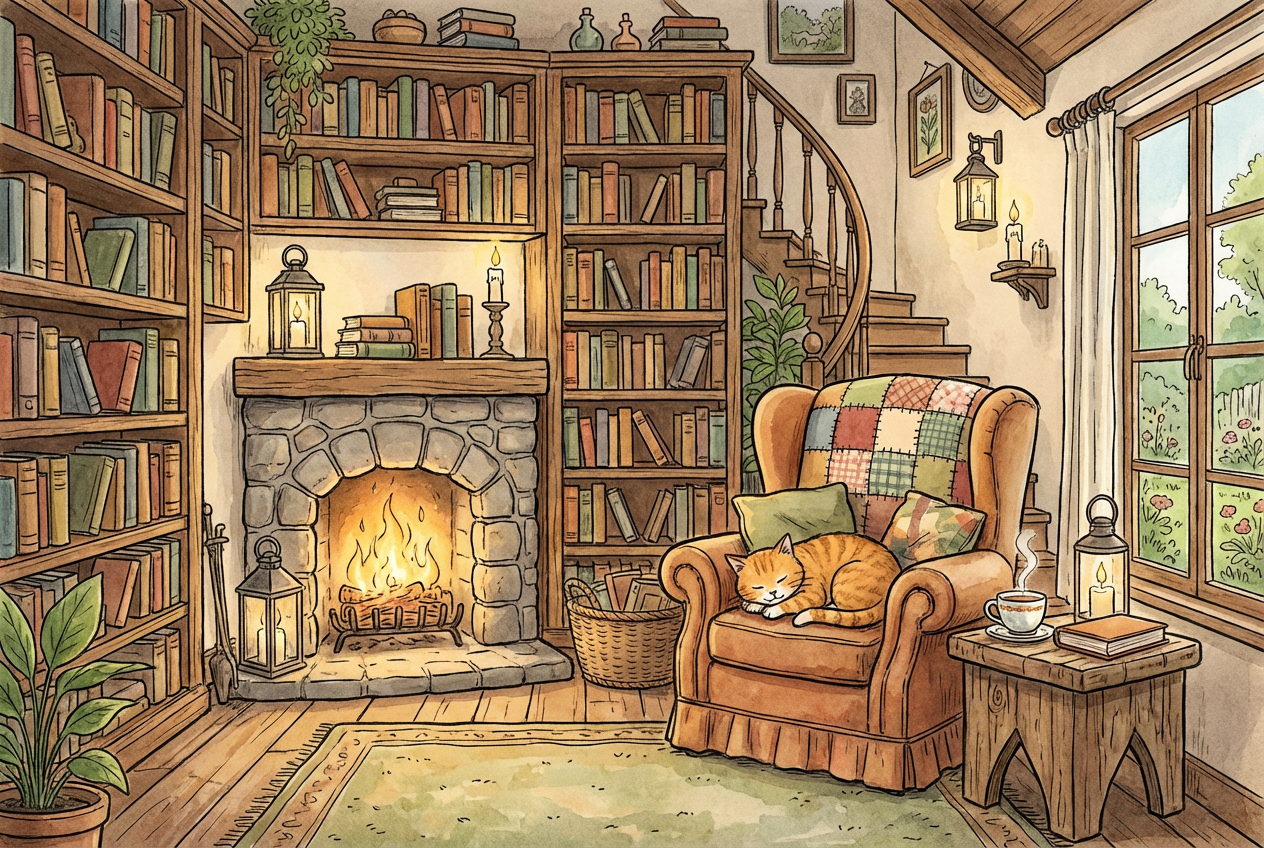
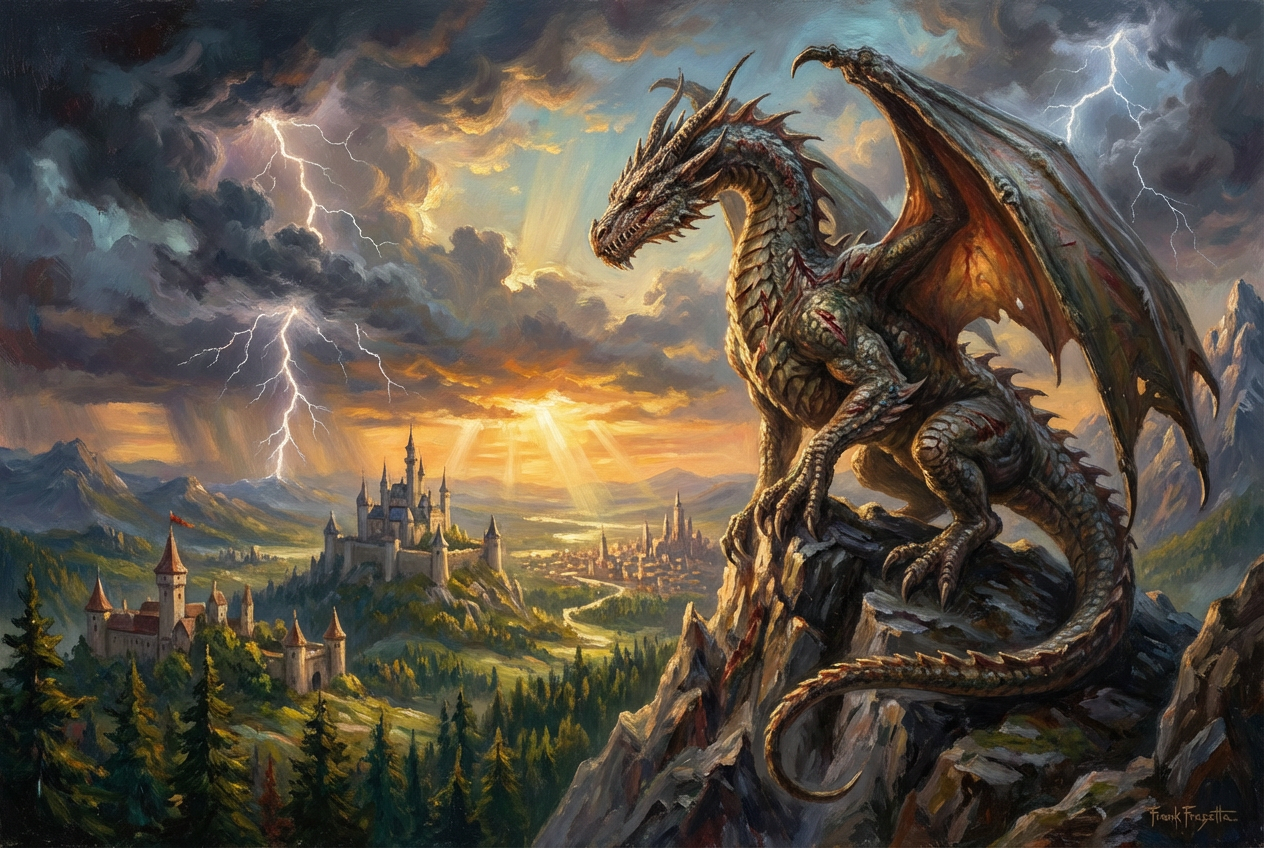
The agent gathers these inputs and preferences in the conversation before it starts.
Describe what you want to create...
Choices: Any Mood, Energetic, Calm, Dramatic, Playful, Mysterious, Romantic, Professional, Futuristic, Vintage
Choices: Any Colors, Vibrant, Monochrome, Pastel, Neon, Earthy, Cool Tones, Warm Tones, Gradient, Metallic
Choices: Any Composition, Centered, Dynamic, Flowing, Layered, Symmetrical, Asymmetrical, Circular, Diagonal, Grid
Transform your text into stunning visual art with advanced AI technology.
Create beautiful text visualizations in three simple steps:
Input the text you want to transform into a visual masterpiece.
Choose your preferred style, mood, color theme, and composition.
Let AI transform your text into a stunning visual representation.
Choose from abstract, minimalist, typography, 3D, and other artistic styles.
Select from vibrant, monochrome, pastel, and other color palettes.
Fine-tune the layout with different composition options.
Download your visualizations instantly in high resolution.
Create eye-catching visuals for social media and marketing.
Generate unique typographic art and visual concepts quickly.
Find inspiration and create unique text-based artwork.
Create engaging visuals for presentations and branding.
Transform meaningful quotes or messages into beautiful art.
Create engaging visual materials for learning.
Use concise, impactful text that conveys your message clearly.
Select a style that complements the meaning of your text.
Use color themes that reinforce your message's emotion.
Choose a composition that enhances readability and visual appeal.
Try different moods to find the perfect emotional resonance.
You can visualize any text including quotes, phrases, single words, or short passages. The tool works best with concise, impactful text.
Yes! You can choose from multiple styles including abstract, minimalist, typography, 3D, and more, plus customize the mood and color theme.
Generated visualizations can be downloaded in high-quality image formats suitable for both digital and print use.
Yes, you can generate multiple versions of your text visualization to explore different interpretations and styles.
Consider your text length and intended use. Centered compositions work well for short phrases, while dynamic layouts suit longer text.
Keep your text clear and concise. Consider the emotional impact you want to achieve and choose appropriate style and mood options.
Yes! All visualizations generated by our AI Text Visualizer are 100% free for commercial use. You can use them in your business, marketing materials, or any other commercial projects.
While there's no strict limit, the tool works best with shorter text (1-20 words) to ensure clear, impactful visualizations.


