Texture Description
Describe your desired texture...

Create seamless, high-quality textures with AI
Reference media and sample results for this task.
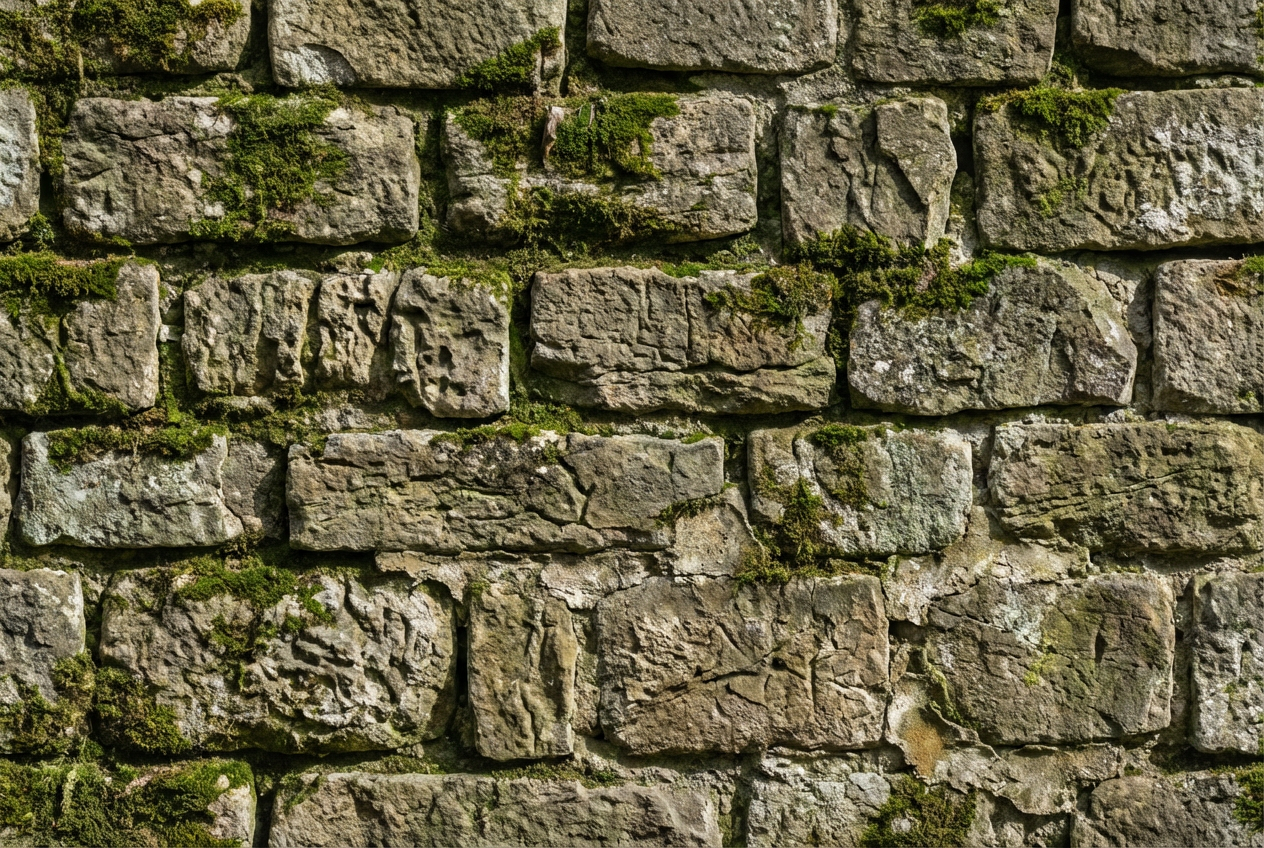
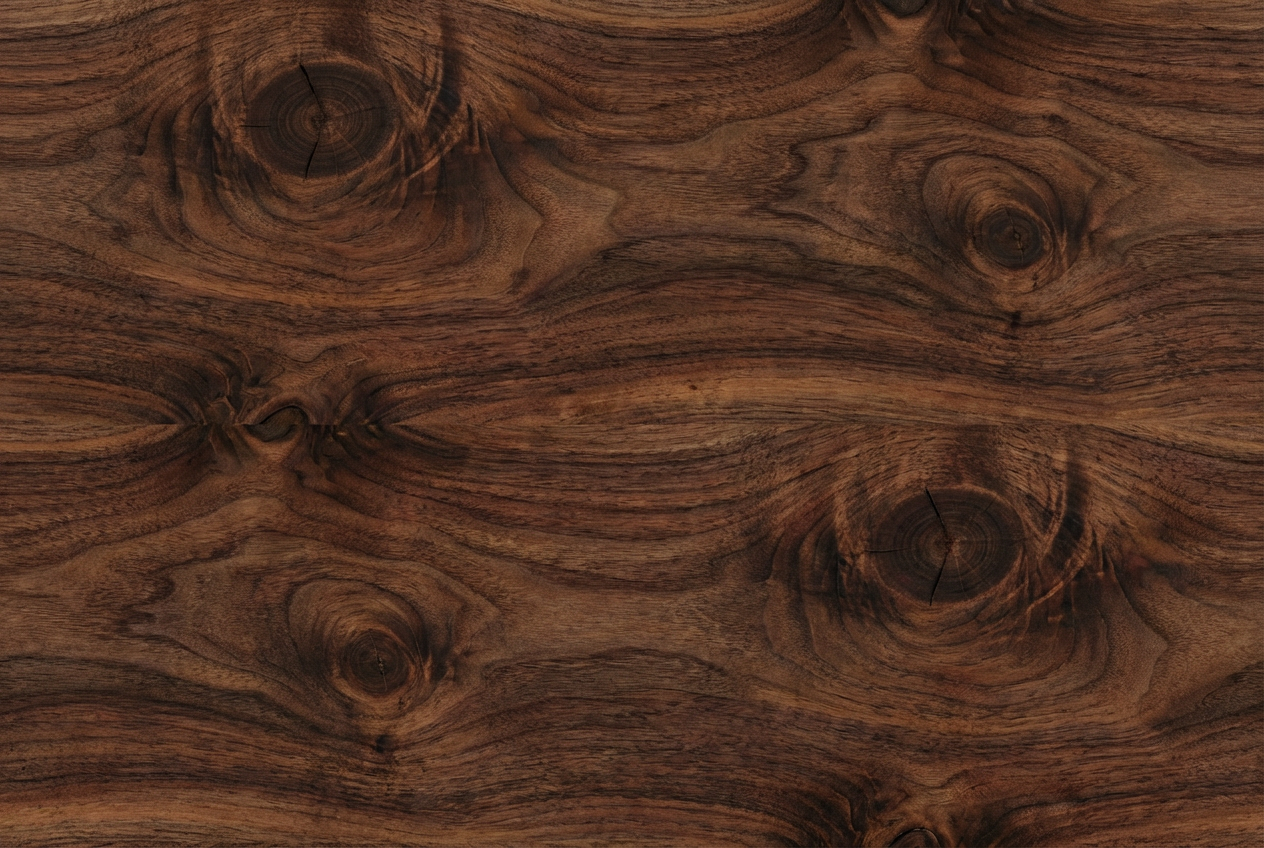
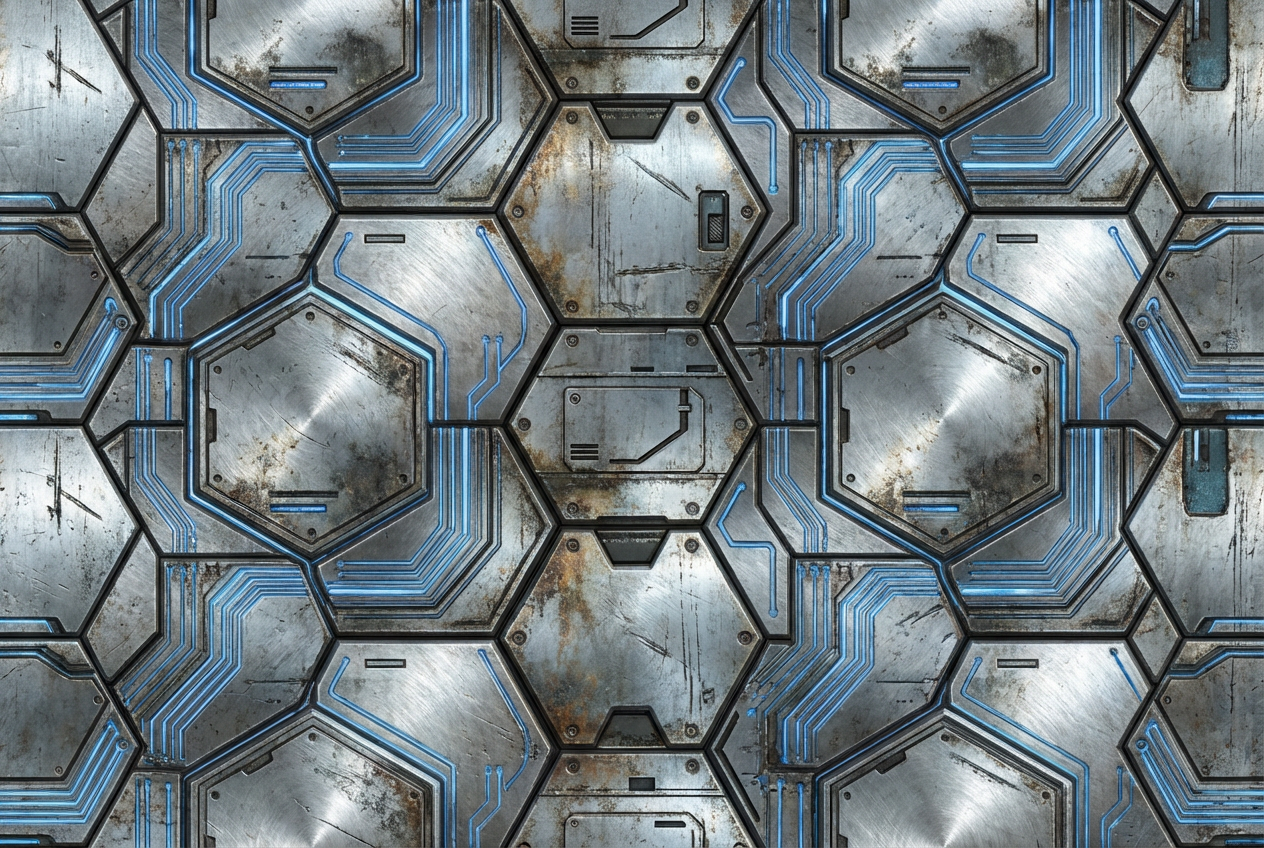
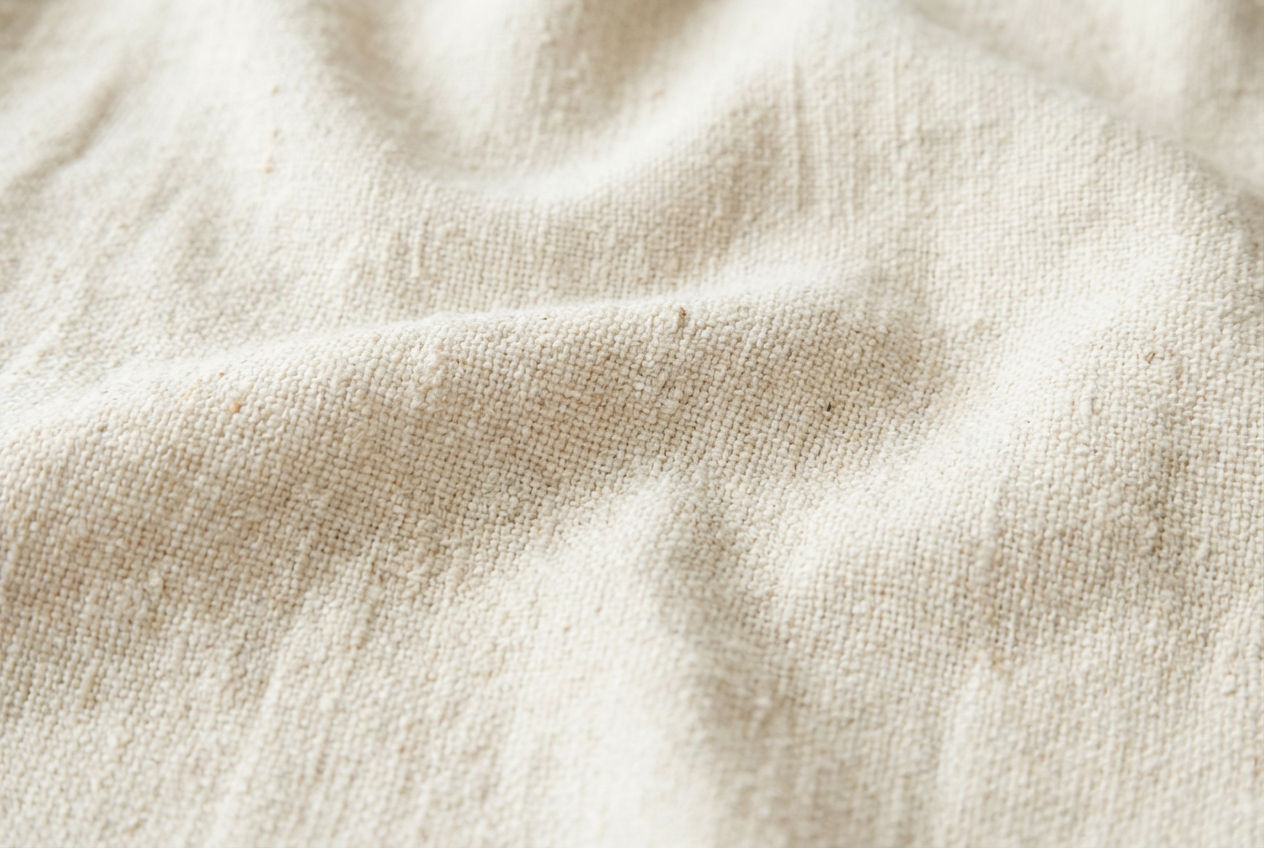
The agent gathers these inputs and preferences in the conversation before it starts.
Describe your desired texture...
Choices: Any Style, Realistic, Stylized, Hand Painted, Photorealistic, Abstract, Geometric, Organic, Sci-Fi, Vintage
Choices: Any Material, Metal, Wood, Stone, Fabric, Leather, Plastic, Glass, Ceramic, Concrete
Choices: Any Pattern, Seamless, Repeating, Random, Directional, Gradient, Noise, Fractal, Cellular
Choices: Any Colors, Monochromatic, Natural, Vibrant, Pastel, Metallic, Earth Tones, Cool Tones, Warm Tones
Choices: Any Surface, Flat, Rough, Smooth, Bumpy, Polished, Weathered, Distressed, Glossy, Matte
Create professional-grade, seamless textures for your projects with ease.
Create perfect textures in three simple steps:
Enter a detailed description of your desired texture pattern.
Select style, material, pattern type, and color preferences.
Let AI create unique, seamless textures based on your specifications.
Choose from realistic, stylized, hand-painted, and other texture styles.
Generate textures for different materials like metal, wood, stone, and more.
Create perfectly tileable textures for unlimited surface coverage.
Control surface properties from smooth to rough, glossy to matte.
Create diverse textures for game environments and assets.
Generate high-quality textures for 3D models and scenes.
Access unlimited texture resources for digital artwork.
Create realistic material textures for architectural visualization.
Generate unique textures for design projects.
Streamline texture creation workflow with AI assistance.
Describe material properties, patterns, and surface characteristics clearly.
Specify if the texture should be macro or micro in detail level.
Consider how the texture will be used in your project.
Mention specific real-world materials or textures as references.
Specify surface properties like roughness, glossiness, or weathering.
We support multiple styles including realistic, stylized, hand-painted, photorealistic, abstract, geometric, and more. Each style offers unique characteristics for different project needs.
Yes! Our AI is trained to generate seamless, tileable textures that can be repeated without visible seams or patterns.
Our textures are generated in high resolution, suitable for professional use in games, 3D rendering, and design projects.
Yes! All generated textures are royalty-free and can be used in commercial projects without attribution.
Textures are delivered in high-quality PNG format, suitable for most texture applications and easy to convert to other formats.
Include details about material type, surface properties, pattern style, and any specific characteristics you want. Being specific helps generate more accurate results.
Currently, we generate diffuse/albedo textures. For PBR workflows, you can use these as a base to create additional maps in your preferred texture software.
No, there are no restrictions on how you can use the generated textures. You own full rights to the textures you generate.


