Describe your thunderstorm scene
Enter your thunderstorm description...

Generate dramatic thunderstorm scenes with AI
Reference media and sample results for this task.
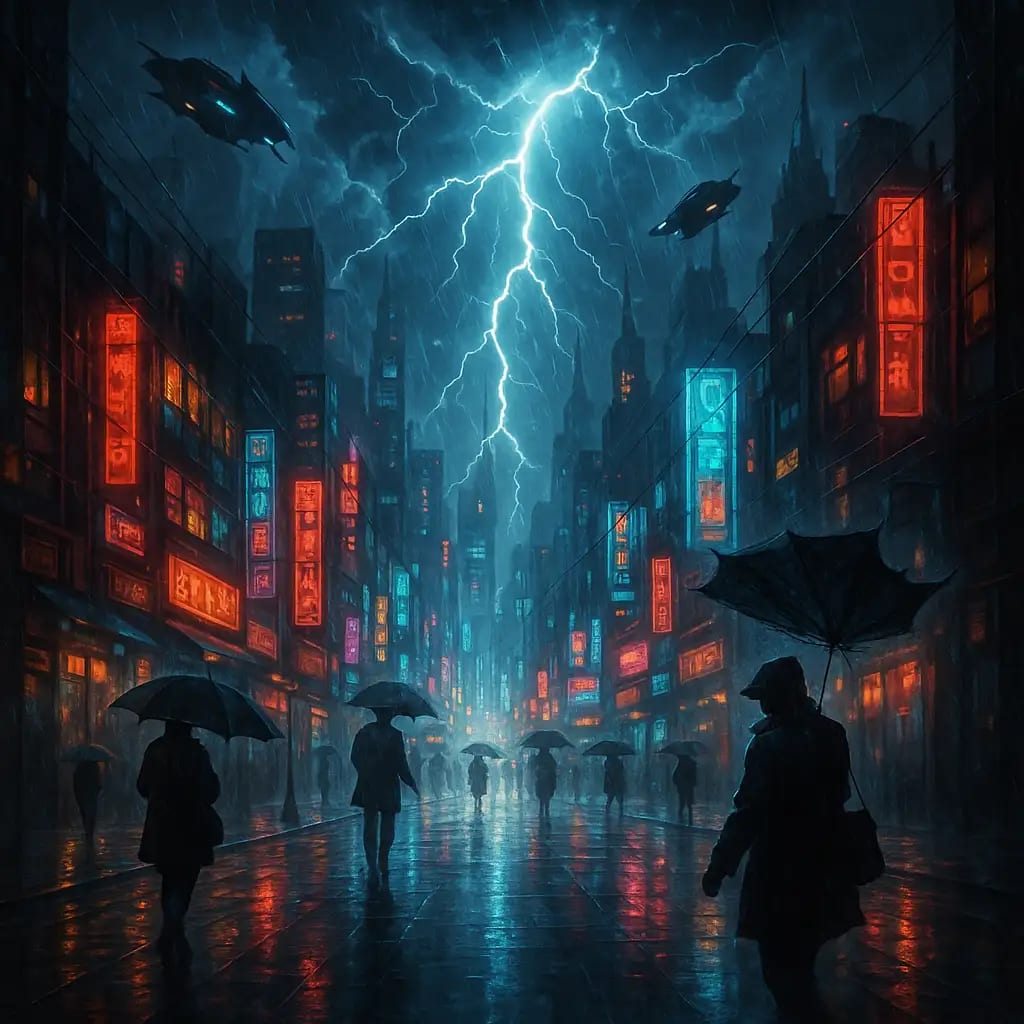
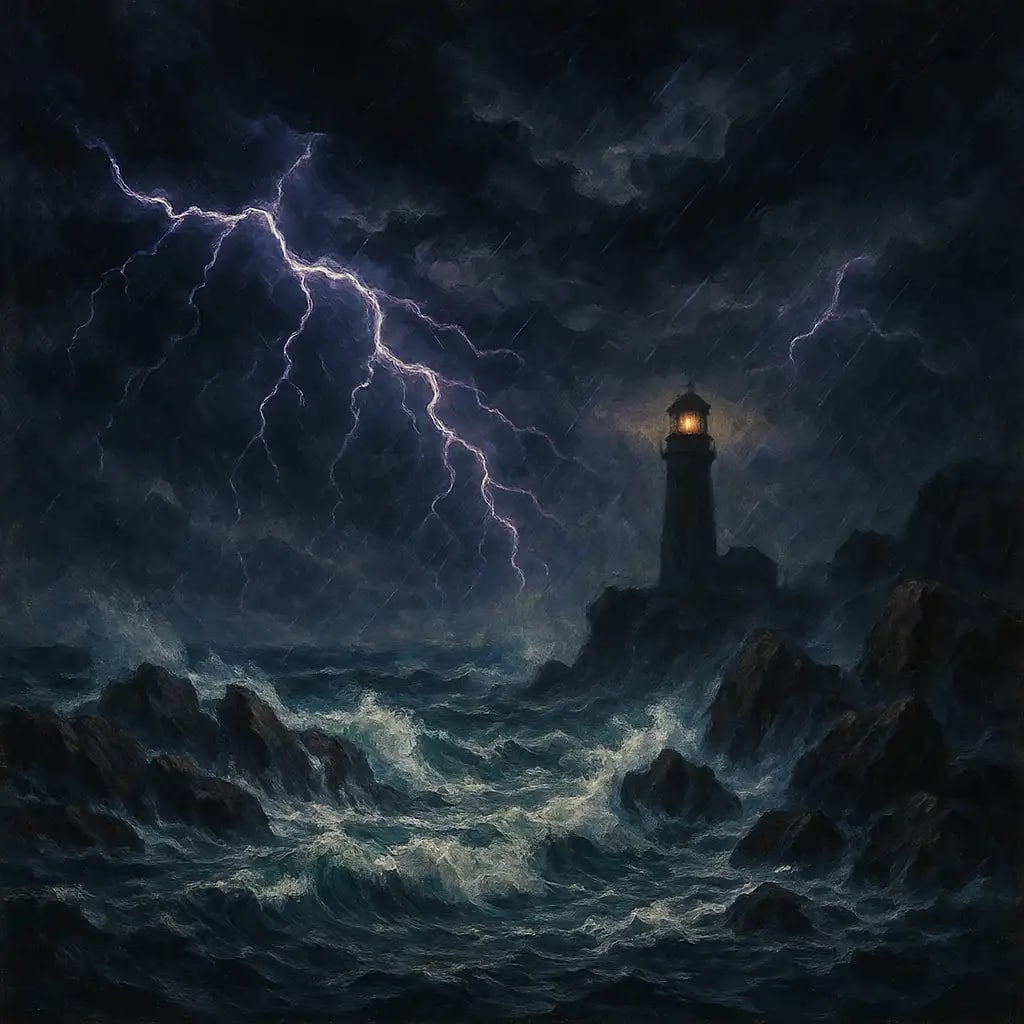
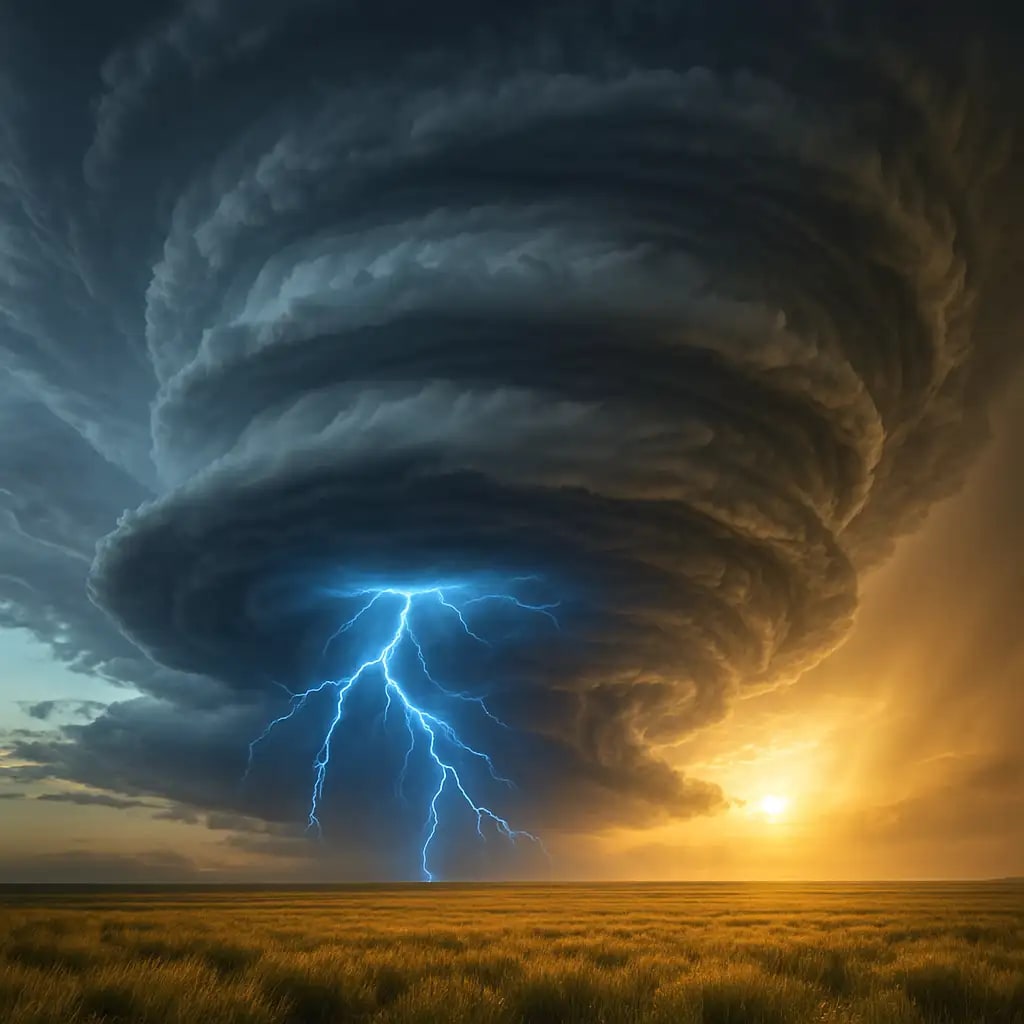
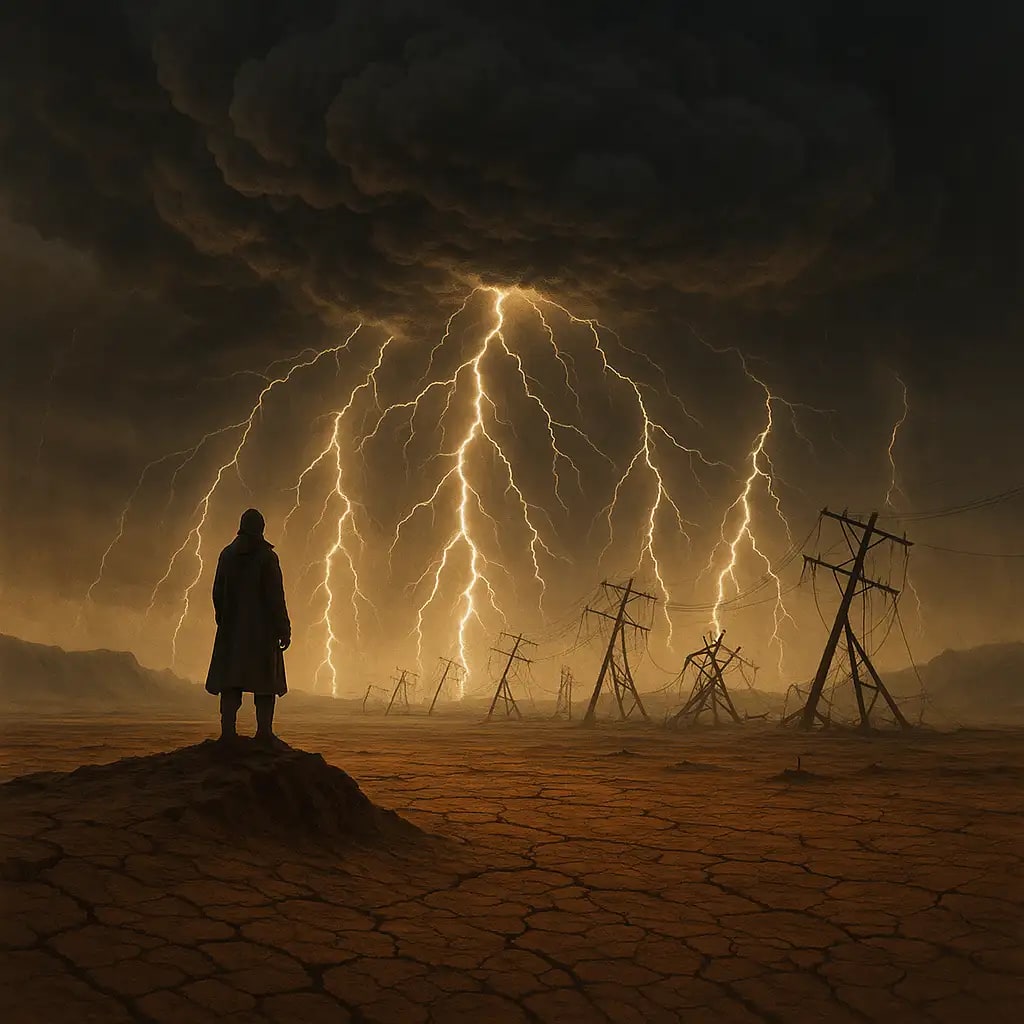
The agent gathers these inputs and preferences in the conversation before it starts.
Enter your thunderstorm description...
Choose the intensity of the thunderstorm
Choices: Any Intensity, Mild Storm, Moderate Storm, Severe Storm, Extreme Storm
Time of day for the storm
Choices: Any Time, Dawn, Daytime, Dusk, Nighttime
Type of location for the storm
Choices: Any Location, Urban City, Countryside, Over Ocean, Mountains, Desert
Create stunning, atmospheric thunderstorm images with professional quality and dramatic weather effects.
Generate dramatic storm scenes in three simple steps:
Enter a description of the thunderstorm scene you want to create.
Select storm intensity, time of day, and location preferences.
Let AI create your dramatic thunderstorm image with realistic weather effects.
Generate realistic lightning bolts with natural branching patterns and atmospheric glow.
Create authentic dark storm clouds, rain, and atmospheric effects.
Adjust storm severity from mild weather to extreme conditions.
Professional-grade images suitable for creative projects and media.
Generate storms in cities, countryside, oceans, mountains, and more.
Get high-resolution images ready for immediate use in your projects.
Perfect for creators needing dramatic weather imagery for various applications.
Generate dramatic backgrounds for videos, thumbnails, and social media content.
Create composite images with dramatic weather elements and atmospheric conditions.
Design weather effects and environmental scenes for games and virtual worlds.
Use as reference or base images for artwork with dramatic weather themes.
Describe the type and placement of lightning bolts for more precise results (e.g., 'multiple lightning strikes hitting the ground').
Add buildings, trees, or landscapes to provide scale and context to your storm scene.
Specify the emotional tone you want (ominous, dramatic, awe-inspiring) for better atmospheric rendering.
Try different viewpoints like ground level, aerial views, or looking up at the storm.
Combine rain, wind effects, and dark clouds with lightning for more realistic storm scenes.
Yes, you can specify in your description how many lightning bolts you want and their approximate locations in the scene.
All locations can work well, but urban cities with tall buildings or open landscapes create the most dramatic effects. Oceans and mountains also provide excellent backdrops.
Yes, the tool supports generating thunderstorms at any time of day. Nighttime storms with lightning create dramatic contrast, while daytime storms show more cloud detail.
The AI generates highly realistic lightning with natural branching patterns, atmospheric glow, and proper interaction with the environment.
Yes, you can describe additional weather elements like heavy rain, wind, hail, or tornado formations in your prompt.
Mild storms have lighter conditions, moderate storms show typical thunderstorm features, severe storms include intense lightning and dark clouds, and extreme storms depict the most dramatic and powerful weather conditions.
Yes, you can include people, vehicles, or any other elements in your description to create narrative context.
Yes, all generated images can be used for commercial projects, including advertising, media production, and design work.


