Describe the toy you want to create
A colorful robot action figure with articulated joints and LED lights...

Create fun toys, action figures, and playful designs with AI
Reference media and sample results for this task.
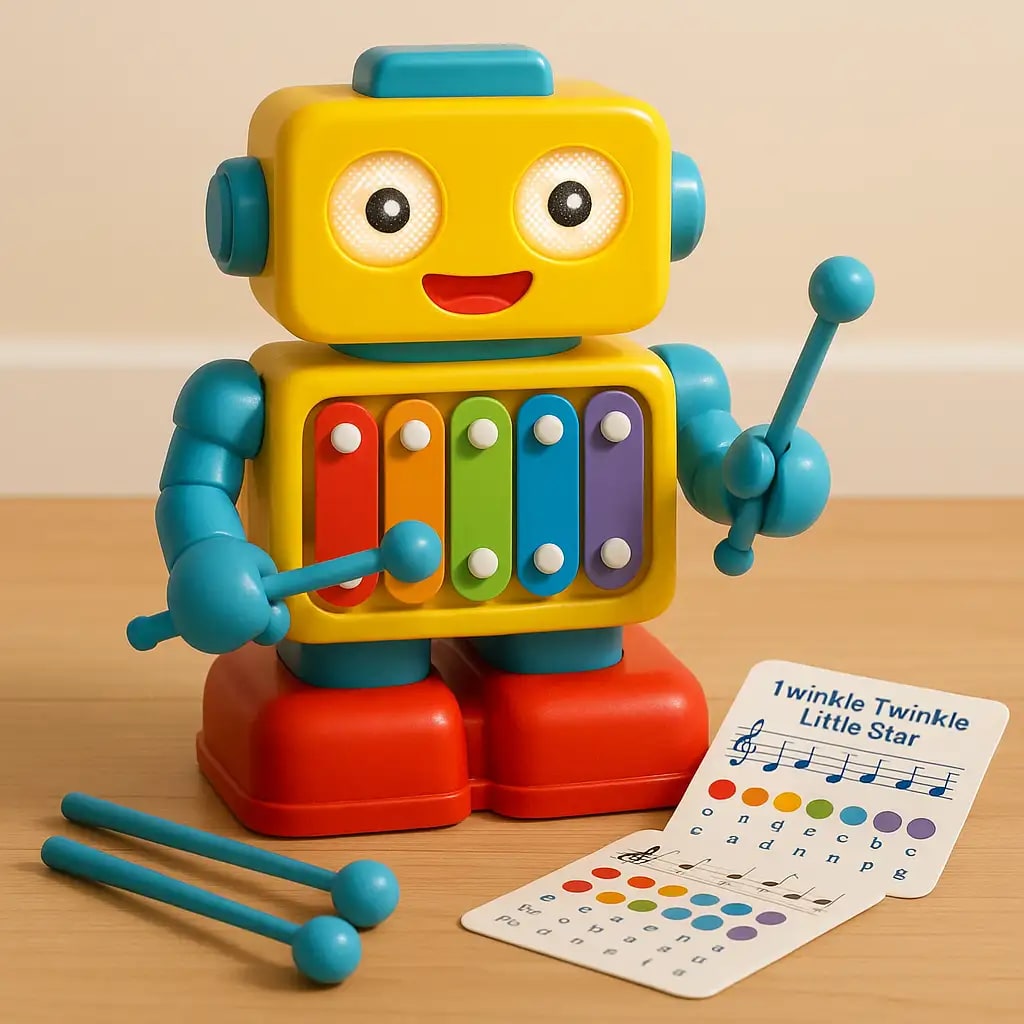
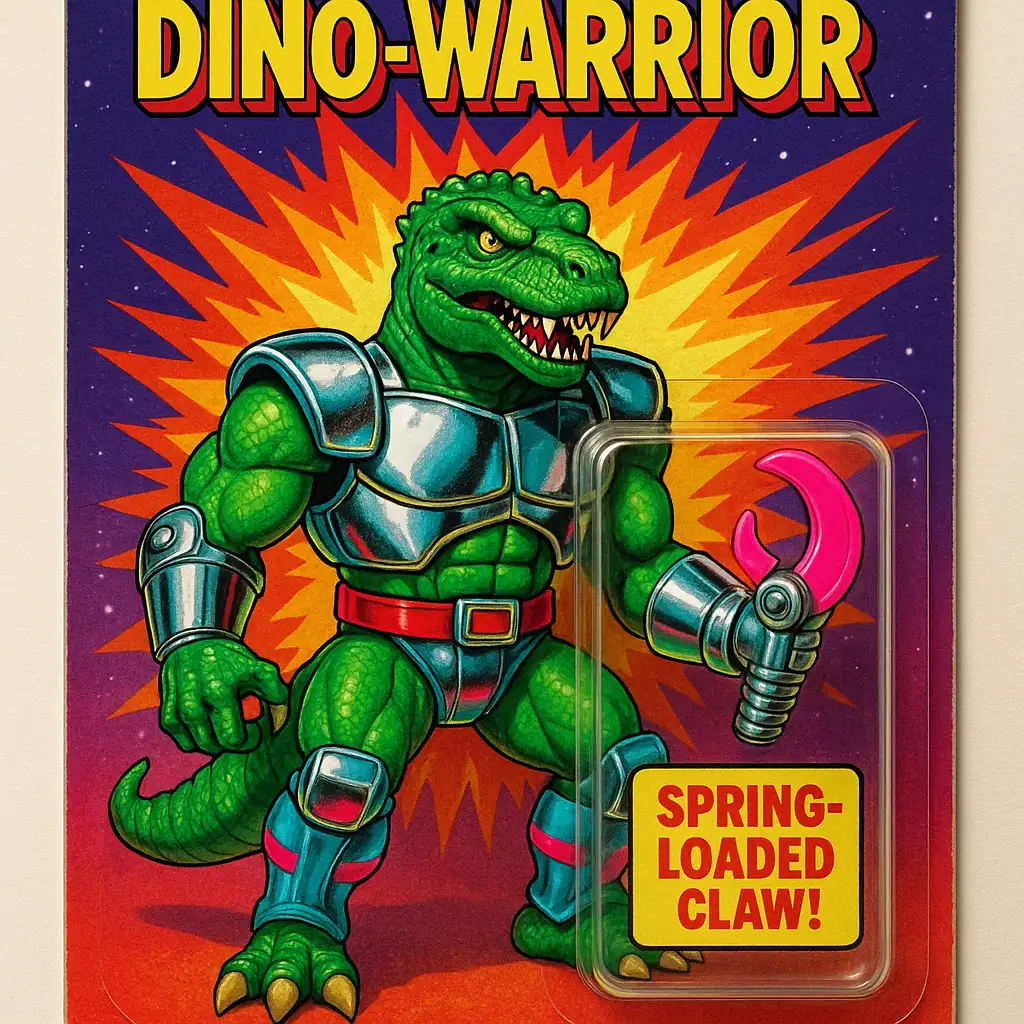
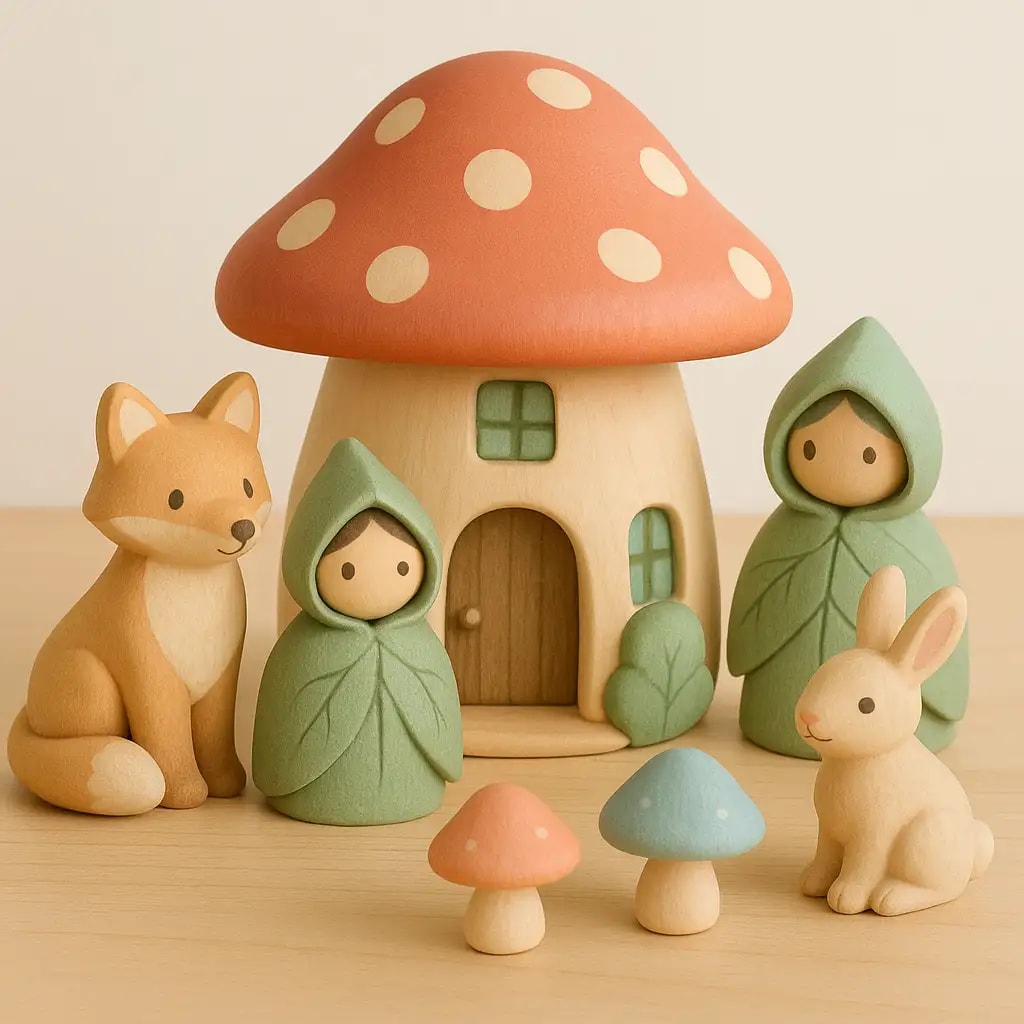
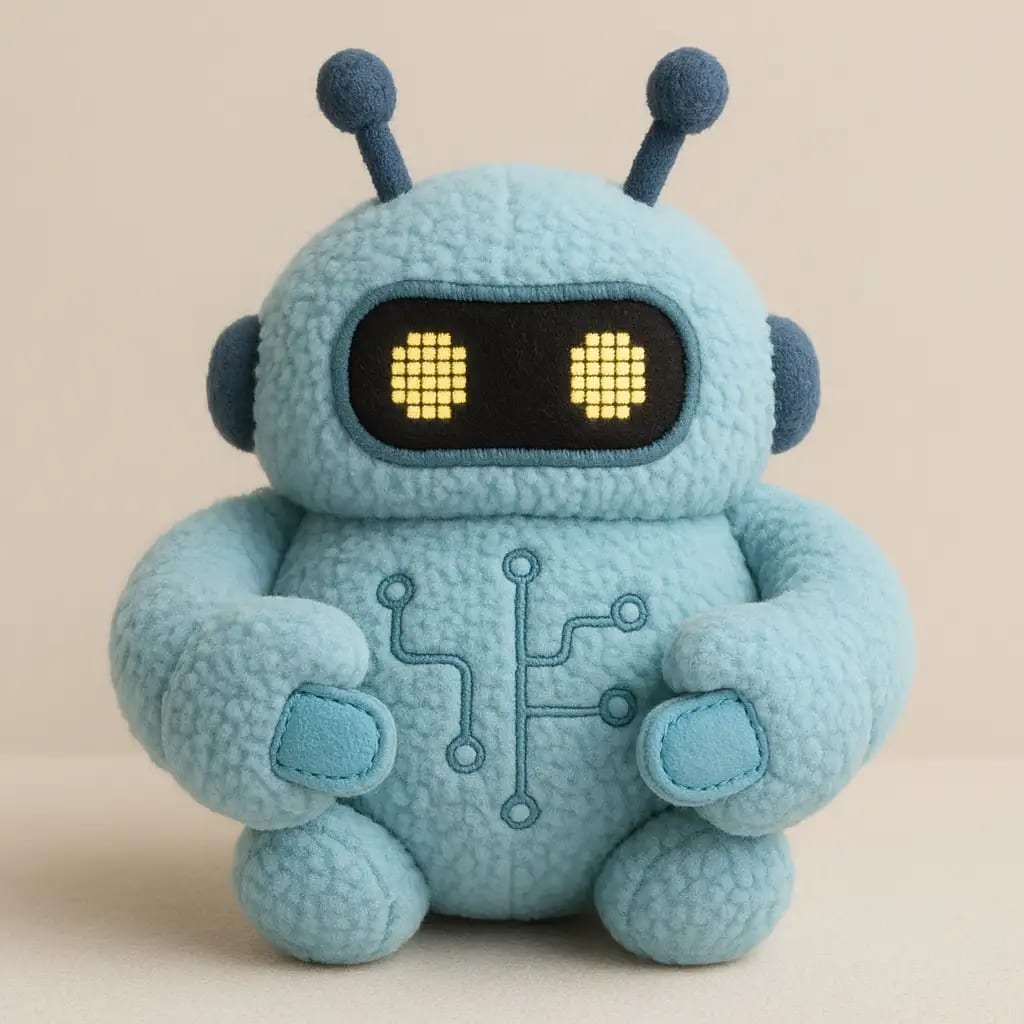
The agent gathers these inputs and preferences in the conversation before it starts.
A colorful robot action figure with articulated joints and LED lights...
Choose the type of toy
Choices: Any Toy, Action Figure, Doll, Plush Toy, Robot Toy, Toy Vehicle, Building Blocks, Puzzle, Board Game
Choose the target age group
Choices: All Ages, Baby (0-2 years), Toddler (2-4 years), Preschool (4-6 years), School Age (6-12 years), Teen (12+ years), Adult Collector
Choices: General, Superhero, Fantasy, Sci-Fi, Animals, Vehicles, Princess, Pirates, Dinosaurs
Choices: Bright & Colorful, Pastel Colors, Primary Colors, Rainbow, Monochrome, Natural Colors
Choices: Plastic, Soft Plush, Wooden, Metal/Die-cast, Fabric, Rubber, Mixed Materials
Choices: Small (handheld), Medium, Large, Jumbo Size
Choices: Basic Toy, LED Lights, Sound Effects, Moving Parts, Interactive Features, Transforming, Remote Control
Choices: No Packaging, Blister Pack, Box Packaging, Window Box, Collector Edition
Choices: Simple Background, Playroom, Toy Store, Product Studio, Play Scene
Add moveable joints and posability
High-end collector-grade details
Include learning or educational elements
Ensure child-safe features and materials
Create amazing toy designs with endless customization options, age-appropriate features, and professional quality rendering.
Create amazing toy designs in three simple steps
Select toy type, age group, and describe your ideal toy design
Set theme, colors, materials, special features, and safety options
Get your professional toy design image
Generate action figures, dolls, plush toys, robots, vehicles, and building blocks
Design toys suitable for babies, toddlers, school age, teens, and adult collectors
Choose from superhero, fantasy, sci-fi, animals, princess, and educational themes
Add LED lights, sound effects, movement, transforming, and interactive elements
Child-safe designs with appropriate materials and safety considerations
Visualize toys with blister packs, boxes, and collector edition packaging
Perfect for toy designers, manufacturers, parents, and anyone involved in the toy industry
Generate product concepts and prototypes for new toy lines
Create toy design concepts and visual presentations for clients
Visualize educational toys and learning tools for children
Generate product images for catalogs, websites, and advertising
Create toy-inspired game assets and character designs
Design custom collectible figures and limited edition toys
Match toy complexity, size, and features to the target age group for realistic designs
Bright, colorful toys appeal to children, while collectors prefer detailed, realistic colors
Include child-safe features like rounded edges, non-toxic materials, and appropriate sizing
Toys with lights, sounds, or movement are more engaging and marketable
Include features that encourage creativity, learning, or imaginative play
You can create action figures, dolls, plush toys, robots, toy vehicles, building blocks, puzzles, and board games.
Yes, choose from baby (0-2), toddler (2-4), preschool (4-6), school age (6-12), teen (12+), and adult collector categories.
Generate toys with superhero, fantasy, sci-fi, animals, vehicles, princess, pirates, and dinosaur themes.
Absolutely! Add LED lights, sound effects, moving parts, interactive features, transforming abilities, and remote control.
Select from plastic, soft plush, wooden, metal/die-cast, fabric, rubber, and mixed material options.
Yes, visualize toys with blister packs, box packaging, window boxes, and collector edition packaging.
Enable 'Child-Safe Design' to include rounded edges, appropriate sizing, and safe material considerations.
Collectible quality includes premium details, better materials, and features that appeal to adult collectors.
Yes, enable 'Educational Value' to include learning elements, STEM features, and developmental benefits.
Yes, all toy designs consider real-world manufacturing constraints and safety standards for practical production.


