
AI Vector Generator
Transform your ideas into professional vector illustrations
AI Vector Generator examples
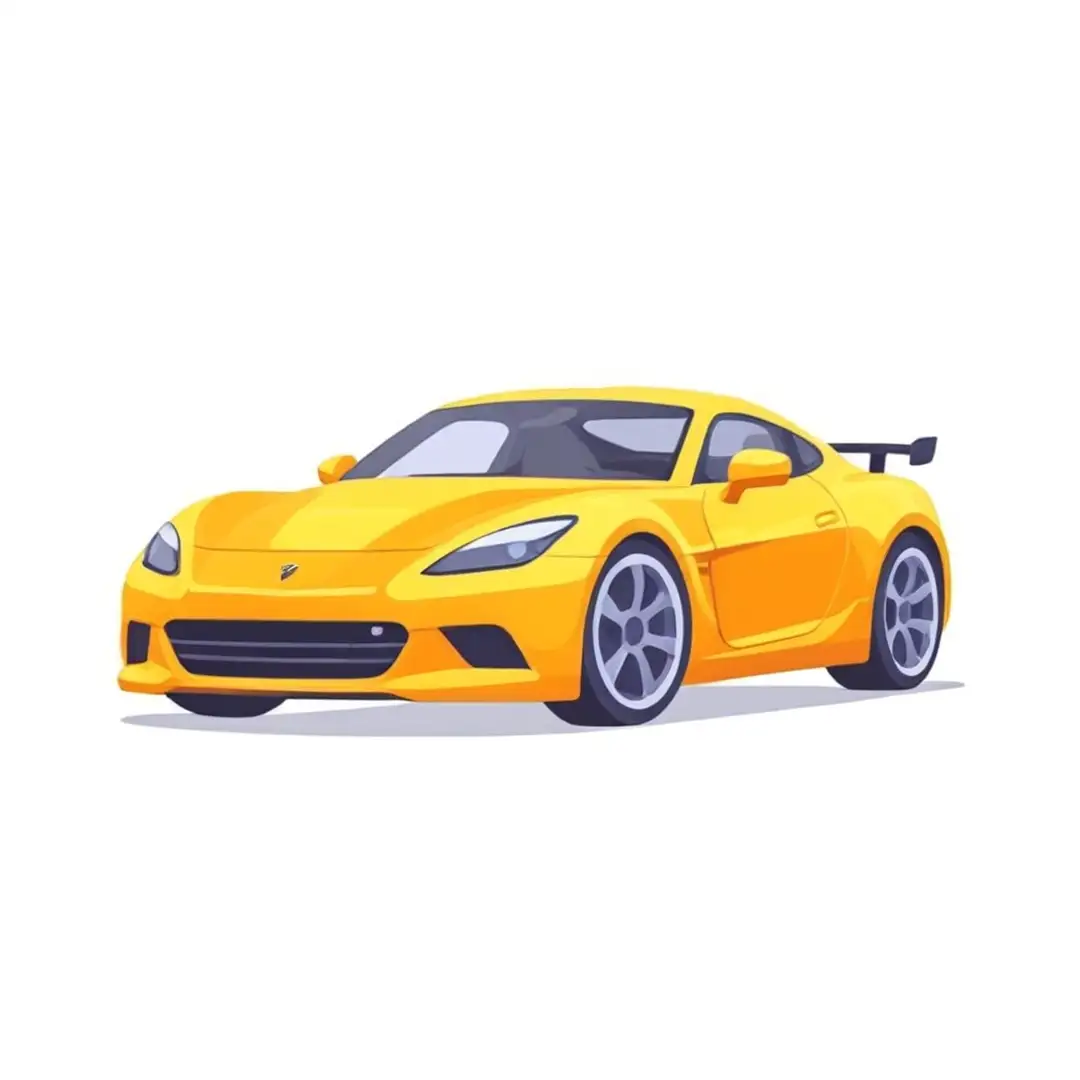
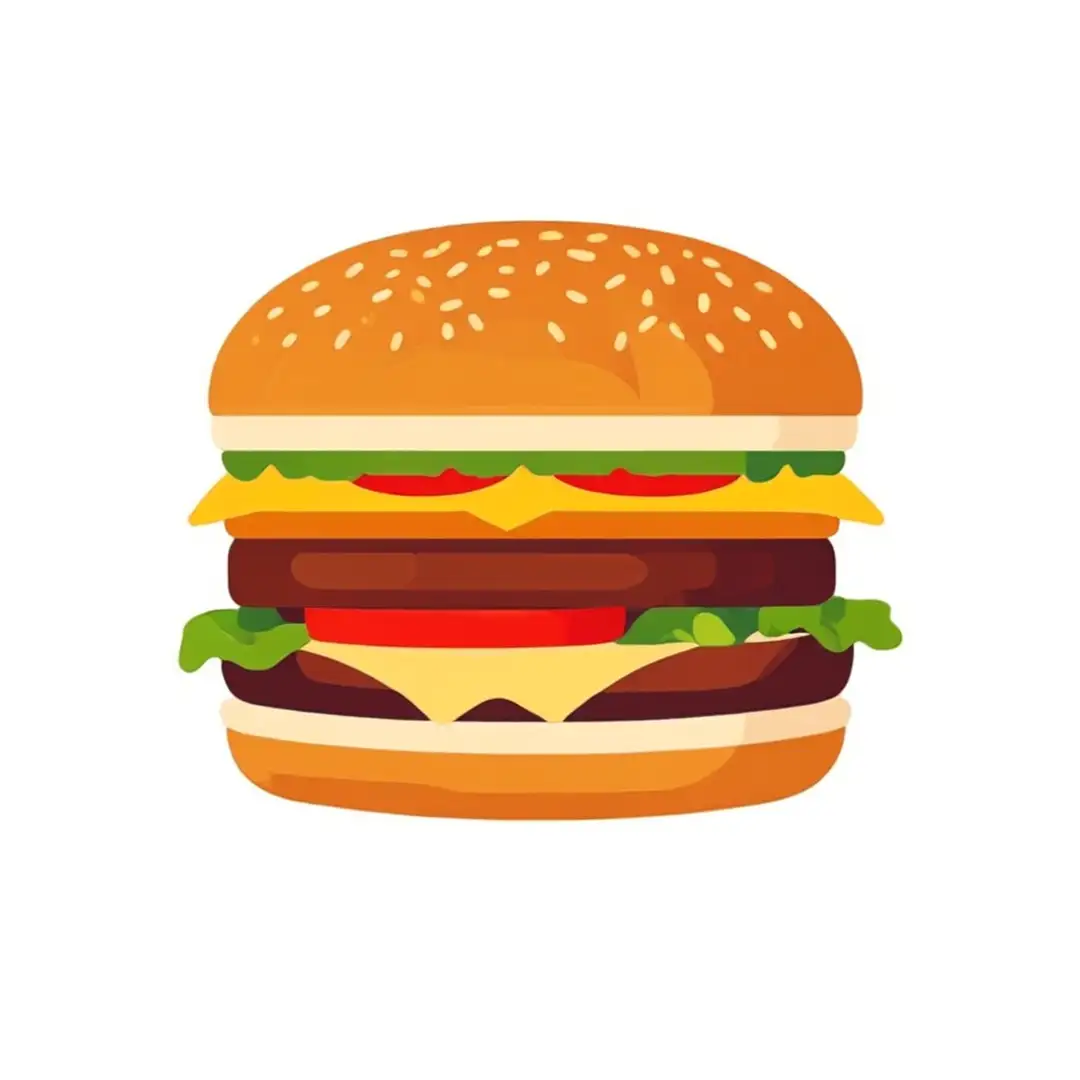
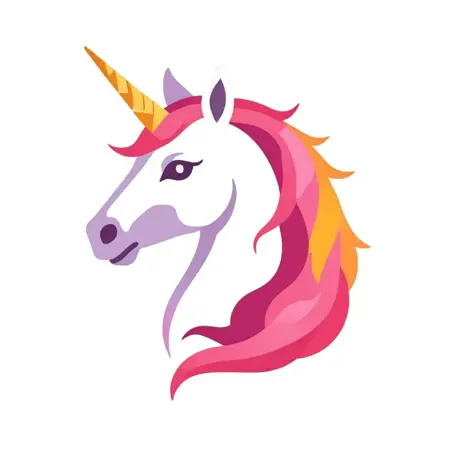
Reference media and sample results for this task.

What Magica will ask for
The agent gathers these inputs and preferences in the conversation before it starts.
Aspect Ratio
Choices: Square (1:1), Landscape HD (16:9), Ultrawide (21:9), Standard Landscape (3:2), Standard Portrait (2:3), Instagram Portrait (4:5), Large Format (5:4), Classic Portrait (3:4), Classic Landscape (4:3), Mobile Portrait (9:16), Panoramic (9:21)
Number of Variations
Choices: 1, 2, 3, 4
Why Choose Our AI Vector Generator?
Create professional vector illustrations with the power of AI.
- Clean, scalable vector art perfect for logos and icons
- Professional-grade illustrations
- Consistent style and quality
- Easy export and editing options
How Our Vector Generator Works
Create professional vector art in three simple steps:
- 01
Describe Your Vector
Enter a detailed description of the vector art you want to create.
- 02
Choose Settings
Select aspect ratio and number of variations.
- 03
Generate
ask Magica to generate the result and watch as AI creates your vector art.
Key Features
Vector-First Approach
Optimized for creating clean, scalable vector graphics.
Professional Quality
Generate production-ready vector art for logos and illustrations.
Easy Export
Download your vectors in high-quality WebP format.
Smart Assistance
Get guidance on creating effective vector art prompts.
Tips for Better Vector Generation
Keep It Simple
Vector art works best with clean, minimal designs.
Use Clear Descriptions
Specify shapes, lines, and style in your prompts.
Consider Scale
Think about how your vector will look at different sizes.
Specify Colors
Include color preferences in your prompt for better results.
Frequently Asked Questions
What makes vector art different from regular images?
Vector art is scalable without losing quality, making it perfect for logos and graphics that need to work at any size.
Can I edit the generated vectors?
Yes! The generated vectors are in a format that can be imported into vector editing software.
What types of designs work best?
Simple, clean designs with clear shapes and minimal detail work best for vector generation.
How many variations can I generate?
You can generate up to 4 variations of your design at once to explore different options.
Ready to make it?
Help me use AI Vector Generator. First ask me for vector description and ask me for aspect ratio and ask me for number of variations and ask me to choose settings. Then ask for my preferences, complete the task, and return the finished result.Attach filesConnect tools


