Describe the vehicle you want to create
A sleek sports car in metallic blue with modern design...

Create stunning vehicles, cars, and transportation designs with AI
Reference media and sample results for this task.
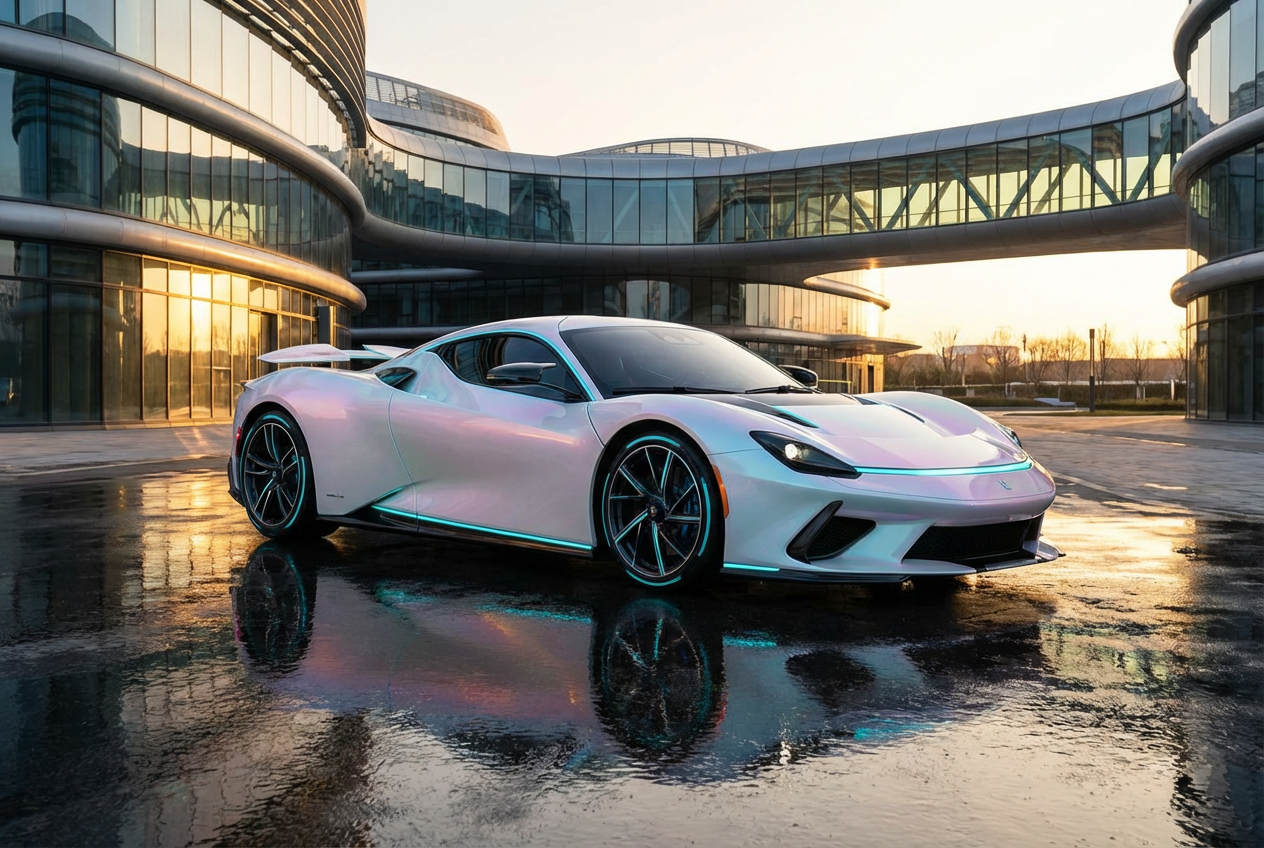
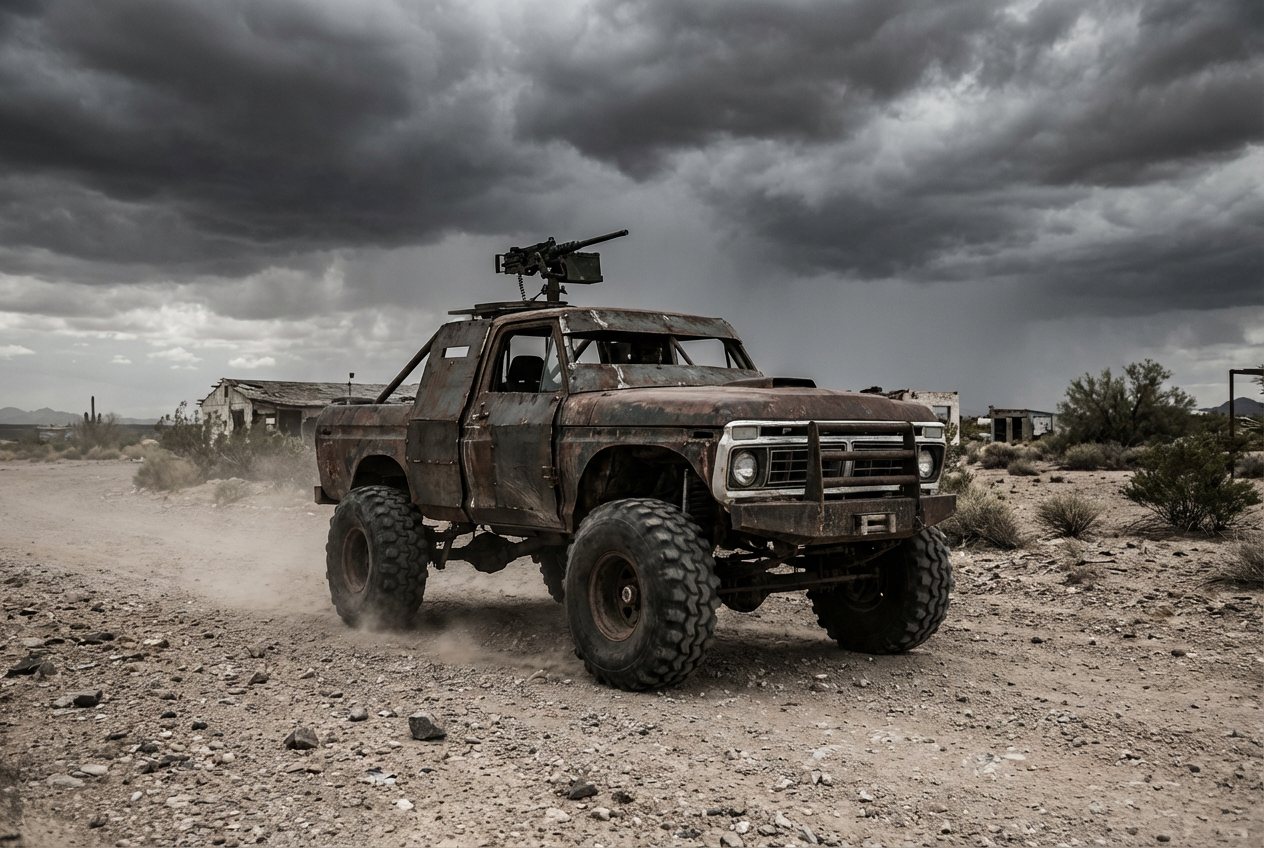
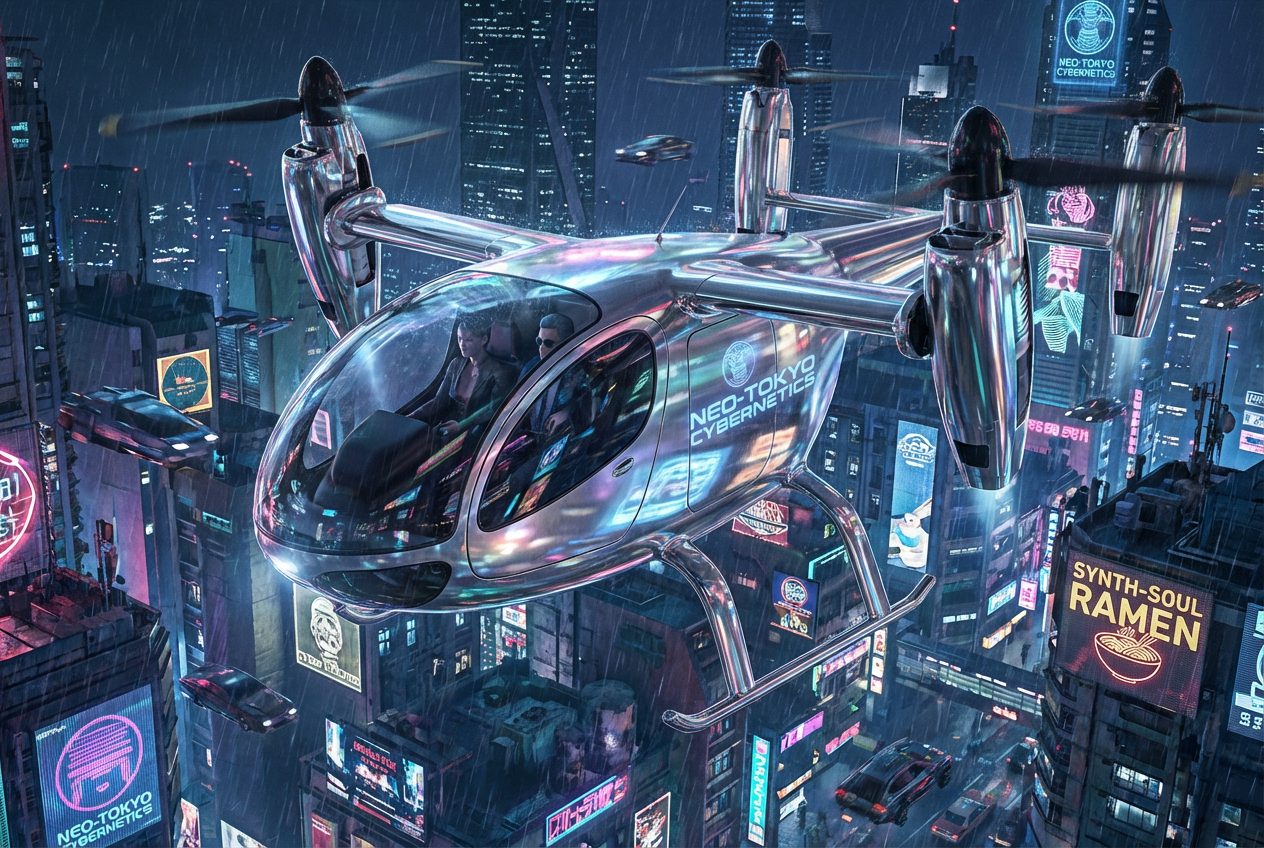
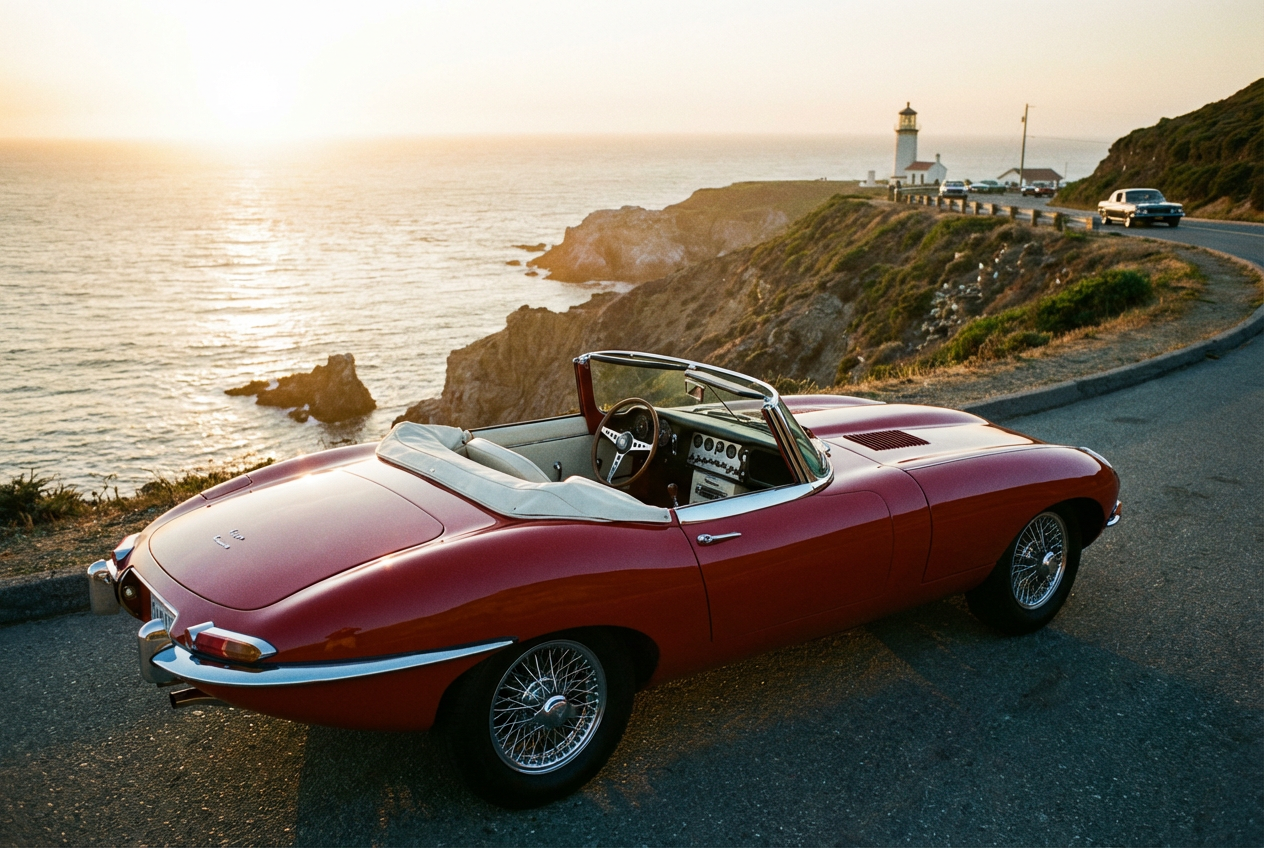
The agent gathers these inputs and preferences in the conversation before it starts.
A sleek sports car in metallic blue with modern design...
Choose the type of vehicle
Choices: Any Vehicle, Sports Car, Sedan, SUV, Truck, Motorcycle, Convertible, Hatchback, Coupe
Choose the design style
Choices: Modern Style, Classic/Vintage, Futuristic, Luxury, Racing, Off-Road, Electric/Eco, Muscle Car
Choices: Any Color, Red, Blue, Black, White, Silver, Gray, Yellow, Green
Choices: Glossy, Metallic, Matte, Pearl, Chrome, Satin
Choices: Studio/Clean Background, City Street, Highway, Parking Lot, Garage, Showroom, Race Track, Countryside, Mountain Road
Choices: Front 3/4 View, Front View, Rear View, Side Profile, Rear 3/4 View, Low Angle, High Angle
Choices: Daylight, Sunrise, Sunset, Night, Golden Hour
Choices: Standard Wheels, Alloy Wheels, Racing Wheels, Chrome Wheels, Custom Wheels, Vintage Wheels
Add motion blur or speed effects
Display interior details through windows
Add realistic paint and chrome reflections
Add custom modifications and details
Create professional automotive imagery with stunning vehicle designs, customizable features, and showroom-quality results.
Create stunning automotive imagery in three simple steps
Select vehicle type, style, and describe your ideal automotive design
Set colors, finishes, wheels, angle, and environmental setting
Get your professional automotive photography image
Generate sports cars, sedans, SUVs, trucks, motorcycles, and more
Choose from multiple colors with metallic, matte, pearl, and chrome finishes
Create classic, futuristic, luxury, racing, and custom vehicle styles
Professional automotive angles from front 3/4 to dramatic low angles
Add speed blur, motion effects, and dynamic automotive scenes
Enhanced reflections, interior views, and custom modifications
Perfect for automotive professionals, designers, and enthusiasts who need high-quality vehicle imagery
Create marketing materials and promotional images for vehicle sales
Generate concept vehicles and design inspiration for new models
Create reference images and inspiration for car photography shoots
Generate automotive content for blogs, reviews, and social media
Create vehicle assets and references for racing and driving games
Design dream cars and explore custom vehicle modifications
Include specific details like 'sleek', 'aggressive', or 'elegant' to define the vehicle's character
Golden hour and studio lighting create the most dramatic automotive photography
Front 3/4 view is classic for showcasing design, low angles add drama
Red and yellow suggest speed, black and silver convey luxury, blue implies reliability
Enable reflections for realistic paint shine and chrome details
You can create sports cars, sedans, SUVs, trucks, motorcycles, convertibles, hatchbacks, and coupes.
Yes, choose from multiple colors including red, blue, black, white, silver, gray, yellow, and green.
Select from glossy, metallic, matte, pearl, chrome, and satin paint finishes for different looks.
Absolutely! Choose from front, rear, side, 3/4 views, and dramatic low or high angles.
Generate vehicles in studios, city streets, highways, showrooms, race tracks, and scenic locations.
Enable motion effects to add speed blur, dynamic movement, and action to your vehicle images.
Yes, enable 'Show Interior' to display dashboard, seats, and interior details through windows.
Choose from standard, alloy, racing, chrome, custom, and vintage wheel styles.
Yes, enable 'Custom Details' to add spoilers, body kits, and other vehicle modifications.
Yes, all vehicle images are professional automotive photography quality, perfect for marketing and commercial projects.


