Description
Describe what you want to create...

Create stunning volcanic landscape and eruption images with AI
Reference media and sample results for this task.
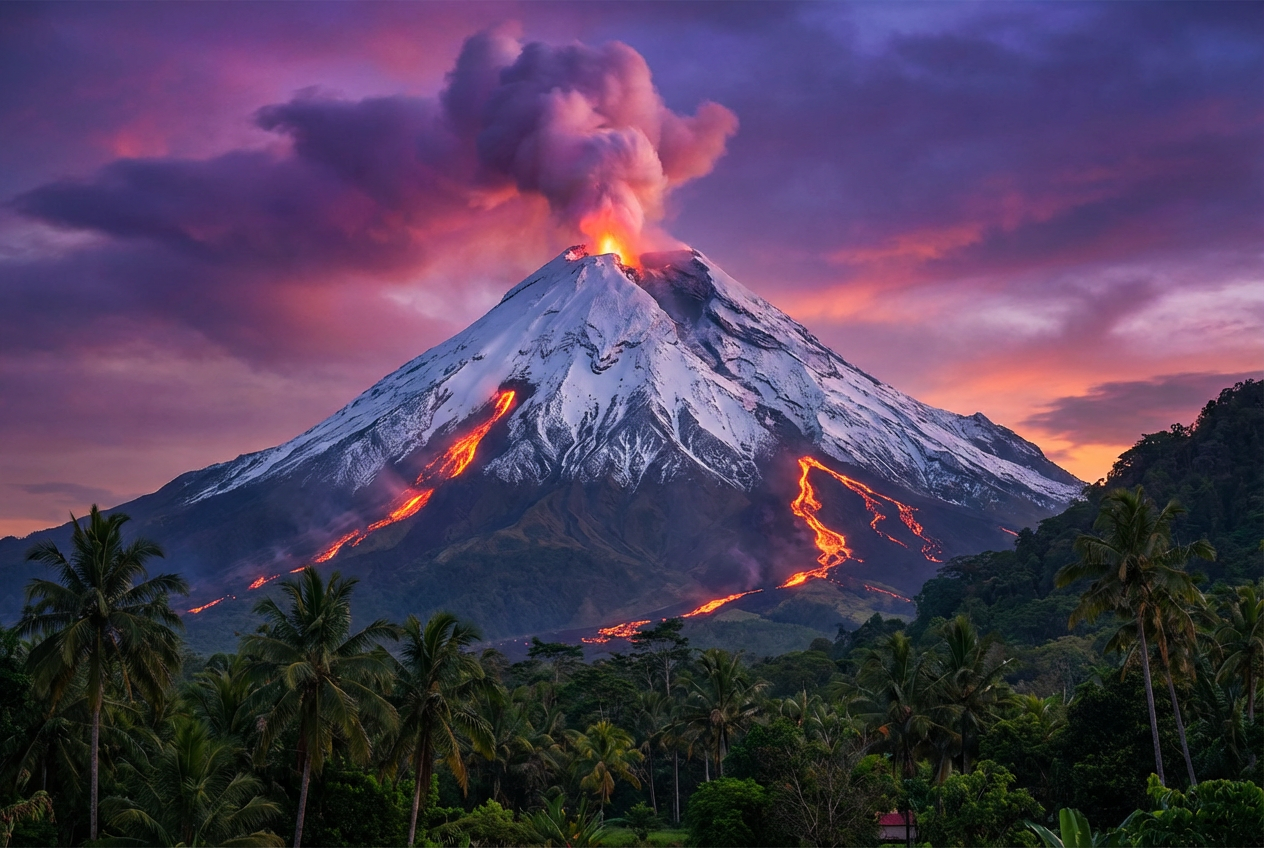
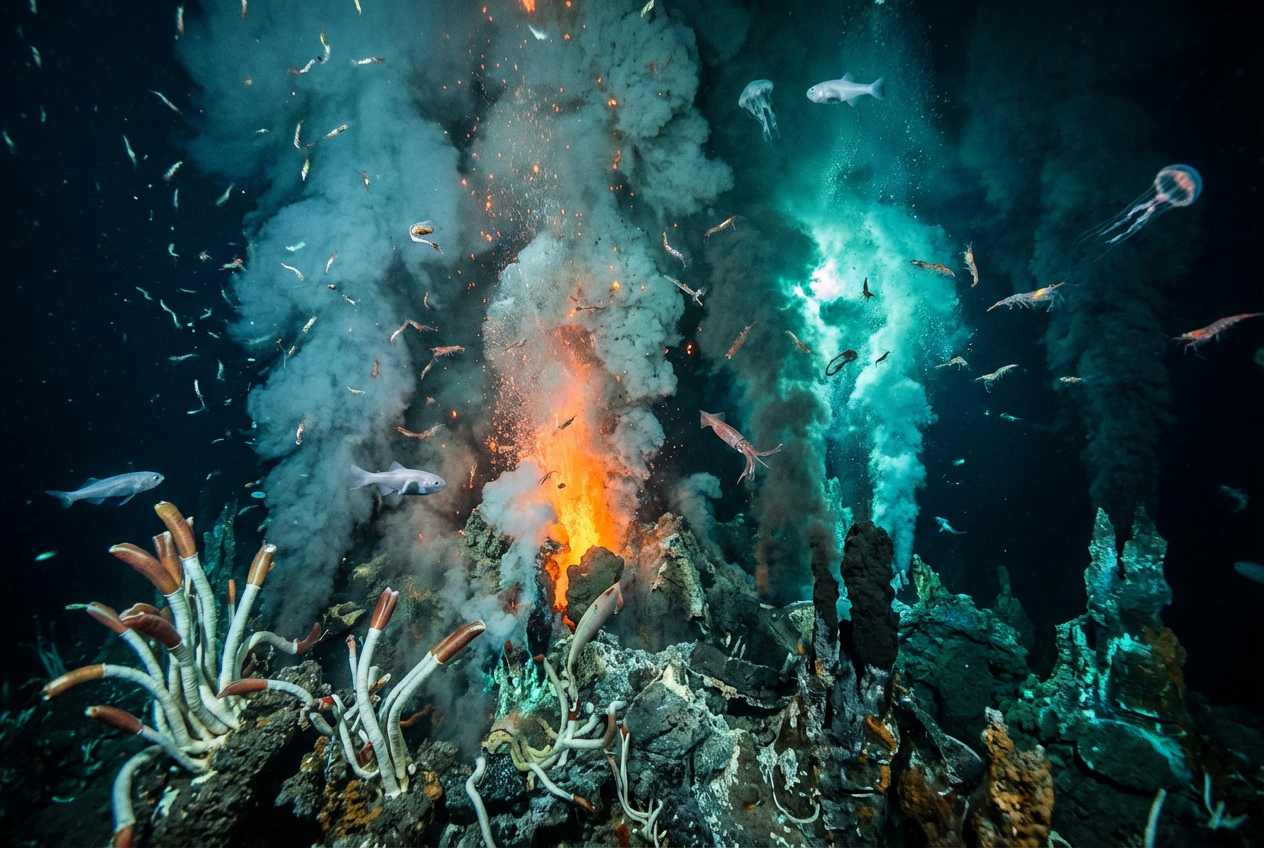
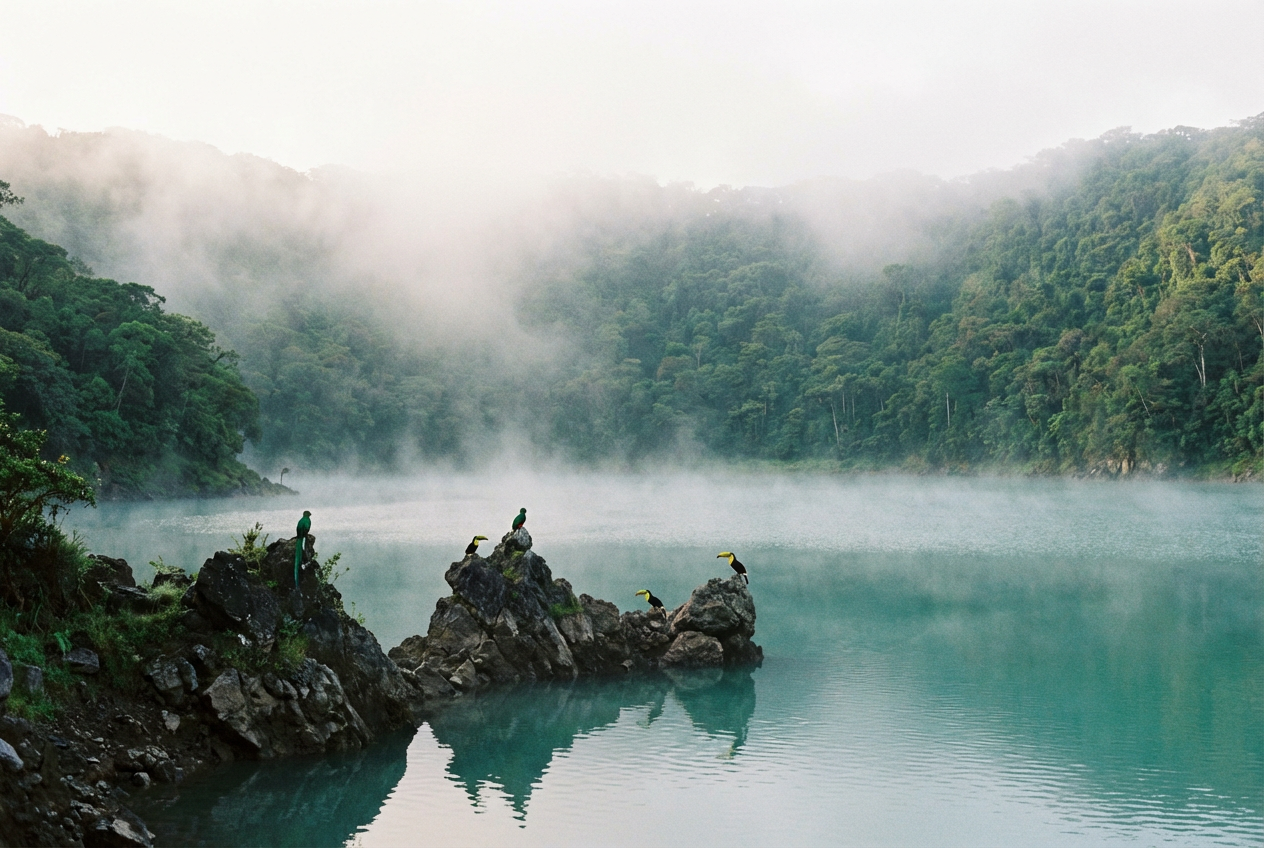
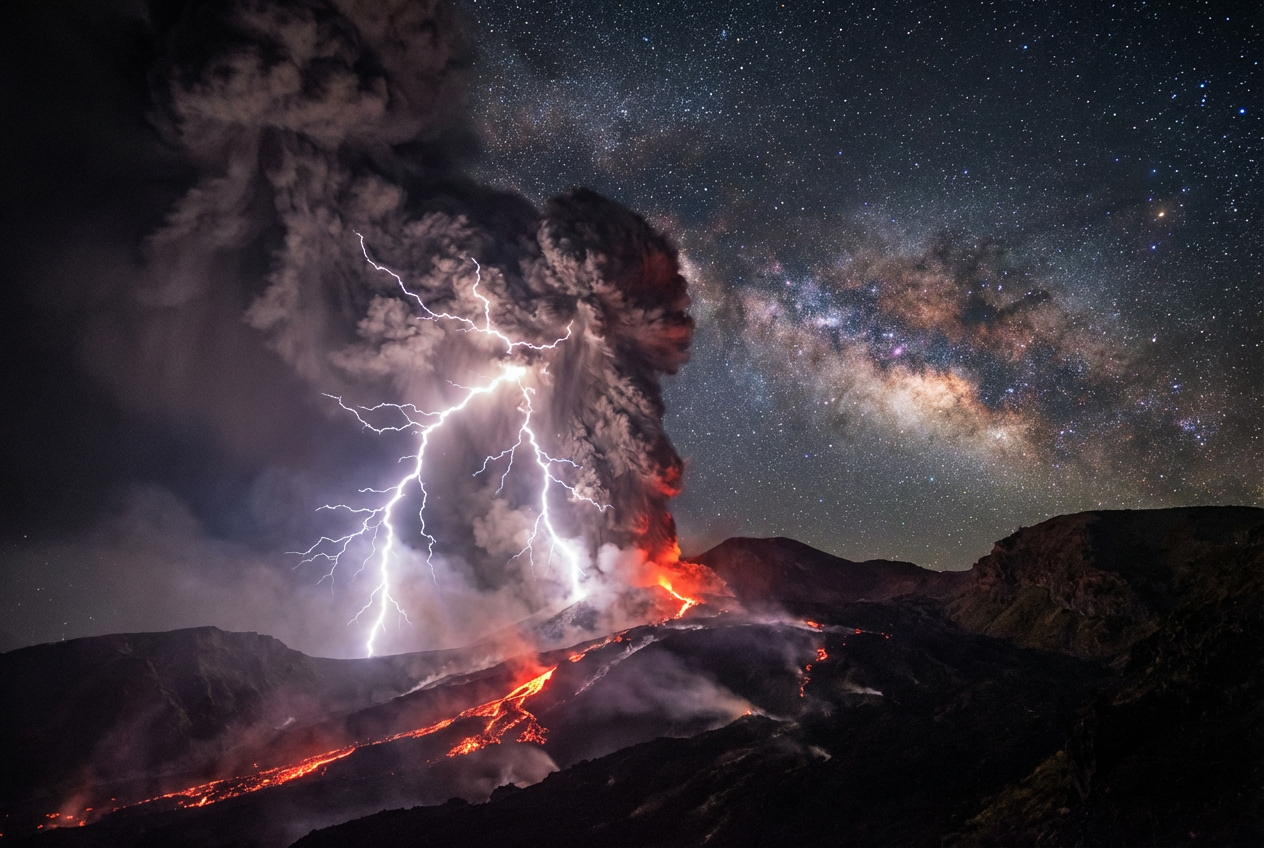
The agent gathers these inputs and preferences in the conversation before it starts.
Describe what you want to create...
Choices: Any State, Erupting, Dormant, Active with Smoke, Lava Flow, Explosive Eruption, Extinct
Choices: Any Time, Sunrise, Daytime, Sunset, Night, Twilight
Choices: Any Style, Realistic Photography, Dramatic, Cinematic, Fantasy Art, Painting, Digital Art, Apocalyptic
Choices: Any Perspective, Wide Angle Landscape, Aerial View, Close-up, Distant View, Inside Crater
Create breathtaking volcanic imagery for education, art, and dramatic visual content.
Create your volcanic masterpiece in three simple steps:
Enter details about the volcanic scene you want - eruption, landscape, or specific features.
Select volcano state, time of day, art style, and viewing perspective.
Get your dramatic volcano image instantly and use it anywhere.
Create erupting, dormant, active, or extinct volcanoes with lava flows.
Choose sunrise, day, sunset, night, or twilight for dramatic lighting.
Generate wide landscapes, aerial views, close-ups, or crater perspectives.
Choose realistic, dramatic, cinematic, fantasy, or apocalyptic styles.
Download stunning volcanic images suitable for any purpose.
Generate powerful explosions, glowing lava, and volcanic ash clouds.
Perfect for educators, content creators, and visual artists
Create educational materials about volcanoes, geology, and natural disasters.
Generate dramatic volcano imagery for videos, thumbnails, and content.
Create volcanic landscapes for concept art, backgrounds, and illustrations.
Visualize volcanic scenes for fantasy, sci-fi, or adventure stories.
Generate volcanic environments and backgrounds for video games.
Create powerful volcanic imagery for posters, presentations, and designs.
Erupting volcanoes are dramatic, dormant ones are peaceful. Pick the state that matches your needs.
Night scenes make lava glow dramatically, while sunsets add beautiful warm tones to volcanic landscapes.
Aerial views show scale, close-ups capture detail, and crater views are unique and powerful.
Include surrounding elements like forests, oceans, clouds, or lightning for more complex scenes.
Use realistic for education, dramatic for impact, cinematic for storytelling, and fantasy for creative projects.
You can create erupting volcanoes with lava and ash, dormant peaceful volcanoes, active volcanoes with smoke, dramatic lava flows, explosive eruptions, and extinct volcanic landscapes.
Yes! Select 'Erupting' or 'Explosive Eruption' as the state and choose 'Realistic Photography' or 'Dramatic' style for authentic-looking volcanic eruptions.
Absolutely! The realistic and dramatic styles are perfect for science education, geology lessons, and teaching about natural disasters and Earth sciences.
Yes! All generated volcano images are 100% free for commercial use. Use them in educational materials, games, films, marketing, or any commercial projects.
Night time makes lava glow beautifully, sunset adds warm dramatic tones, and twilight creates mysterious atmospheres. Each time creates different moods.
Yes! Choose 'Fantasy Art' or 'Apocalyptic' styles and describe fantastical elements like magical lava, alien volcanoes, or otherworldly volcanic environments.
Choose 'Erupting' or 'Explosive' state, select 'Night' for glowing lava, use 'Dramatic' or 'Cinematic' style, and add details like lightning, ash clouds, or lava fountains.
Yes! Select 'Aerial View' as the perspective to create stunning overhead shots showing the full scale and crater of the volcano.
No restrictions! You have full rights to use, modify, distribute, or sell the generated volcano images in any way you choose.
Yes! Simply describe these elements in your prompt, such as 'volcanic island in the ocean' or 'underwater volcano erupting beneath the sea'.


