Description
Describe what you want to create...

Create stunning wall art mockup with AI
Reference media and sample results for this task.
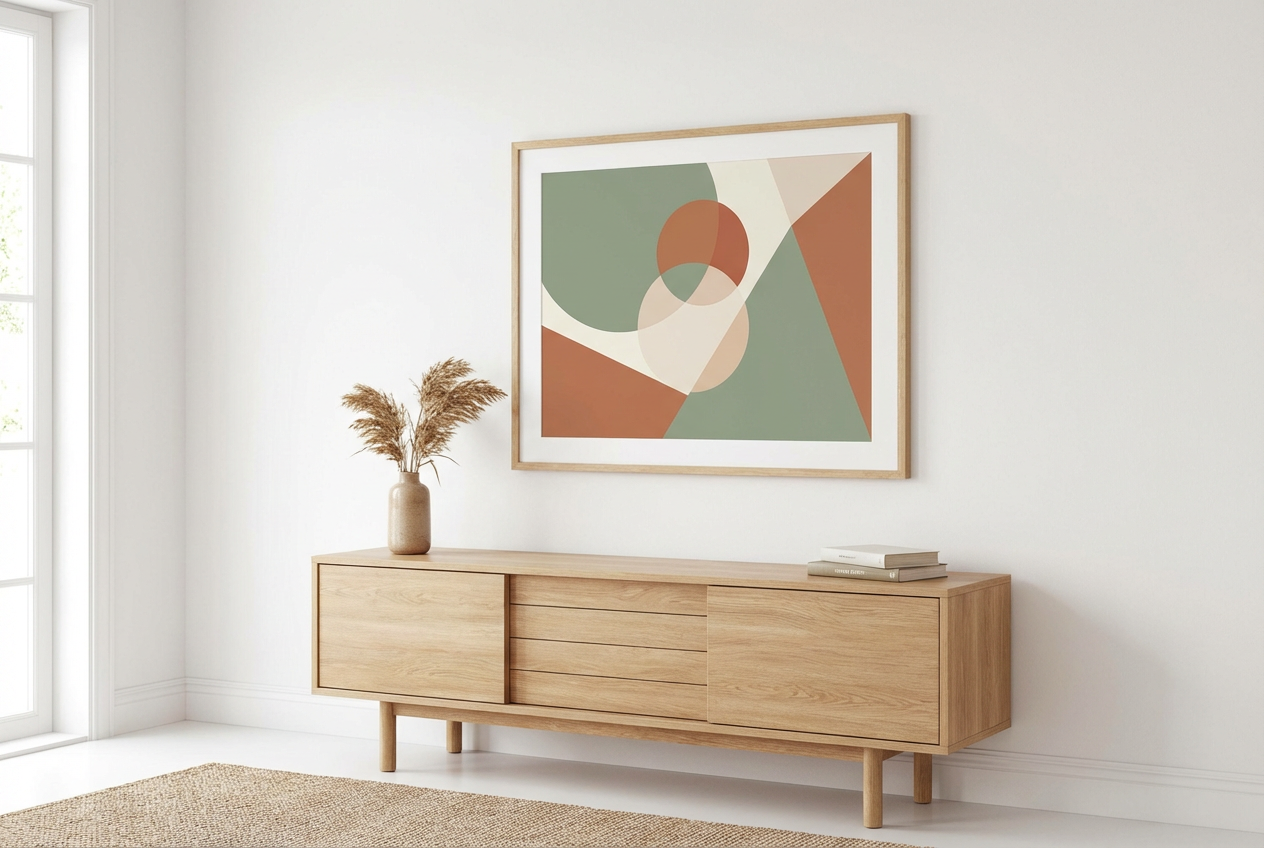
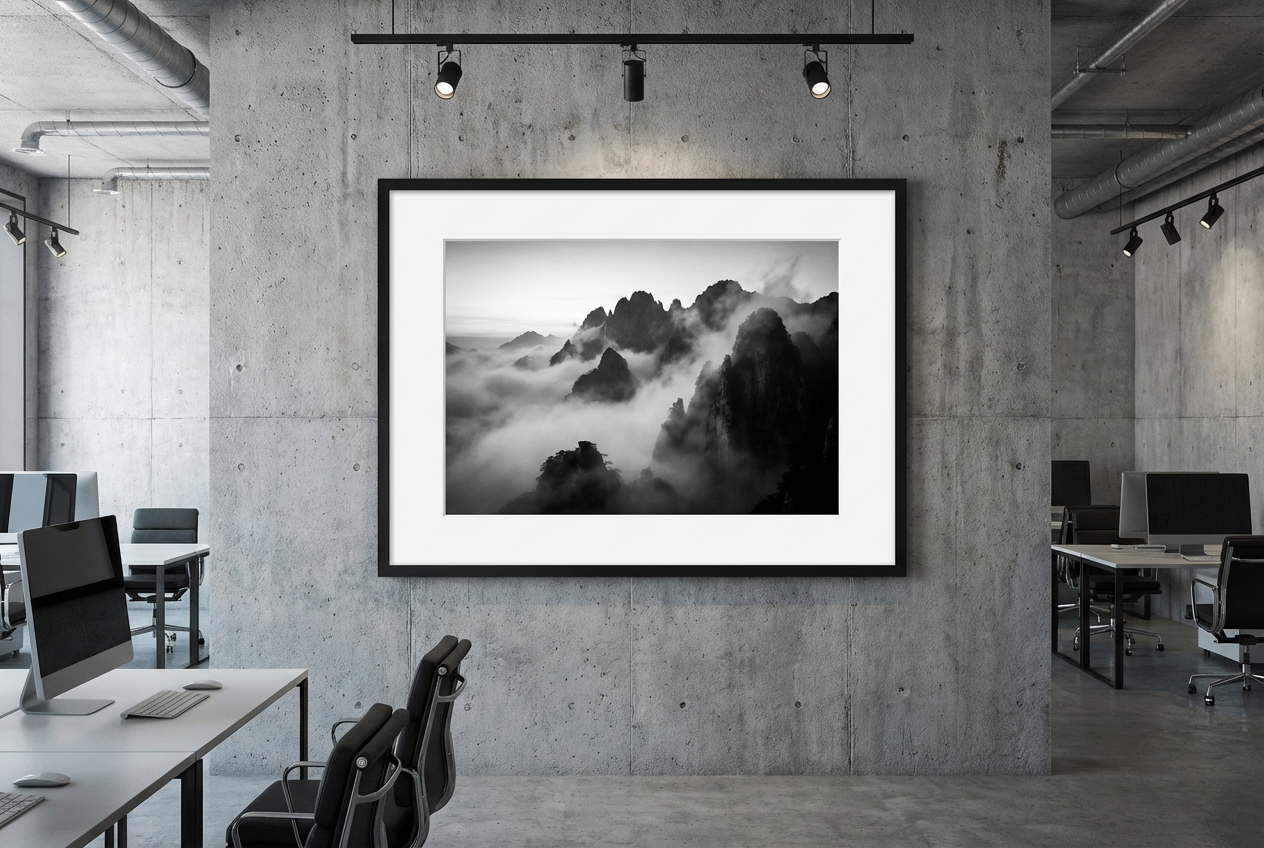
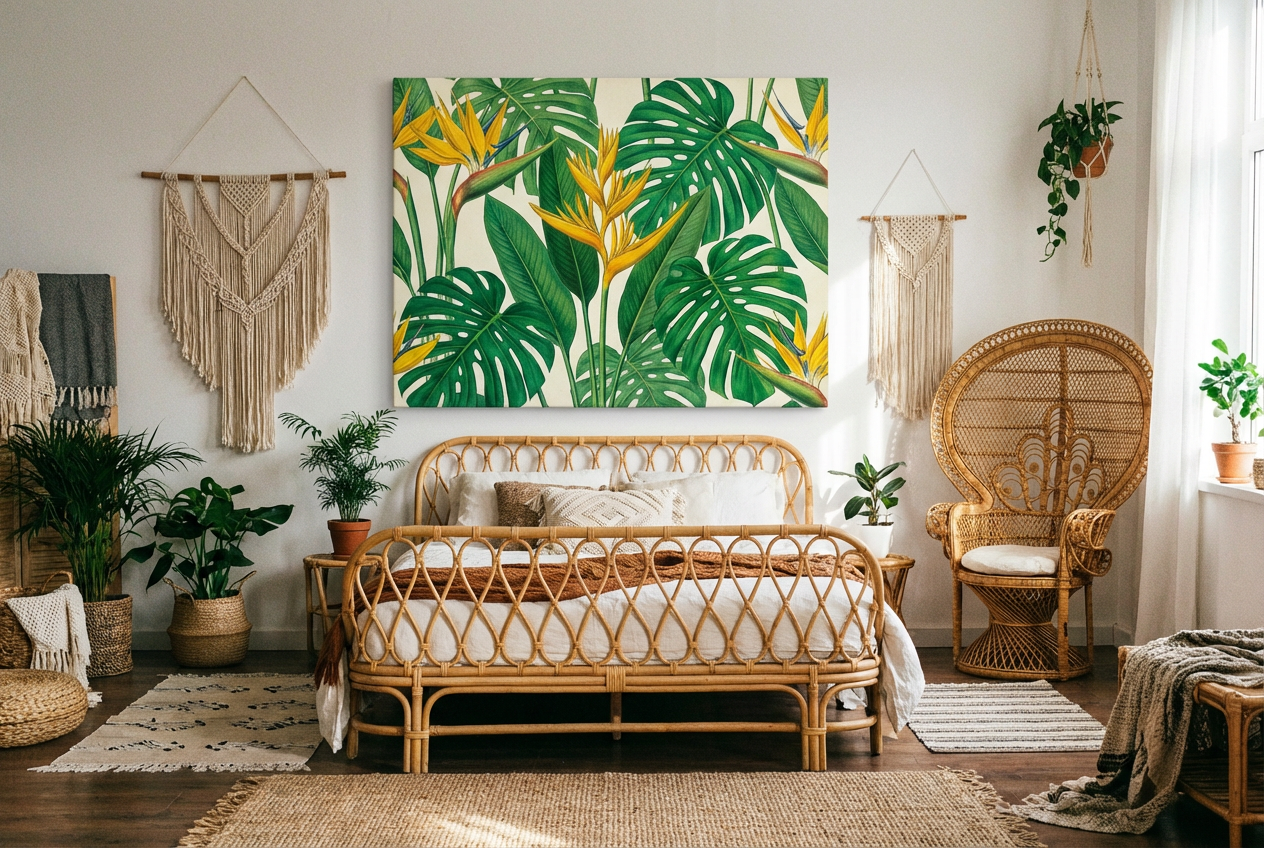
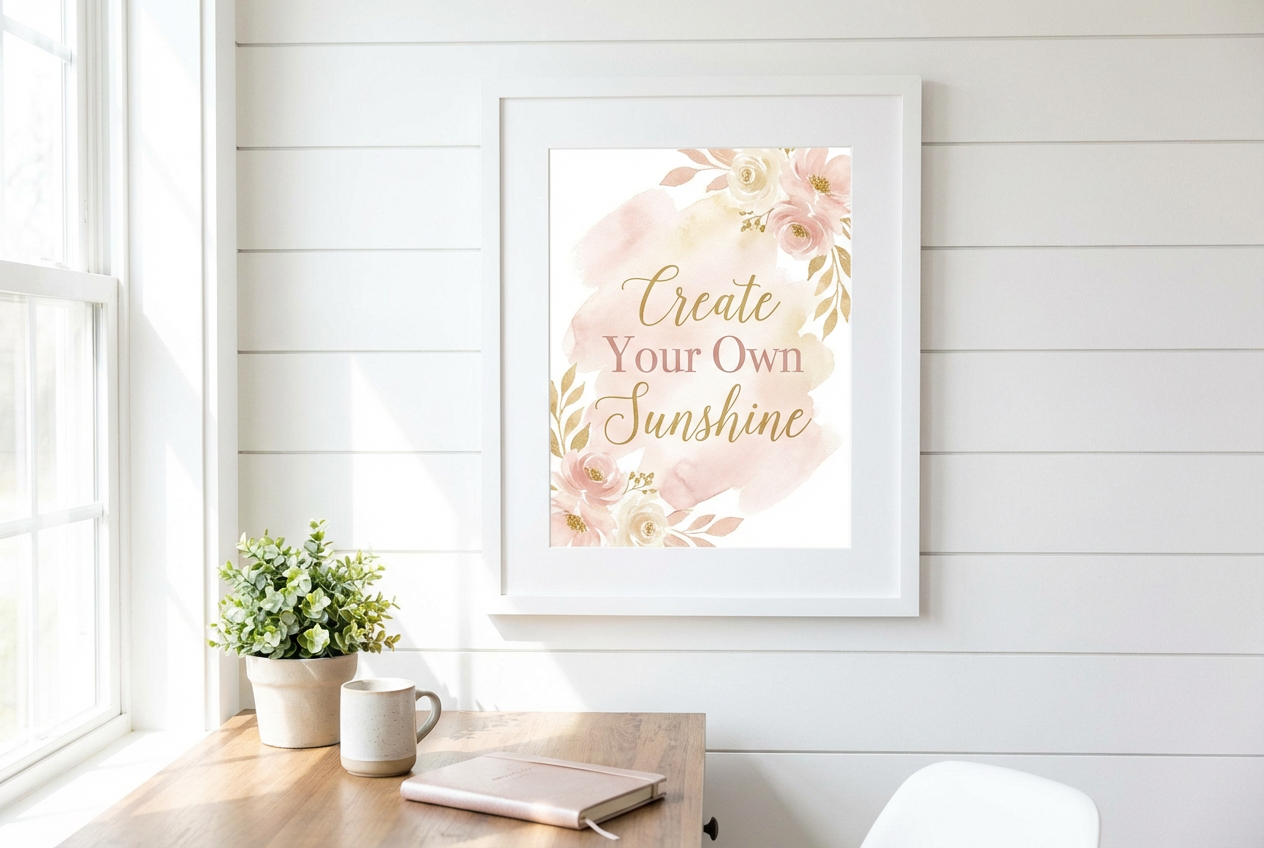
The agent gathers these inputs and preferences in the conversation before it starts.
Describe what you want to create...
Choices: Any Room, Living Room, Bedroom, Dining Room, Home Office, Hallway, Kitchen, Bathroom, Art Studio, Gallery Space
Choices: Auto Size, Small (up to 24 inches), Medium (24-36 inches), Large (36-48 inches), Oversized (48+ inches), Gallery Wall Set
Choices: Any Color, White, Off-White, Gray, Beige, Navy, Black, Sage Green, Light Blue, Terracotta
Visualize artwork in realistic interior settings before making any decisions.
Create stunning wall art visualizations in three simple steps:
Enter a detailed description of the artwork you want to visualize.
Select room type, style, wall color, and artwork size preferences.
Let AI create photorealistic mockups of your artwork in different interior settings.
Visualize artwork in living rooms, bedrooms, offices, and more.
Choose from modern, minimalist, traditional, and other popular styles.
See how different artwork sizes look in proportion to the room.
Generate high-quality, realistic interior mockups.
Preview how artwork will look in your space before purchasing.
Show clients how their commissioned pieces will look in situ.
Create professional mockups for client presentations.
Help customers visualize artwork in their own spaces.
Plan and visualize room makeovers with new artwork.
Create realistic mockups for online art listings.
Describe artwork details, colors, and style preferences clearly.
Choose appropriate artwork sizes for your room dimensions.
Select interior styles that complement your artwork.
Try different wall colors to find the best backdrop for your art.
Consider how natural and artificial lighting affects the artwork's appearance.
We support various room types including living rooms, bedrooms, offices, dining rooms, hallways, and more. Each setting is designed to show your artwork in a realistic context.
Yes! You can choose from multiple interior styles including modern, minimalist, traditional, scandinavian, industrial, and more to match your preferred aesthetic.
Our AI generates mockups with proportionally accurate artwork sizes relative to standard room dimensions, helping you visualize the true impact of different sizes.
Yes, you can generate multiple mockups with different room types, styles, and wall colors to compare how your artwork looks in various settings.
Absolutely! Our photorealistic mockups are perfect for professional presentations to clients, helping them visualize the final result.
Include details about the artwork's subject, style, colors, and medium. The more specific your description, the better the AI can visualize it in the space.
Yes! All mockups generated by our AI Wall Art Generator are 100% free for commercial use. You can use them in your portfolio, presentations, or marketing materials without any licensing restrictions.
Consider colors that complement your artwork without overwhelming it. You can generate multiple mockups with different wall colors to find the best match.


