Wallpaper Description
Describe your desired wallpaper design...

Create stunning wallpapers for any device with AI
Reference media and sample results for this task.
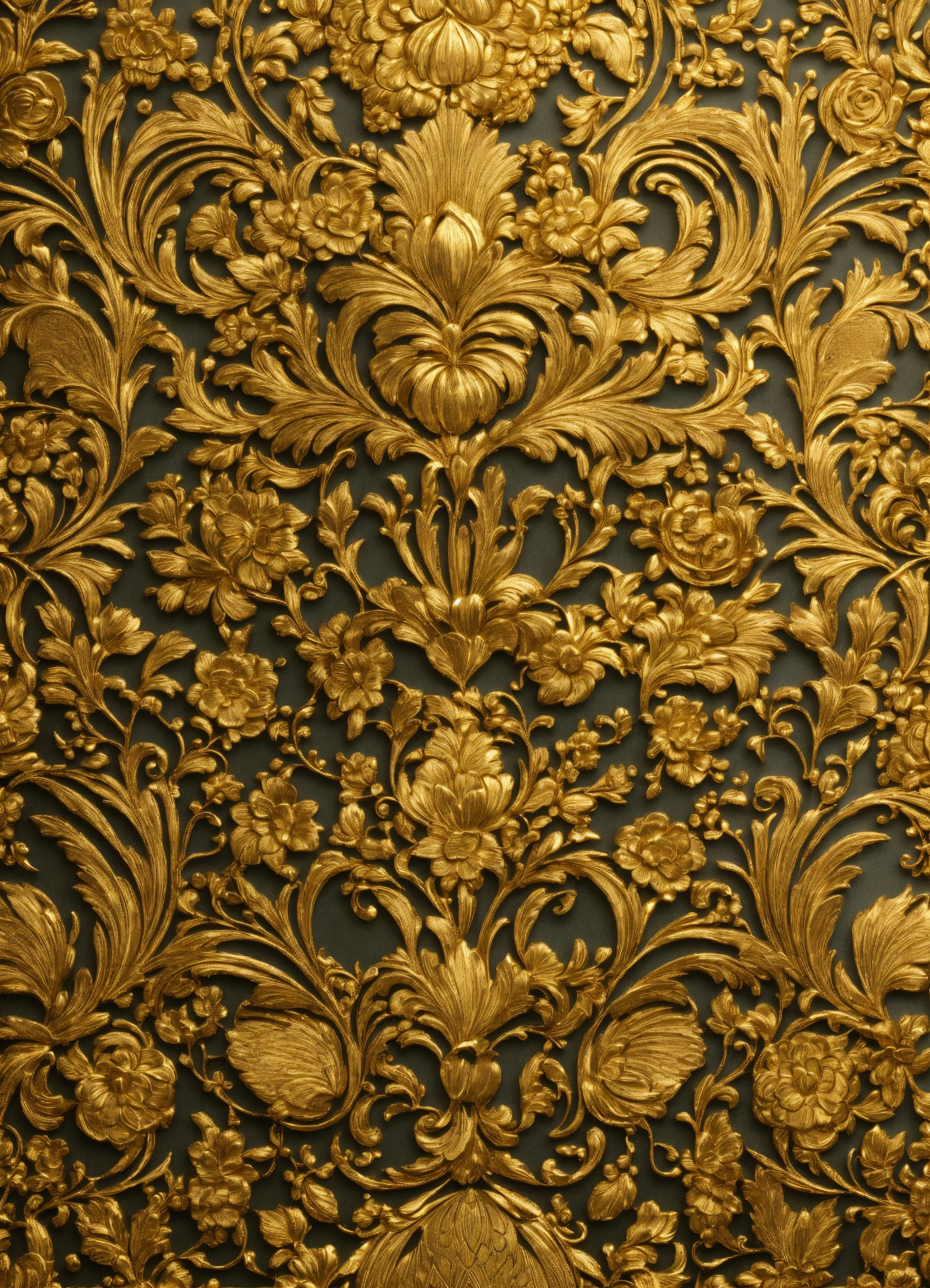
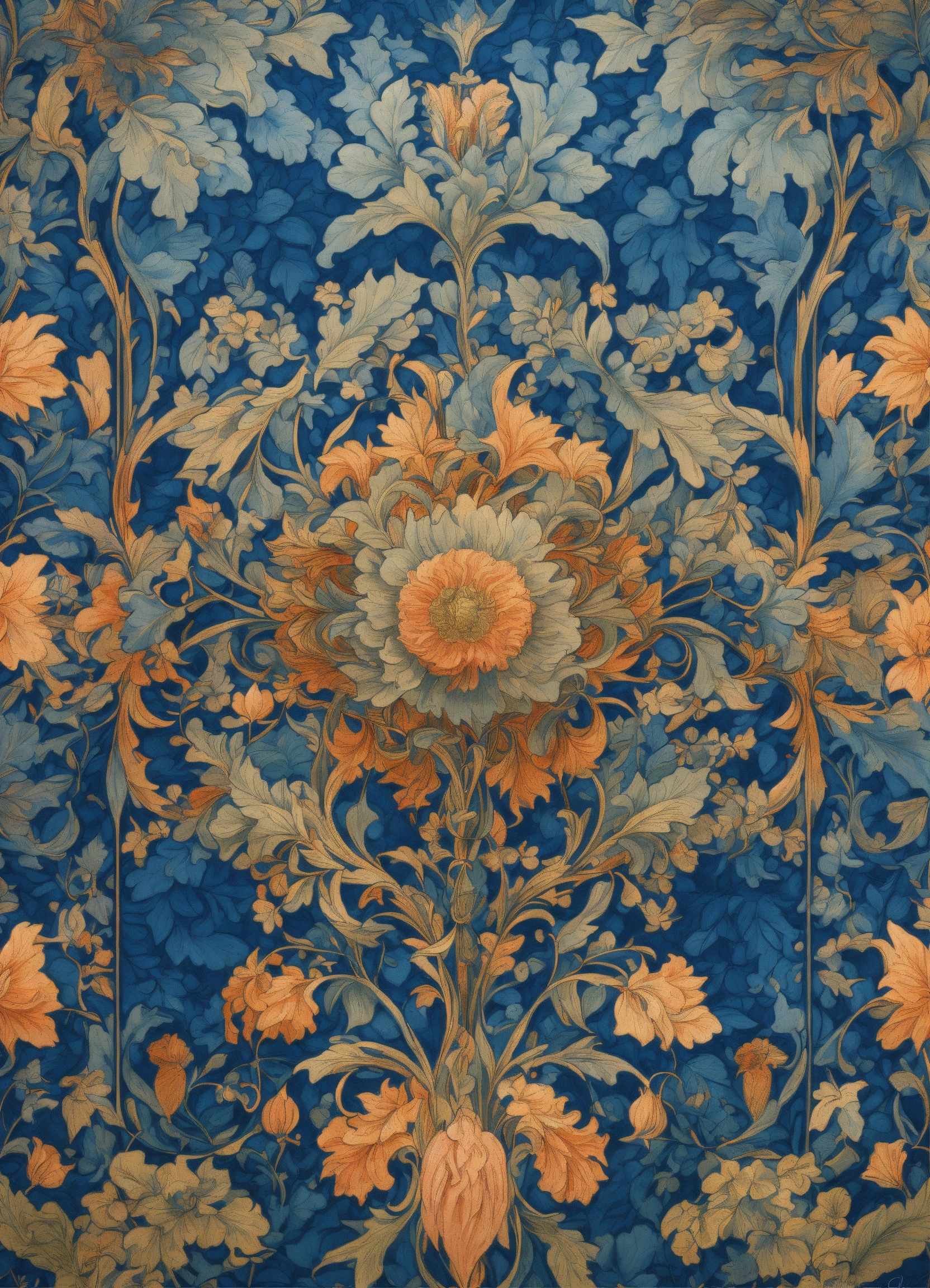
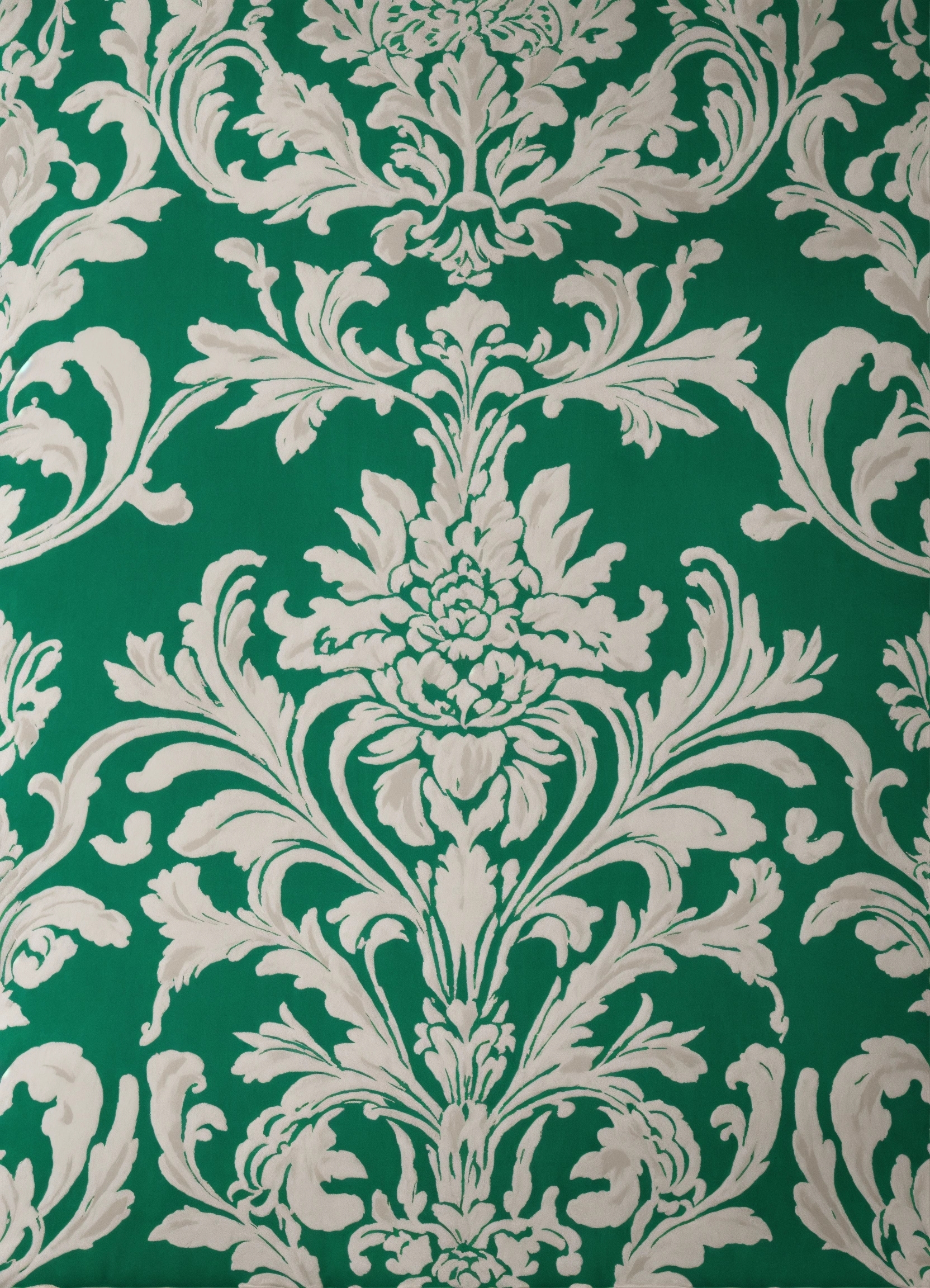
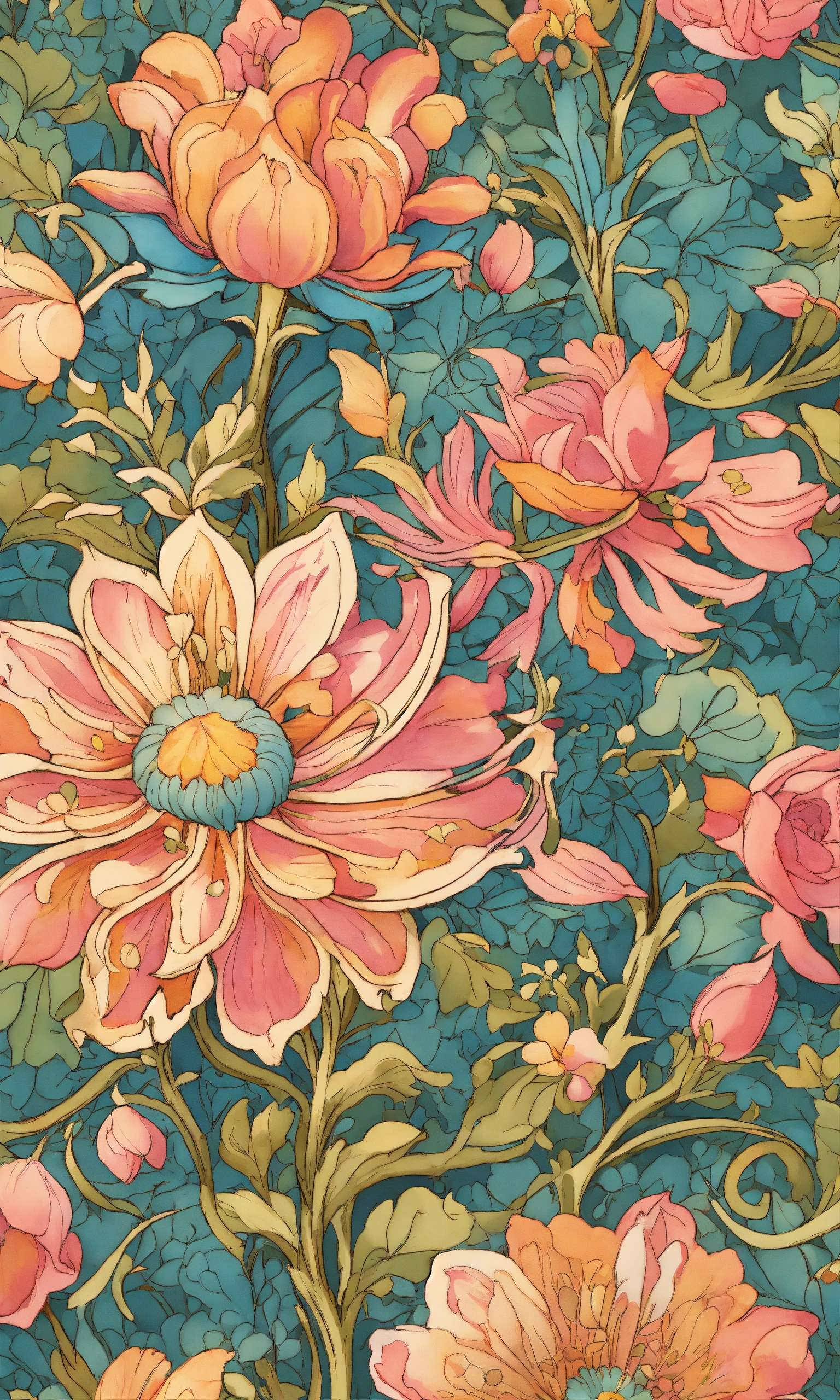
The agent gathers these inputs and preferences in the conversation before it starts.
Describe your desired wallpaper design...
Choices: Any Theme, Landscape, Space, Urban, Fantasy, Sci-Fi, Natural, Gaming, Seasonal
Choices: Any Colors, Vibrant, Pastel, Monochromatic, Dark, Light, Neon, Earthy
Choices: Any Mood, Calm, Energetic, Mysterious, Peaceful, Dramatic, Playful
Choices: Any Texture, Smooth, Gradient, Grainy, Metallic, Glass, Paper
Create stunning, personalized wallpapers for any device with advanced AI technology.
Create your perfect wallpaper in three simple steps:
Enter a detailed description of your desired wallpaper design.
Select style, theme, color scheme, mood, and texture preferences.
Let AI create unique wallpaper designs based on your specifications.
Choose from minimalist, abstract, geometric, nature-inspired, and more.
Select from various color schemes to match your aesthetic preferences.
Generate wallpapers perfectly sized for any device or screen.
Add depth with different textures from smooth to detailed patterns.
Create perfect wallpapers for your smartphone or tablet.
Design stunning backgrounds for your computer workspace.
Generate inspiration or base designs for further customization.
Create unique backgrounds for your digital content.
Experiment with different styles and themes for personal use.
Think about where icons and widgets will be placed on your screen.
Choose color schemes that complement your device's interface.
Ensure the design isn't too busy or distracting for daily use.
Match the wallpaper style with your overall device theme.
Consider your device's screen resolution when generating designs.
We offer various styles including minimalist, abstract, geometric, nature, futuristic, retro, artistic, cyberpunk, watercolor, and 3D designs.
Yes! Our generator creates wallpapers optimized for different screen sizes and aspect ratios, suitable for both desktop and mobile devices.
Simply click the download button below each generated design to save it in high resolution, ready for use on your device.
Yes, you can generate multiple versions of your design to explore different interpretations and styles.
Yes! All wallpapers generated are free for personal use. You own the rights to your generated designs.
Include details about the style, theme, colors, and mood you want. Be specific about any particular elements or patterns you'd like to see.


