Describe your warrior
A fierce viking warrior with battle scars and steel armor...

Create epic warriors, knights, and battle-hardened fighters with AI
Reference media and sample results for this task.
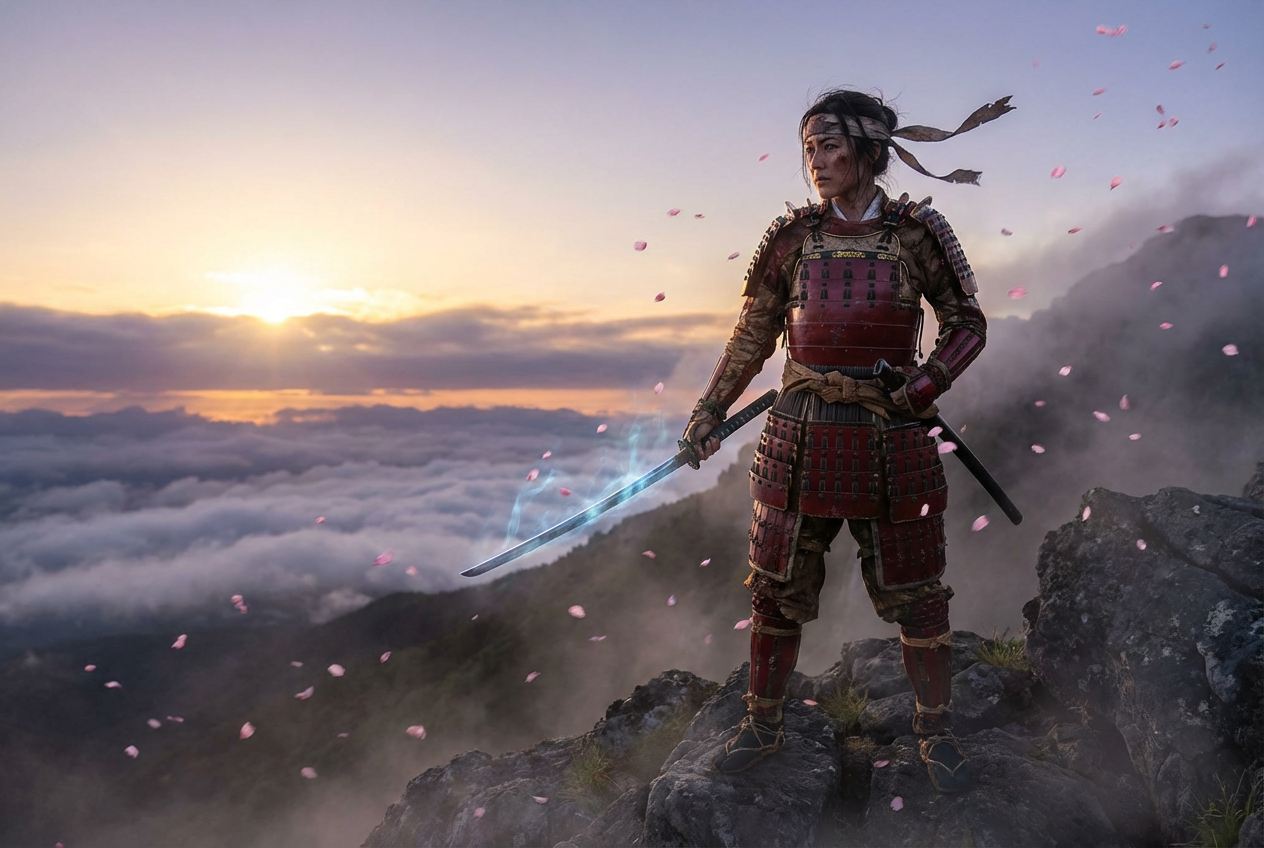
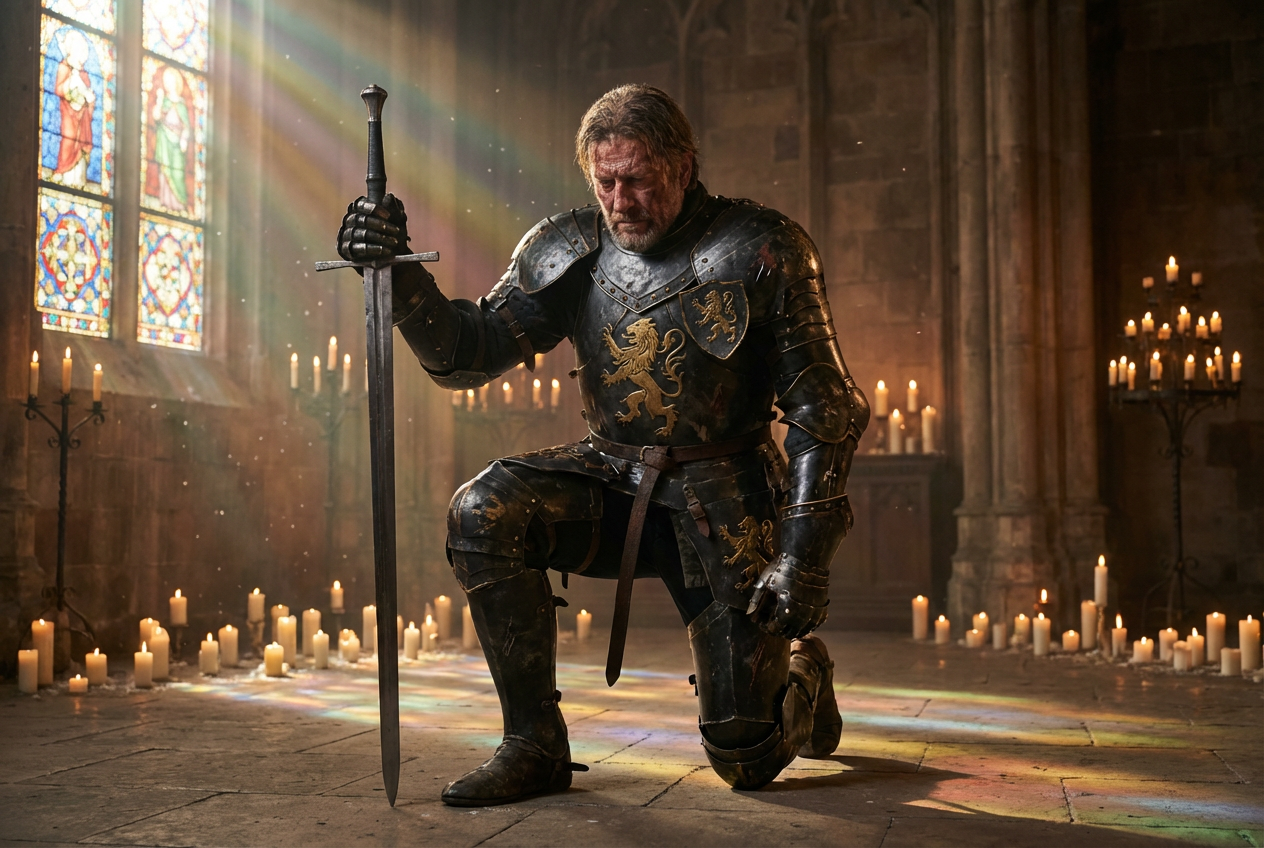
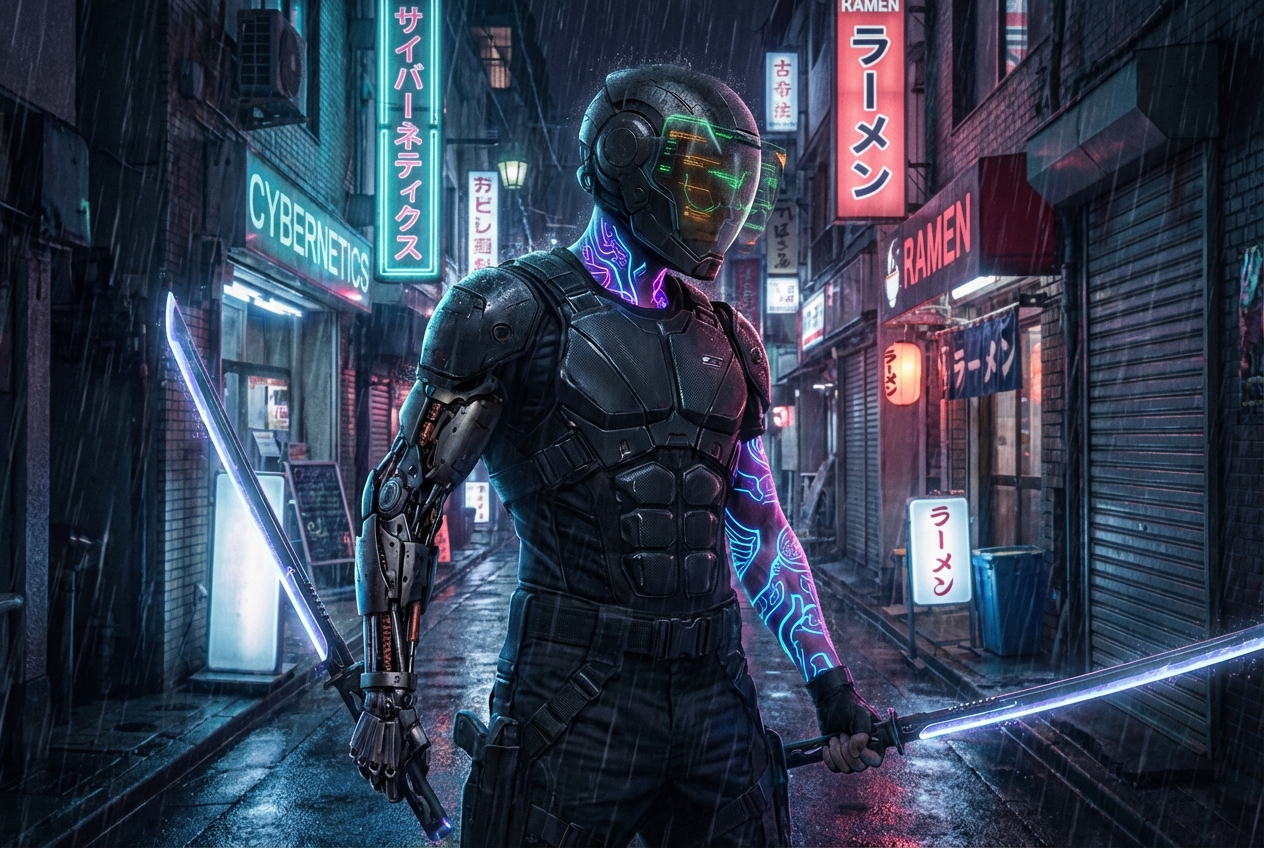
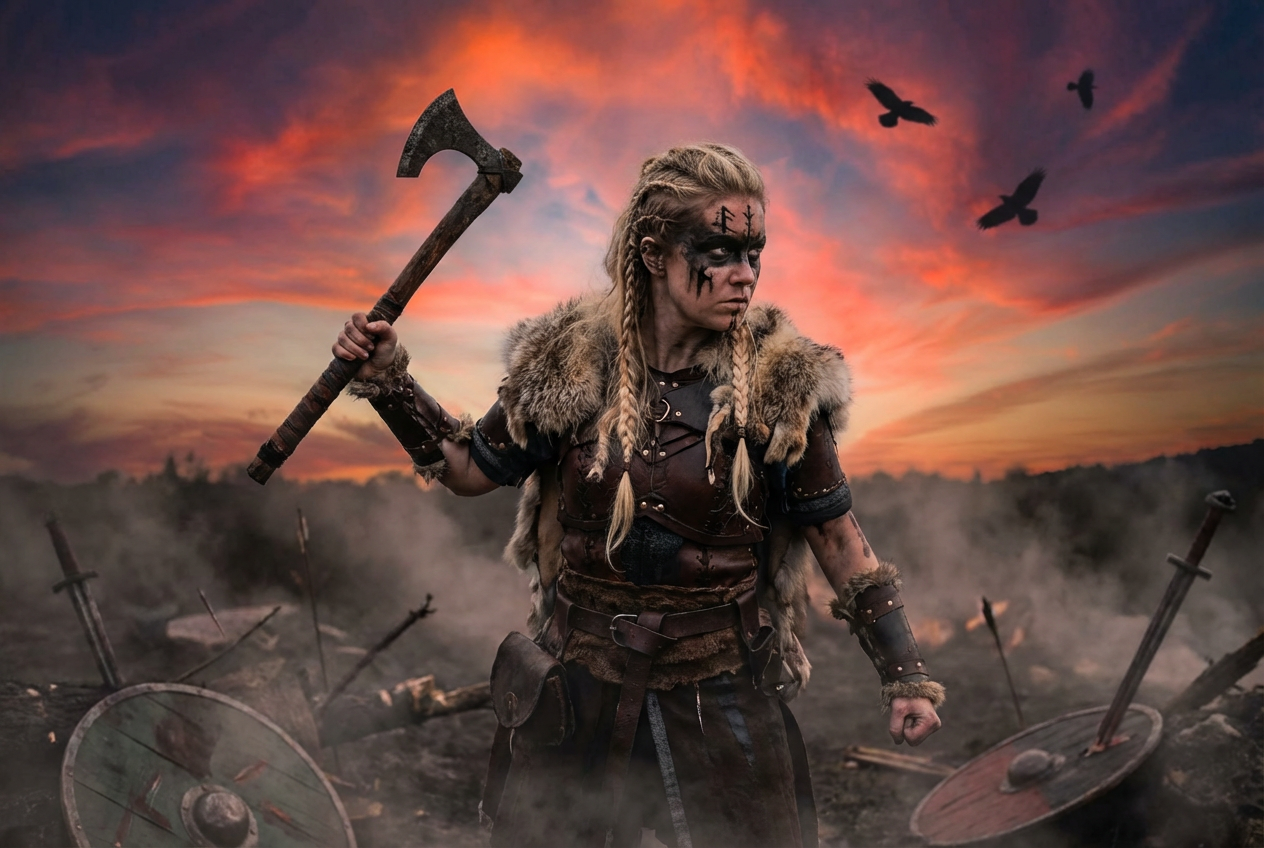
The agent gathers these inputs and preferences in the conversation before it starts.
A fierce viking warrior with battle scars and steel armor...
Choices: Any Warrior Type, Medieval Knight, Viking Warrior, Samurai, Barbarian, Gladiator, Spartan Warrior, Paladin, Berserker
Choices: Any Armor, Plate Armor, Chainmail, Leather Armor, Scale Mail, Minimal/Light Armor, Fantasy Armor, No Armor
Choices: Any Weapon, Sword, Battle Axe, Spear, War Hammer, Bow & Arrows, Dual Weapons, Sword & Shield
Choices: Any Gender, Male Warrior, Female Warrior
Choices: Any Pose, Battle Ready, Charging Forward, Defensive Stance, Victorious, Resting/Standing, Portrait Pose
Choices: Any Setting, Battlefield, Castle/Fortress, Forest, Mountains, Arena/Colosseum, Village, No Background
Choices: Any Style, Realistic, Fantasy Art, Dark Fantasy, Heroic Style, Gritty/Realistic, Anime Style
Choices: Any Period, Medieval, Viking Age, Ancient Times, Feudal Japan, Fantasy Setting
Create legendary warriors and battle-ready fighters with epic detail and authenticity
Forge your legendary warrior in three simple steps
Choose warrior type, armor, weapons, and battle characteristics
Our AI creates an epic warrior based on your specifications and preferences
Get your battle-ready warrior image for games, art, or storytelling
Create knights, vikings, samurai, barbarians, gladiators, and more
Choose from historically accurate armor types and fantasy designs
Equip warriors with swords, axes, spears, bows, and legendary armaments
Generate both male and female warriors with equal epic potential
Place warriors in battlefields, castles, arenas, and epic landscapes
Add battle scars, weathered equipment, and veteran warrior details
Perfect for creators, gamers, and fantasy enthusiasts
Create warrior characters, NPCs, and hero designs for RPGs and fantasy games
Visualize warrior characters for novels, comics, and epic fantasy stories
Bring tabletop RPG warriors, fighters, and barbarians to visual life
Generate warrior concepts and references for fantasy art projects
Create epic warrior imagery for videos, streams, and social media
Explore historical warrior cultures and combat traditions
Pair warrior types with appropriate armor and weapons (vikings with axes, samurai with katanas)
Balance protection with mobility - heavy plate for knights, light leather for scouts
Specify if they're a front-line fighter, archer, or specialized combat role
Match backgrounds to warrior type - battlefields for soldiers, arenas for gladiators
Include scars, weathered gear, and veteran details to show combat experience
Yes! Our AI can generate historically accurate warriors from various periods including medieval knights, viking berserkers, roman gladiators, and feudal samurai.
Absolutely! Generate powerful female warriors, shield maidens, amazons, and battle-ready women with the same epic detail as male warriors.
Yes, describe specific weapon and armor combinations in your prompt for custom warrior loadouts and equipment sets.
Fantasy and realistic styles work great for epic warriors, while gritty styles suit battle-hardened veterans, and anime styles work for stylized characters.
Yes, specify cultural backgrounds like Norse vikings, Japanese samurai, Greek spartans, or Celtic warriors for authentic cultural representation.
Add battle scars, weathered armor, blood stains, and combat damage to create veteran warriors with realistic battle experience.
While each generation creates individual warriors, you can create multiple warriors with consistent styling to build armies or war bands.
Warrior images are provided in high-quality PNG format, perfect for games, digital art, printing, and commercial use.
Yes! Generate fantasy warriors with magical weapons, enchanted armor, glowing effects, and supernatural abilities.
Use detailed, consistent descriptions and save successful prompts to create character variations and matching warrior designs.


