Describe the waterfall scene you want to create
A majestic waterfall cascading down rocky cliffs surrounded by lush forest...

Create stunning waterfall landscapes and nature scenes with AI
Reference media and sample results for this task.
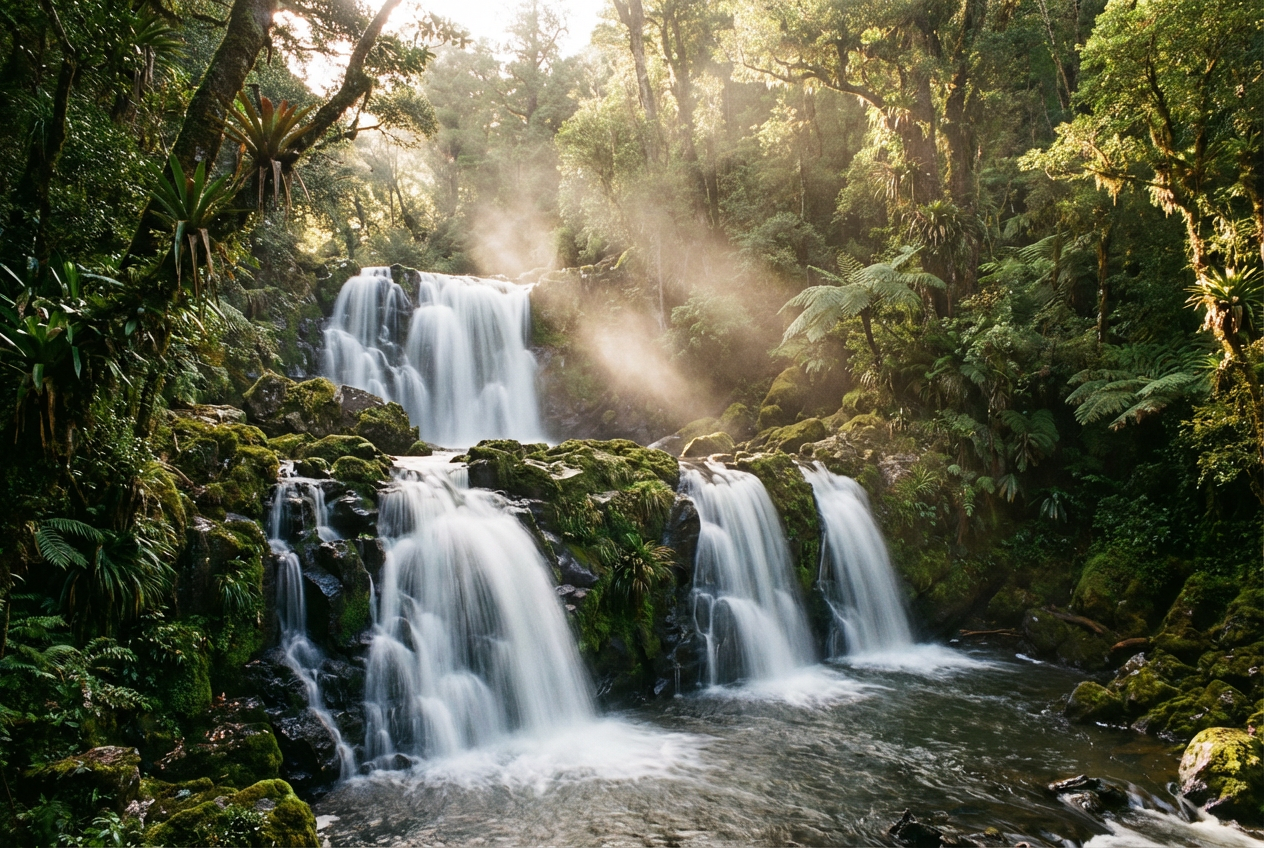
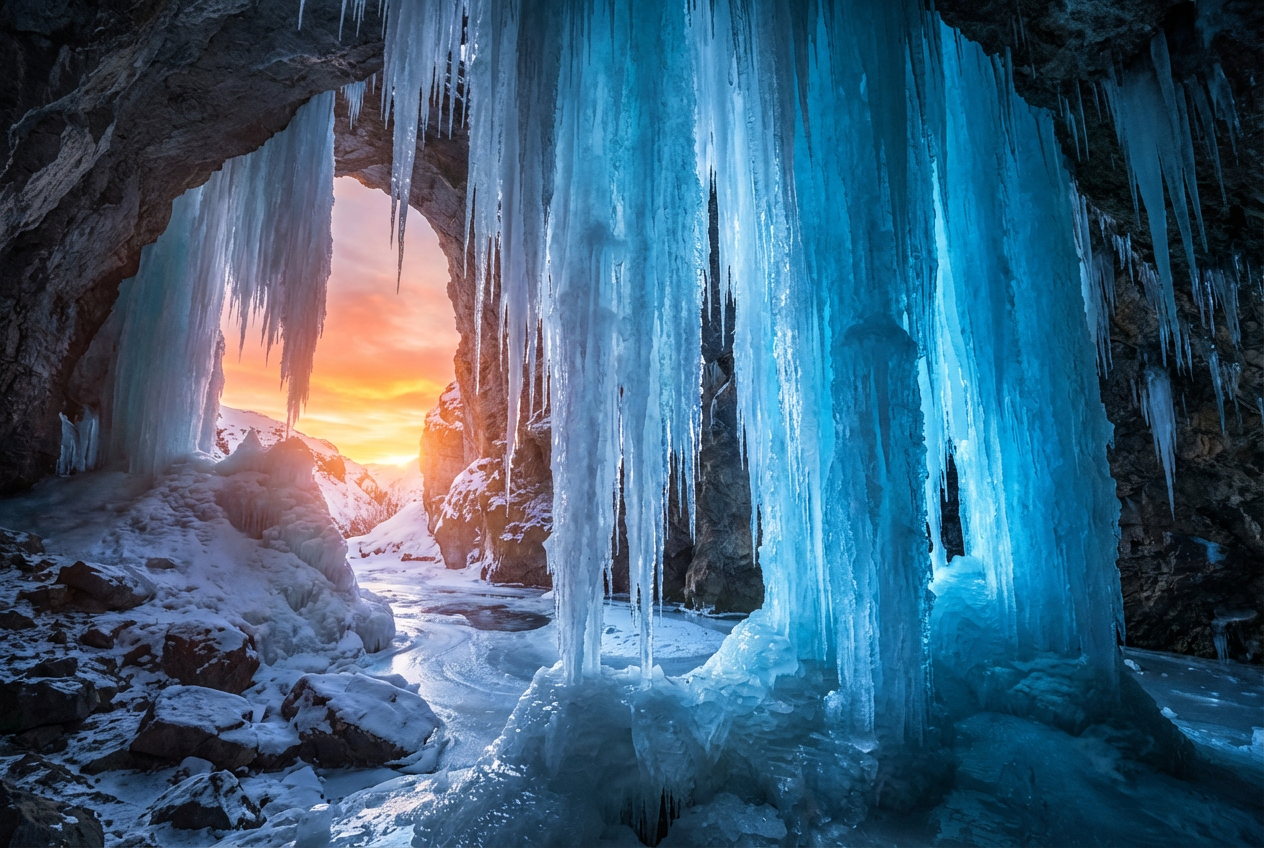
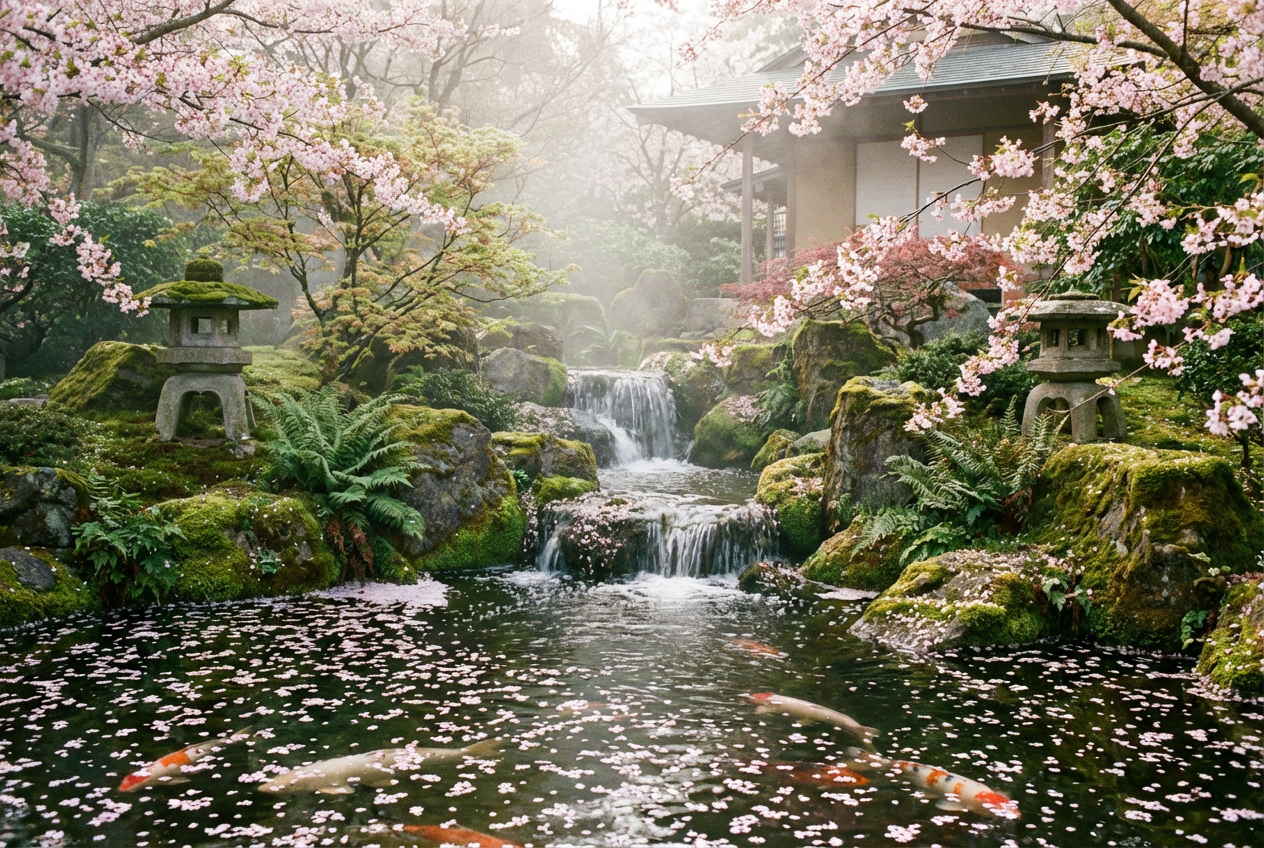
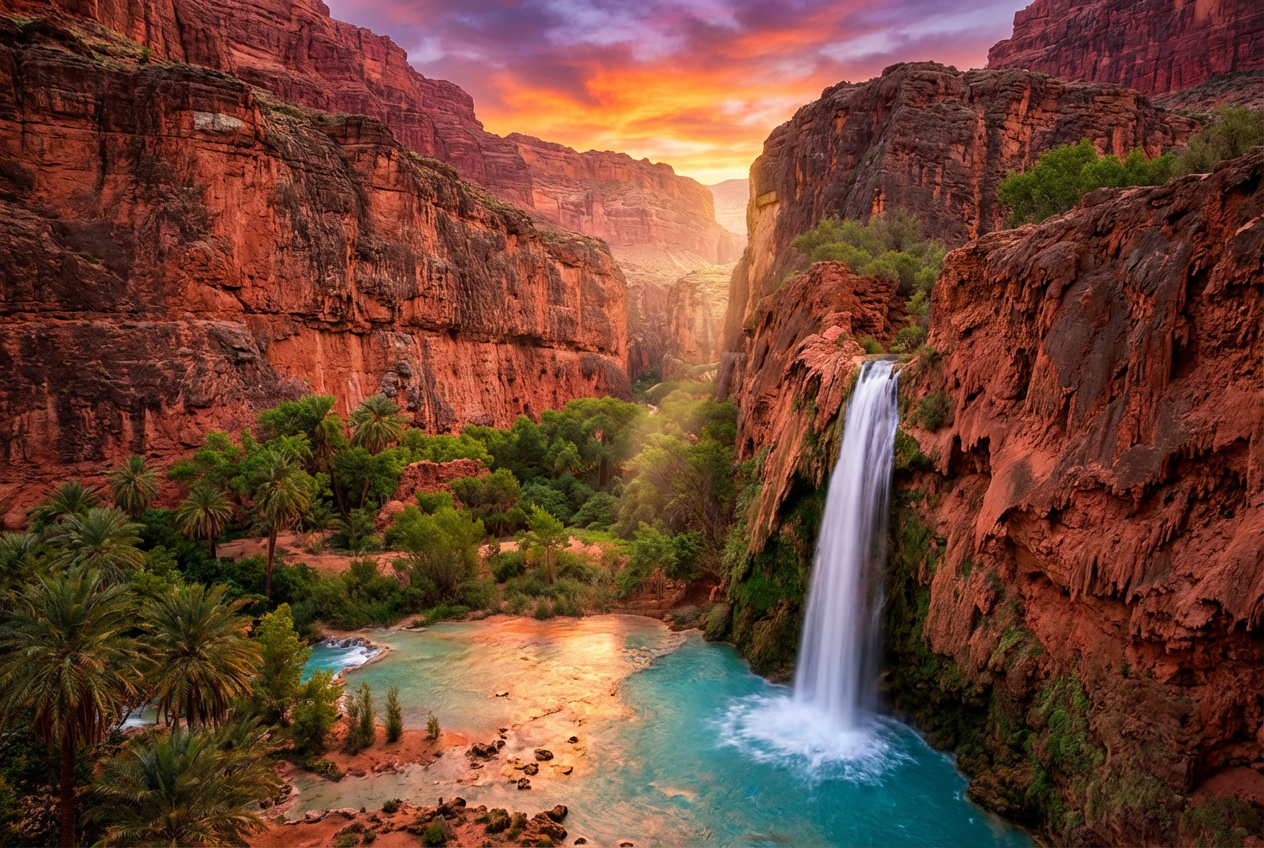
The agent gathers these inputs and preferences in the conversation before it starts.
A majestic waterfall cascading down rocky cliffs surrounded by lush forest...
Choose the style of waterfall
Choices: Any Type, Single Drop, Multi-Tier, Cascading, Plunge, Horsetail, Fan Waterfall, Segmented, Block Waterfall
Choose the environment around the waterfall
Choices: Any Setting, Forest, Mountain, Tropical, Desert Oasis, Canyon, Cave, Arctic, Jungle
Choices: Any Height, Small (10-30 feet), Medium (30-100 feet), Tall (100-300 feet), Massive (300+ feet)
Choices: Natural Volume, Gentle Trickle, Moderate Flow, Heavy Flow, Torrential
Choices: Natural Rock, Granite, Limestone, Basalt, Sandstone, Marble, Slate
Choices: Any Time, Sunrise, Morning, Midday, Afternoon, Sunset, Twilight, Night
Choices: Clear Sky, Cloudy, Misty, Rainy, Stormy, Foggy
Add a rainbow effect in the mist
Add birds, fish, or other wildlife to the scene
Create a frozen/icy waterfall effect
Add magical lighting and ethereal glow
Create breathtaking waterfall scenes with professional quality and endless customization options.
Create stunning waterfall landscapes in three simple steps
Enter details about the waterfall and surrounding landscape you envision
Choose waterfall type, setting, height, weather, and special effects
Get your professional-quality waterfall landscape image
Generate single drop, multi-tier, cascading, plunge, and fan waterfalls
Place waterfalls in forests, mountains, tropics, canyons, and more
Choose from granite, limestone, basalt, sandstone, and other rock types
Set time of day from sunrise to twilight for perfect lighting
Add mist, rain, storms, or clear skies to enhance the atmosphere
Include rainbows, mystical glows, frozen effects, and wildlife
Perfect for nature lovers, designers, and content creators who need stunning landscape imagery
Create reference images and inspiration for waterfall photography
Generate backgrounds and landscapes for digital art projects
Create stunning wallpapers and desktop backgrounds
Generate nature scenes for blogs, videos, and social media
Create nature-themed artwork for homes and offices
Generate environment assets and landscape references for games
Include emotional words like 'serene', 'majestic', or 'powerful' to set the scene's atmosphere
Pair tall plunge waterfalls with mountains, cascading falls with forests
Golden hour (sunrise/sunset) creates the most dramatic and beautiful waterfall scenes
Include misty weather for realistic waterfall atmosphere and potential rainbow effects
Mystical glows and rainbows work best when the scene calls for magical elements
You can create single drop, multi-tier, cascading, plunge, horsetail, fan, segmented, and block waterfalls.
Yes, choose from small (10-30 feet) to massive (300+ feet) heights for different dramatic effects.
Generate waterfalls in forests, mountains, tropical areas, desert oases, canyons, caves, arctic regions, and jungles.
Absolutely! Choose from clear, cloudy, misty, rainy, stormy, or foggy weather conditions.
Enable the 'Add Rainbow' option, which works best with misty conditions and proper lighting.
Yes, the frozen effect option creates beautiful icy waterfalls perfect for winter scenes.
Select from granite, limestone, basalt, sandstone, marble, and slate rock formations.
Yes, enable wildlife to add birds, fish, or other animals that naturally inhabit waterfall areas.
This adds ethereal lighting and magical atmosphere, perfect for fantasy or spiritual scenes.
Yes, all waterfall images are generated with high resolution and detailed water effects for professional use.


