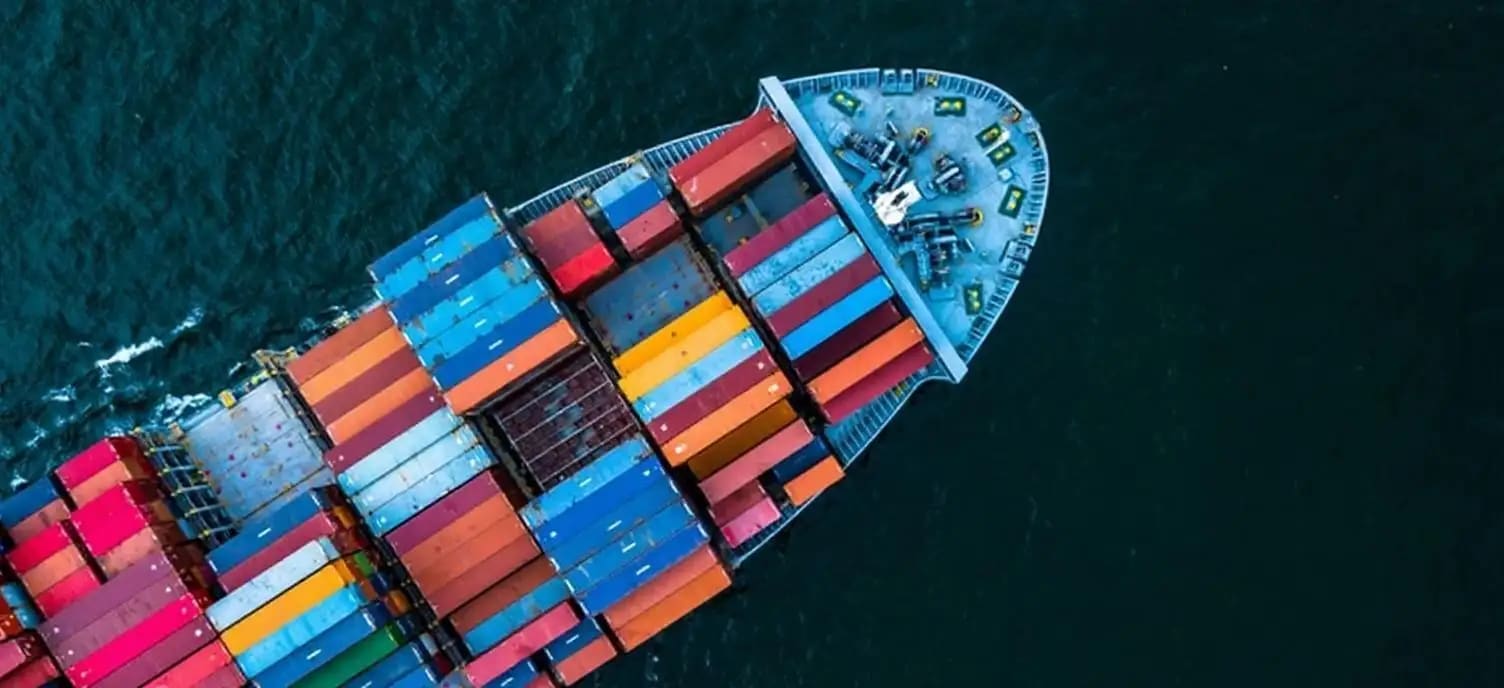
Compare the source image with each finished result.
Source image
Result
Why Choose Our AI Watermark Remover?
Experience the power of advanced AI technology that seamlessly removes watermarks from images while preserving the original quality, details, and content with professional-grade results.
Advanced AI watermark detection and removal technology
Preserves original image quality and details
Works with text watermarks, logos, and semi-transparent overlays
Intelligent content-aware fill for seamless results
Handles multiple watermarks in a single image
No manual editing or technical skills required
Professional-quality results in seconds
Supports high-resolution images up to 4K
How Our AI Watermark Remover Works
Our AI-powered watermark remover uses advanced algorithms to detect and seamlessly remove watermarks while intelligently reconstructing the underlying content.
01
Attach Your Image
Select and attach the image containing watermarks you want to remove.
02
AI Detection
Our AI automatically detects watermarks, logos, and text overlays in your image.
03
Smart Removal
Advanced algorithms remove watermarks and intelligently reconstruct the background.
04
Download Result
Get your clean, watermark-free image ready for use.
Key Features of Our AI Watermark Remover
Intelligent Detection
Automatically identifies and targets watermarks of all types including text, logos, and overlays.
Content Preservation
Maintains the original image quality and details while removing unwanted watermarks.
Fast Processing
Get watermark-free images in seconds with our optimized AI processing.
Multiple Watermark Support
Remove multiple watermarks from a single image in one process.
High Resolution Support
Works with images up to 4K resolution without quality loss.
Professional Results
Achieve clean, professional-looking images suitable for any use.
Who Can Benefit from Our AI Watermark Remover?
Our watermark remover is perfect for various professionals and individuals who need clean, watermark-free images.
Photographers
Remove watermarks from stock photos or client previews for portfolio use.
Content Creators
Clean up images for blogs, social media, and marketing materials.
Designers
Get clean images for mockups, presentations, and design projects.
Students & Educators
Remove watermarks from educational materials and presentations.
Personal Users
Clean up personal photos and memories for sharing or printing.
E-commerce Sellers
Prepare product images for online listings and catalogs.
Tips for Best Results with AI Watermark Remover
Tip 1
Use High-Quality Images
attach the highest resolution version of your image for best results.
Tip 2
Simple Backgrounds Work Best
Images with uniform or simple backgrounds yield cleaner results.
Tip 3
Check Image Rights
Ensure you have the right to use and modify the image before removing watermarks.
Tip 4
Review Results Carefully
Always check the final image for any artifacts or areas that need touch-up.
Tip 5
Process One at a Time
For best results, process images individually rather than in batches.
Frequently Asked Questions About AI Watermark Remover
What is an AI watermark remover and how does it work?
An AI watermark remover is an advanced tool that uses artificial intelligence to detect and remove watermarks, logos, and text overlays from images. It works by analyzing the image to identify watermark patterns, then uses content-aware algorithms to reconstruct the underlying image data, effectively erasing the watermark while maintaining the original image quality and details.
What types of watermarks can this tool remove?
Our AI watermark remover can handle various types of watermarks including text watermarks, logo watermarks, semi-transparent overlays, date stamps, and copyright marks. It works effectively on both simple and complex watermarks, whether they're in corners, centered, or repeated across the image. The AI adapts to different watermark styles and opacity levels.
How long does it take to remove a watermark?
The watermark removal process typically takes 10-30 seconds, depending on the image size and complexity of the watermark. Larger images or those with multiple watermarks may take slightly longer. Our AI processes images efficiently while ensuring high-quality results, making it much faster than manual editing methods.
Will removing watermarks affect image quality?
Our AI watermark remover is designed to preserve the original image quality while removing watermarks. The advanced algorithms intelligently reconstruct the areas where watermarks were removed, maintaining resolution, color accuracy, and detail. The final result should look natural and professional, as if the watermark was never there.
Is it legal to remove watermarks from images?
The legality of removing watermarks depends on image ownership and intended use. It's legal to remove watermarks from images you own or have proper rights to modify. However, removing watermarks from copyrighted images without permission may violate copyright laws. Always ensure you have the right to use and modify an image before removing watermarks.
What image formats are supported?
Our AI watermark remover supports all major image formats including JPEG, PNG, WebP, and BMP. It can handle images up to 4K resolution (4096x4096 pixels) while maintaining quality. The tool automatically detects the input format and provides the output in the same format or allows you to choose your preferred format.
Can it remove multiple watermarks from one image?
Yes, our AI watermark remover can detect and remove multiple watermarks from a single image in one process. Whether you have several small watermarks scattered across the image or overlapping watermarks, the AI will identify and remove all of them while maintaining the integrity of the underlying image.
Is my image data kept private and secure?
Yes, we take privacy seriously. Your uploaded images are processed securely and are not stored on our servers after processing. The images are temporarily processed for watermark removal and then automatically deleted. We don't share, sell, or use your images for any other purpose.
What if the watermark removal isn't perfect?
While our AI achieves excellent results in most cases, complex watermarks over detailed backgrounds may occasionally leave slight traces. In such cases, you can try uploading a higher resolution version of the image or use photo editing software for minor touch-ups. The AI continually improves through updates to handle more challenging scenarios.
Can I use the watermark-free images commercially?
You can use the processed images commercially only if you own the original image or have the appropriate licenses and permissions. Removing a watermark doesn't grant you ownership or usage rights to copyrighted material. Always ensure you have the legal right to use an image commercially before removing watermarks.