Wireframe Description
Describe the interface or layout you want to create...

Create professional UI/UX wireframes with AI assistance
Reference media and sample results for this task.
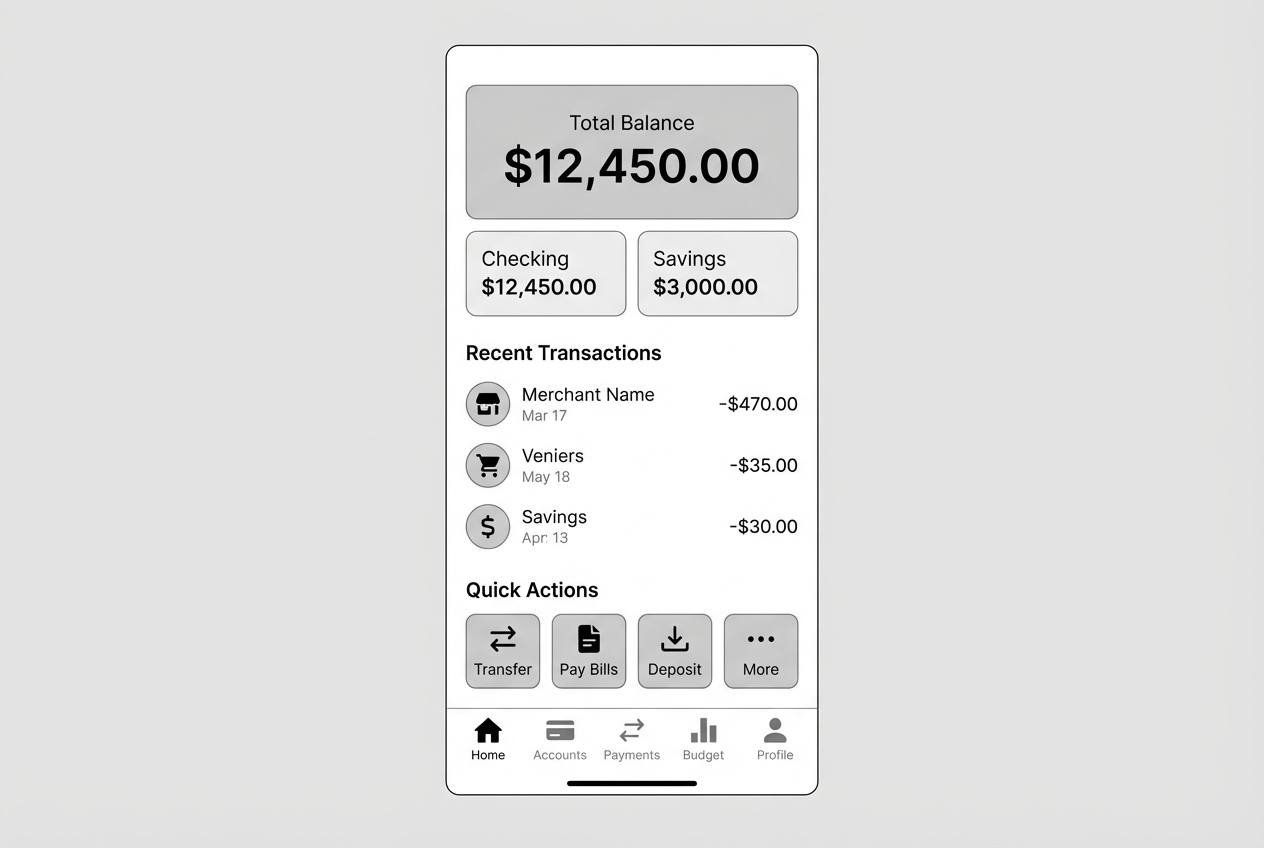
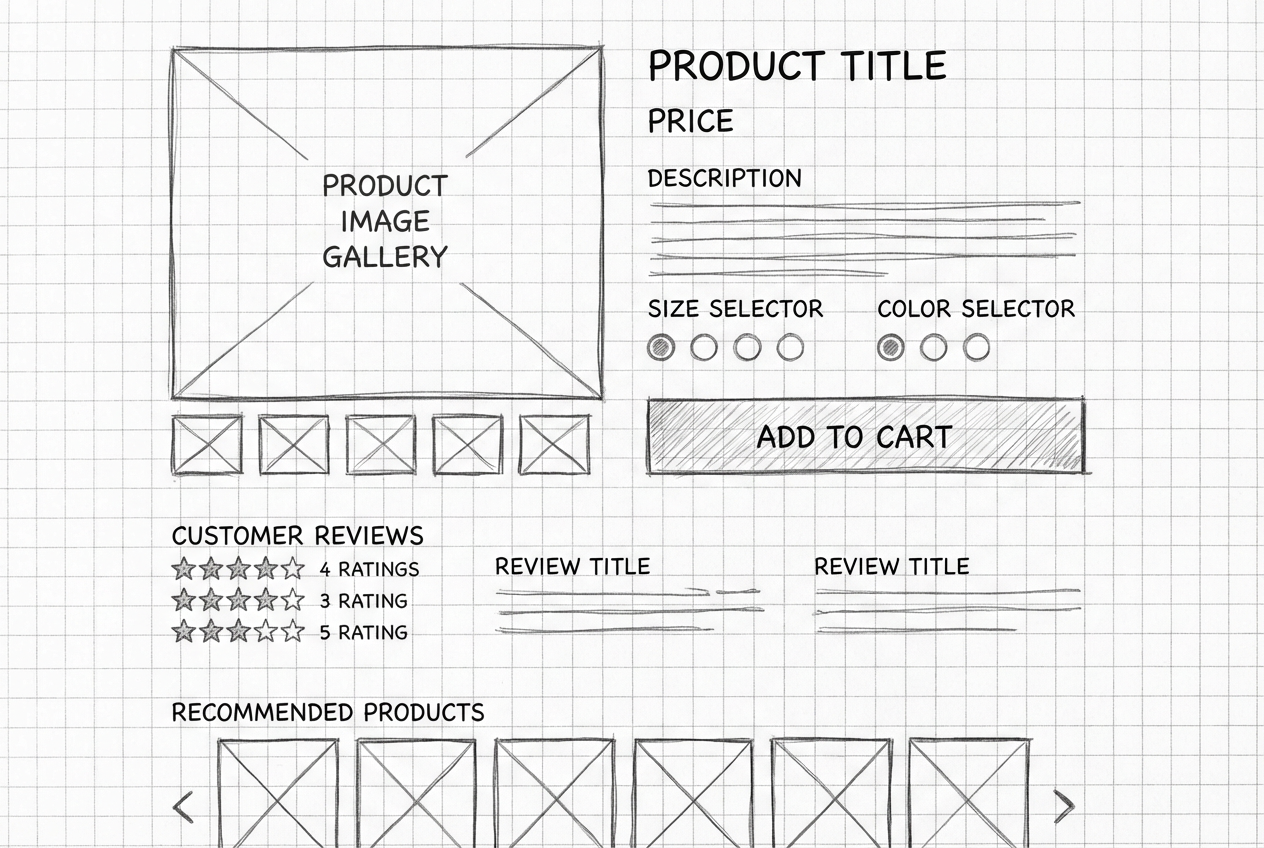
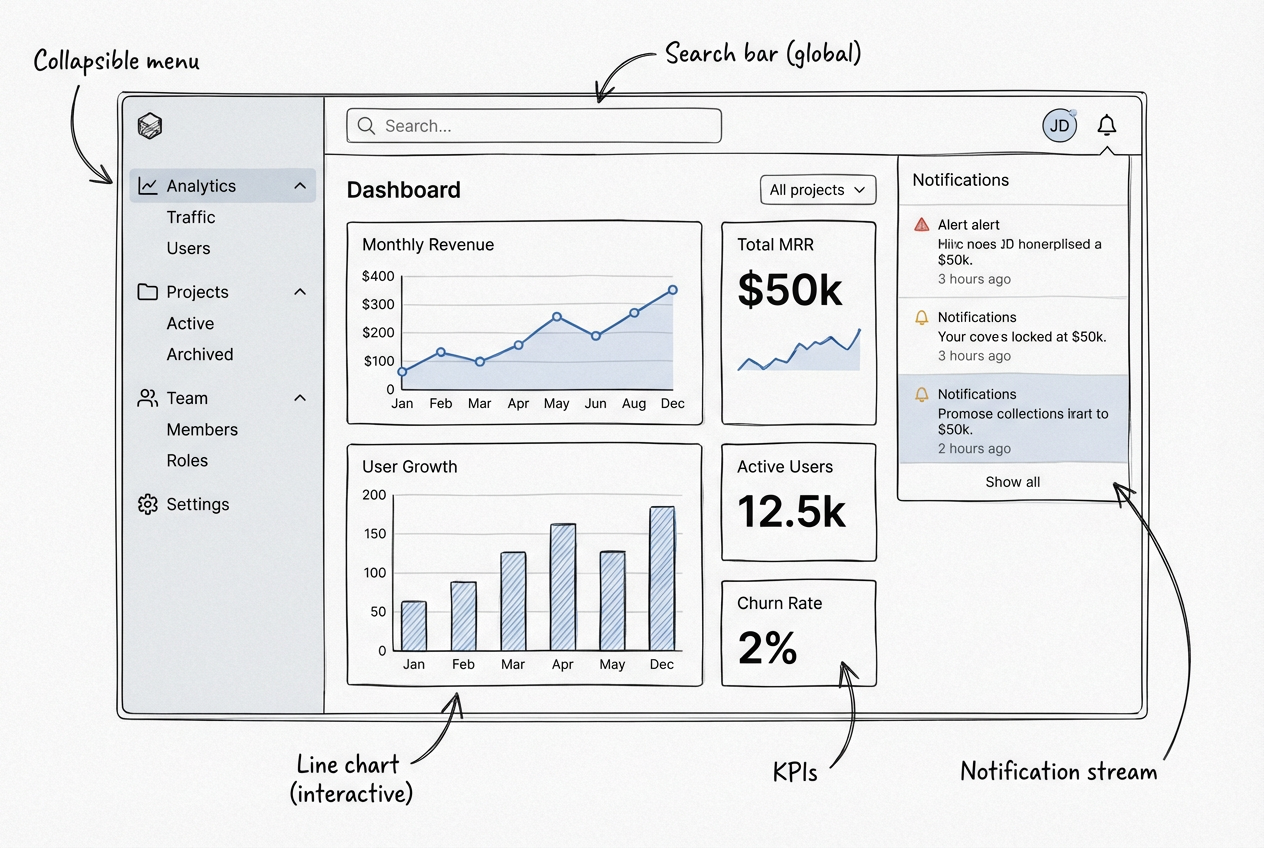
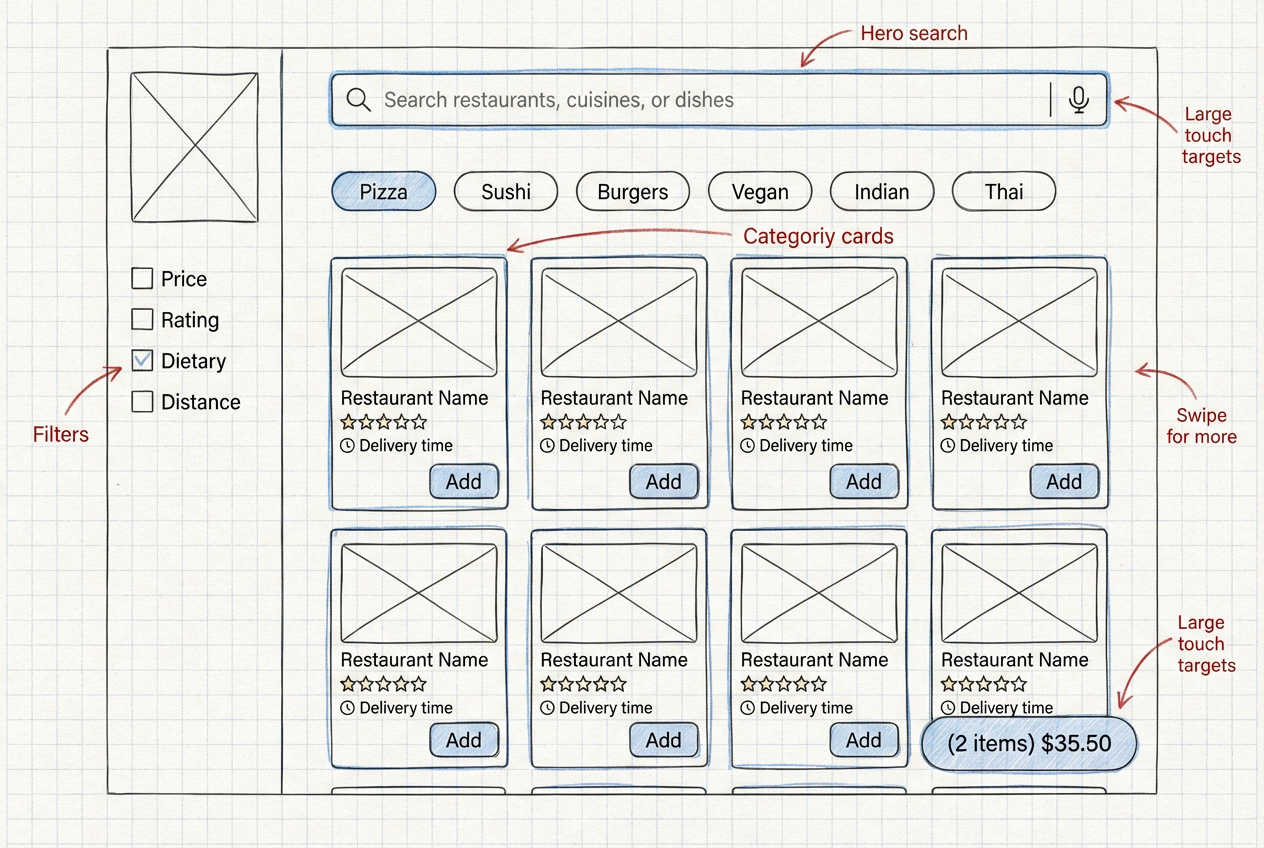
The agent gathers these inputs and preferences in the conversation before it starts.
Describe the interface or layout you want to create...
Choices: Any Layout, Single Column, Two Column, Three Column, Grid, Asymmetric, Card Based, Magazine
Choices: Any Fidelity, Low Fidelity, Medium Fidelity, High Fidelity
Choices: Any Device, Desktop, Mobile, Tablet, Smart Watch, TV/Large Screen
Create professional UI/UX wireframes quickly and efficiently with AI assistance.
Create your perfect wireframe in three simple steps:
Enter a detailed description of your desired interface layout.
Select style, layout type, fidelity level, and target device.
Let AI create professional wireframe designs based on your specifications.
Choose from various layout options including single-column, grid, and card-based designs.
Select from modern, minimal, material design, and other popular UI styles.
Create wireframes optimized for desktop, mobile, tablet, or other devices.
Download your wireframes instantly to share with your team.
Quickly create wireframes for client presentations and iterations.
Generate layout references for frontend implementation.
Visualize product features and user flows early in development.
Create professional wireframes for MVPs and prototypes.
Learn UI/UX principles through hands-on wireframe creation.
Design mobile-first interfaces with device-specific optimization.
Include details about layout structure, content sections, and key UI elements.
Think about how users will navigate through your interface.
Select the right level of detail based on your project phase.
Consider the target device when selecting layout and components.
Keep design patterns and component styles consistent throughout.
We support various layouts including single-column, two-column, grid, card-based, and more. Each layout is optimized for different content types and user experiences.
Yes! You can choose between low, medium, and high fidelity wireframes depending on your project needs and stage of development.
Yes, you can generate wireframes optimized for different devices including desktop, mobile, tablet, and more.
Yes, you can generate multiple versions of your wireframe to explore different layouts and styles.
You can easily download your generated wireframes and share them directly with your team for feedback and collaboration.
Include details about layout structure, content organization, key UI elements, and user interactions. Also mention your target device and desired fidelity level.
Yes! All wireframes generated by our AI Wireframe Generator are 100% free for commercial use. You can use them in your projects, presentations, or any other commercial work without restrictions.
No, there are no restrictions on how you can use the generated wireframes. You own full rights to the designs you generate and can modify, share, or use them in any way you wish.


