Describe your X-ray image
X-ray of a human hand showing bone structure...

Create realistic X-ray images, medical scans, and radiographic visuals with AI
Reference media and sample results for this task.
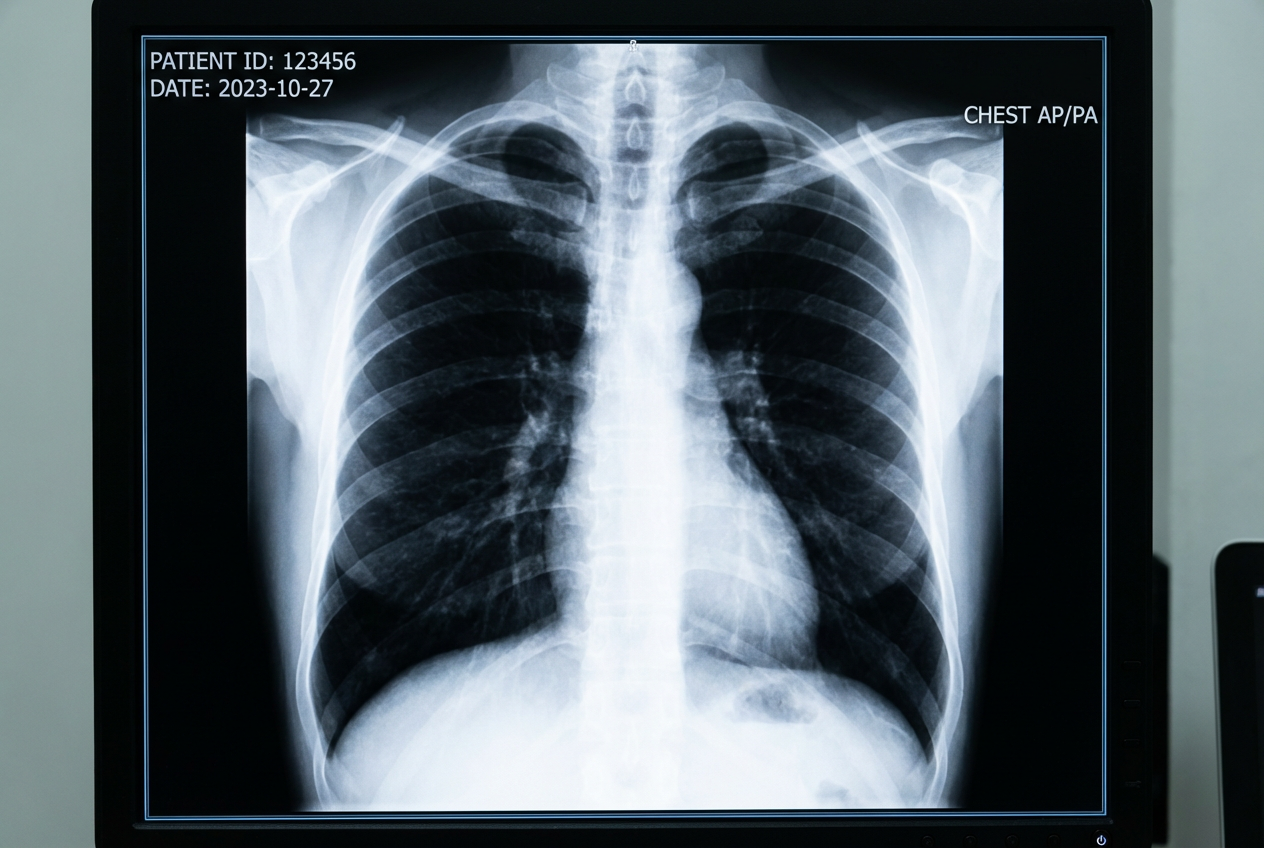
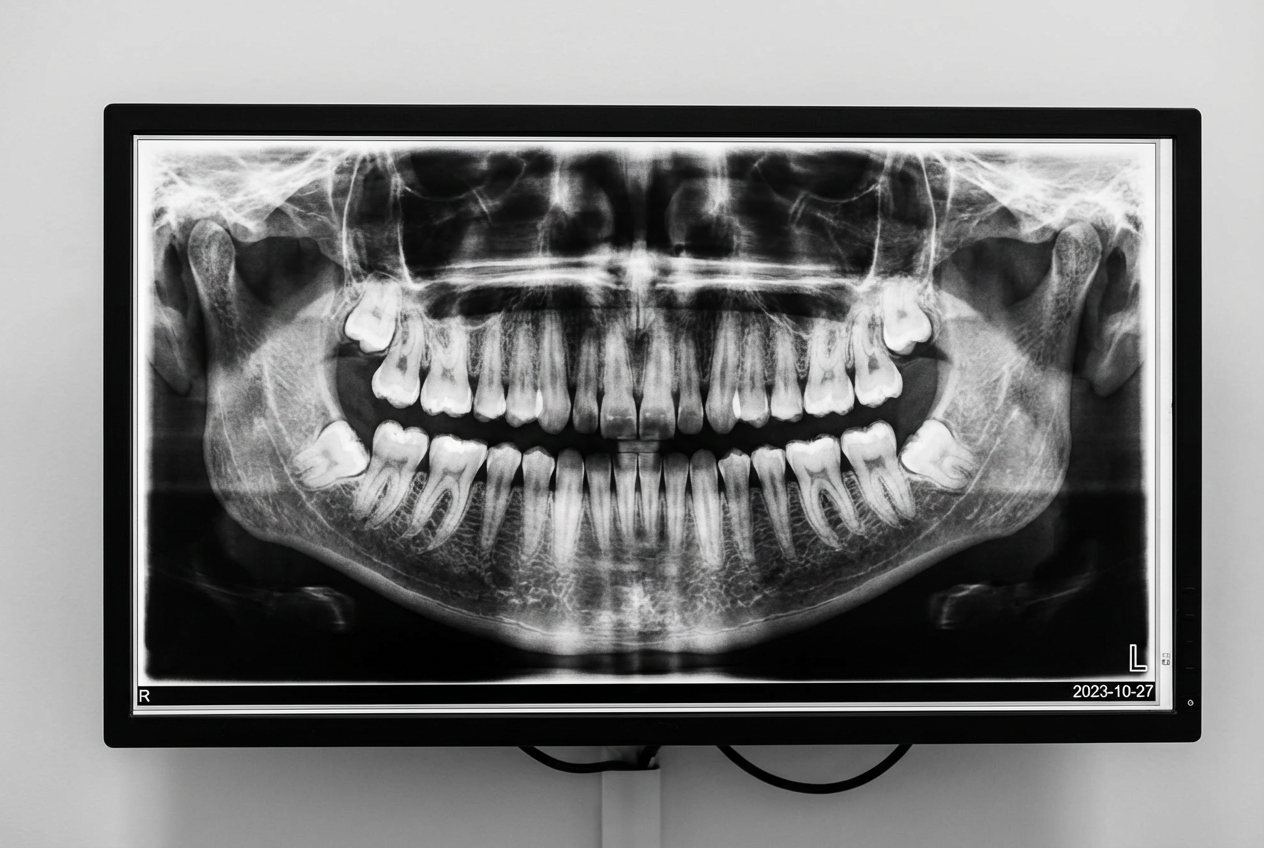
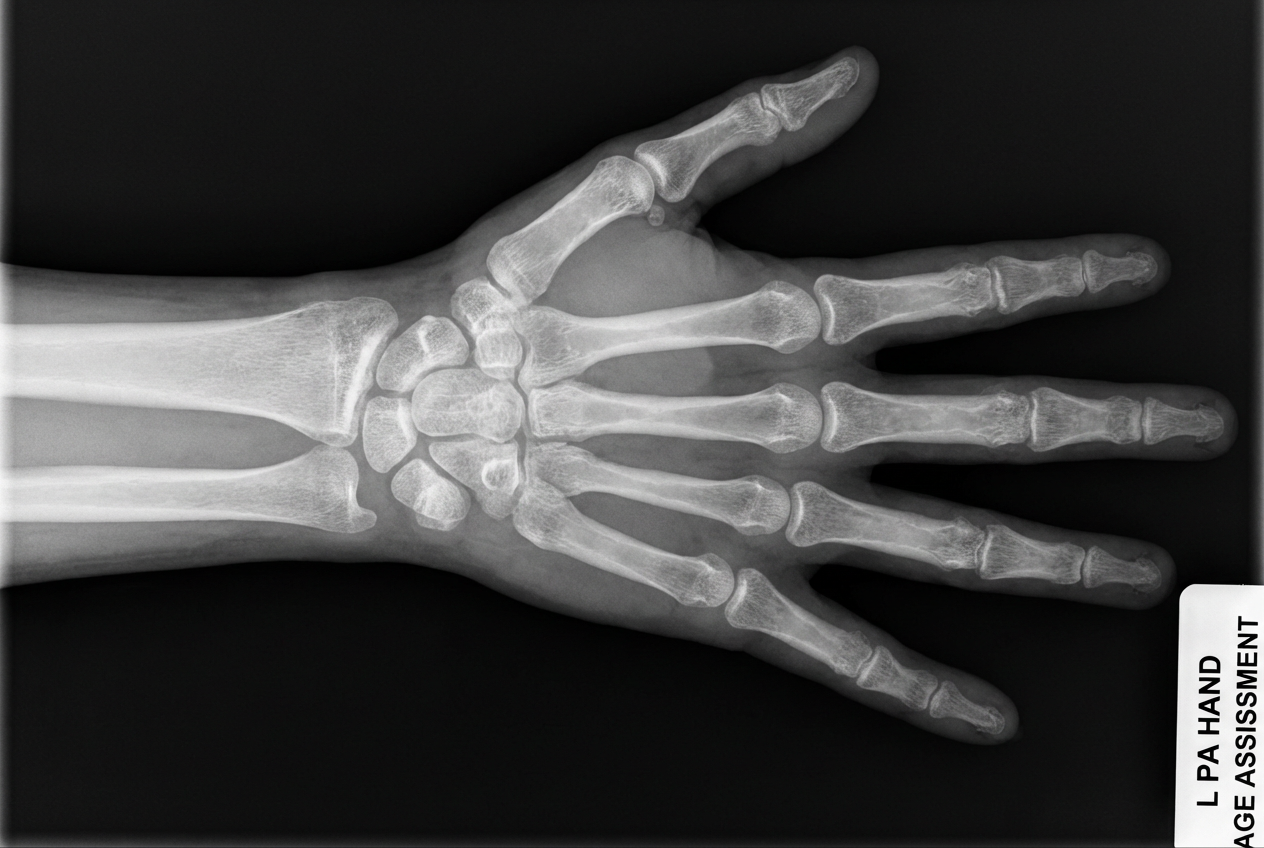
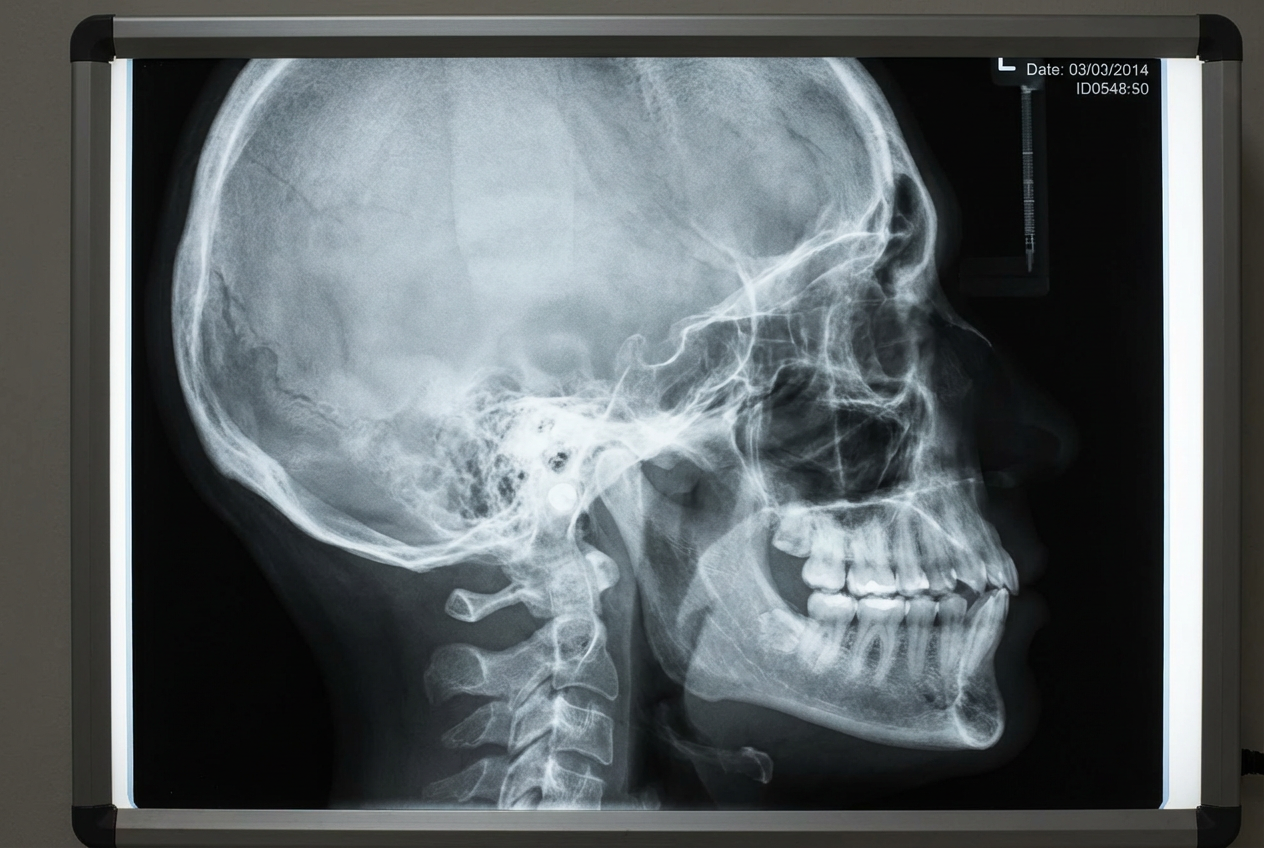
The agent gathers these inputs and preferences in the conversation before it starts.
X-ray of a human hand showing bone structure...
Choices: Any Subject, Human Skeleton, Hand, Chest/Ribcage, Skull, Spine, Leg/Foot, Arm, Animal, Object/Item
Choices: Any View, Frontal View, Lateral (Side) View, Oblique View, Posterior (Back) View, Top-Down View
Choices: Normal Contrast, High Contrast, Low Contrast, Enhanced Detail, Soft Contrast
Choices: Standard Quality, High Resolution, Clinical Quality, Vintage X-Ray, Modern Digital
Choices: Standard Black, Medical Lightbox, X-Ray Film, Digital Screen, Clean Background
Choices: Normal Detail, High Detail, Anatomical Detail, Simplified, Artistic Style
Choices: Standard Medical, Diagnostic Quality, Educational, Research Quality, Vintage Medical
Choices: Standard Position, Centered, Anatomical Position, Natural Pose, Clinical Position
Create realistic medical X-ray images for education, art, and professional use
Create professional X-ray images in three simple steps
Specify the subject, view angle, and medical imaging requirements
Our AI creates a realistic X-ray with proper medical imaging characteristics
Get your professional X-ray image ready for education, art, or presentation
Generate X-rays with realistic bone structure and anatomical details
Create frontal, lateral, oblique, and specialized radiographic views
Professional contrast levels and diagnostic-quality imaging
Medical lightbox, film, digital screen, and clinical backgrounds
Adjust detail levels from simplified to highly anatomical
Add medical labels, markers, and educational annotations
Perfect for educators, medical professionals, and creative artists
Create educational X-ray images for teaching anatomy and radiology
Study radiographic anatomy and practice image interpretation
Create artistic X-ray effects and medical-themed artwork
Generate X-ray visuals for medical presentations and demonstrations
Produce medical content, educational materials, and visual aids
Create training materials and educational displays
Select subjects that work well in X-ray format - bones, joints, and dense objects show best
Use frontal views for chest X-rays, lateral for spine, and oblique for specialized views
Use high contrast for bone detail, lower contrast for soft tissue visibility
Educational X-rays can have labels, diagnostic ones should be clean and professional
Use clinical quality for medical education, artistic style for creative projects
Our AI generates realistic X-ray images based on anatomical knowledge, but they are for educational and artistic purposes only, not medical diagnosis.
Yes, these X-ray images are perfect for educational purposes, training materials, and teaching anatomical concepts.
Bones, skeletal structures, dense objects, and anatomical subjects work excellently. Soft tissues can also be generated with appropriate contrast settings.
Yes, generate X-ray images of various animals including pets, wildlife, and veterinary subjects for educational or artistic purposes.
Our AI creates highly realistic X-ray images with proper contrast, anatomical accuracy, and authentic radiographic characteristics.
Yes, enable the medical labels option to include anatomical markers, arrows, and educational annotations on your X-ray images.
X-ray images are provided in high-quality PNG format with proper contrast and medical imaging characteristics.
Yes, select vintage X-ray quality to create historical medical imaging styles with period-appropriate characteristics.
Yes, generated X-ray images can be used for commercial purposes including educational materials, presentations, and artistic projects.
Add medical labels, use high detail levels, choose educational style, and include anatomical positioning for best educational value.


