Banner Description
Describe your desired YouTube banner design...

Create professional, eye-catching YouTube channel banners with AI
Reference media and sample results for this task.
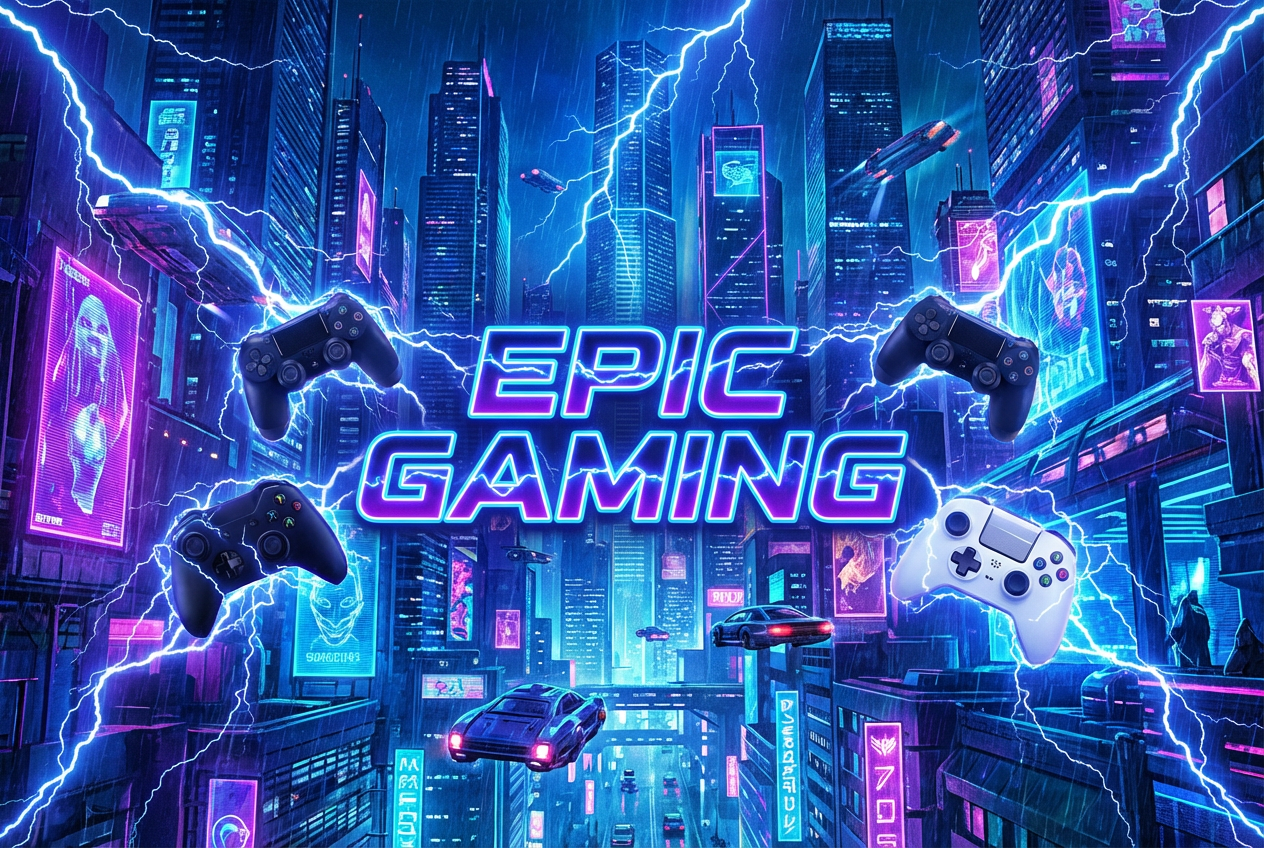
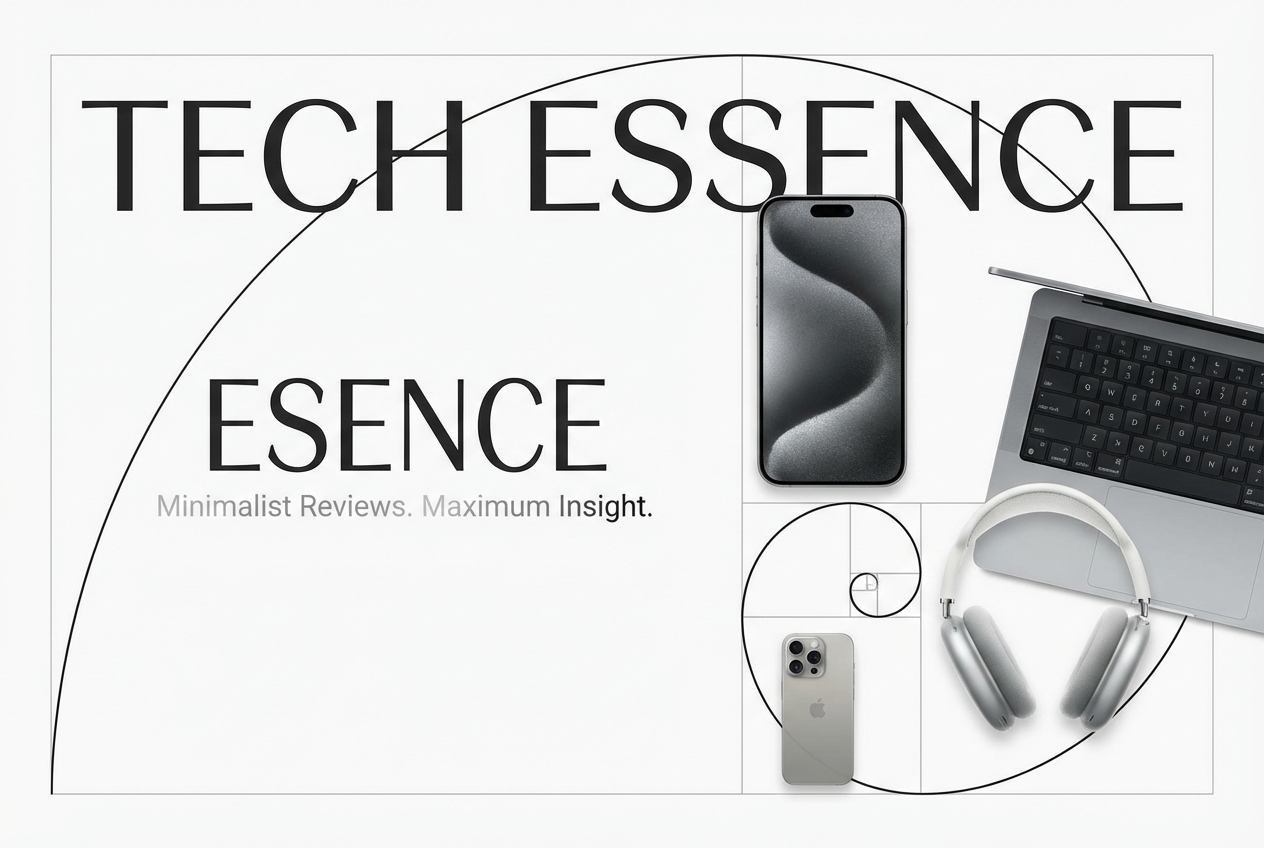
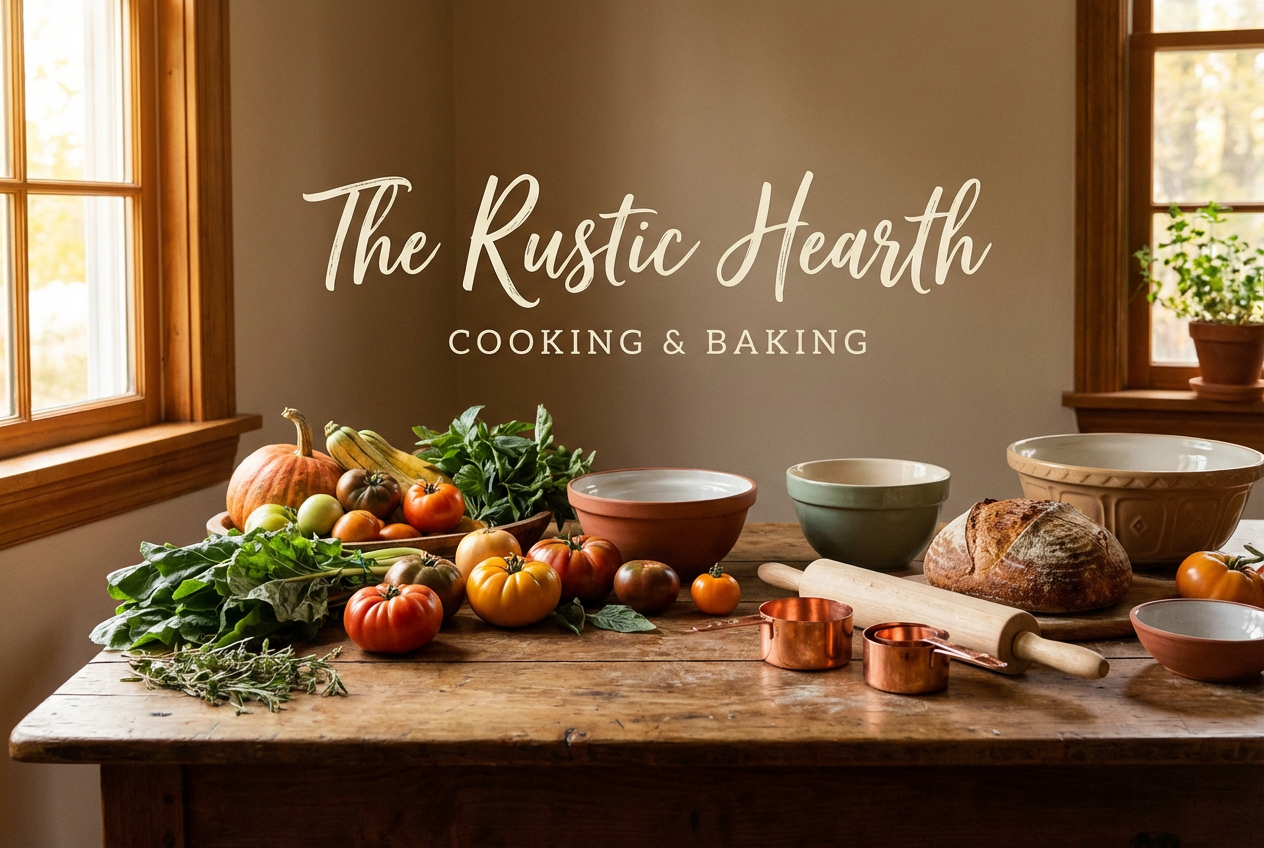

The agent gathers these inputs and preferences in the conversation before it starts.
Describe your desired YouTube banner design...
Choices: Any Theme, Nature, Urban, Space, Abstract, Geometric, Technology, Music, Sports, Fashion, Food
Choices: Any Colors, Vibrant, Pastel, Monochrome, Dark, Light, Warm, Cool, Neon, Earthy
Choices: Any Mood, Energetic, Calm, Professional, Fun, Mysterious, Inspirational, Dramatic, Relaxed, Bold
Choices: Any Elements, Icons, Patterns, Gradients, Illustrations, Photos, 3D Elements, Typography, Shapes, Textures
Create professional, eye-catching channel banners tailored to your brand.
Create your perfect channel banner in three simple steps:
Enter a detailed description of your desired banner design.
Select style, theme, color scheme, mood, and visual elements.
Let AI create unique banner designs based on your specifications.
Choose from minimalist, gaming, tech, artistic, and other popular styles.
Select from various color schemes to match your channel's branding.
Automatically optimized for YouTube's recommended banner size.
Add icons, patterns, gradients, and other design elements.
Start your channel with a professional-looking banner.
Keep your channel art fresh and engaging.
Create unique banner designs for clients or portfolio.
Maintain professional branding on YouTube.
Ensure consistent visual identity across channels.
Generate banner concepts quickly for client approval.
Use only essential text as banners display differently on various devices.
Place important elements in the center where they'll be visible on all screens.
Use colors and styles that align with your channel's theme.
Ensure your banner looks good on both desktop and mobile views.
Keep your channel fresh by updating your banner seasonally or with new content themes.
Our AI generates banners at YouTube's recommended size of 2560x1440 pixels, ensuring optimal display across all devices.
Yes! You can choose from various styles, themes, color schemes, and visual elements to match your channel's branding.
Yes, all generated banners are optimized for YouTube and can be uploaded directly to your channel.
Yes, you can generate multiple versions of your banner to explore different designs and styles.
We recommend keeping text minimal and centered in the design, as YouTube displays banners differently across devices.
Include details about your channel theme, preferred style, colors, and any specific elements you want to incorporate.
Yes! All banners generated by our AI are 100% free for commercial use. You can use them for your YouTube channel, business, or any other commercial purposes.
It's recommended to update your banner every few months or when you significantly change your channel's content or branding.


