Video Content Description
Describe your video

Create click-worthy YouTube thumbnails in seconds with AI
Reference media and sample results for this task.
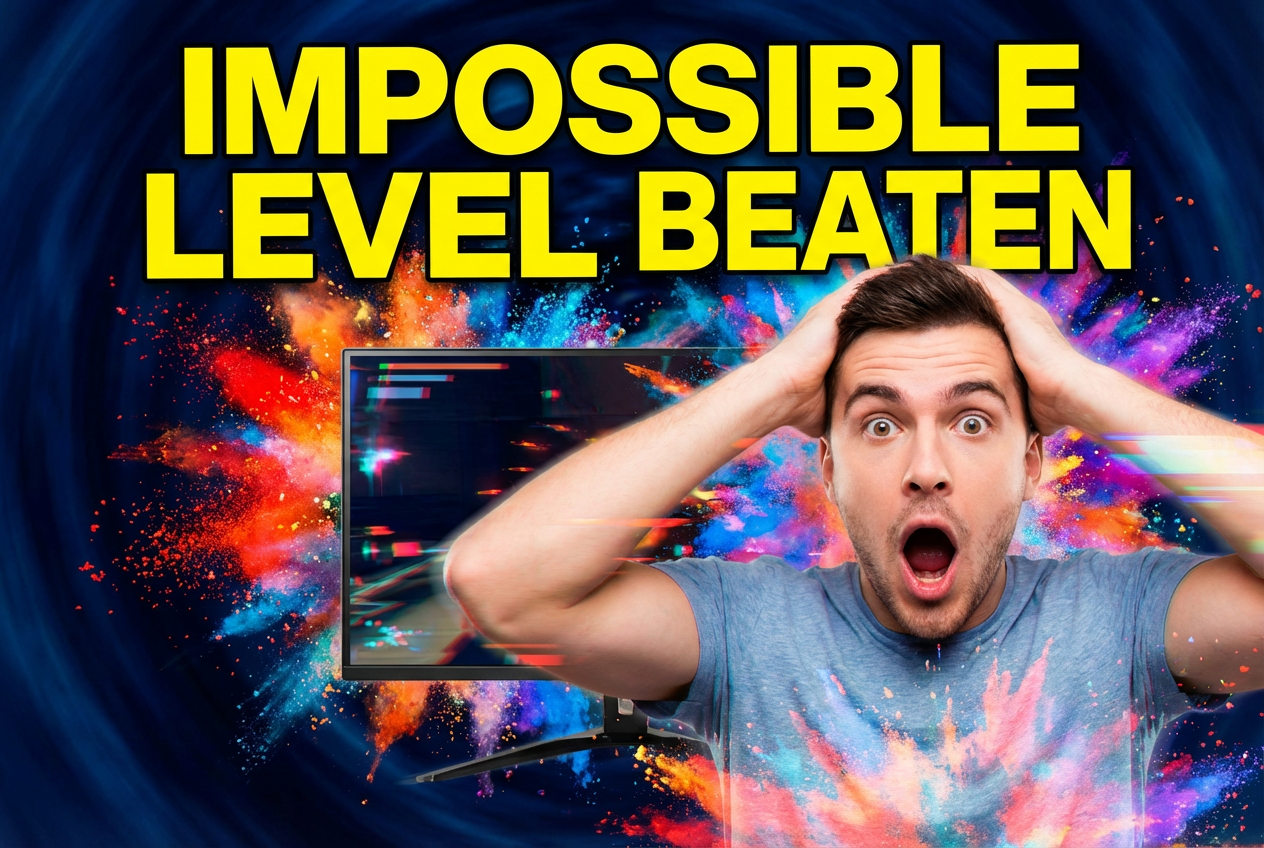
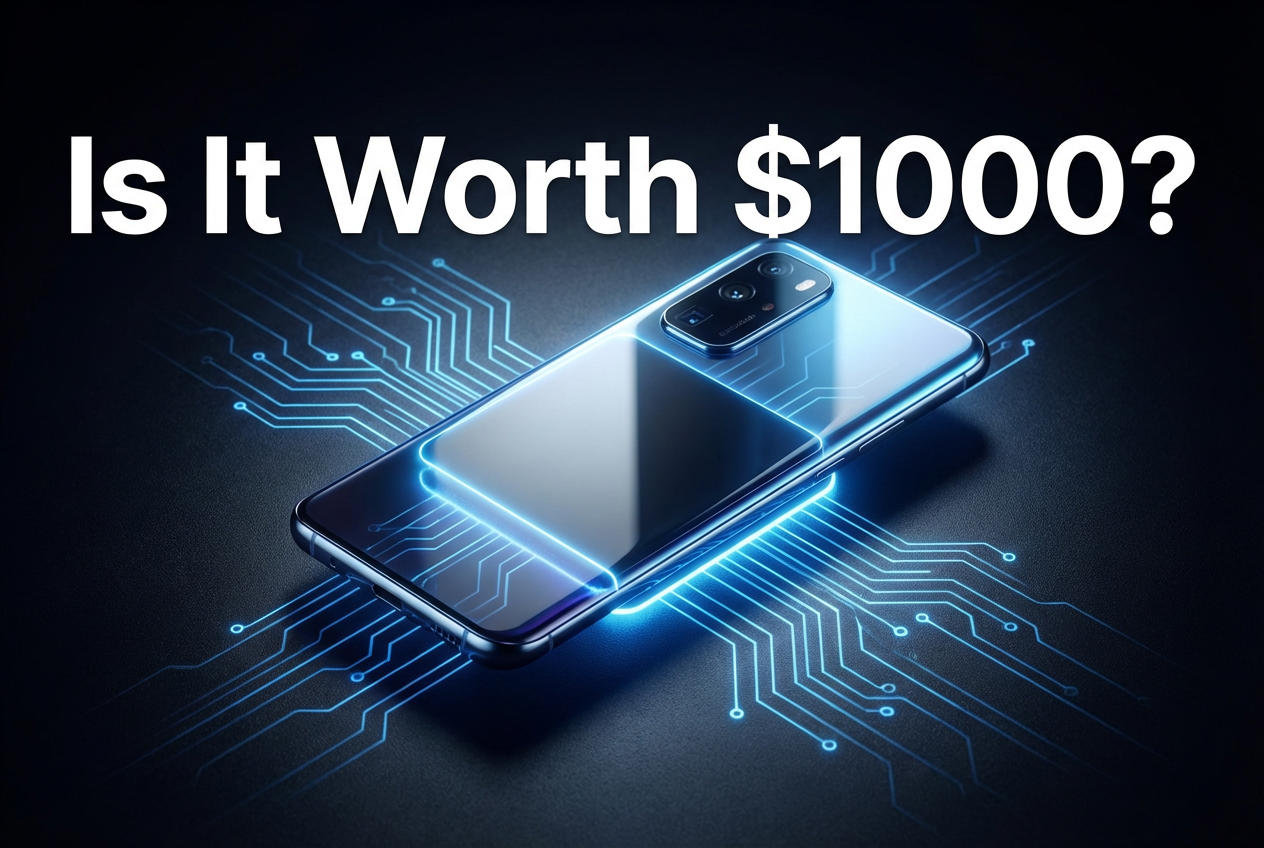

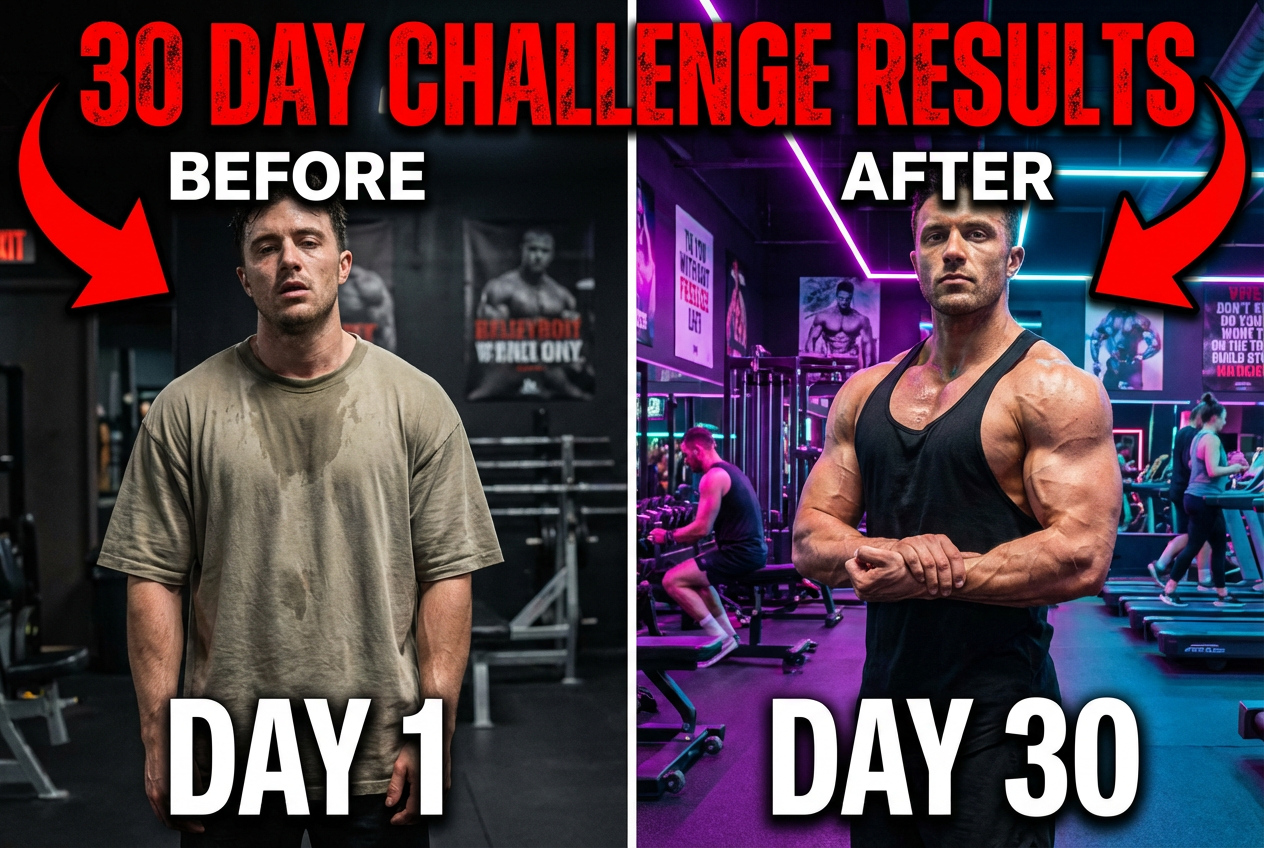
The agent gathers these inputs and preferences in the conversation before it starts.
Describe your video
Choices: Any Elements, Human Face (Expressive), Product Showcase, Text Heavy, Icon/Symbol Focus, Gameplay/Software Screenshot, Custom Illustration, Before & After
Choices: Any Mood, Exciting / Energetic, Calm / Relaxing, Mysterious / Intriguing, Funny / Humorous, Serious / Informative, Dramatic / Intense, Inspirational / Uplifting
Create eye-catching, click-worthy YouTube thumbnails that boost your video views.
Generate your perfect thumbnail in three simple steps:
Provide details about your video's topic and key message.
Select style, key elements, mood, and optional branding details.
Let AI create unique, attention-grabbing thumbnail options.
Choose from clickbait, minimalist, gaming, vlog, educational, and more styles.
Incorporate your brand colors or specify a desired color palette.
Download high-resolution thumbnails ready for immediate upload to YouTube.
Optionally provide your video title for AI to consider in the visual design.
Save time and create professional thumbnails that attract viewers.
Improve click-through rates for promotional and brand videos.
Generate consistent and engaging visuals for video content across platforms.
Quickly prototype thumbnail ideas and concepts for clients.
Make your videos stand out, whether for personal vlogs, tutorials, or businesses.
Use minimal text and strong visuals that convey the video topic quickly.
Ensure elements stand out, especially text against the background.
Human faces, especially showing emotion, attract attention.
Maintain a consistent style or branding across your channel's thumbnails.
Try different thumbnail styles to see what resonates best with your audience.
Our AI supports various styles including clickbait, minimalist, gaming, vlog, educational, bold text focus, aesthetic, and professional. Choose the style that best fits your video content and audience.
Yes, you can optionally provide your video title. The AI will attempt to incorporate it visually into the thumbnail design, often as prominent text.
Yes, the generator defaults to the standard 16:9 aspect ratio recommended by YouTube (typically 1280x720 pixels).
Yes, you can describe your desired branding colors (e.g., 'bright orange and dark blue') in the 'Branding Colors' input field, and the AI will try to emphasize them.
Provide enough detail for the AI to understand the core topic, key elements, and desired feeling of your video. Mentioning the main subject, action, or question answered in the video helps.
Yes, each generation creates unique variations based on your inputs. You can generate multiple options to find the perfect one.
Yes! All thumbnails generated are royalty-free and can be used for your YouTube channel, marketing, or any commercial purpose without restrictions.


