Scene Description
Describe your zombie apocalypse scene...

Create cinematic zombie apocalypse scenes with AI
Reference media and sample results for this task.
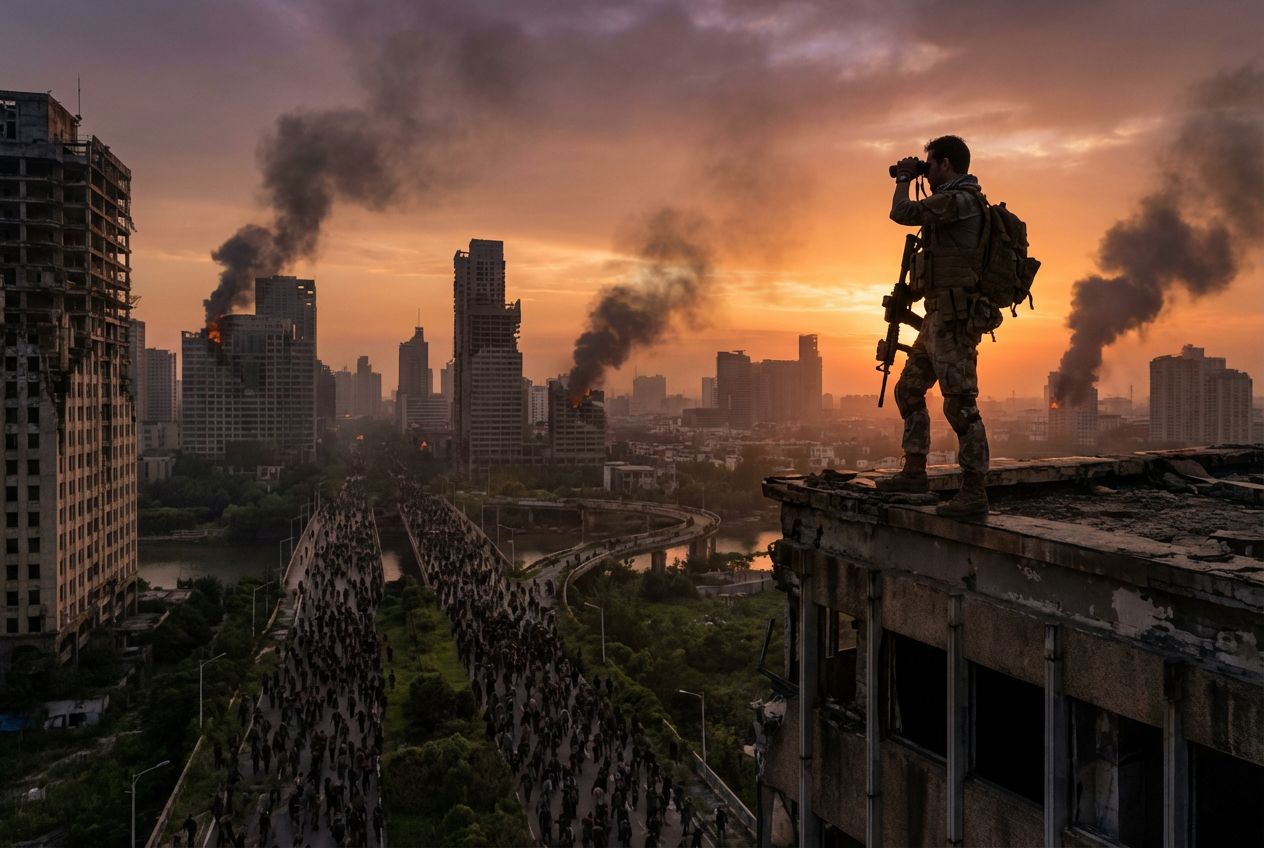
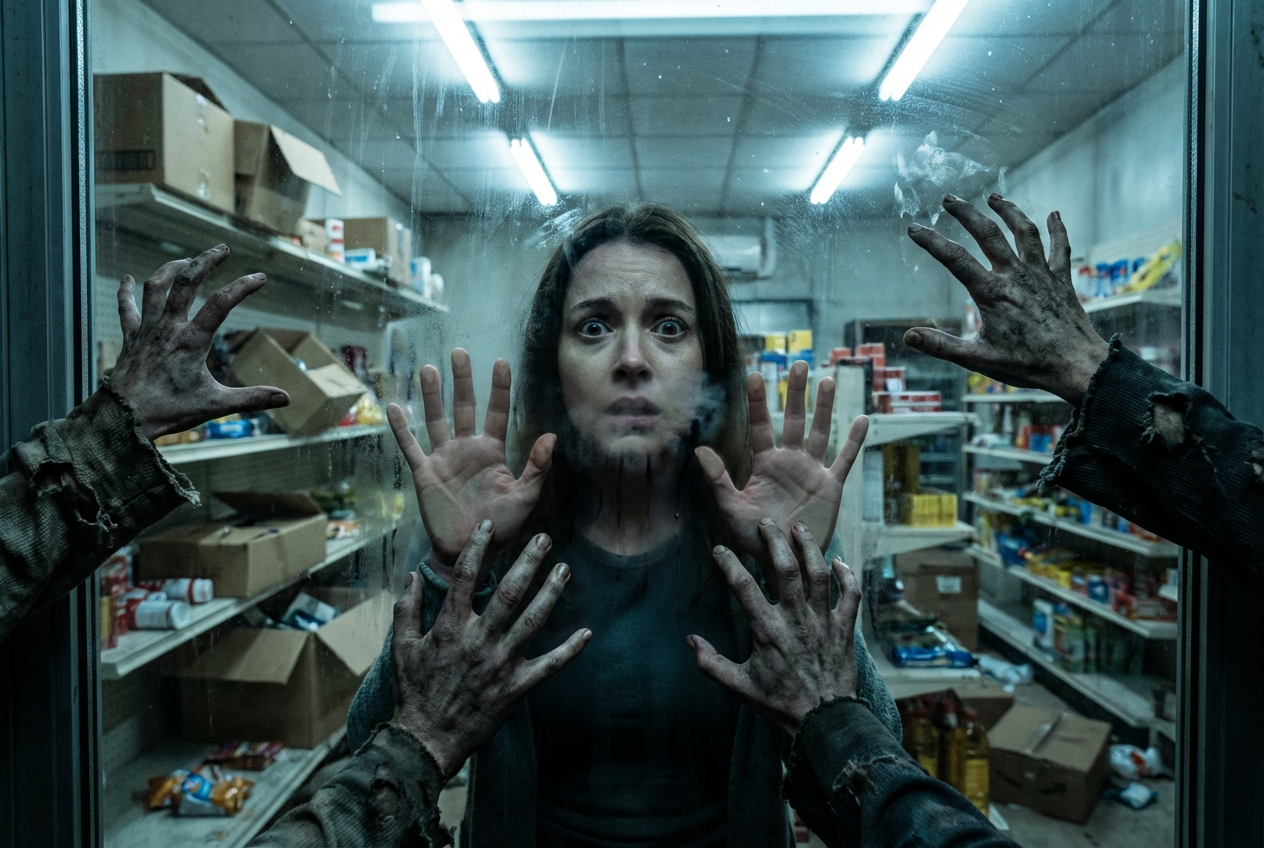
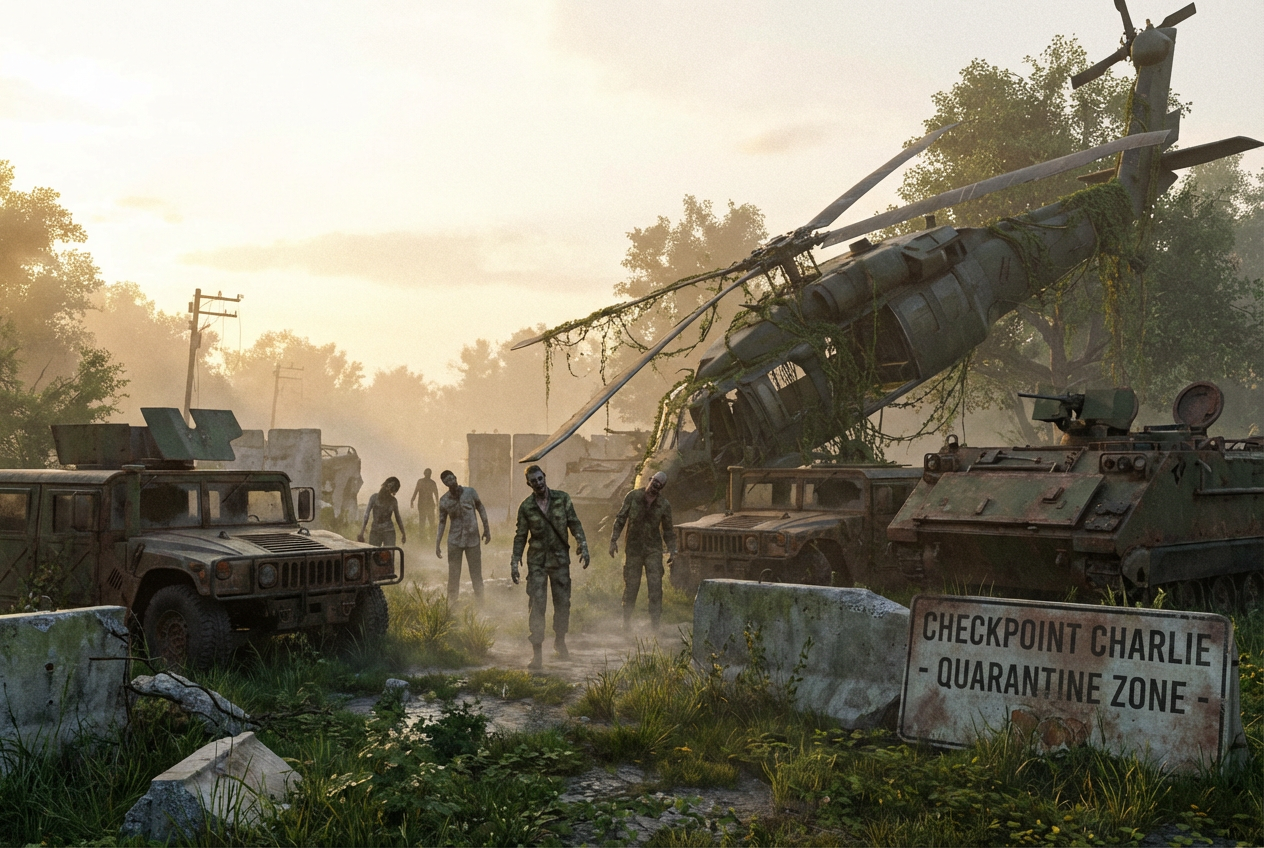
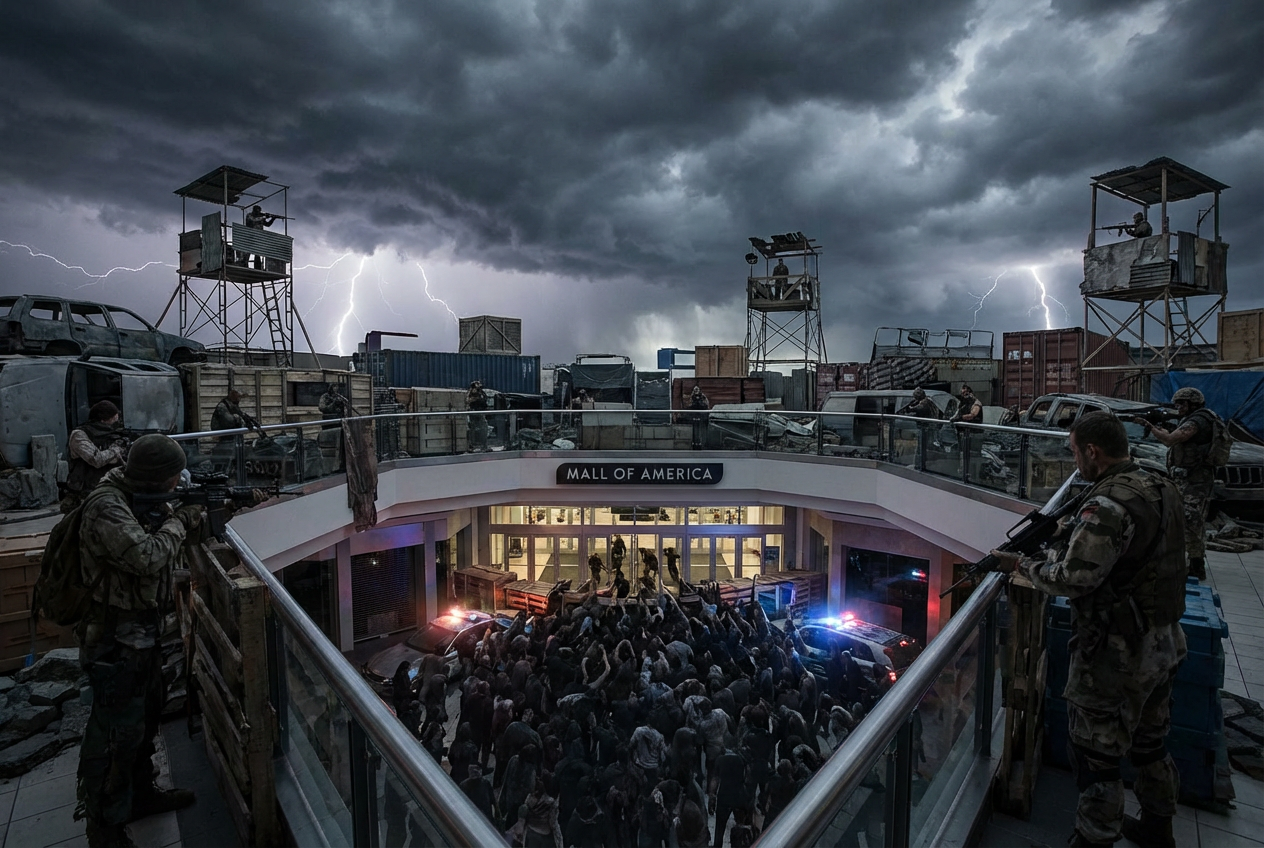
The agent gathers these inputs and preferences in the conversation before it starts.
Describe your zombie apocalypse scene...
Choices: Any Scene, Urban Ruins, Abandoned City, Suburban Chaos, Shopping Mall, Hospital, Military Base, School, Highway, Underground Bunker, Rural Area
Choices: Any Time, Dawn, Daylight, Dusk, Night, Midnight
Choices: Any Weather, Clear, Rainy, Foggy, Stormy, Snowy, Overcast
Choices: Any Zombie Type, Classic Shambling, Fast Running, Mutated, Infected, Decaying, Horde
Choices: Any Elements, Barricades, Weapons & Ammo, Survival Gear, Abandoned Vehicles, Makeshift Shelters, Supply Caches
Create stunning, cinematic zombie apocalypse scenes with advanced AI technology.
Create your apocalyptic scene in three simple steps:
Enter a detailed description of your desired zombie apocalypse scene.
Select scene type, time of day, weather, zombie types, and survival elements.
Let AI create atmospheric zombie apocalypse scenes based on your specifications.
Choose from urban ruins, abandoned cities, shopping malls, and more.
Set the perfect mood with time of day and weather condition options.
Download your scenes instantly in high resolution.
Add realistic survival gear and environmental details to your scenes.
Create storyboards and concept art for zombie films and series.
Generate reference images for zombie game environments.
Get inspiration for post-apocalyptic artwork and illustrations.
Visualize scenes for zombie apocalypse stories and novels.
Create engaging visuals for social media and content.
Design detailed post-apocalyptic environments and scenarios.
Use time of day and weather to create the right atmosphere.
Include environmental details that tell a story about survival.
Mix zombie presence with survival elements for realism.
Think about the scope of your scene - from intimate encounters to massive hordes.
Use abandoned objects and structures to enhance the apocalyptic feel.
You can create various apocalyptic scenes including urban ruins, abandoned cities, shopping malls, hospitals, and more. Each setting can be customized with different times of day and weather conditions.
Yes! You can choose from different zombie types including classic shambling, fast running, mutated, infected, and hordes to match your vision.
You can include various survival elements such as barricades, weapons, abandoned vehicles, makeshift shelters, and supply caches to enhance scene realism.
Yes, you can generate multiple versions of your scene to explore different interpretations and atmospheres.
Our AI generates high-resolution images suitable for various uses from concept art to storyboarding.
Include details about the location, time of day, weather, zombie presence, and any specific survival elements you want to feature in the scene.
Yes! All scenes generated by our AI Zombie Apocalypse Generator are 100% free for commercial use. You can use them in your projects, portfolios, or commercial work without any licensing restrictions.
No, there are no restrictions on how you can use the generated scenes. You own full rights to the images you generate and can modify, share, or sell them as you wish.


