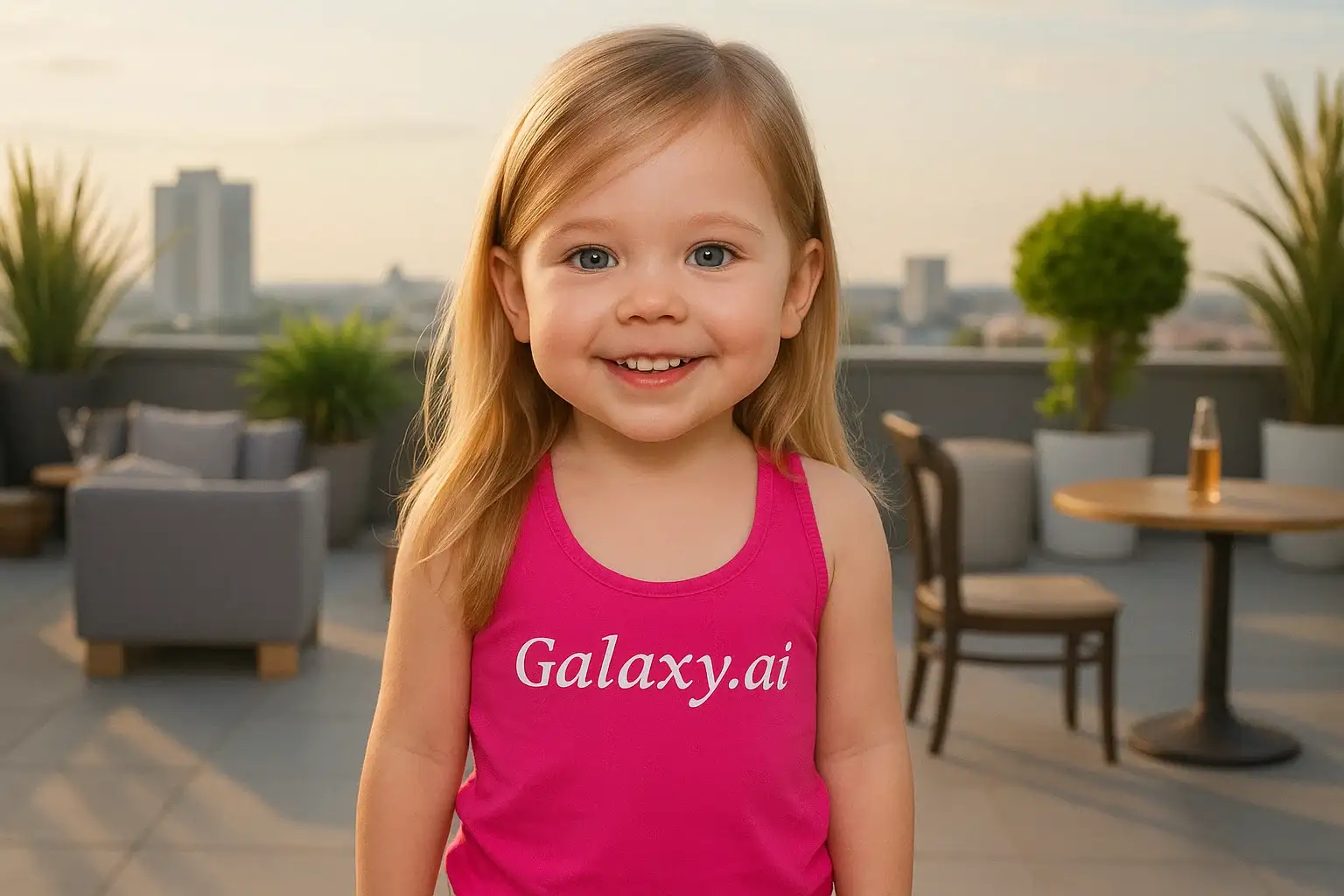
Compare the source image with each finished result.
Source image
Result
What Magica will ask for
The agent gathers these inputs and preferences in the conversation before it starts.
Upload Face Photo
attach a photo to apply the filter
Why Choose Our AI Baby Filter?
Transform any photo into an adorable baby version with our advanced AI technology. See how you or anyone would look as a cute baby with just one click!
Realistic baby-like feature transformation
Maintains facial recognition while adding baby characteristics
Preserves natural skin texture and lighting
Simple one-click operation
Fast processing with AI technology
No photo editing skills needed
Perfect for fun transformations and social sharing
How Our Baby Filter Works
Transform any photo into an adorable baby version in three simple steps:
01
Attach Your Photo
Select a clear photo with a visible face. Front-facing portraits work best!
02
Apply the Filter
ask Magica to generate the result and watch our AI transform the photo into an adorable baby version.
03
Download & Share
Preview your cute baby transformation and download the high-quality image.
Key Features of the AI Baby Filter
Natural Baby Features
Adds realistic baby-like characteristics including rounder cheeks, bigger eyes, and softer features.
Smart Face Detection
Advanced AI accurately identifies facial features for precise baby-like transformations.
Adorable Results
Creates cute and endearing baby versions while maintaining recognizable features.
High-Quality Output
Delivers high-resolution images with preserved details and natural lighting.
Who Can Benefit from the Baby Filter?
Our AI Baby Filter is perfect for anyone looking to create fun, adorable transformations of photos.
Social Media Users
Create engaging content by sharing baby versions of yourself or friends.
Content Creators
Generate unique and entertaining content for your audience.
Family Fun
Create amusing family photos by seeing how everyone would look as babies.
Photographers
Offer unique and fun photo transformations to clients.
Digital Artists
Use as reference or inspiration for creating baby-like characters.
Memory Makers
Create fun comparisons between current photos and AI-generated baby versions.
Tips for Best Baby Filter Results
Tip 1
Use Clear, Well-Lit Photos
Ensure the face is clearly visible and well-lit for optimal transformation.
Tip 2
Choose Front-Facing Photos
Direct face shots work best for the most accurate baby-like features.
Tip 3
High Resolution is Key
Better quality input photos result in more detailed and realistic baby transformations.
Tip 4
Avoid Complex Backgrounds
Simple backgrounds help the AI focus on transforming facial features accurately.
Frequently Asked Questions About Our Baby Filter
How realistic are the baby transformations?
Our AI creates natural-looking baby features while maintaining the person's recognizable characteristics. The results are both realistic and adorable, with softer features, rounder cheeks, and bigger eyes typical of babies.
Can I use photos with multiple people?
While the AI will attempt to process all faces in the photo, we recommend using single-person photos for the best and most consistent results.
Will the filter work on any age?
Yes! The filter can transform photos of people of any age into baby versions. However, the most dramatic and interesting results are typically seen with adult photos.
Does the filter affect image quality?
No, this Magica workflow maintains the original photo's resolution and quality while applying the baby transformation. You'll receive a high-quality output with clear, detailed features.
Is my photo data safe?
We take privacy seriously. Your photos are only used for the transformation process and are not stored long-term or used for any other purpose. The generated image is available for your immediate download.