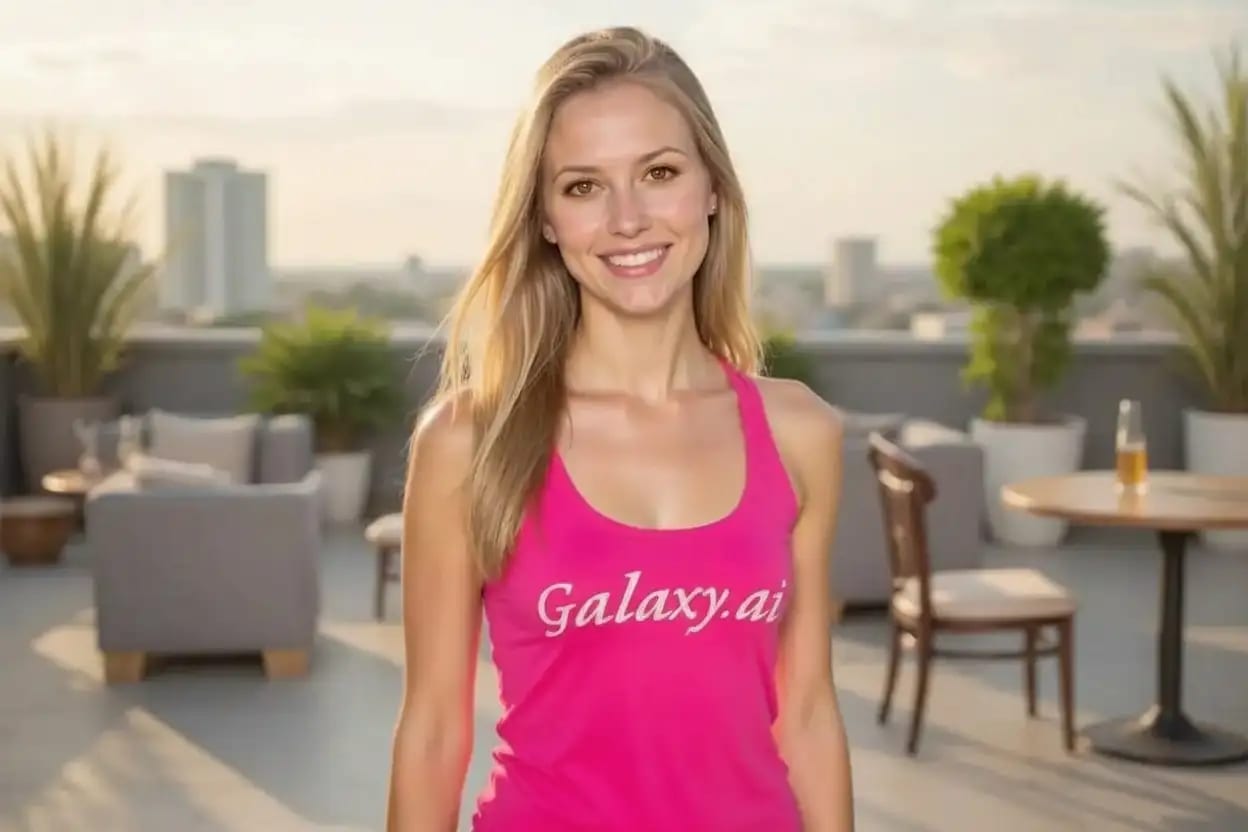
Compare the source image with each finished result.
Source image
Result
What Magica will ask for
The agent gathers these inputs and preferences in the conversation before it starts.
Upload Face Photo
attach a photo to apply the filter
Why Choose Our AI Brown Eye Filter?
Instantly and realistically change eye color to a captivating brown shade in your photos with our advanced AI. See yourself in a new light effortlessly!
Hyper-realistic brown eye color transformation
Preserves intricate eye details and reflections
Maintains original photo quality and lighting
Incredibly simple one-click operation
Lightning-fast processing powered by AI
No complex editing skills required
Perfect for profile pictures and creative edits
How Our Brown Eye Filter Works
Achieving natural-looking brown eyes in your photos is incredibly simple:
01
Attach Your Photo
Select and attach a clear photo where the eyes are visible. Portraits work best!
02
Apply the Filter
Click the 'Generate' button. Our AI instantly detects the eyes and applies the beautiful brown filter.
03
Download & Share
Preview your stunning new look and download the high-resolution image.
Key Features of the AI Brown Eye Filter
Natural & Realistic Brown Hue
Applies a carefully selected, natural-looking brown shade that blends seamlessly with various skin tones and lighting conditions.
Intelligent Eye Detection
Our advanced AI automatically and accurately identifies the eyes in your photo, ensuring precise filter application.
Detail Preservation
Maintains the natural sparkle, reflections, and details of the original eyes for an authentic look.
High-Quality Results
Outputs high-resolution images without compromising the original photo's quality or clarity.
Who Can Benefit from the Brown Eye Filter?
Our AI Brown Eye Filter is perfect for anyone looking to experiment with their look or add a creative touch to their photos.
Social Media Enthusiasts
Try out a new eye color for your profile pictures or posts on Instagram, Facebook, TikTok, etc.
Photo Editors & Creatives
Quickly and easily modify eye color for portraits, artistic projects, or client work.
Anyone Curious
Simply want to see how you, your friends, or family members would look with warm brown eyes? Give it a try!
Photographers
Subtly enhance portraits or offer clients different eye color options during post-processing.
Costume & Cosplay Fans
Perfect your character look by easily matching the required eye color for costumes or cosplay.
Digital Artists
Generate quick eye color variations for character concepts or integrate filtered eyes into digital artwork.
Tips for Achieving the Best Brown Eyes
Tip 1
Use Clear, Well-Lit Photos
Ensure the subject's eyes are clearly visible, in focus, and reasonably well-lit for optimal AI detection.
Tip 2
Front-Facing Portraits Work Best
Photos where the subject is looking directly or mostly towards the camera yield the most accurate results.
Tip 3
Higher Resolution is Better
Using higher-quality input photos allows the AI to work more effectively and produce finer details.
Tip 4
Minimize Obstructions
Try to avoid photos where hair, glasses glare, or shadows significantly obscure the eyes.
Frequently Asked Questions About Our Brown Eye Filter
How realistic is the brown eye filter?
Our AI is designed to apply a natural-looking brown shade that realistically blends with the original photo's lighting, reflections, and eye details. We aim for subtle and believable transformations.
Can I use photos with multiple people?
Yes, the AI will attempt to detect and modify all visible human eyes in the photo. However, results are typically best and most predictable with single-subject portraits.
Does the filter work on closed eyes or non-human eyes?
The filter is specifically trained to detect and modify open human eyes. It likely won't work effectively on closed eyes, illustrations, or animal eyes.
Will using the filter reduce my photo quality?
No, the tool is designed to preserve the original resolution and quality of your photo. You'll receive a high-quality image with the brown eye filter applied.
What happens to my uploaded photos?
We prioritize user privacy. Your original photos are used only for the filtering process and are not stored long-term or used for other purposes. The generated image is available for you to download.